Ping Display +
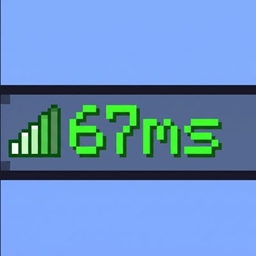
**Ping Display 1.0** Ping Display shows every player’s ping as a clear number in the tab list, replacing or complementing the usual signal bars
截图

介绍
**Ping Display 1.0**
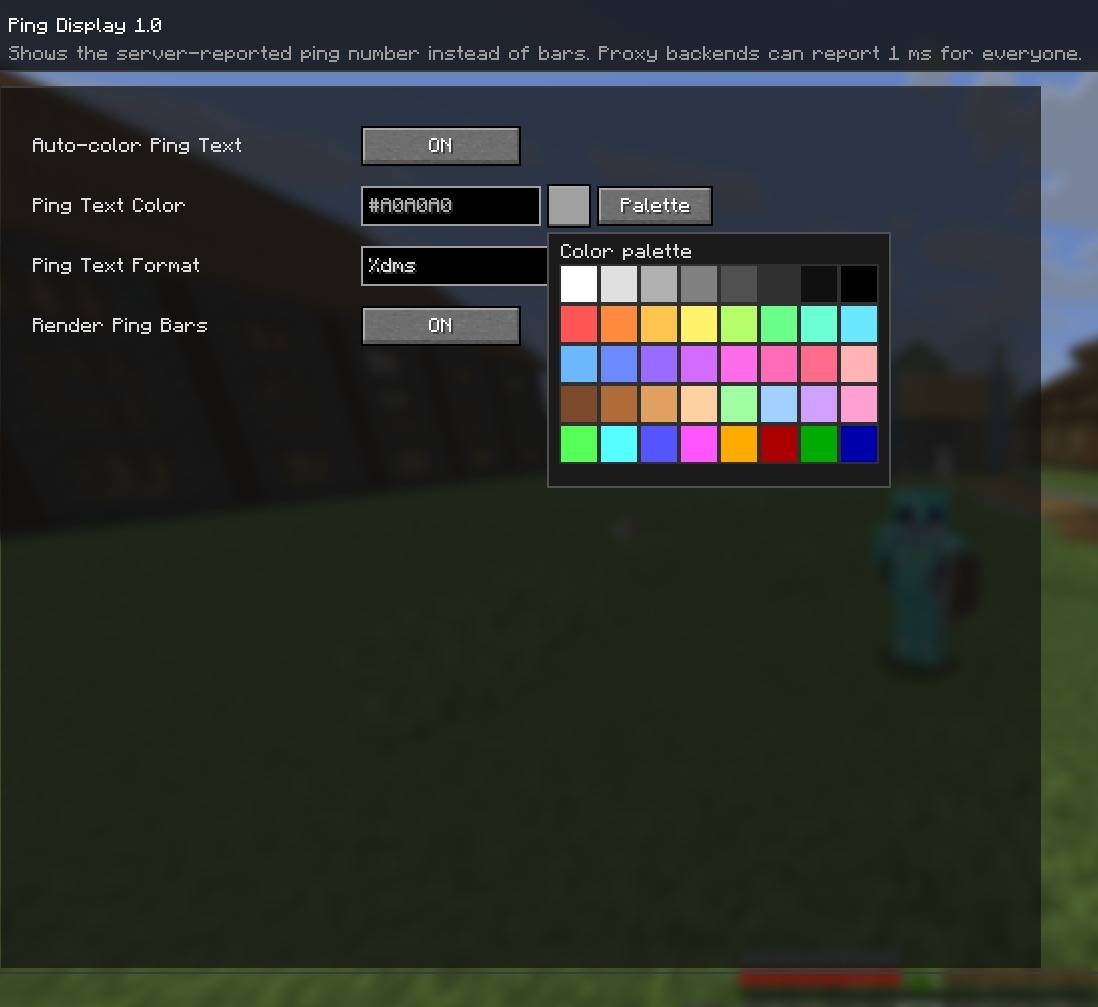
Ping Display 1.0 shows every player’s ping as a clear number in the tab list, replacing or complementing the usual signal bars. The number can color itself automatically based on latency or use a fixed color, and it can be displayed as `120ms`, `120 ms`, `120`, or `Ping 120`, with custom formats available.
Players can keep the vanilla ping bars, choose from a color palette or enter a hex color, and open the settings from Mod Menu. Everything is controlled on the client, so nothing needs to be installed on the server.
Ping Display shows the ping value reported by the server. On some proxy setups, that value may show 1 ms for every player; the mod cannot measure another player’s connection directly.
常见问题
Ping Display + 支持哪些 Minecraft 版本?
Ping Display + 支持 Minecraft Java 版 1.21.11–26.3,共 6 个版本,可用的加载器:Fabric。下载时注意选择和你游戏版本一致的文件。
Ping Display + 怎么安装?
先用 PCL2 或 HMCL 启动器安装对应版本的 Fabric,再把下载的 .jar 文件放进游戏目录的 mods 文件夹,重新启动游戏即可。开启了版本隔离的,mods 文件夹在 versions/版本名 下面。
afkzstudios 的其他作品
查看全部 →
Motion Blur Enhanced
AFKZ Motion Blur 是一款轻量级的客户端 Fabric 模组,可添加流畅的时域动态模糊,并支持简单的游戏内控制和保存设置。

Hitbox-Enhanced
为战斗训练和 PvP 添加彩色碰撞箱。

Fullbright Plus
这款 Minecraft Fabric 客户端模组可提升多人服务器中的能见度:按 G 移除黑暗效果,按 H 清除迷雾,按 J 打开设置菜单。

Clean View Enhanced
Afkz Clean View 是一款 Minecraft Fabric 模组,可通过游戏内配置界面的开关选项移除药水粒子,以及水下和熔岩迷雾。
评论
登录后评论和评分