
PillarPlan: Even Spacing Guide
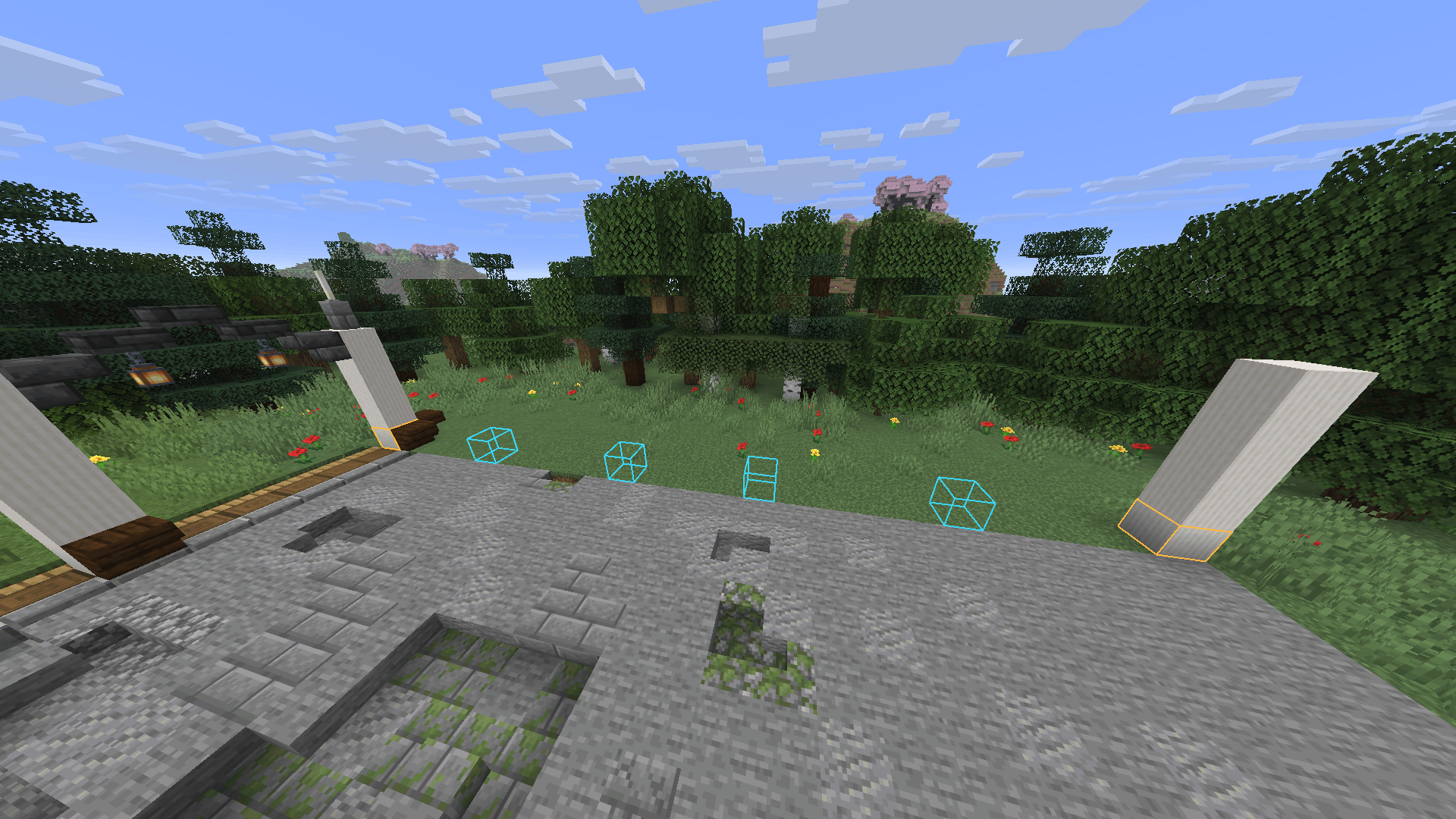
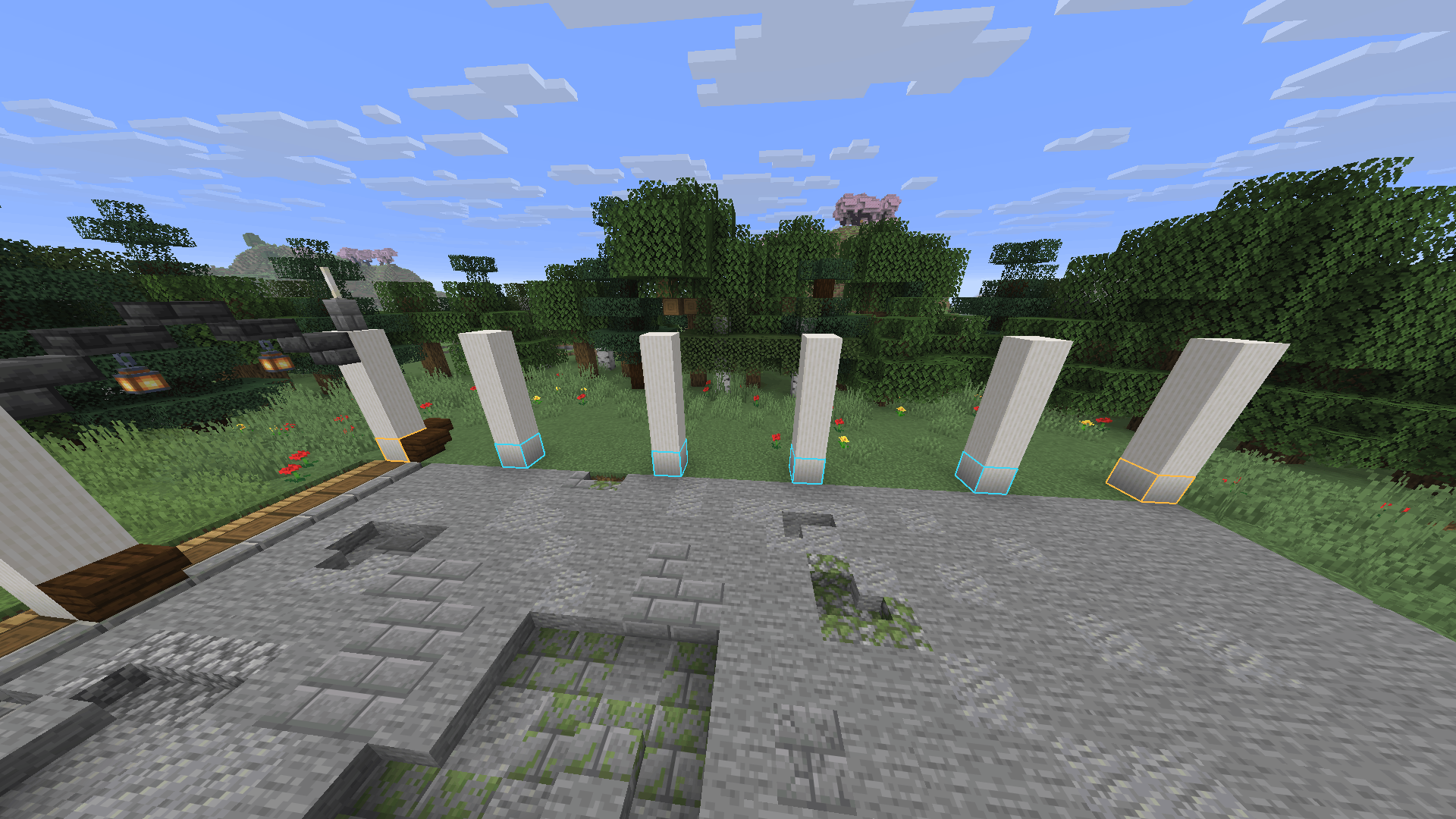
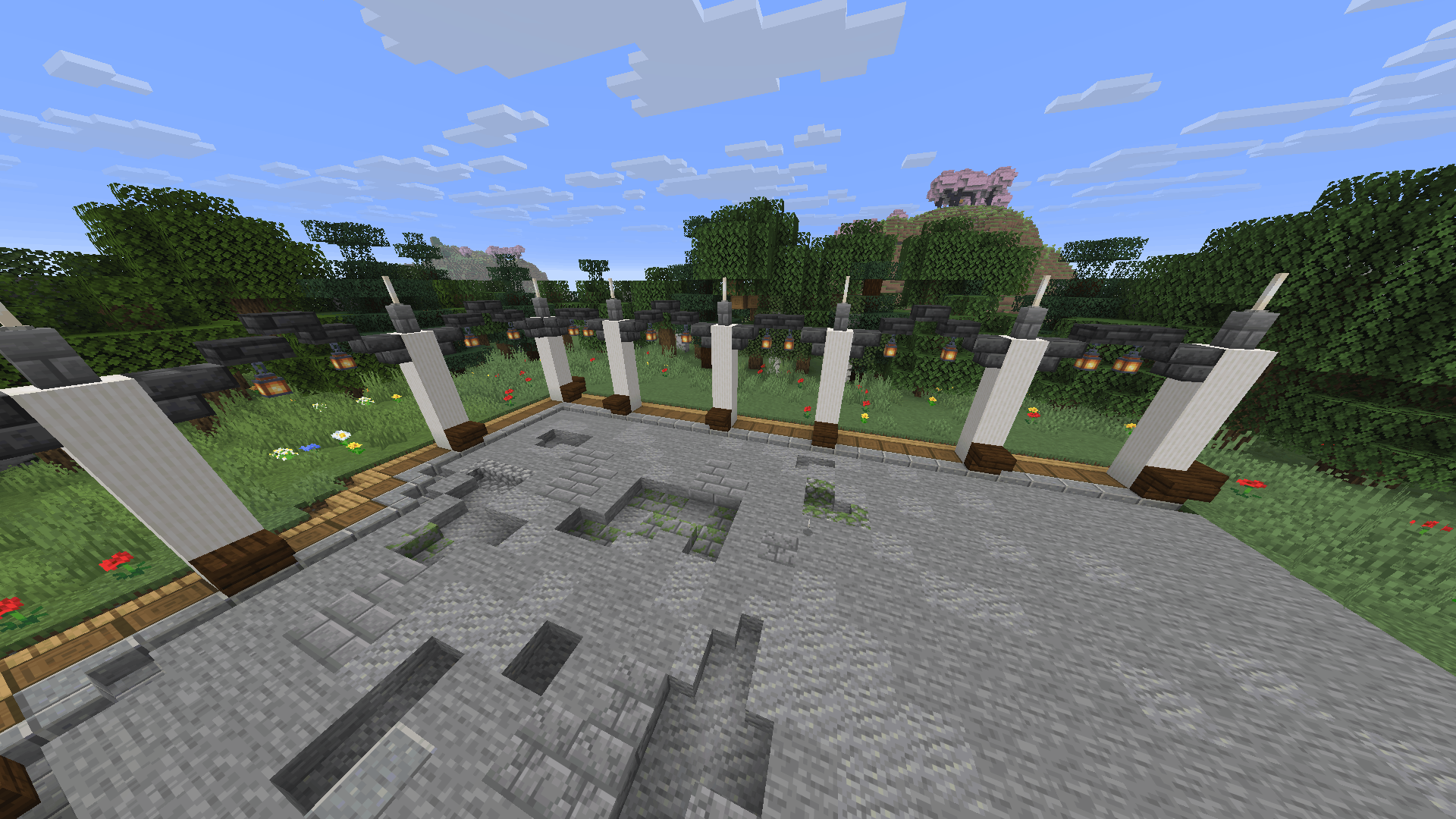
Preview adjustable pillar spacing along connected straight and curved building paths.
截图
介绍
PillarPlan
PillarPlan is a client-side building tool for planning evenly spaced pillars along connected paths.
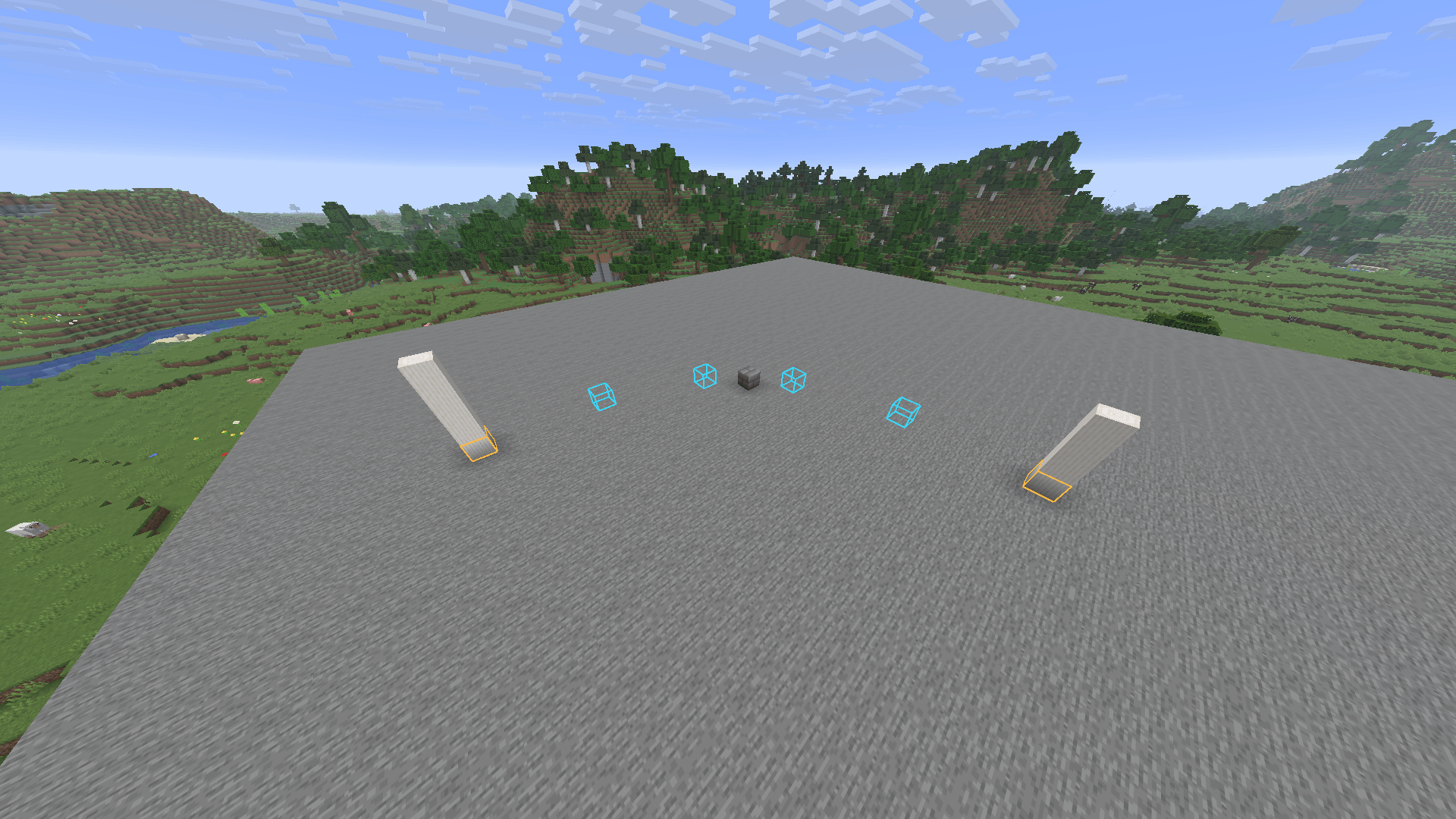
Choose a start block with P, then add straight path points along the X or Z axis. PillarPlan shows the calculated pillar positions as outlines without placing or changing any blocks.
Change the target spacing with G and K. All completed sections update automatically when the spacing changes.
See it in action
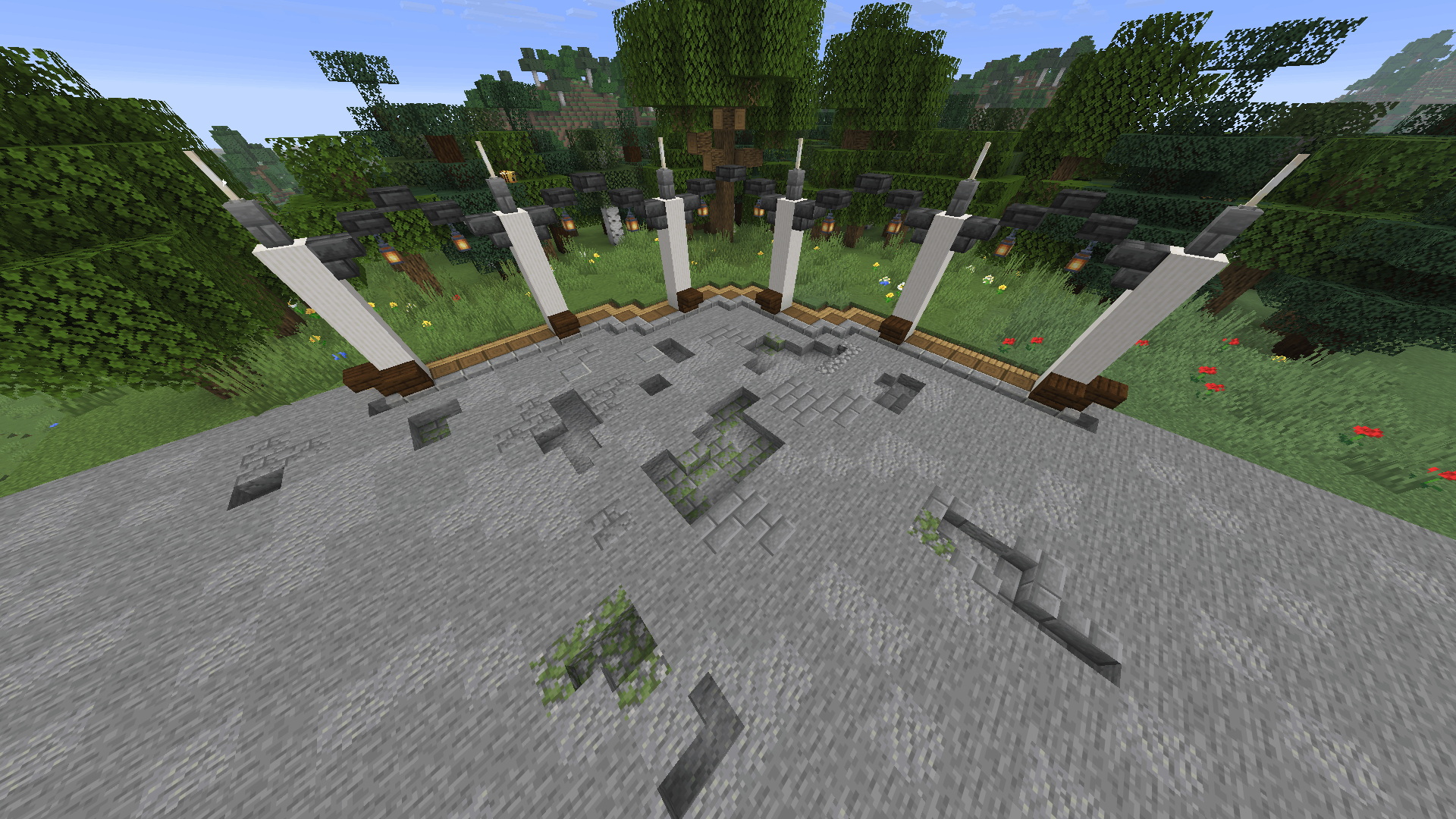
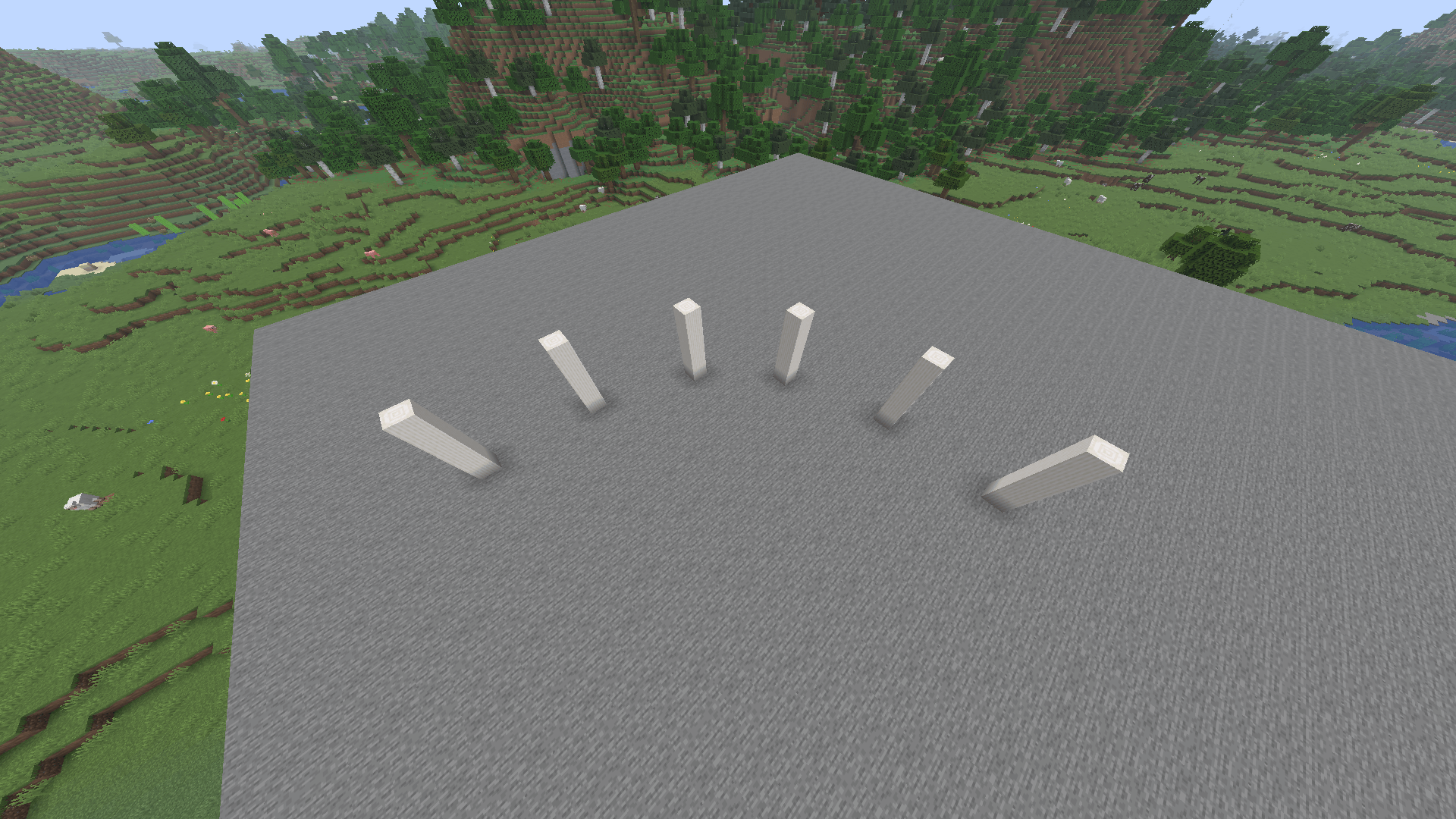
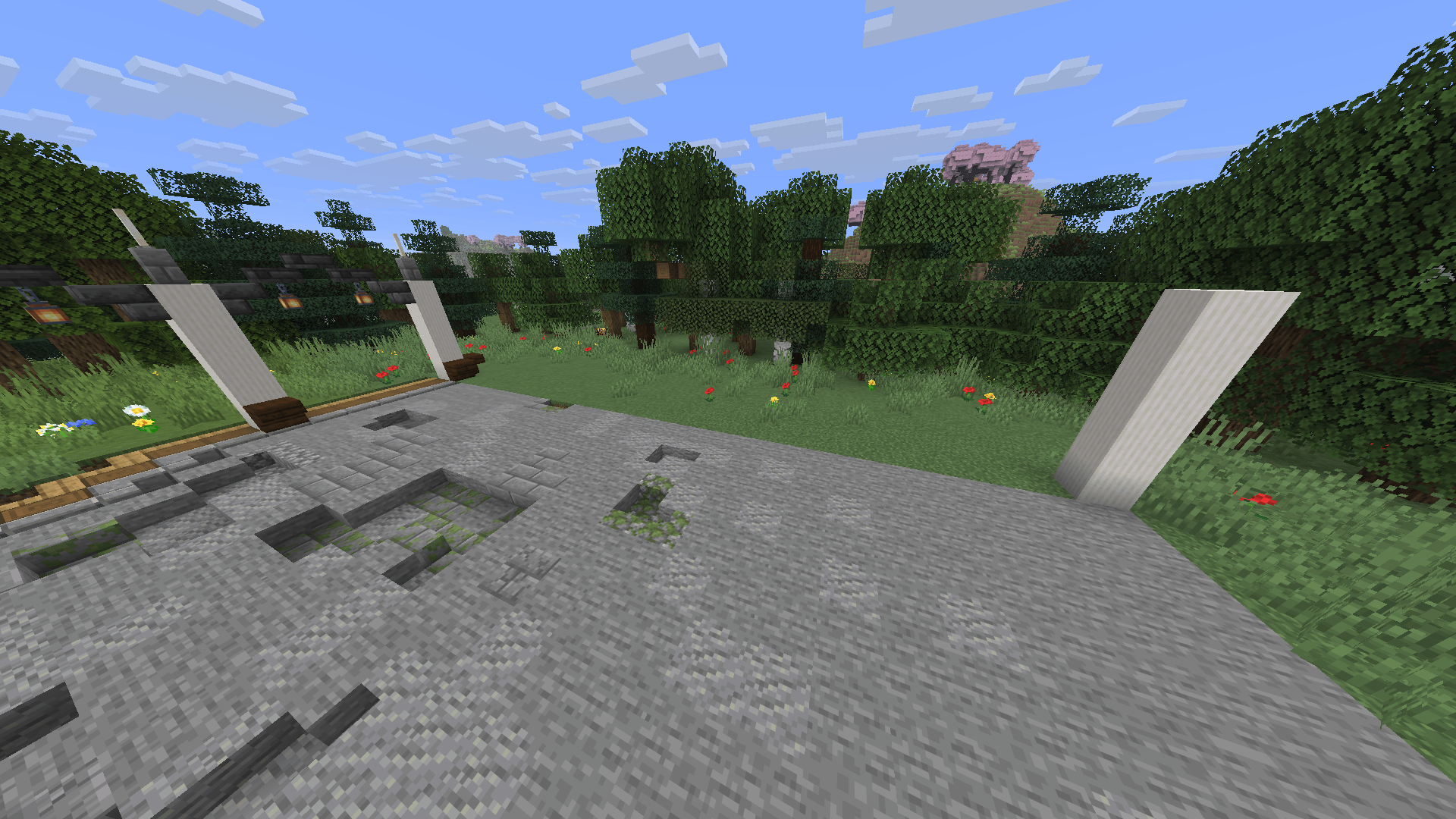
Actual spacing previews and a finished-build example. You place every block yourself.
Straight paths
For straight sections, PillarPlan uses two types of spacing:
- Exact spacing: Every gap has the same width
- Balanced spacing: Neighboring gaps differ by at most one block
This makes it possible to distribute pillars across sections where perfectly equal spacing is not possible.
Curved paths
Curved sections are also supported.
Press C, select a guide block with P, then select the endpoint. The start point, guide point and endpoint are used to define a circular arc.
Pillar positions along curves are rounded to the Minecraft block grid and shown as approximate positions.
Controls
P– Select the start or add another path pointG– Increase the target gapK– Decrease the target gapC– Start or cancel a curved sectionU– Undo the latest actionO– Clear the complete plan
All keybinds can be changed in Minecraft’s Controls menu.
Client-side only
PillarPlan runs entirely on the client and does not need to be installed on the server.
It does not:
- Place or modify blocks
- Consume items
- Modify the world
- Send custom network packets
It only displays the planned pillar positions to the player using the mod.
Requirements
- Minecraft Java Edition 1.21.11
- Fabric Loader
- Fabric API
- Java 21
Current limitations
- Horizontal paths only
- Straight sections must follow the X or Z axis
- Curves use circular block-grid approximations
- One-block-wide pillars
- Maximum of 256 blocks per section
- Plans are not saved after leaving the world
常见问题
PillarPlan: Even Spacing Guide 支持哪些 Minecraft 版本?
PillarPlan: Even Spacing Guide 支持 Minecraft Java 版 1.20.1–26.3,共 5 个版本,可用的加载器:Fabric / Forge / NeoForge。下载时注意选择和你游戏版本一致的文件。
PillarPlan: Even Spacing Guide 怎么安装?
先用 PCL2 或 HMCL 启动器安装对应版本的 Fabric / Forge / NeoForge,再把下载的 .jar 文件放进游戏目录的 mods 文件夹,重新启动游戏即可。开启了版本隔离的,mods 文件夹在 versions/版本名 下面。运行环境:仅客户端。
SuffixHD 的其他作品
查看全部 →
CarryCap – Item Limits
Set per-player item or tag limits with in-game commands. Server-side Fabric: cap totems, count bundles and shulkers; no client mod needed.

SecondThought: Command Confirmation Guard
Confirm dangerous typed commands before they are sent. A configurable, client-side command safety guard for Fabric.

BeaconAudit
Find the first invalid beacon-base block or beam obstruction without changing the structure.
评论
登录后评论和评分