
截图
介绍
Picture Perfect

The cleanest looking screenshot mod out there
Do you want to see your pictures, but you don’t like diving into the games files to see it?
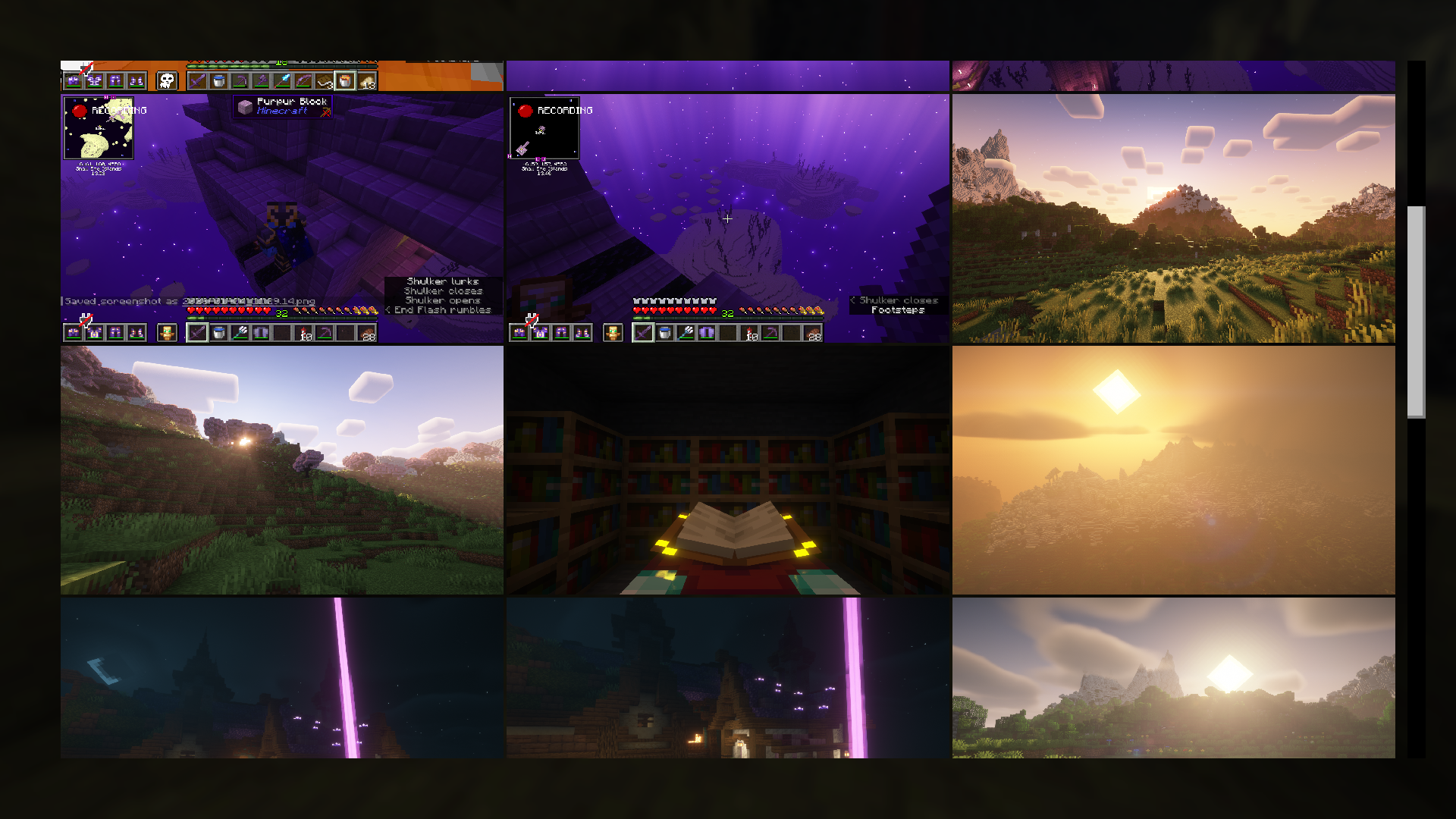
In that case: I present to you, Picture Perfect: See, share, organise and manage your pictures how you want it: The gallery is aimed to be highly customisable, so you can decide whether you want a feature or not
All current features:
- A picture list
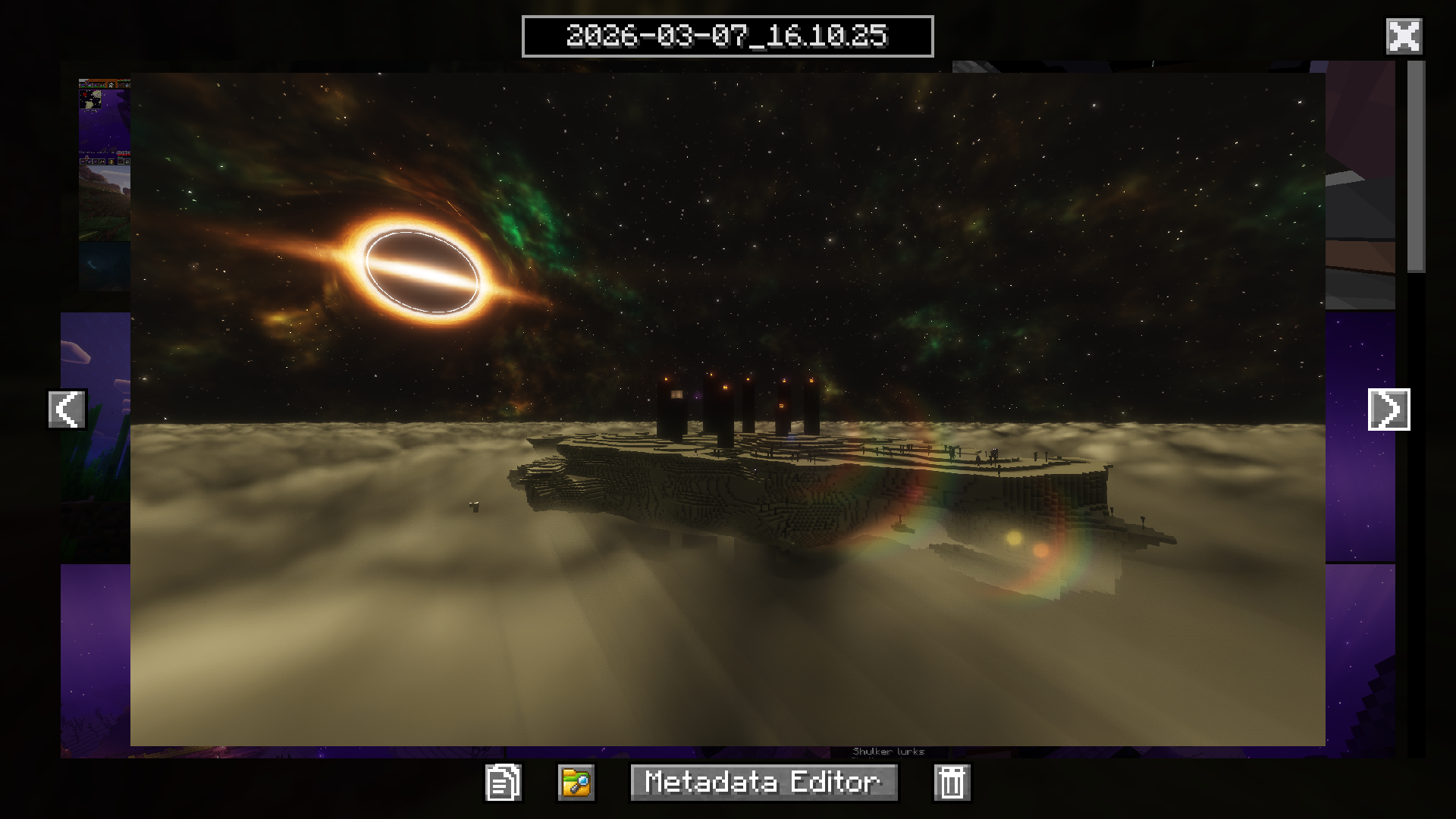
- Seeing the pictures enlarged
- Copying to clipboard
- Renaming pictures
- Deleting
- Opening in the file explorer
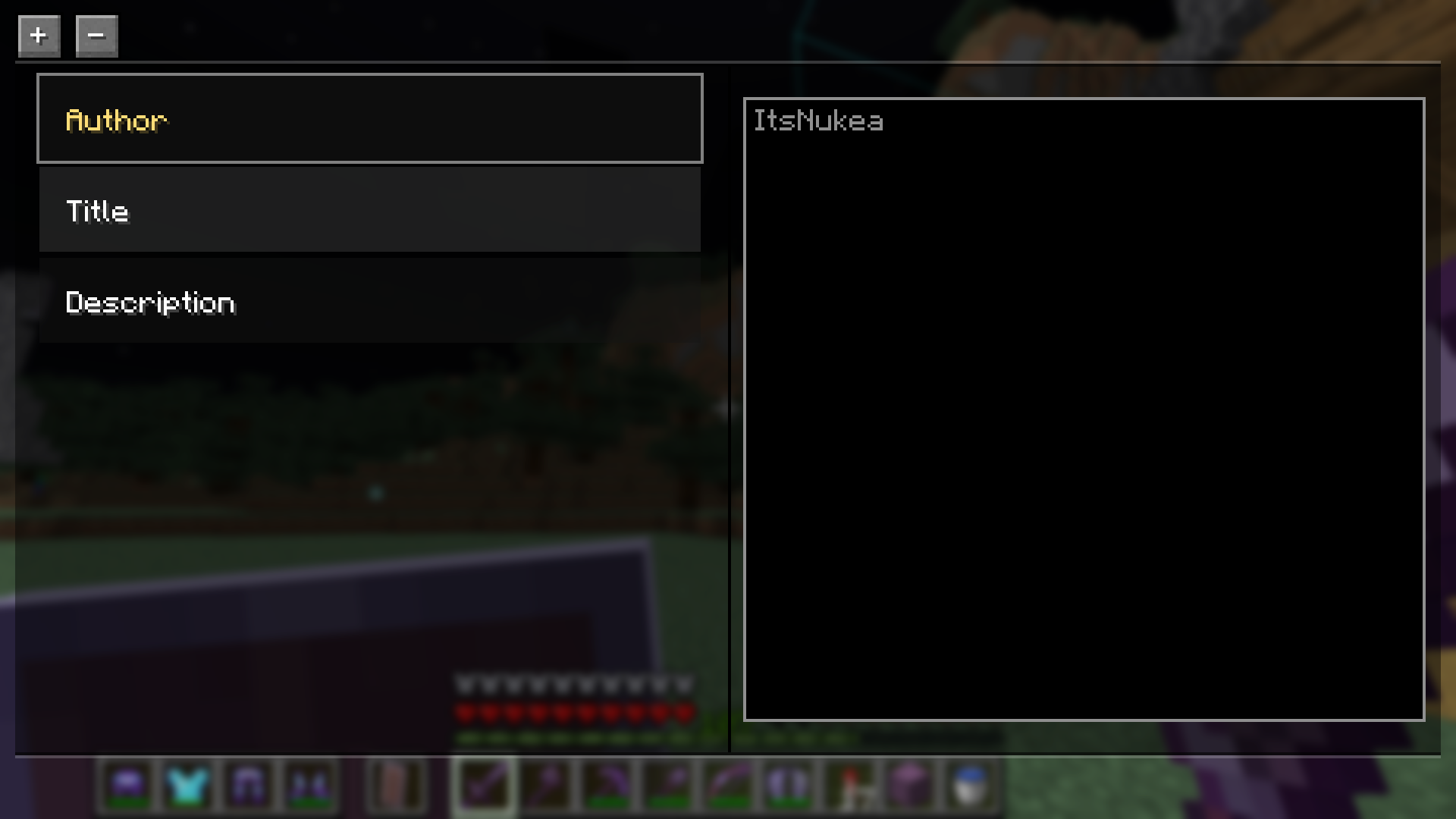
- Metadata editor/viewer
- Settings:
- Amount of columns to display
- Distance between each picture (horizontal and vertical)
- Scroll speed multiplier
- Sorting method
- Automatically attaching default metadata fields
Planned Features:
(these will probably be added in order)
- Albums: A collection of images you can see together
- Setting images as the title screen background
- Adding external images to the game
Updates
This mod is currently in beta, so some features are missing or may be unstable, although the majority is added. Expect updates with bug patches and new features from time to time. Please be patient as I am a student working on this in my free time. Bug reports can be posted here
Requirements:
This mod will NOT work without these other mods:
Credits:
- Nukea (The solo-dev of this mod)
- PyroxIsHere (The photographer that took the thumbnail images)
常见问题
Picture Perfect 支持哪些 Minecraft 版本?
Picture Perfect 支持 Minecraft Java 版 1.21.11–26.3,共 6 个版本,可用的加载器:Fabric。下载时注意选择和你游戏版本一致的文件。
Picture Perfect 怎么安装?
先用 PCL2 或 HMCL 启动器安装对应版本的 Fabric,再把下载的 .jar 文件放进游戏目录的 mods 文件夹,重新启动游戏即可。开启了版本隔离的,mods 文件夹在 versions/版本名 下面。运行环境:仅客户端。
评论
登录后评论和评分