
截图
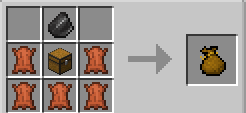
介绍
Tired of picking up stuff?
Have you ever wanted to carry around bags that pickup stuff FOR YOU
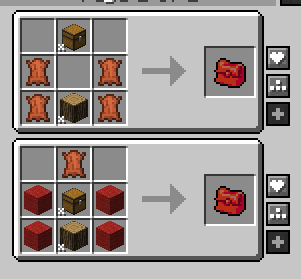
Whenever you pickup an item, if you are holding one of these magical bags, they get sorted into the bag based on what kind of item it is. Its like the bag pickup items for you.
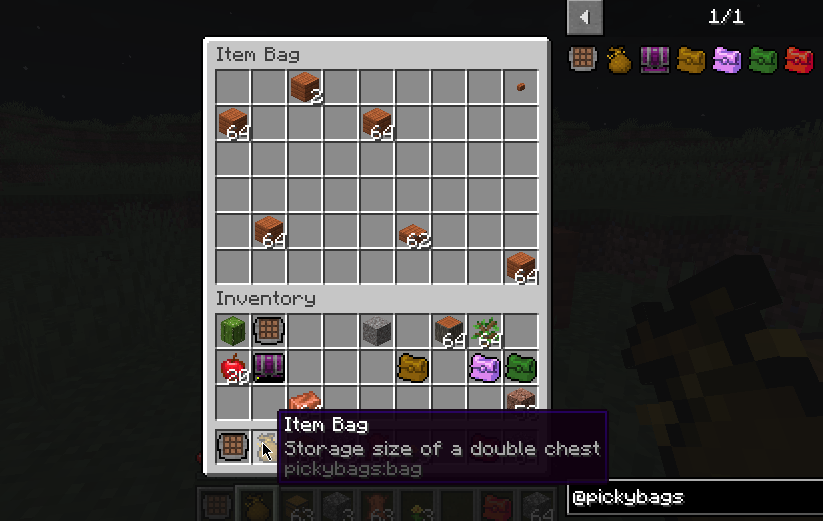
Right-click the bag while in your inventory to open the bags
You can quick-insert items into the bags, assuming they match the item type

Forester’s Collection Bag
– Picks up wood, logs, saplings, tree related items
– Data tag ‘pickybags:wood_like’
Digger’s Collection Bag
– Picks up digging related material
– Data tag ‘pickybags:stone_like’
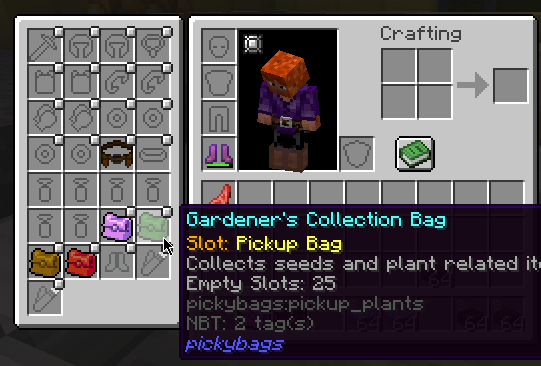
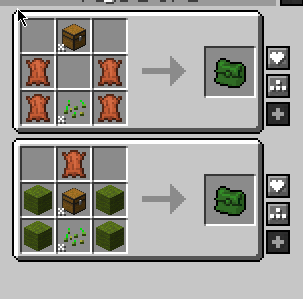
Gardener’s Collection Bag
– Picks up crops, seeds, and flowers
– Data tag ‘pickybags:plant_like’
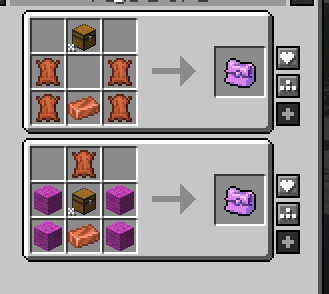
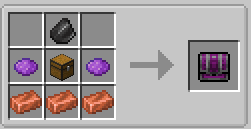
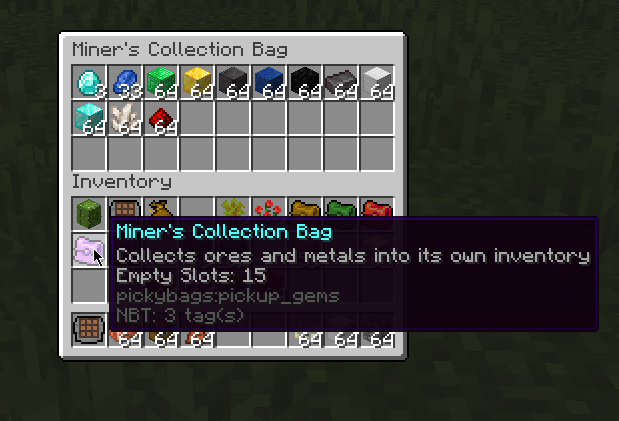
Miner’s Collection Bag
– this one collects the gems, dusts, ingots, and ores you are collecting
– Data tag ‘pickybags:gem_like’
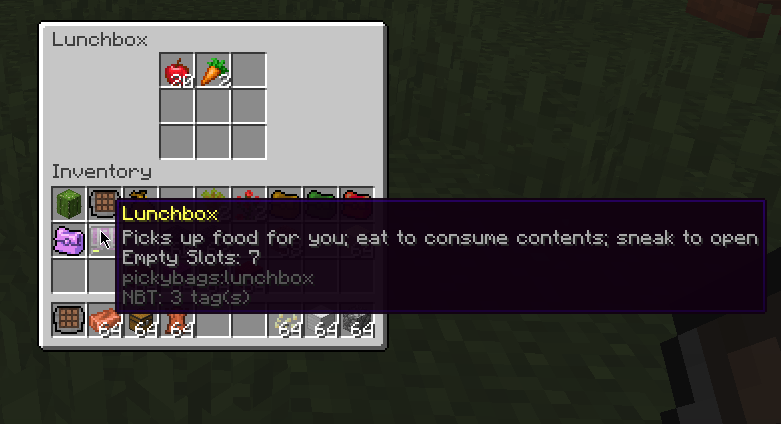
Lunchbox
– Auto pickup any item that is edible (so no data tag used here)
– you have to sneak-click (shift-click) to open this one, because normally it tries to EAT the contents
– eating the bag while its closed eats the first item it finds in the bag
Also adds a few items that do not have the auto-pickup feature, but are still useful
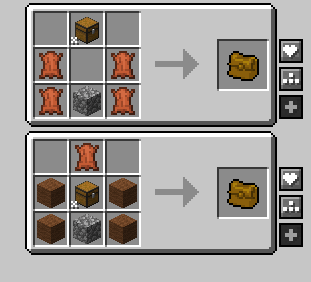
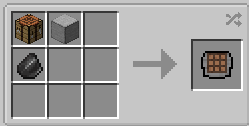
Crafting Slab
– handheld item-only crafting 3×3 grid, supports all recipes. no need to place a table down
Item Bag
– Simple handheld storage, holds a double-chests worth so more than regular bags, but no auto pickup or any fancy features.
– to store all the excess junk
All controlled by data tags, so modpacks can edit this pickup list at willl, see https://github.com/Lothrazar/pickybags/tree/trunk/1.20/src/main/resources/data/pickybags/tags/items
Requires forge and https://www.curseforge.com/minecraft/mc-mods/flib
常见问题
Picky Bags 支持哪些 Minecraft 版本?
Picky Bags 支持 Minecraft Java 版 1.20.1–26.1.2,共 3 个版本,可用的加载器:Forge / NeoForge。下载时注意选择和你游戏版本一致的文件。
Picky Bags 怎么安装?
先用 PCL2 或 HMCL 启动器安装对应版本的 Forge / NeoForge,再把下载的 .jar 文件放进游戏目录的 mods 文件夹,重新启动游戏即可。开启了版本隔离的,mods 文件夹在 versions/版本名 下面。
Lothrazar 的其他作品
查看全部 →
Cyclic
工具、机器、装备、药水、村民,全部可配置

简易存储网络 Simple Storage Network
原版 Storage Network 的简化移植版

FLIB
FutureLIBrary 模组,用于加速移植和开发新内容

Absent by Design
基于现有方块添加新的栅栏、墙、楼梯和台阶;不添加新材质 [FORGE]
评论
登录后评论和评分