Pick & Trade
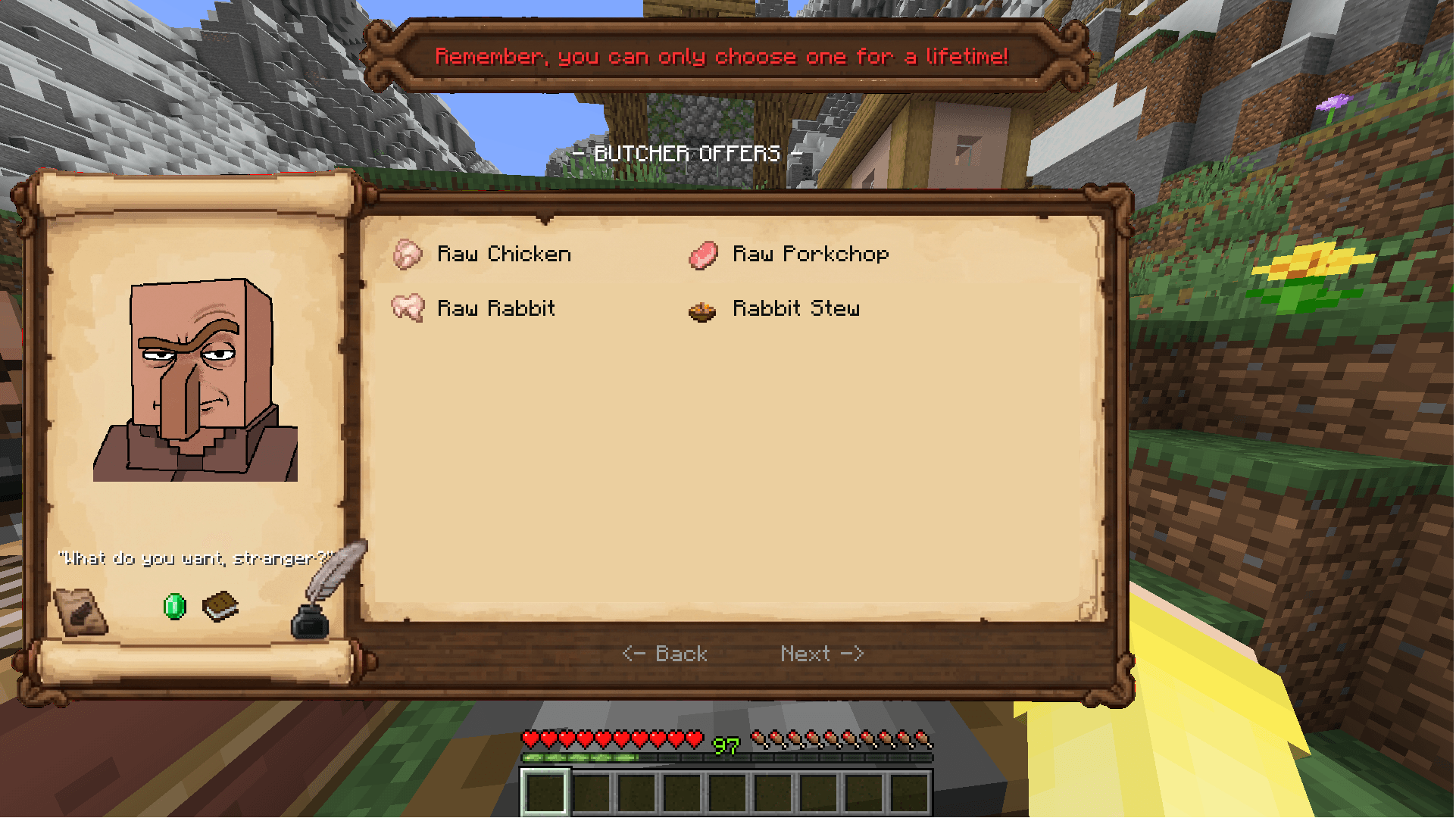
Upgrade your villager trading experience with a custom parchment UI that lets you pick exact enchantments and levels instantly.
截图
介绍
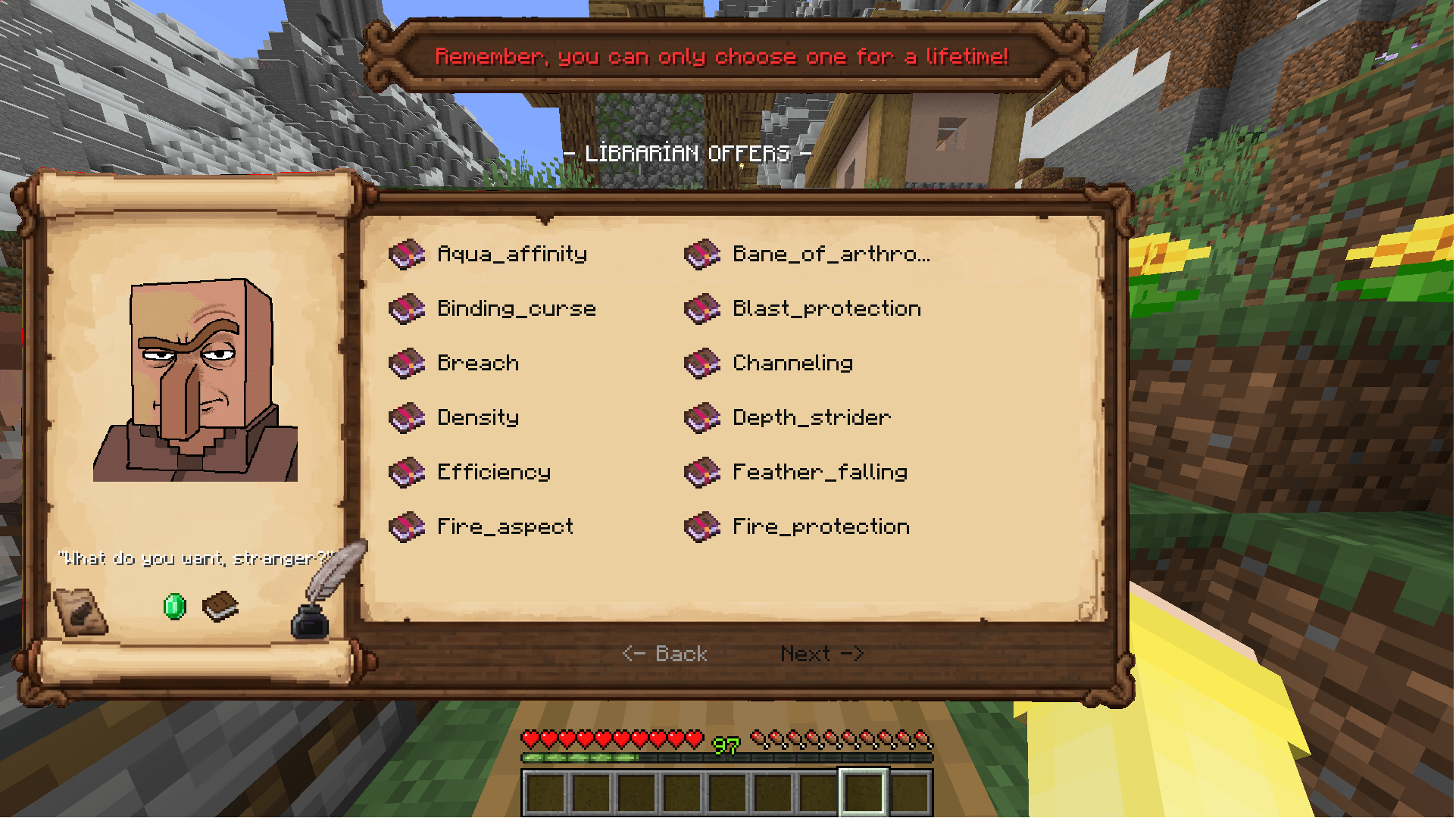
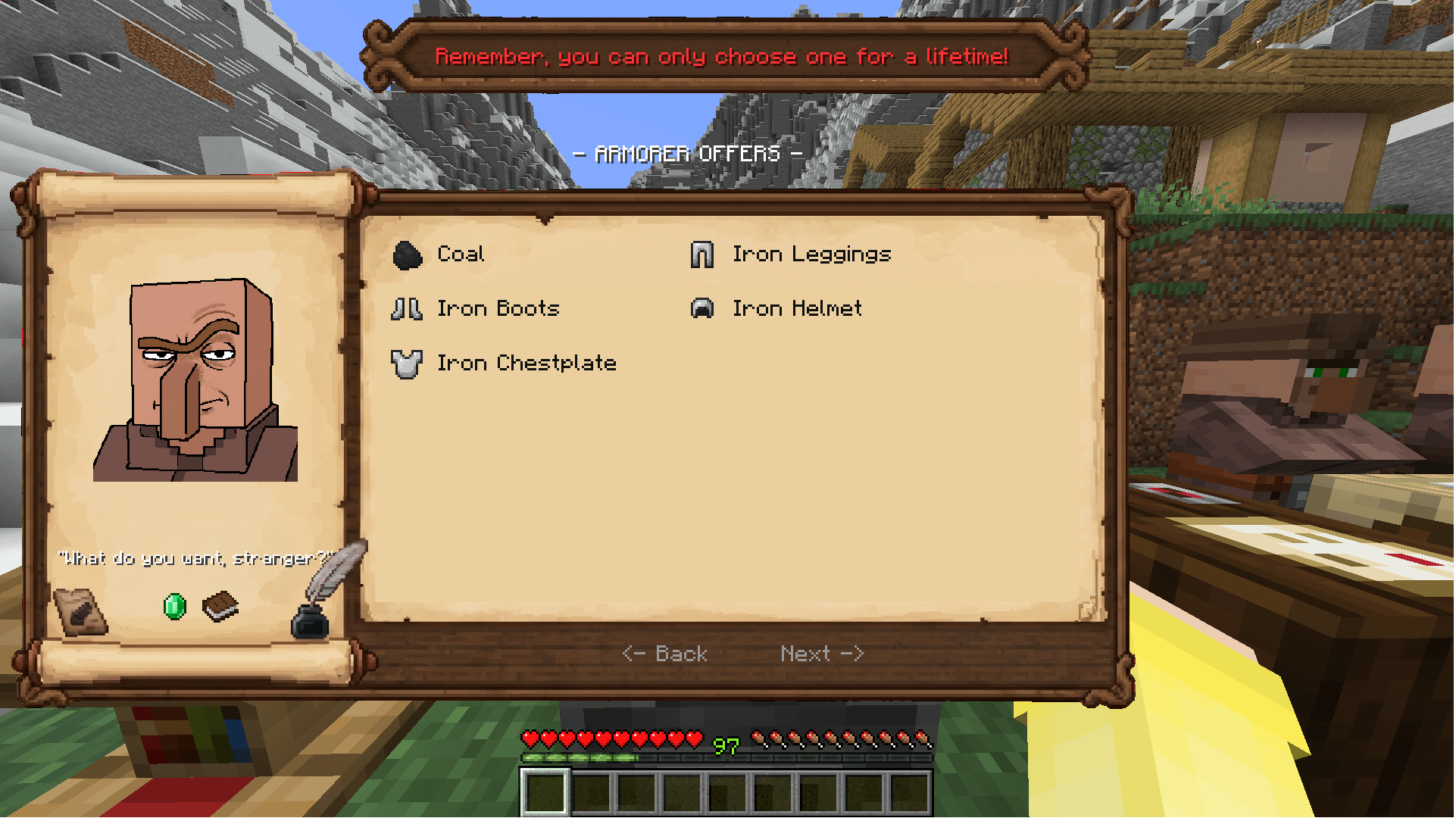
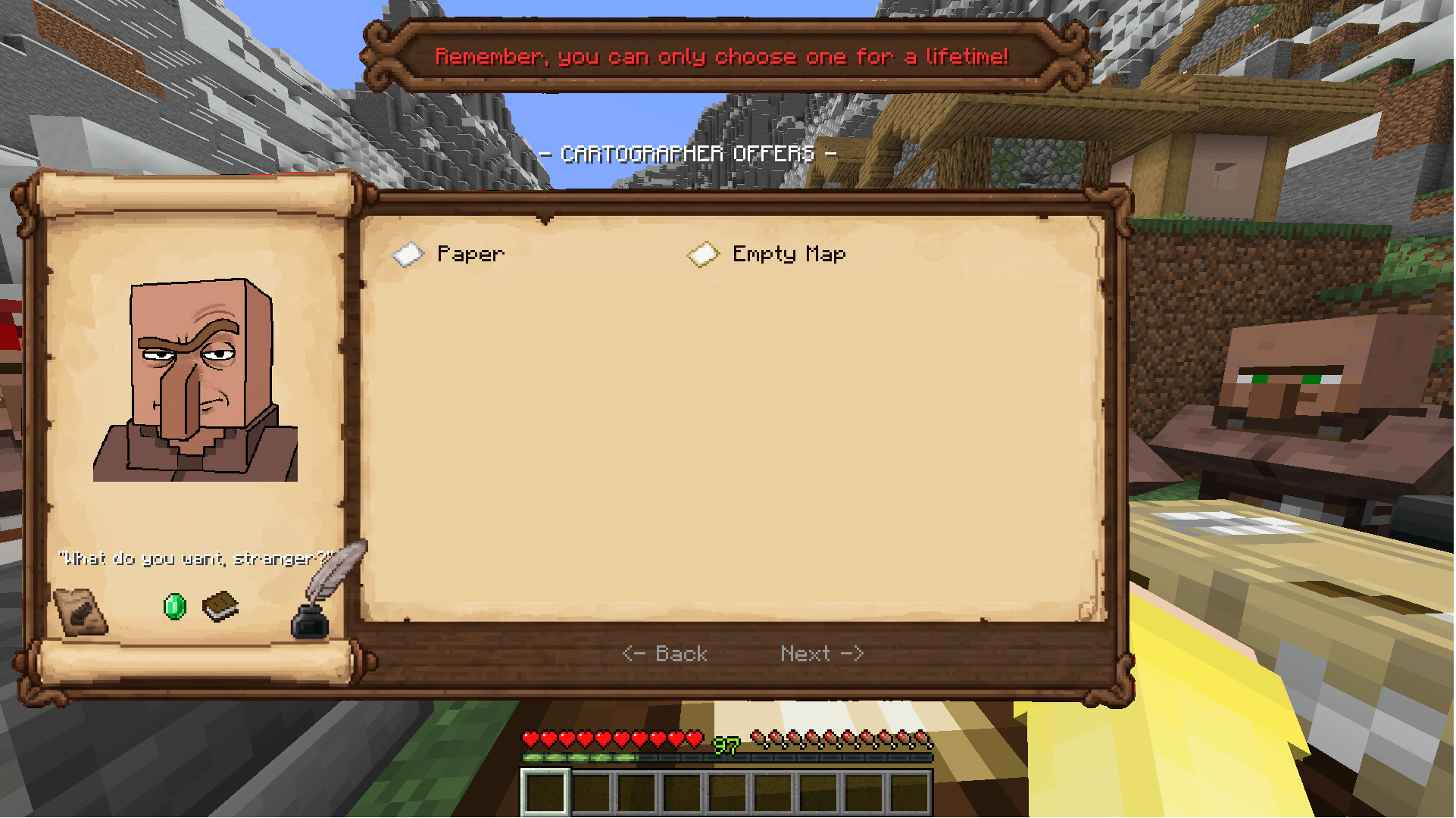
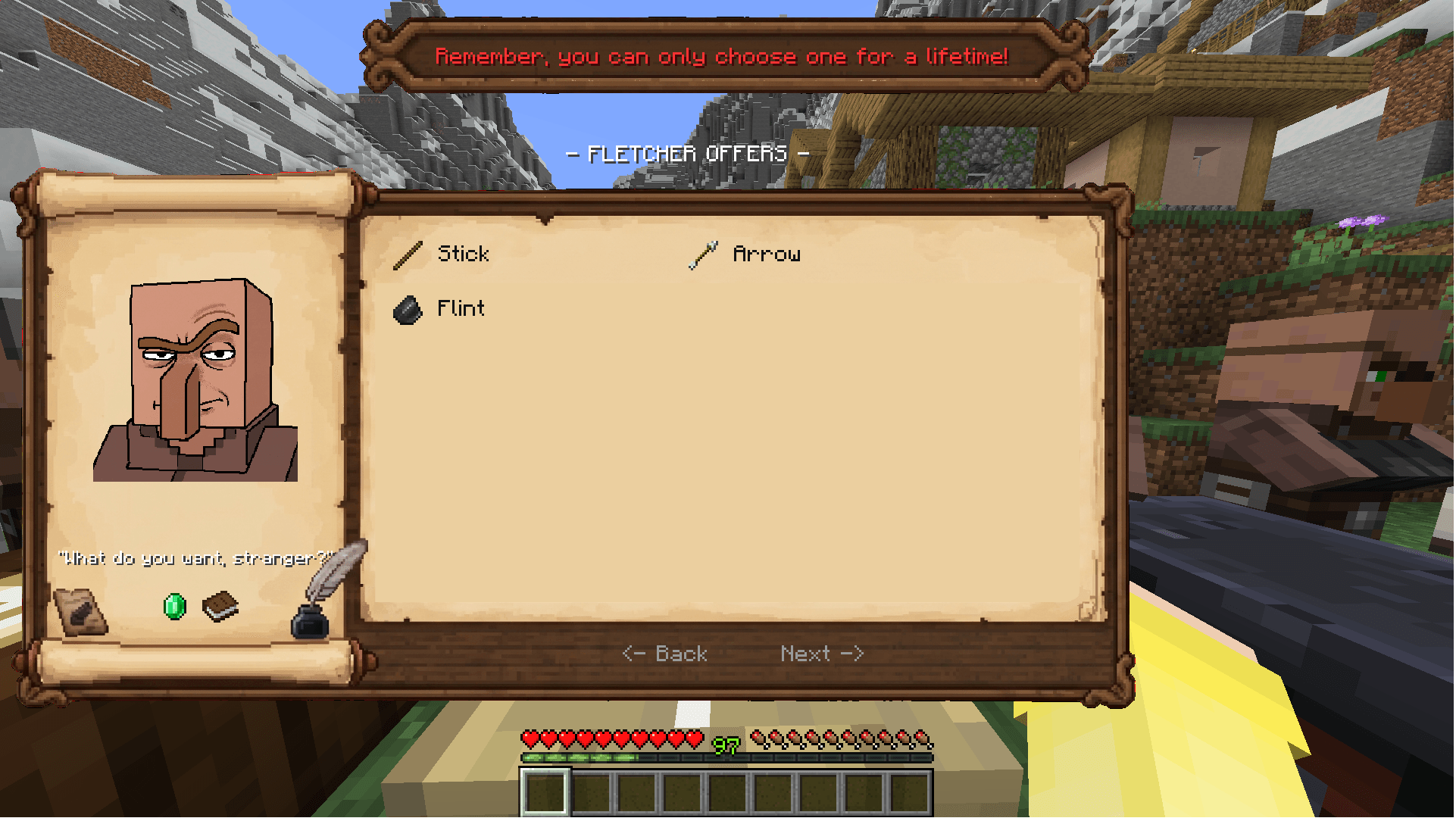
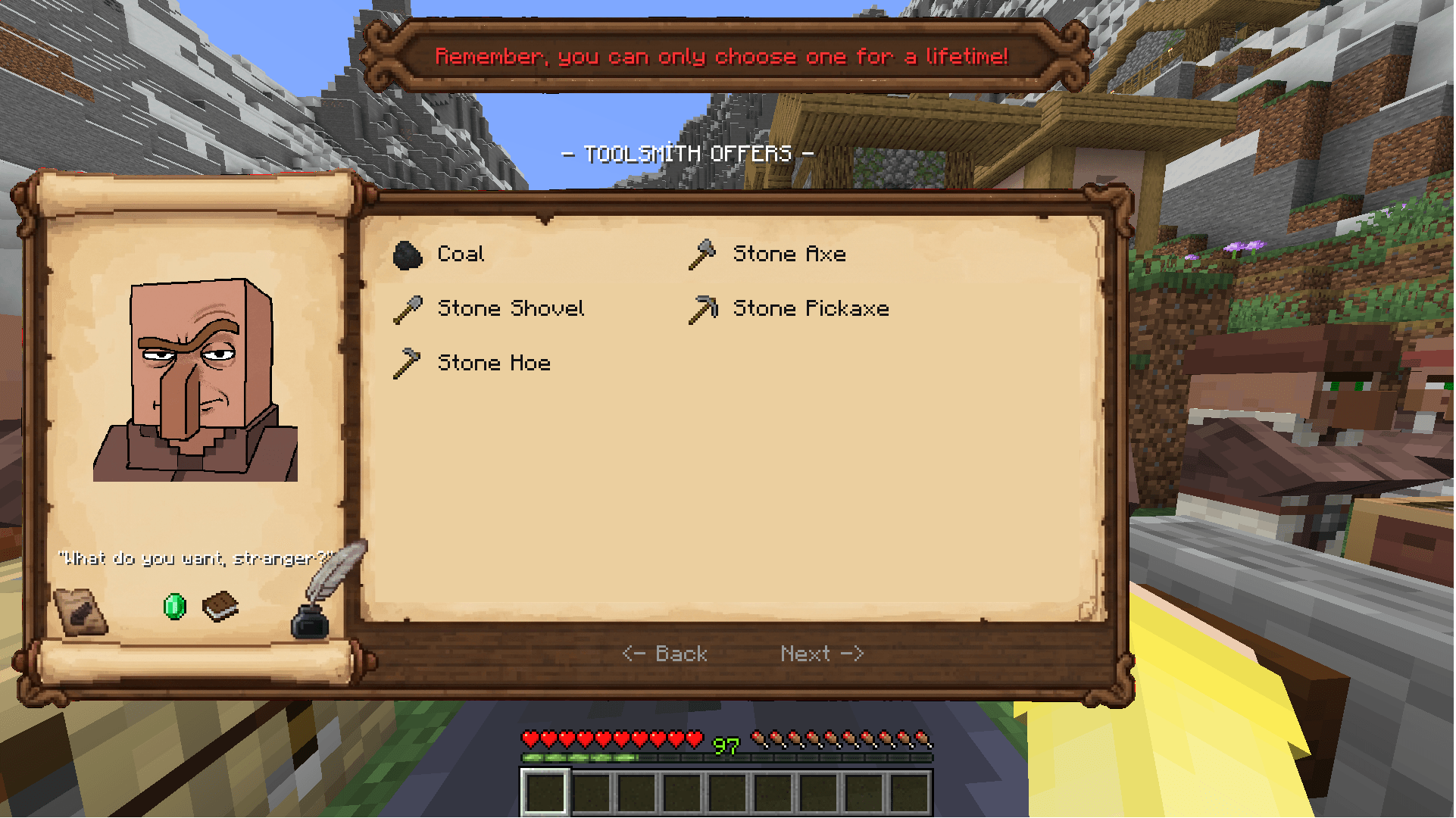
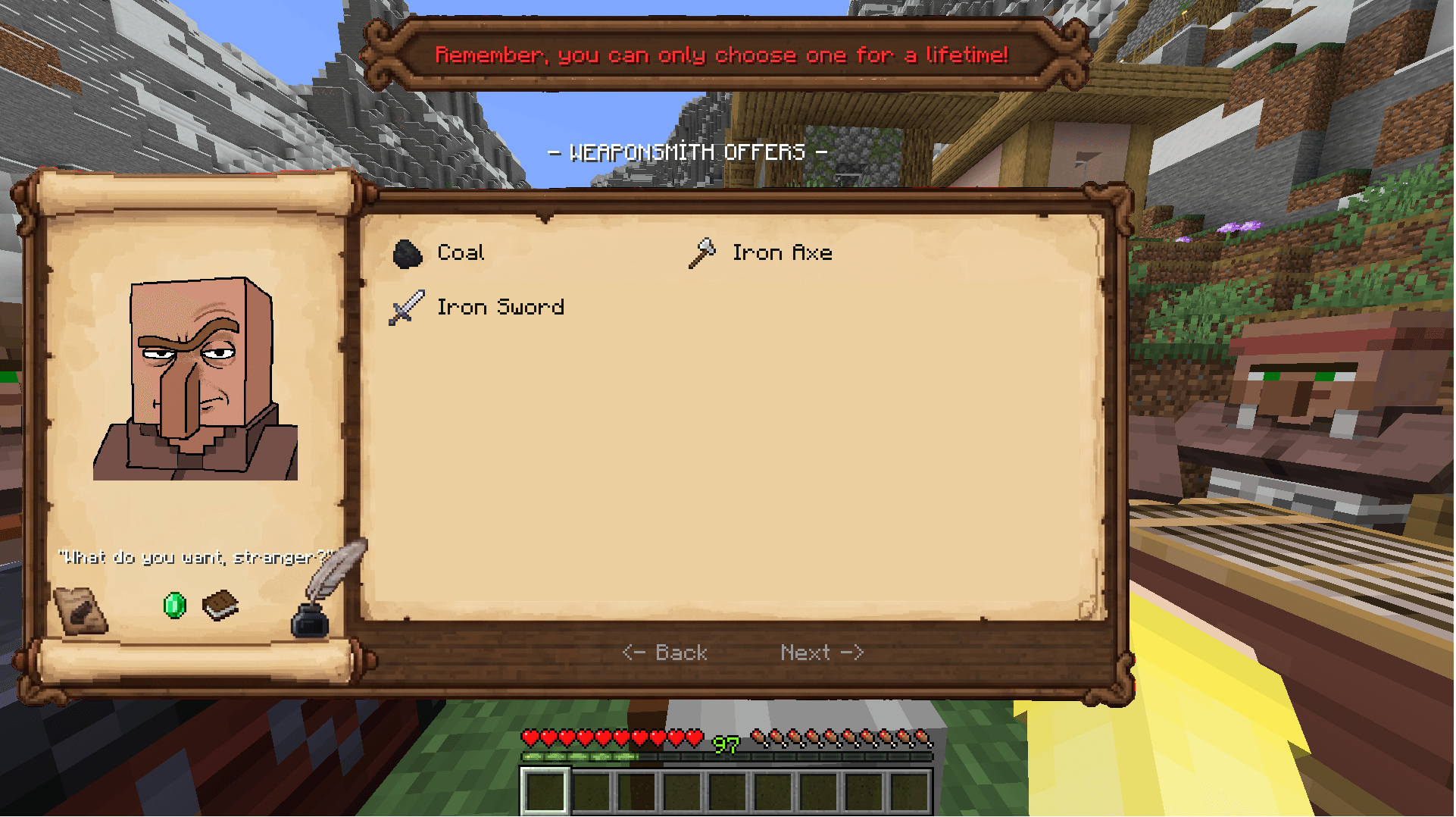
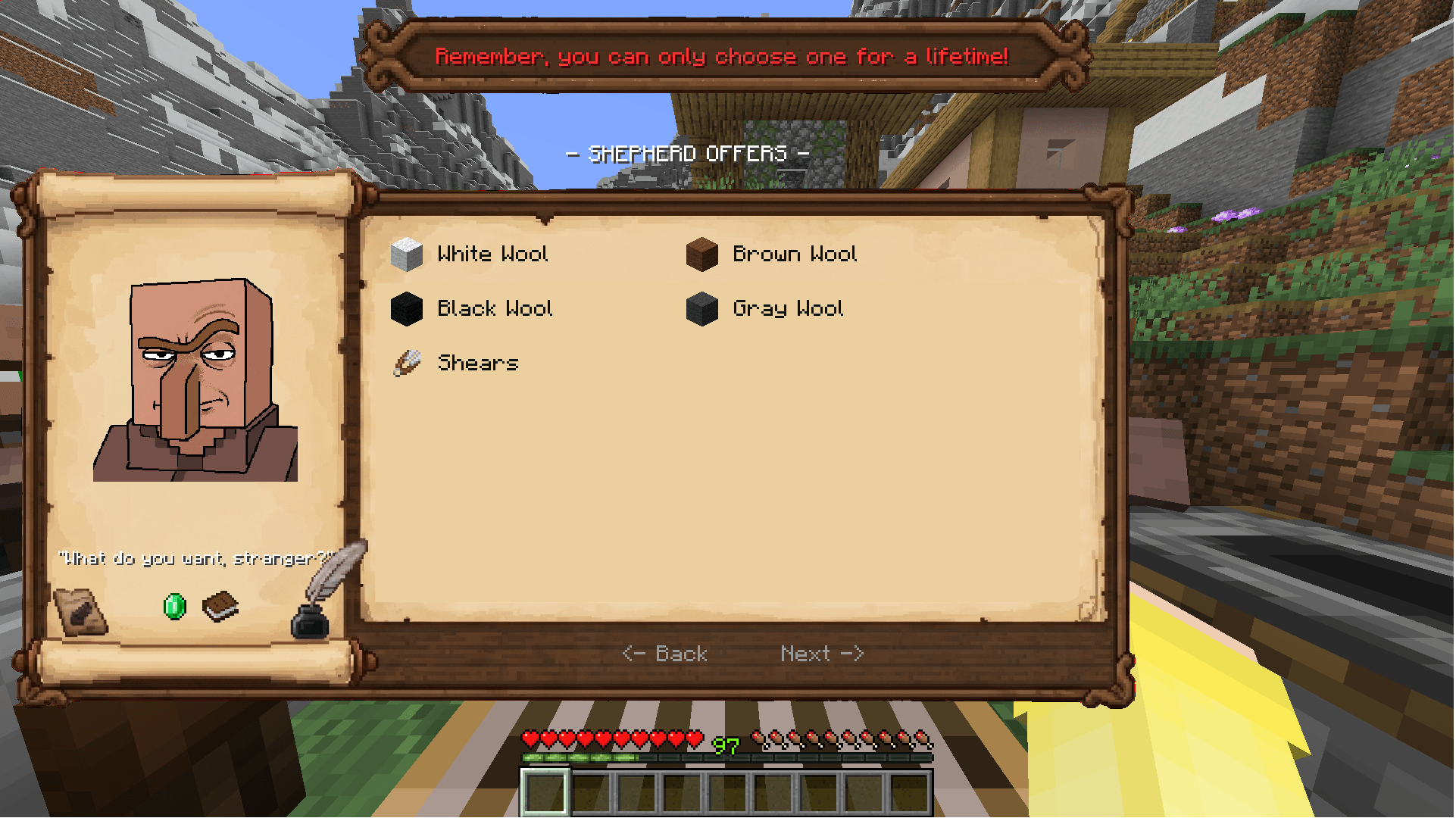
📜 Pick & Trade Are you tired of clicking endlessly through the vanilla villager trading menu? Pick & Trade completely overhauls the trading experience by replacing the clunky default interface with a beautiful, custom parchment-style UI.
✨ Key Features 📜 RPG-Style Parchment Interface: Say goodbye to the boring standard menu! Immerse yourself with a beautifully designed, centered parchment UI that fits perfectly into the Minecraft world.
📚 Smart Enchantment Picker: No more cycling through endless Librarian trades! Instantly view all available enchantments on a single screen and easily choose your exact desired level (Level I to V) with just one click.
🤝 All Offers at a Glance: For all other villager professions, every available trade is displayed neatly on one organized screen. No more hidden trades or tedious scrolling!
⚙️ Fully Multi-Loader: Built to be accessible for everyone. Fully tested and supported on Fabric, Forge, and NeoForge for Minecraft 1.21.1.
🛠️ Installation Simply download the correct version for your mod loader (Fabric, Forge, or NeoForge) and drop the .jar file into your mods folder.
👨💻 Credits Created and designed by vakvakduck7.
I haven’t tested it in multiplayer yet.
常见问题
Pick & Trade 支持哪些 Minecraft 版本?
Pick & Trade 支持 Minecraft Java 版 1.21.1,可用的加载器:Fabric / Forge / NeoForge。下载时注意选择和你游戏版本一致的文件。
Pick & Trade 怎么安装?
先用 PCL2 或 HMCL 启动器安装对应版本的 Fabric / Forge / NeoForge,再把下载的 .jar 文件放进游戏目录的 mods 文件夹,重新启动游戏即可。开启了版本隔离的,mods 文件夹在 versions/版本名 下面。
评论
登录后评论和评分