
Pick & Swap Items
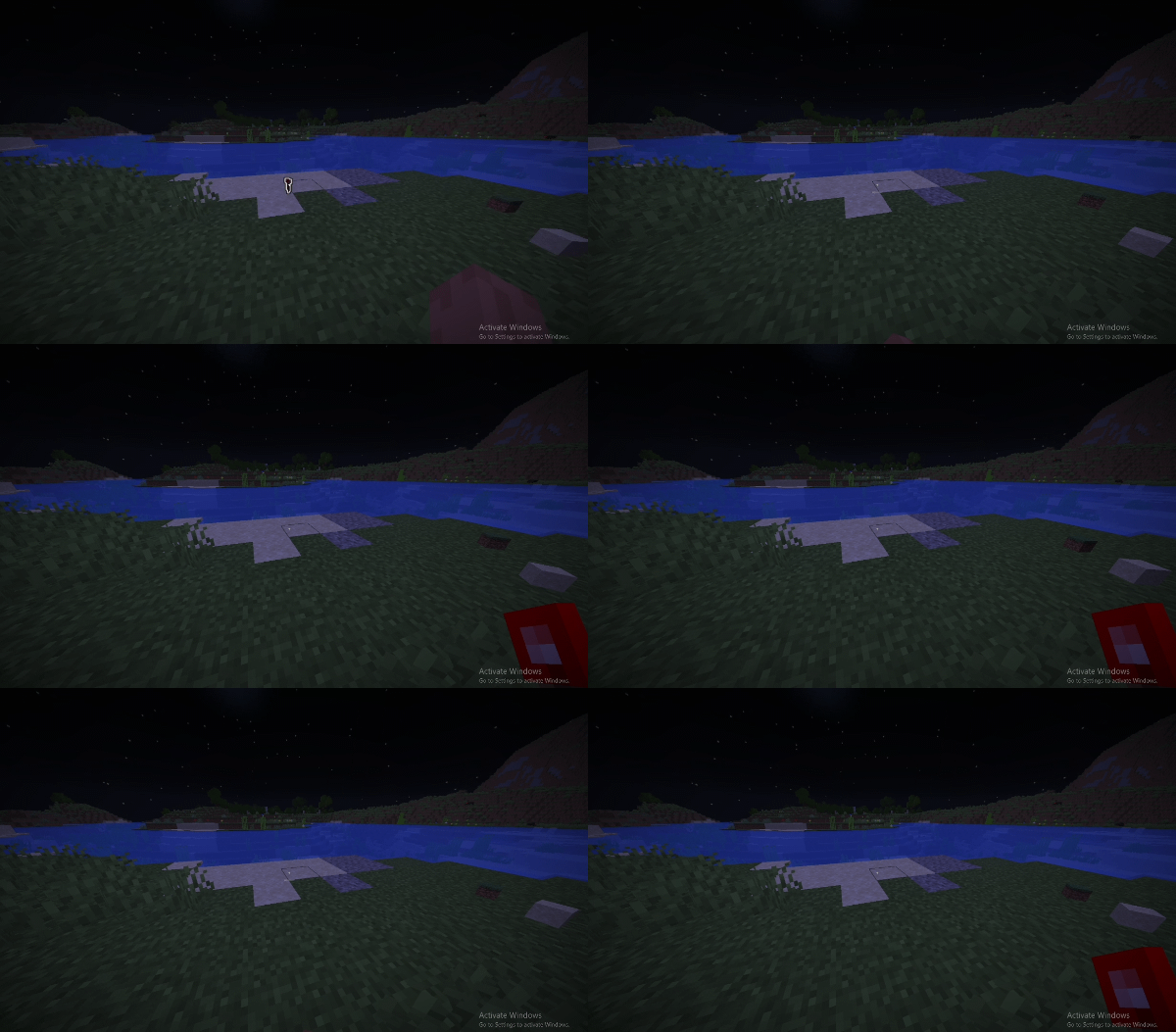
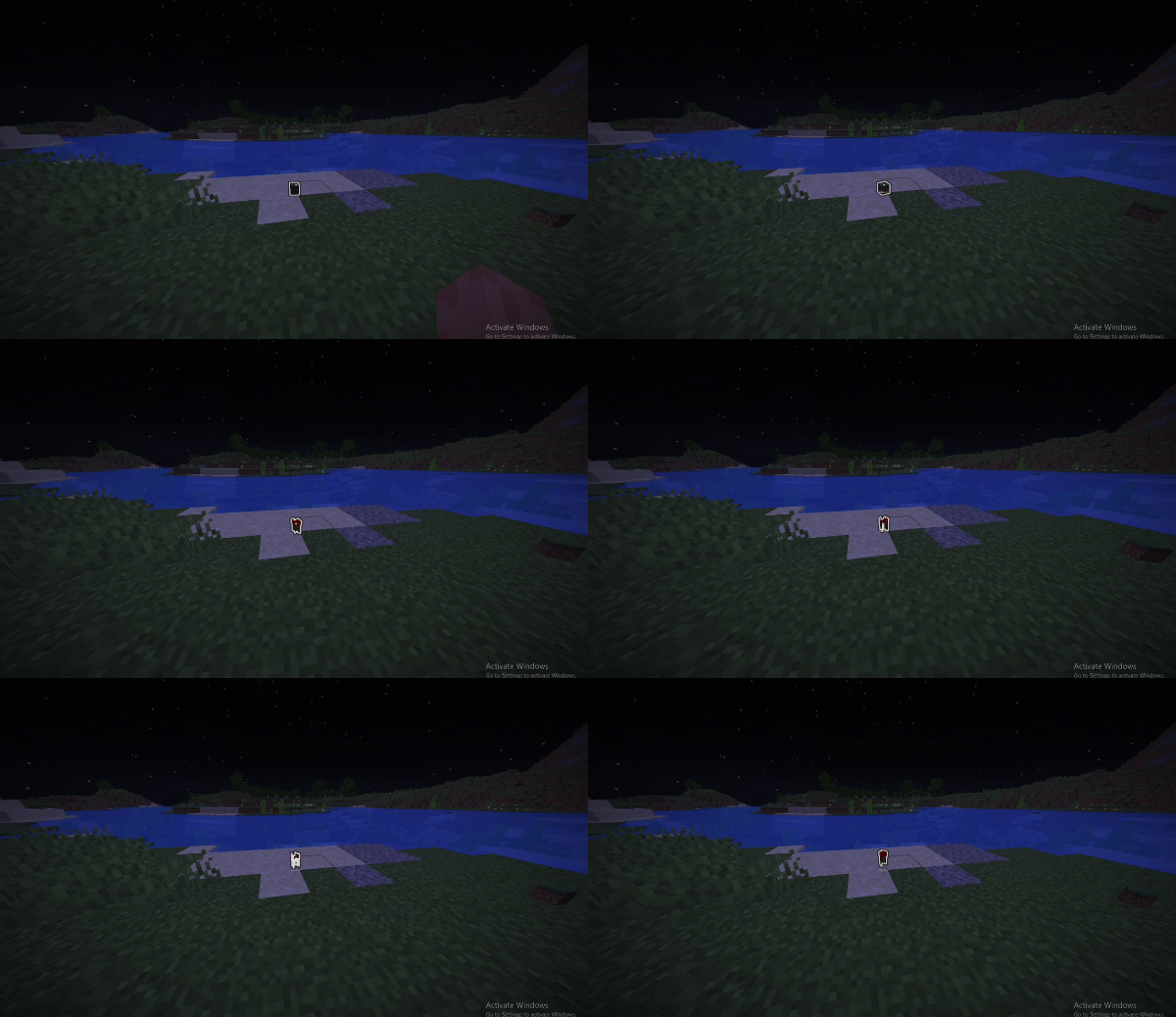
Swap the item in your hand with a dropped item on the ground, or stack identical ones together.
介绍
Swap the item in your hand with a dropped item on the ground . Look at an item to highlight it, then press the Pick Item key (middle mouse button by default). If your hand holds a different item, they swap places. If your hand is empty, you grab the item. If you hold the same item, they stack together, and any leftovers stay on the ground.
常见问题
Pick & Swap Items 支持哪些 Minecraft 版本?
Pick & Swap Items 支持 Minecraft Java 版 1.20.1–26.3,共 22 个版本,可用的加载器:Fabric。下载时注意选择和你游戏版本一致的文件。
Pick & Swap Items 怎么安装?
先用 PCL2 或 HMCL 启动器安装对应版本的 Fabric,再把下载的 .jar 文件放进游戏目录的 mods 文件夹,重新启动游戏即可。开启了版本隔离的,mods 文件夹在 versions/版本名 下面。
zhuravellll 的其他作品
查看全部 →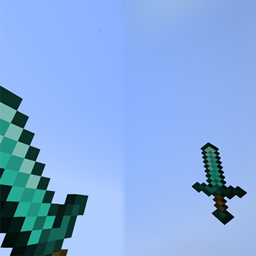
Zhuravel HandView
Fully customize your first-person viewmodel with in-game controls for hand scale, position, and rotation.
Screen Weather & Biome Effects
Immersive screen effects for Minecraft: rain drops, frost, sweat, sandstorms, swamp mist and falling leaves, all client-side.
Zhuravel CursorTrail
Adds a customizable neon cursor trail
HUD Christmas Lights
Decorate your HUD with twinkling New Year string lights that blink and shimmer in changing colors.
评论
登录后评论和评分