
Photonics: A raytracing engine
A ray-traced voxel engine with a focus on performance and crisp shadows
截图


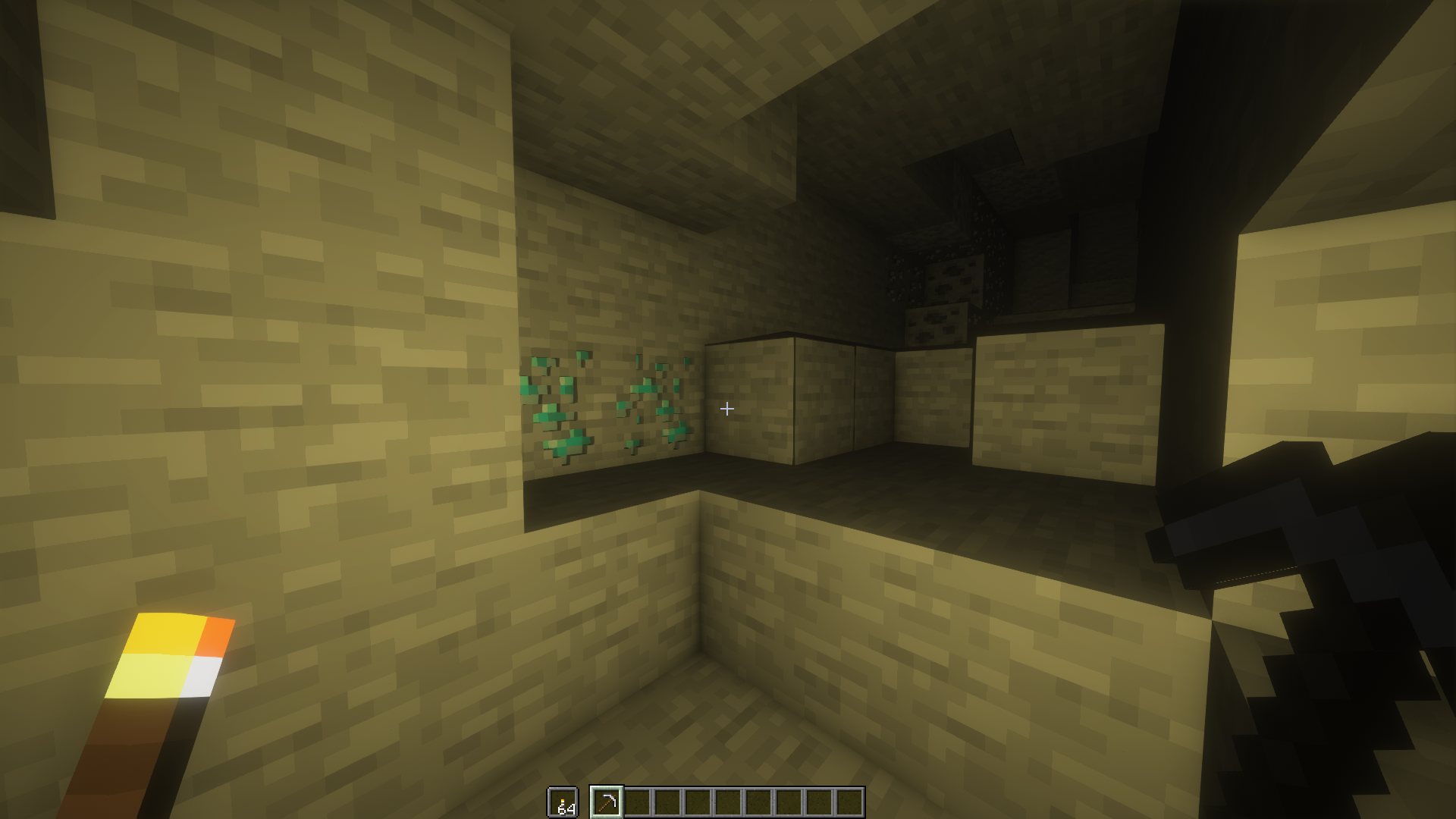
介绍
Photonics: A Raytracing Mod
An Iris extension that adds voxel based raytracing to Minecraft.
With a focus on performance, Photonics is able to deliver performance comparable to that of hardware raytracing.
Shaders that support Photonics:
- Euphoria Patches (requires 1.9.0+ and Photonics v0.3.4+)
- Photon (requires latest from Github & Photonics v0.3.4+)
- Eclipse (requires latest version from Github & Photonics v0.3.4)
- Shrimple (requires latest from GIthub & Photonics v0.3.4+)
Support patched in by the photonics mod:
- BSL (Photonics v0.3.0+ requires 10.1+, v0.2.9 or below requires 8.2.9)
Features
By using it’s custom voxel raytracing, Photonics adds many visually stunning effects:
Soft Shadows
Every block casts beautiful soft shadows from block lights!

Global Illumination
Tired of how dull the world is in shadow? Worry not! Photonics adds accurate Global Illumination to shadows.

3D Blocks
Using its voxel raytracing, Photonics can render 16x16x16 block models directly!
Custom Models can also be implemented using MagicaVoxel.

Colored Glass Lighting
Photonics can tint the color of light that passes through glass, casting colored shadows over objects.

Up to 20 lights per chunk
By default, traces 20 lights per chunk, with shader settings allowing you to increase that number to 100!

Notice
- Photonics doesn’t utilise Hardware Raytracing, and because Minecraft is built on OpenGL, building in Hardware Raytracing is unfortunately not possible
- This mod is still in Alpha, bugs and compatibility issues are to be expected
- Any mod that modifies Minecraft Rendering/Chunk loading will affect compatibility
- MacOS is not supported!
Development
Updates on the Development can be seen on its Discord server: Photonics Official
常见问题
Photonics: A raytracing engine 支持哪些 Minecraft 版本?
Photonics: A raytracing engine 支持 Minecraft Java 版 1.20.1–1.21.11,共 8 个版本,可用的加载器:Fabric。下载时注意选择和你游戏版本一致的文件。
Photonics: A raytracing engine 怎么安装?
先用 PCL2 或 HMCL 启动器安装对应版本的 Fabric,再把下载的 .jar 文件放进游戏目录的 mods 文件夹,重新启动游戏即可。开启了版本隔离的,mods 文件夹在 versions/版本名 下面。运行环境:仅客户端。
评论
登录后评论和评分