
截图
介绍
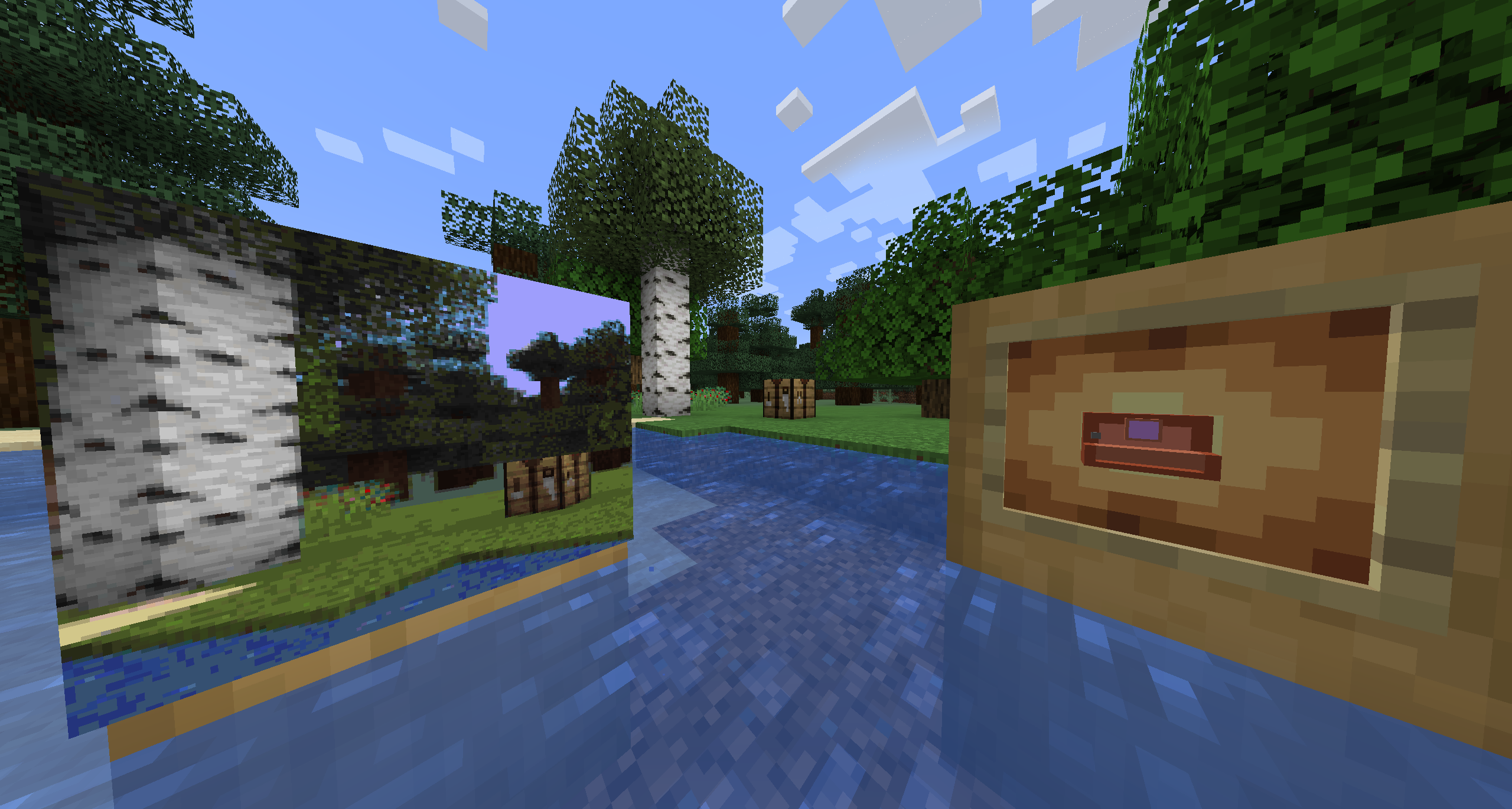
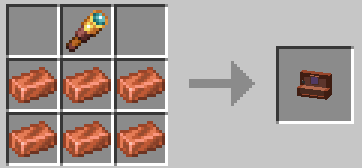
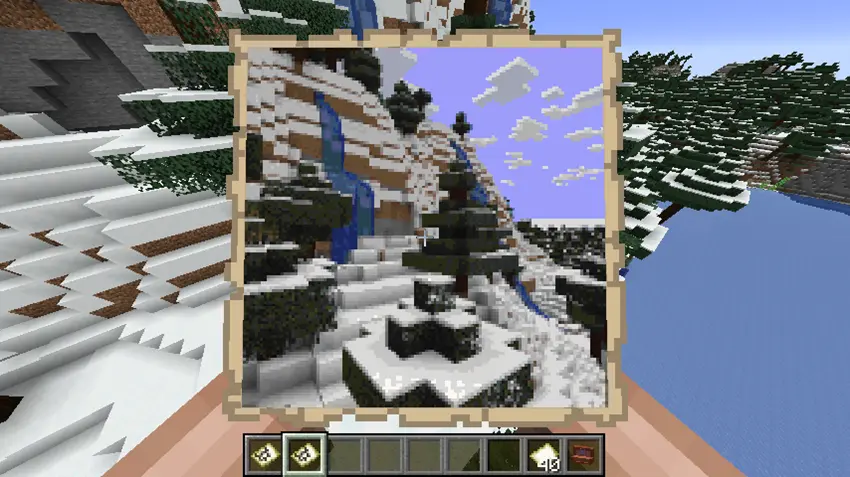
Simple mod that adds a “Photo Apparatus”
Once equipped, you’ll see camera GUI that has viewfinder box and zoom bar.
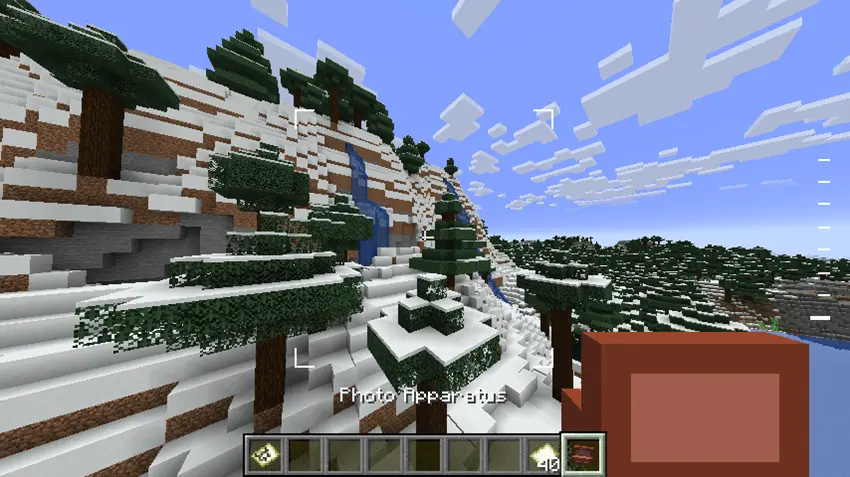
Viewfinder box shows what part of your screen will be “screenshoted”.
Zoom bar shows your current zoom level, which you can change either slowly (using CTRL + scrolling up/down) or instantly to minimum/maximum zoom (CTRL + Shift + scroll).
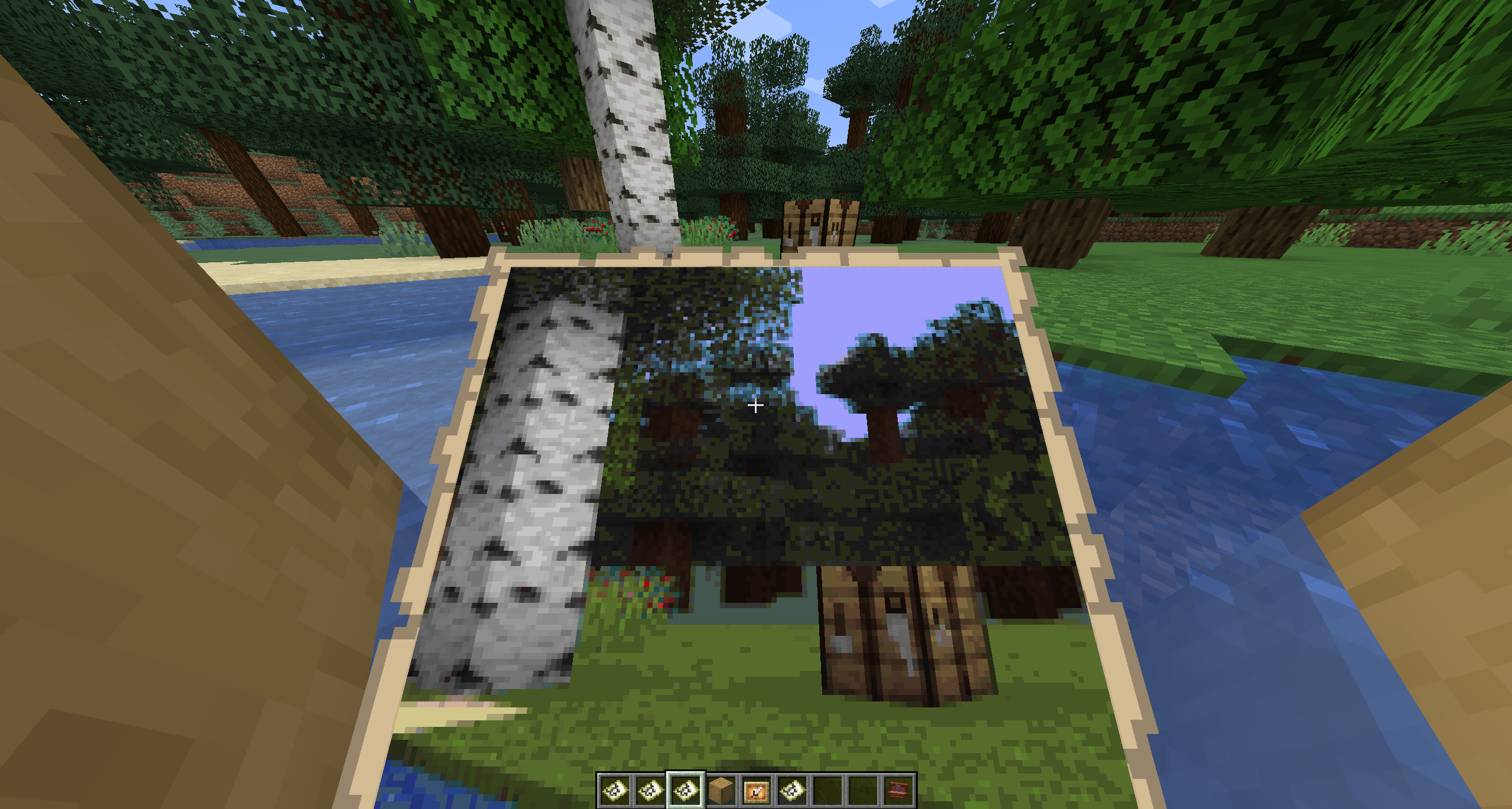
Now (in survival) you need to have vanilla empty map in your inventory, since, well, this camera uses it like a film.
If you done selecting the best angle and zoom, just press right mouse button to take a picture
常见问题
Photo Apparatus 支持哪些 Minecraft 版本?
Photo Apparatus 支持 Minecraft Java 版 1.21,可用的加载器:NeoForge。下载时注意选择和你游戏版本一致的文件。
Photo Apparatus 怎么安装?
先用 PCL2 或 HMCL 启动器安装对应版本的 NeoForge,再把下载的 .jar 文件放进游戏目录的 mods 文件夹,重新启动游戏即可。开启了版本隔离的,mods 文件夹在 versions/版本名 下面。运行环境:客户端和服务端都要装。

评论
登录后评论和评分