截图
介绍
Personal Space
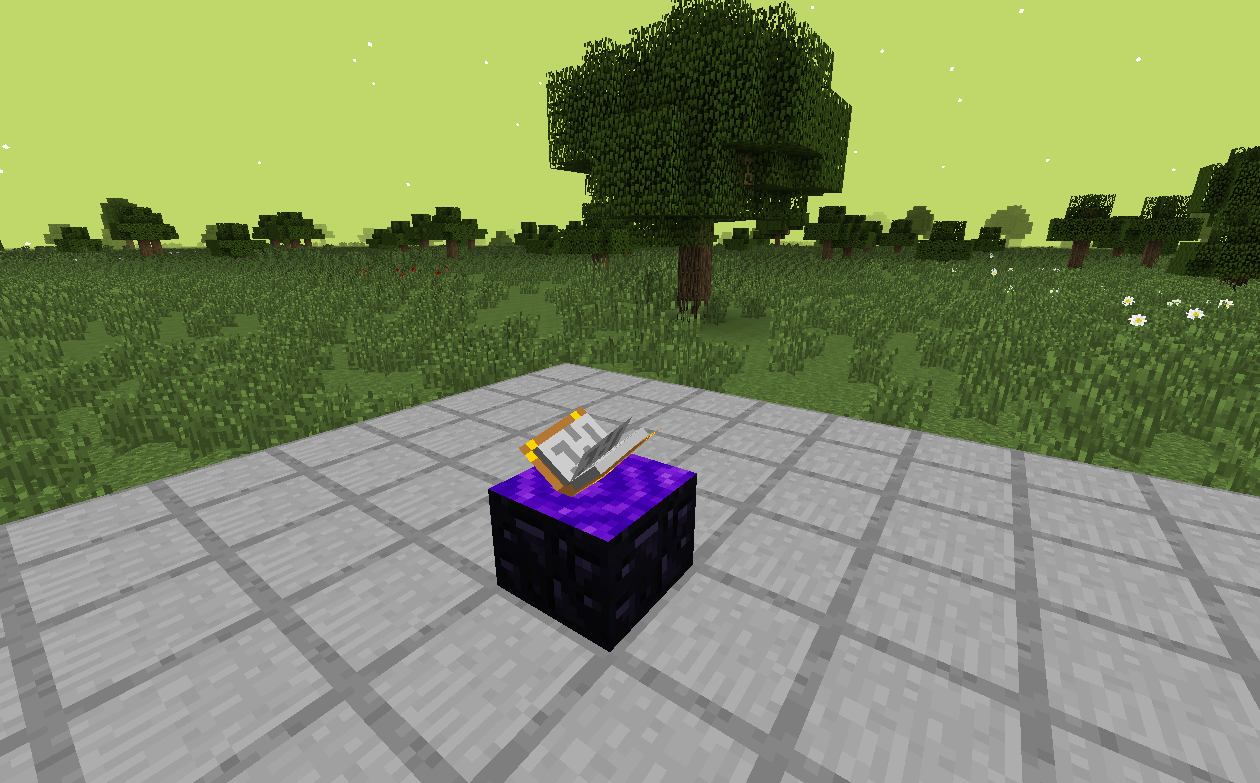
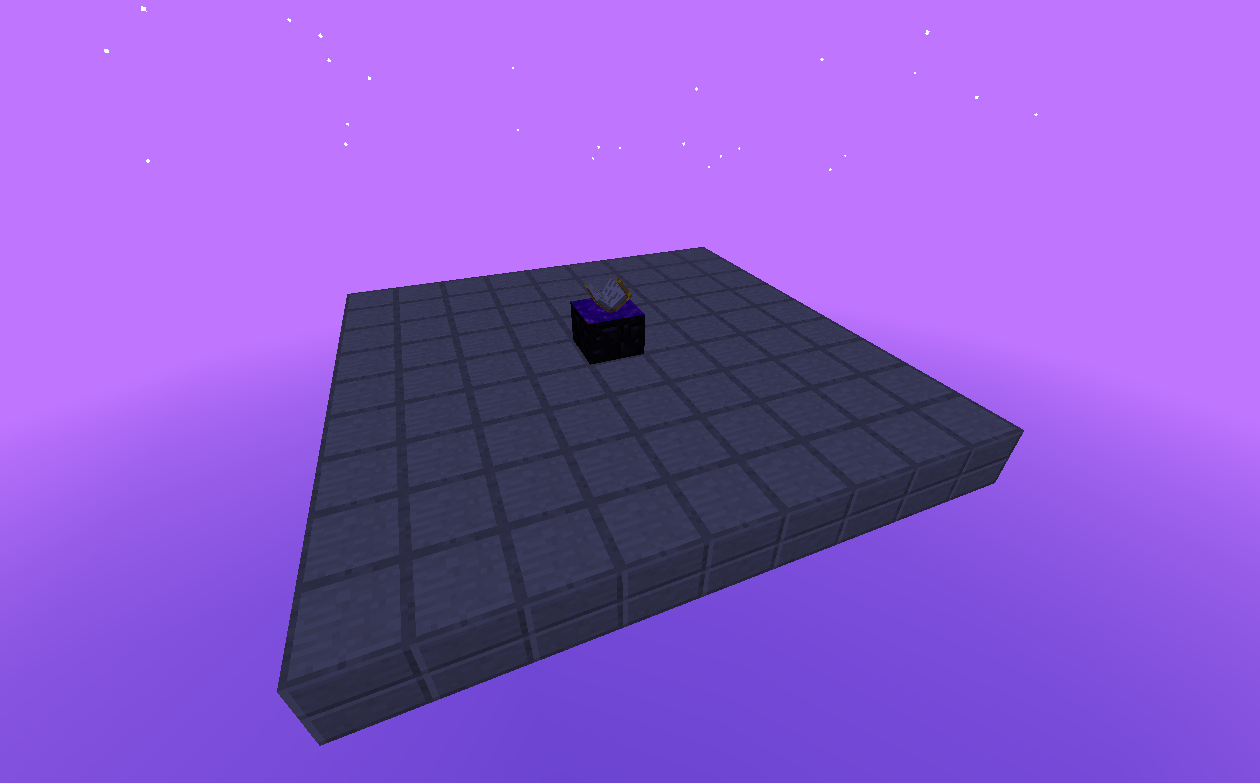
A Minecraft 1.7.10 mod which adds personal customizable dimensions, primarily
designed for use in the Gregtech New Horizons modpack.
There are no recipes for the portal block, they’re up to the pack maker to decide – as each portal block can make a new dimension which could lead to server lag if misused.

Features
-
Customizable personal utility world:
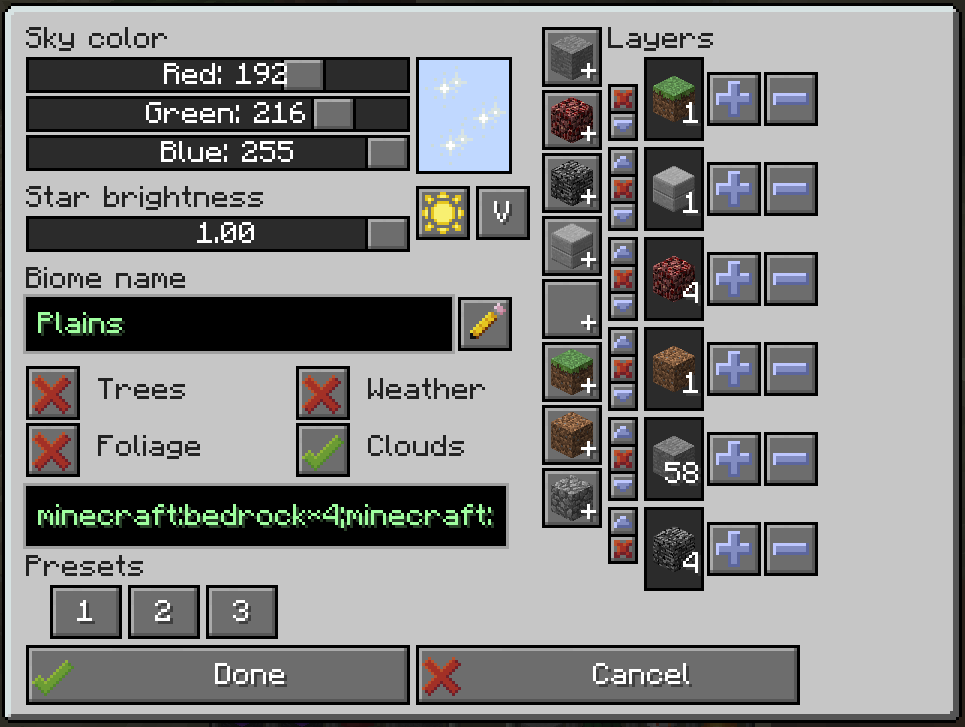
- Set custom sky color, star brightness – these can be customized after you create your world too if you’re not happy with the original settings!
- Custom generation! Choose from a void, short or tall superflat world preset, or make your own! A list of allowed blocks is in the config, so that players can’t just create diamond block worlds on your server.
- Pick whether you want foliage and trees to spawn or not. (Some modded trees may require extra compatibility code)
- Migration from UtilityWorlds saves – retaining world generation settings and the look and feel! Feel free to customize the visuals or generation after the fact. Customizing generation requires running the
/pspace allow-worldgen-change DIMcommand by a server administrator.
-
Mined portals retain their link and can be placed back
-
Worldgen settings are locked after first use, but can be unlocked for 1 change with
/pspace allow-worldgen-change DIM-ID -
Other commands:
/pspace give-portal player DIM [X Y Z]– gives a preconfigured portal to a given dimension and X/Y/Z coordinates, or dimension spawn point if the coordinates are not specified/pspace tpx player DIM [X Y Z]– teleports the player to a given dimension’s spawnpoint, or X/Y/Z coordinates/pspace ls– list all dimension IDs to the console/pspace where player– prints out which dimension ID the player is in/pspace allow-worldgen-change DIM– temporarily unlocks editing worldgen settings for the specified dimension
-
Visual (and worldgen if unlocked) settings can be changed on active portals, by right clicking on them while sneaking.
常见问题
Personal Space 支持哪些 Minecraft 版本?
Personal Space 支持 Minecraft Java 版 1.7.10,可用的加载器:Forge。下载时注意选择和你游戏版本一致的文件。
Personal Space 怎么安装?
先用 PCL2 或 HMCL 启动器安装对应版本的 Forge,再把下载的 .jar 文件放进游戏目录的 mods 文件夹,重新启动游戏即可。开启了版本隔离的,mods 文件夹在 versions/版本名 下面。
eigenraven 的其他作品
查看全部 →
lwjgl3ify
Allows running old Minecraft on modern Java and LWJGL versions

lwjgl3ify
Run Minecraft 1.7.10 using LWJGL3 and Modern Java (17 and newer)

Personal Space
Adds personal customizable dimensions with superflat-style presets.
lwjgl3ify (1.12.2)
Run Minecraft 1.12.2 using LWJGL3 and modern Java (17 and newer)
评论
登录后评论和评分