
PathTracker
作者:itamarcps
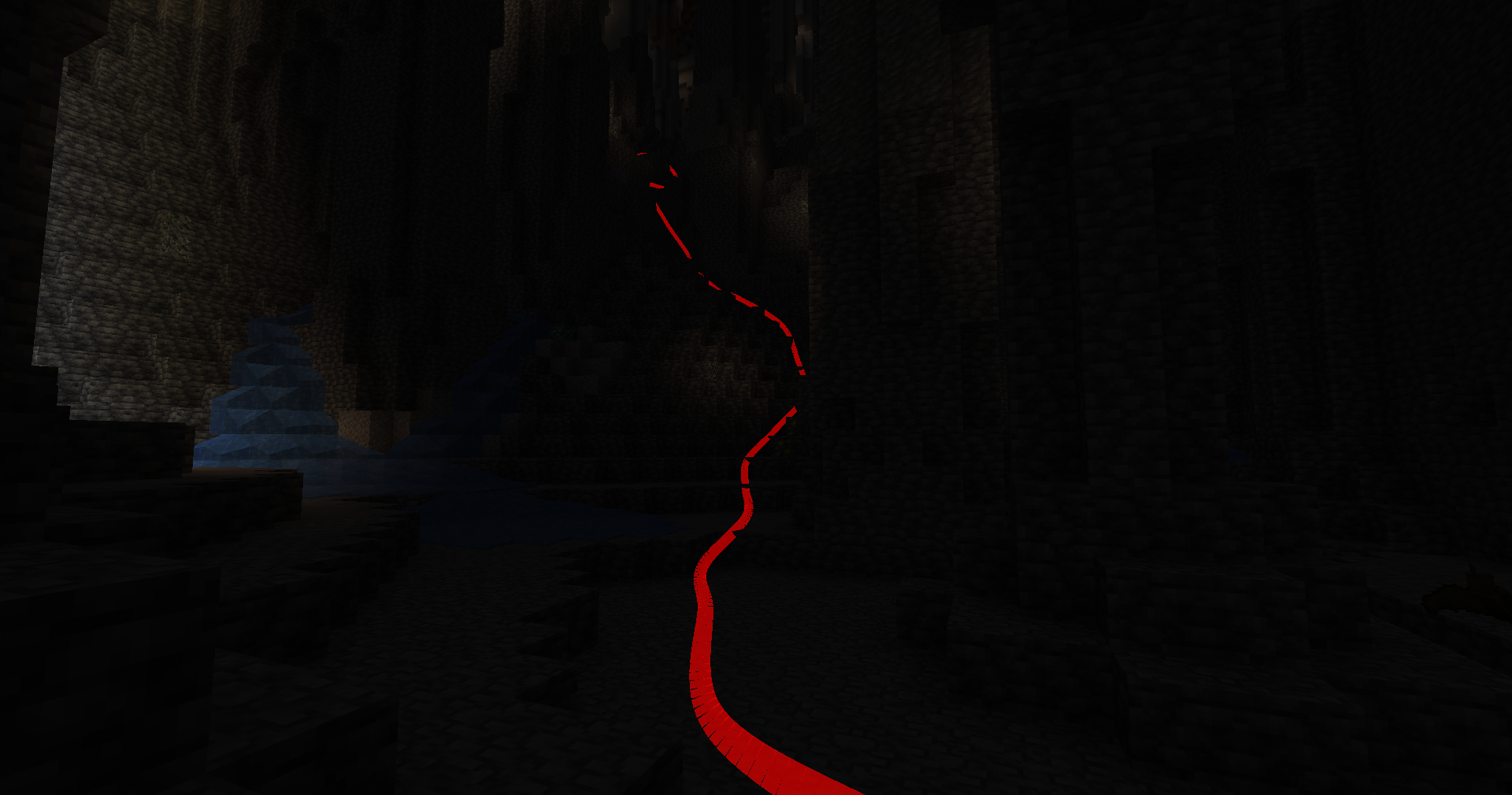
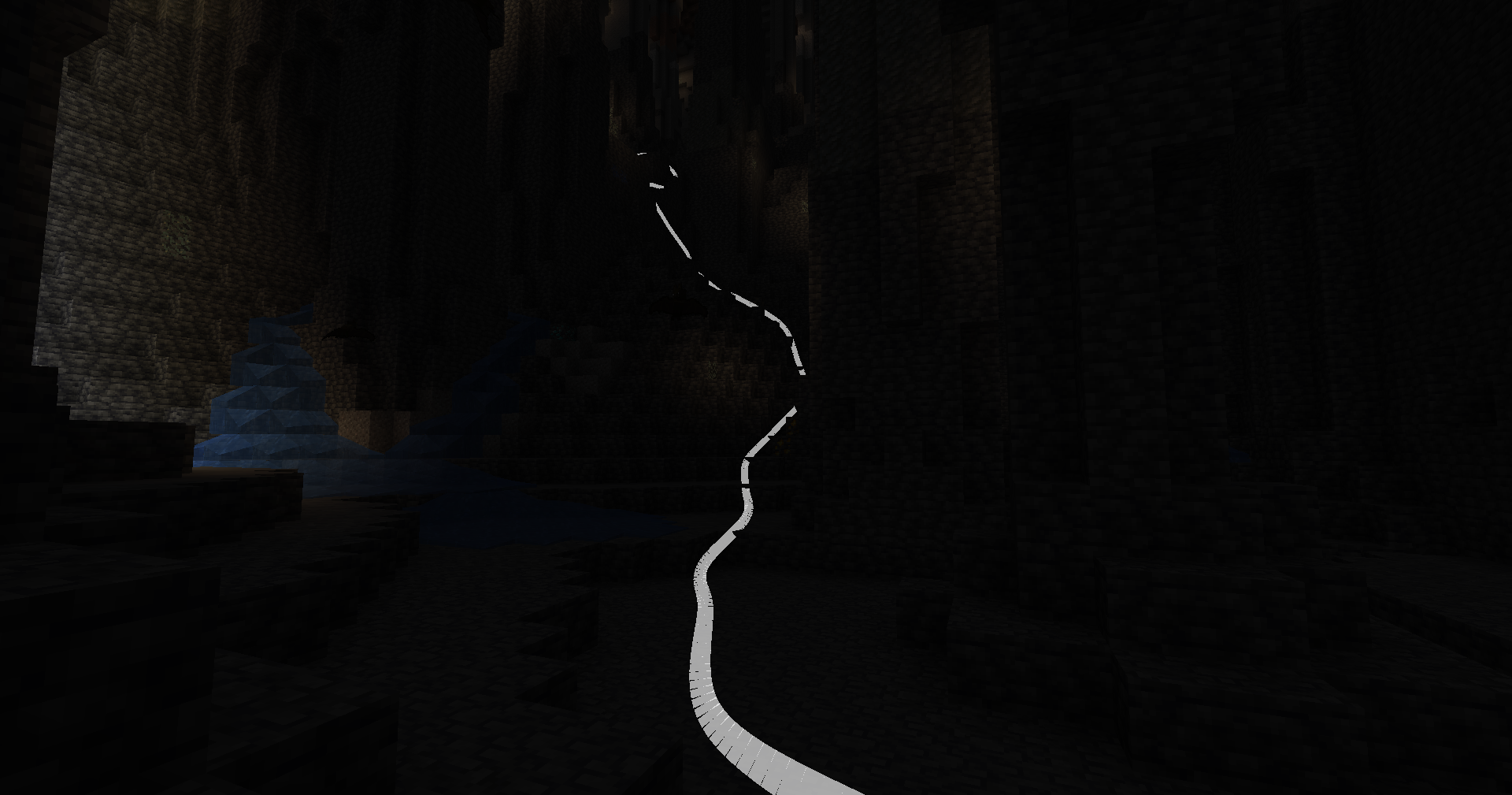
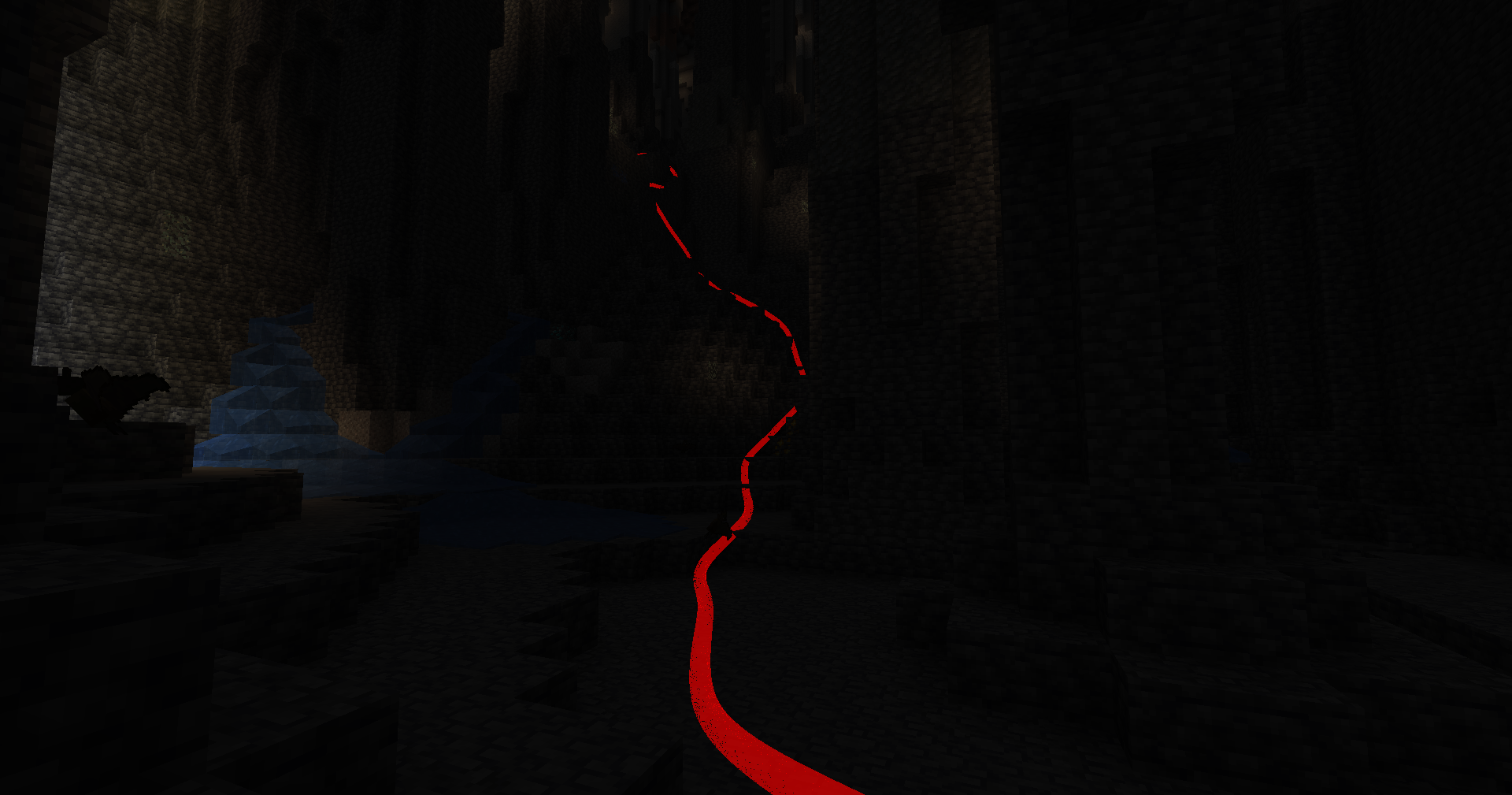
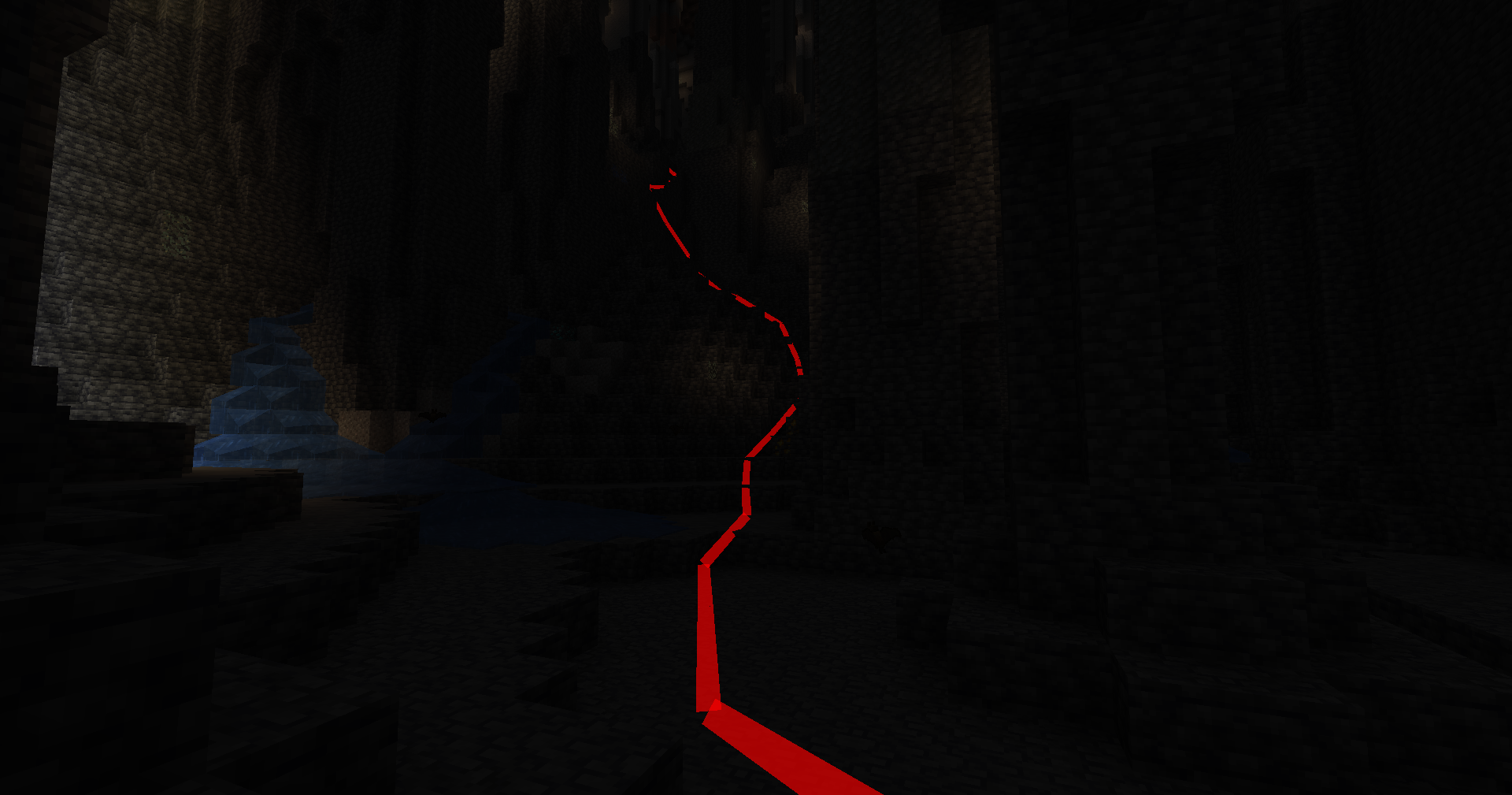
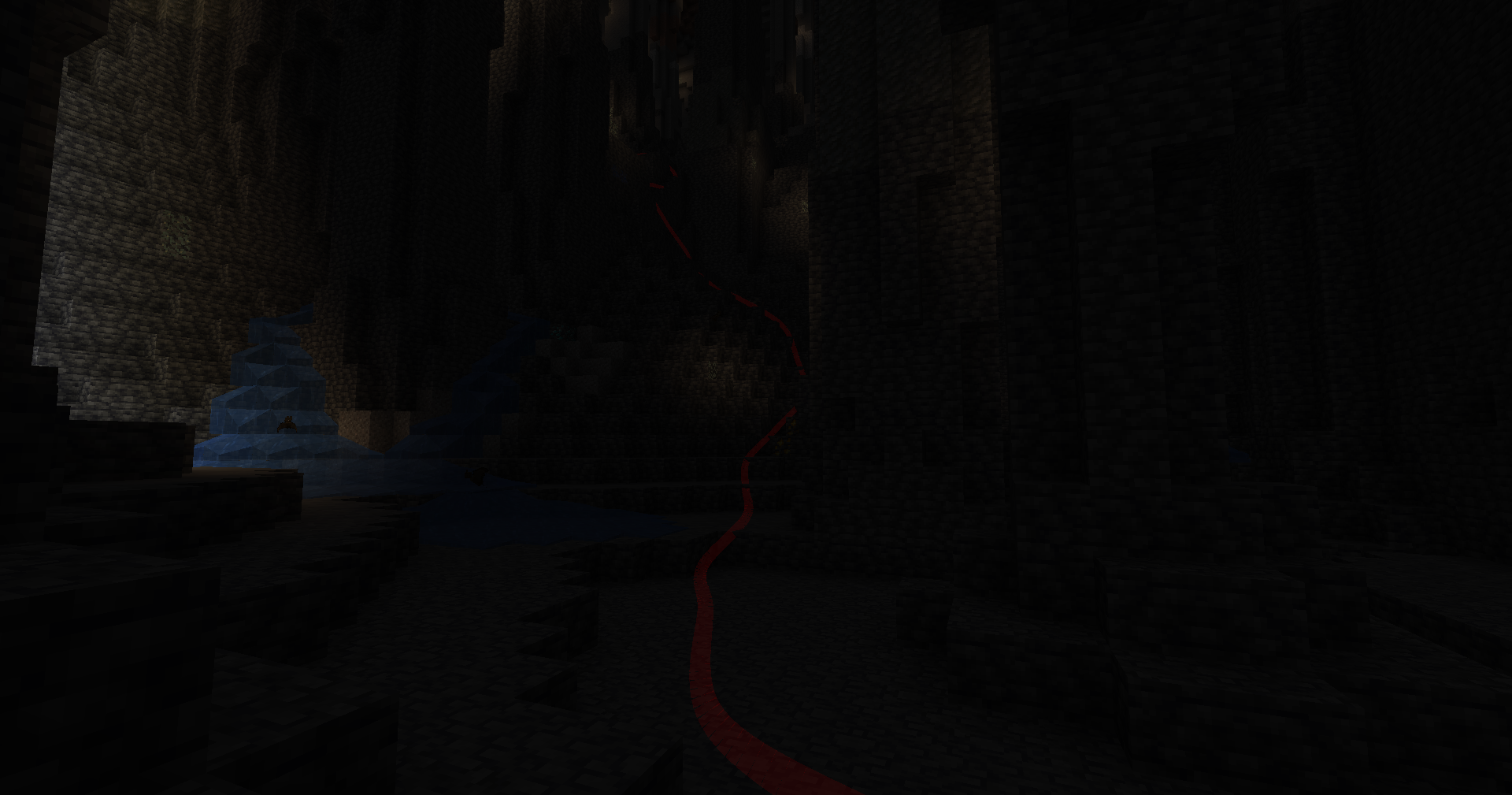
PathTracker is a Minecraft Fabric mod that enhances your exploration experience by visually tracking your movements across different dimensions.
截图
介绍
中文介绍正在准备中,下面暂时显示原文。
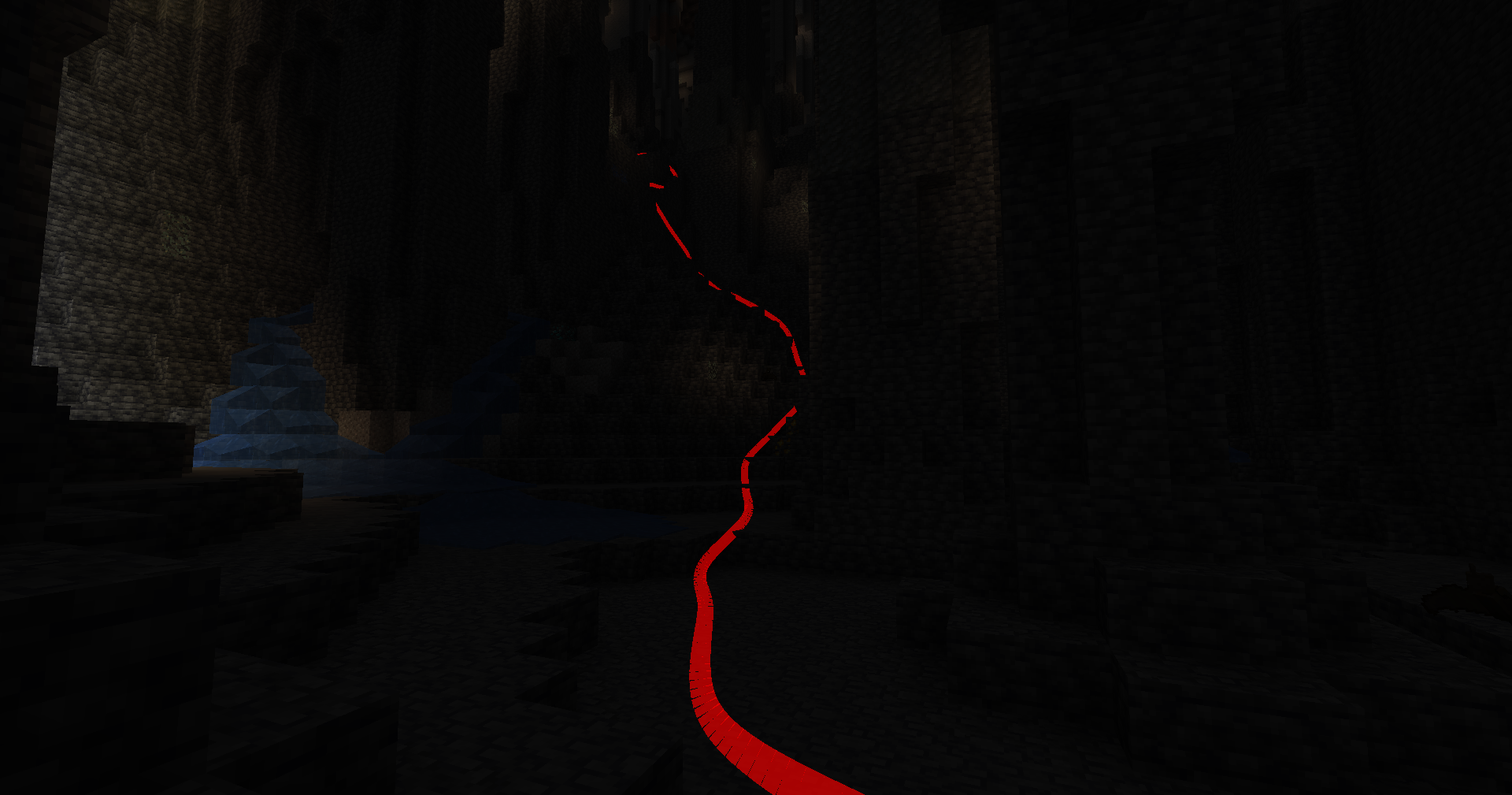
PathTracker is a Minecraft Fabric mod that enhances your exploration experience by visually tracking your movements across different dimensions. It overlays translucent colored lines behind your player, allowing you to see the paths you’ve taken. Whether you’re navigating the Overworld, exploring the Nether, or venturing into the End, PathTracker ensures you never lose your way.
Features
- Multi-Dimension Tracking: Seamlessly track your paths across the Overworld, Nether, and End with separate tracking data for each dimension.
- Multiple Tracking Sessions: Create, list, and switch between multiple tracking sessions to manage different exploration endeavors.
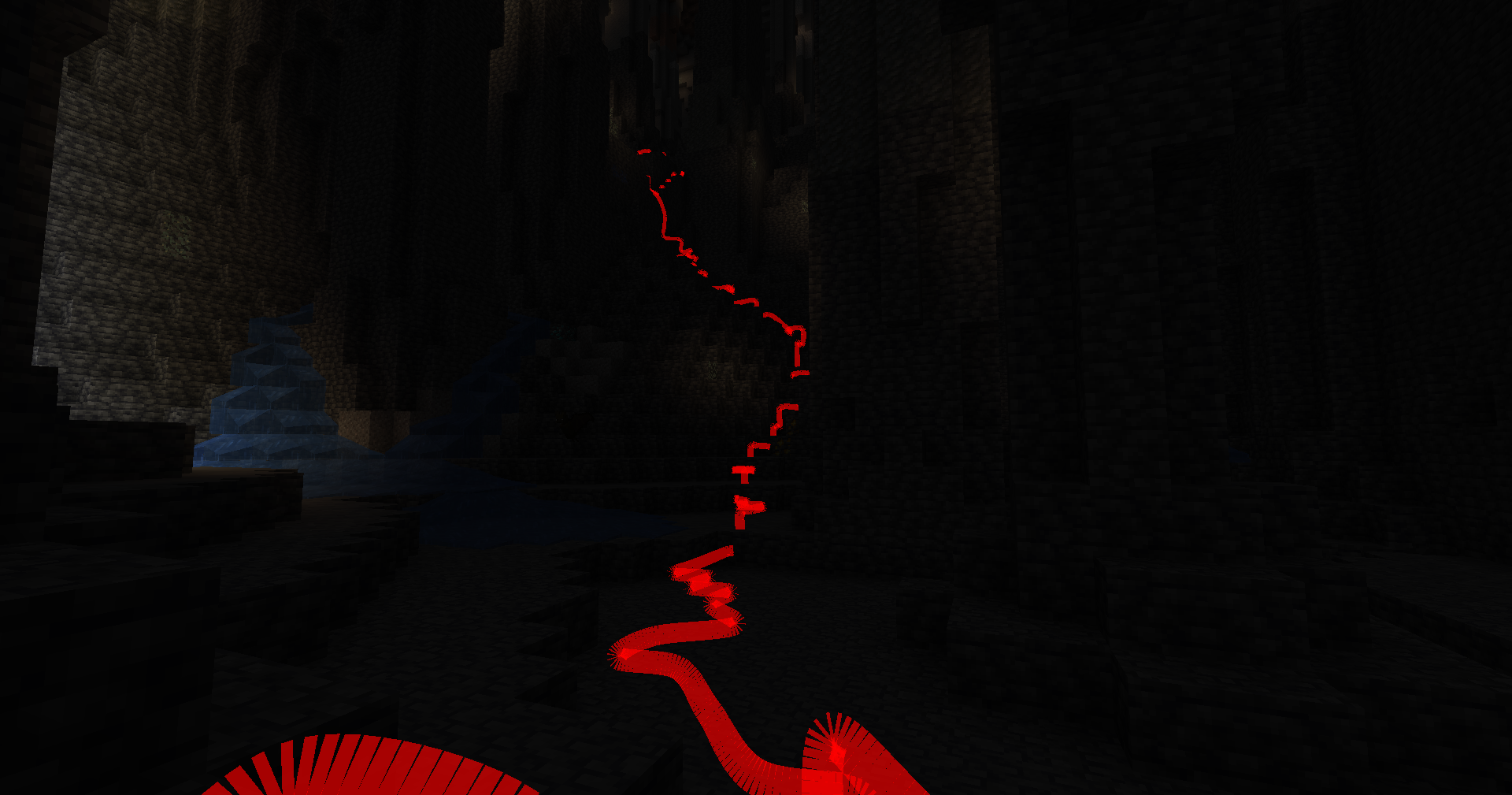
- Customizable Options: Choose your preferred color, subdivision, line thickness and much more!
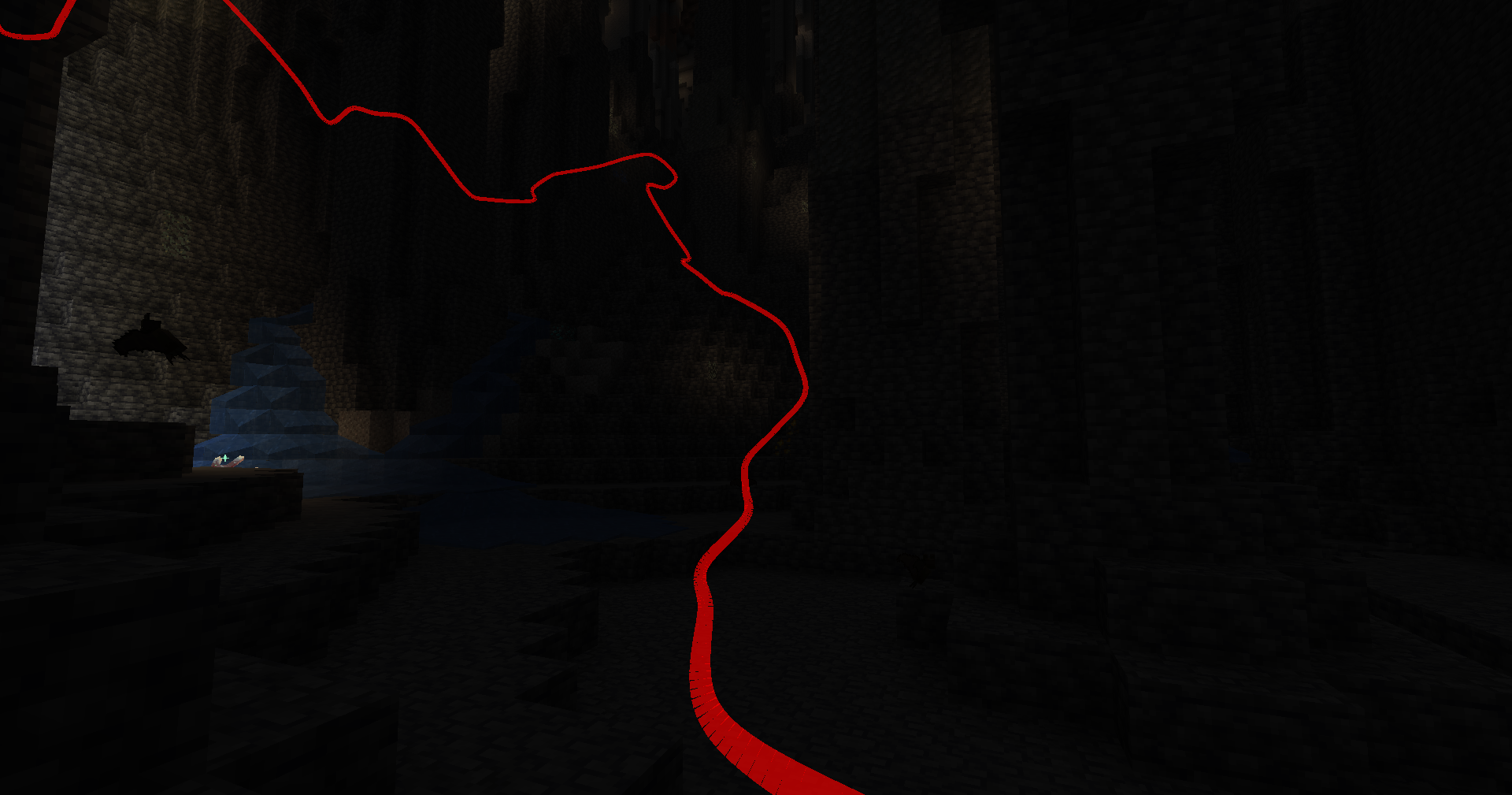
- Depth Override: Toggle depth testing to control whether tracking lines are rendered behind or on top of opaque blocks.
- Manual Save Command: Save your tracked paths at any time without needing to exit the game.
- Key Bindings: Quickly enable or disable tracking and rendering using customizable key bindings.
Key Bindings
- Toggle Tracking
- Key:
K - Function: Enable/disable path tracking.
- Toggle Rendering
- Key:
L - Function: Show/hide tracking lines.
Commands (All prefixed with /pathtracker)
- Tracking Control
- Enable Tracking:
/pathtracker track on - Disable Tracking:
/pathtracker track off
- Rendering Control
- Enable Rendering:
/pathtracker render on - Disable Rendering:
/pathtracker render off
- Line Customization
- Set Line Color:
/pathtracker color <hex> - : Hex color code (e.g., FF0000 for red)
- Example:
/pathtracker color 00FF00(Sets lines to green)
- Save Path Data
- Manual Save:
/pathtracker save - Saves all tracked paths across dimensions and sessions.
- Session Management
- List Current Session:
/pathtracker session current - List All Sessions:
/pathtracker session list - Create New Session:
/pathtracker session create <name> - : Name for the new session
- Example:
/pathtracker session create Exploration1 - Switch Session:
/pathtracker session switch <name> - : Existing session name
- Example:
/pathtracker session switch Exploration1
- Depth Override Control
- Enable Depth Override:
/pathtracker depth on - Lines render on top of all blocks.
- Disable Depth Override:
/pathtracker depth off - Lines respect block depth and can be occluded.
- Transparency
- Set Transparency:
/pathtracker transparency <value> - : The transparency value (e.g., 1000 for 10%)
- Example:
/pathtracker transparency 1000(Sets transparency to 10%)
- Line Mode
- Set Mode:
/pathtracker mode <value> - : The transparency value (“grouped” or “default”)
- Example:
/pathtracker mode default(Sets mode to default)
- Line Thickness
- Set thickness:
/pathtracker thickness <value> - : The transparency value (e.g., 10 for 10% block size)
- Example:
/pathtracker thickness 10(Sets thickness to 10%)
- Render Distance
- Set the Line Render Distance:
/pathtracker renderdistance <value> - : The renderdistance value (e.g., 256 for 256 blocks)
- Example:
/pathtracker renderdistance 256(Sets render distance to 256 blocks)
- Line Subdivisions
- Set the Line Subdivision count:
/pathtracker subdivisions <value> - : The subdivisions value (e.g., 8 for 8 subdivisions per block)
- Example:
/pathtracker subdivisions 256(Sets subdivisions to 8 per block)
常见问题
PathTracker 支持哪些 Minecraft 版本?
PathTracker 支持 Minecraft Java 版 1.20–1.21.4,共 12 个版本,可用的加载器:Fabric。下载时注意选择和你游戏版本一致的文件。
PathTracker 怎么安装?
先用 PCL2 或 HMCL 启动器安装对应版本的 Fabric,再把下载的 .jar 文件放进游戏目录的 mods 文件夹,重新启动游戏即可。开启了版本隔离的,mods 文件夹在 versions/版本名 下面。运行环境:仅客户端。
评论
登录后评论和评分