
Party Pulse
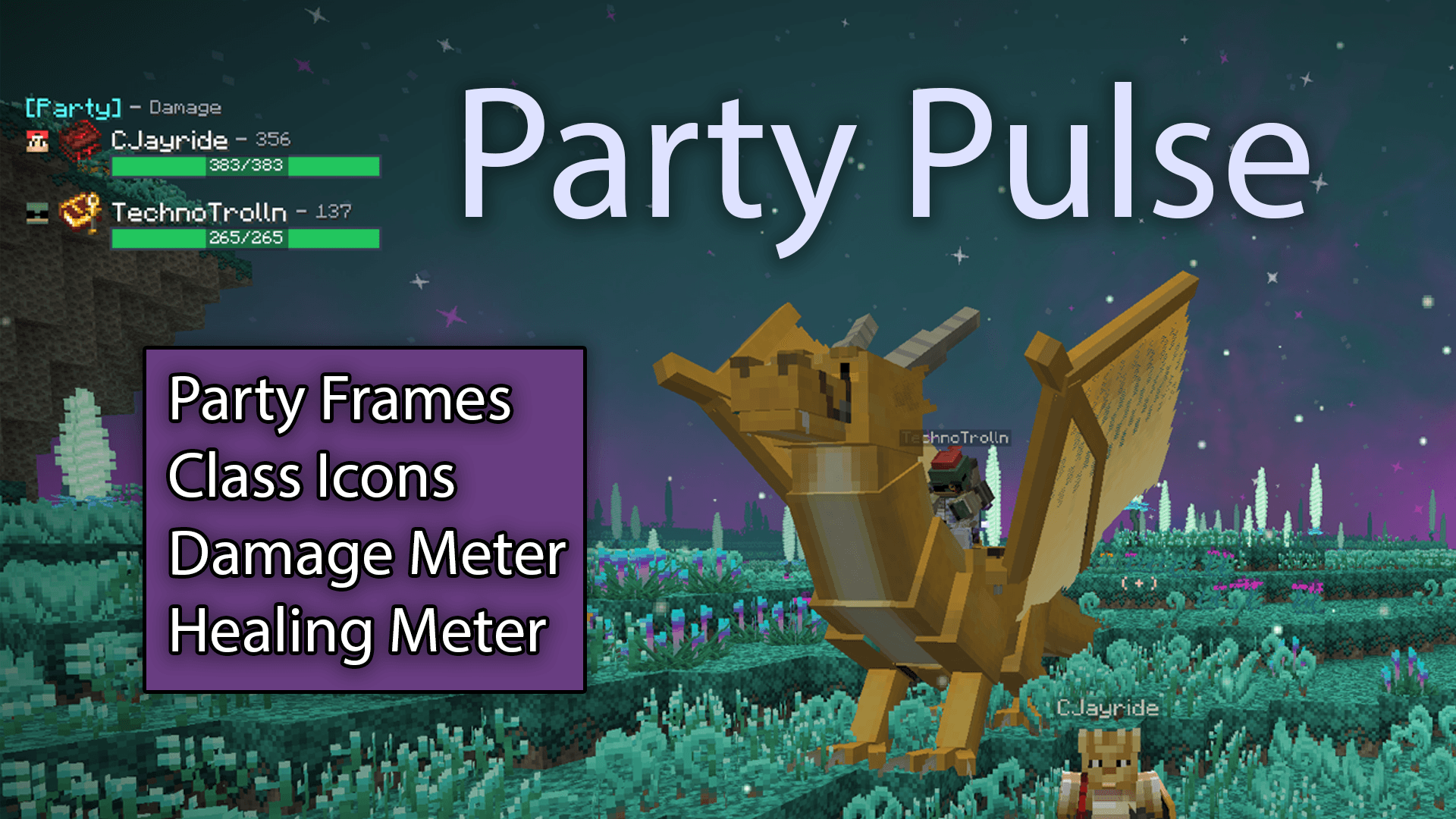
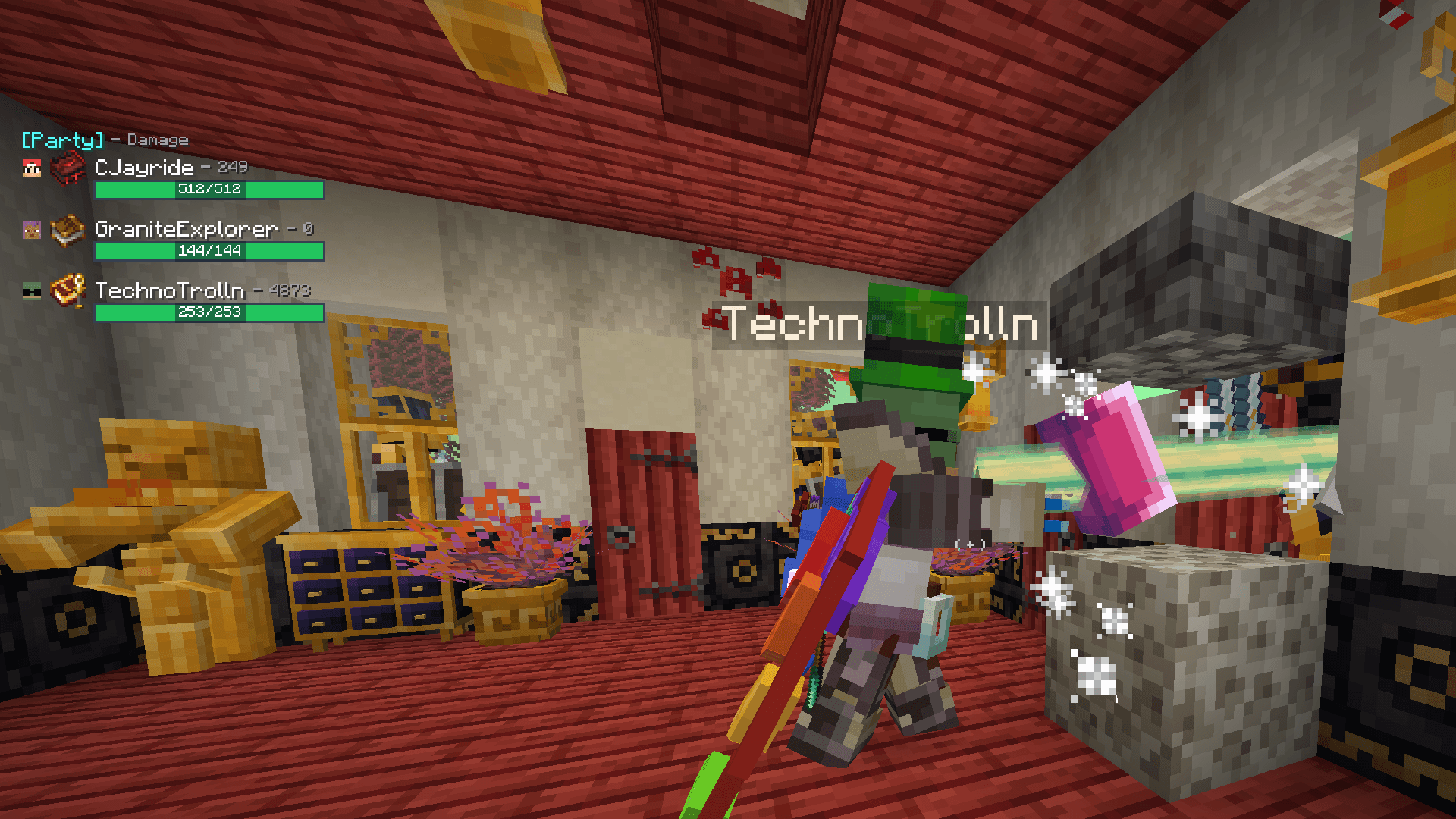
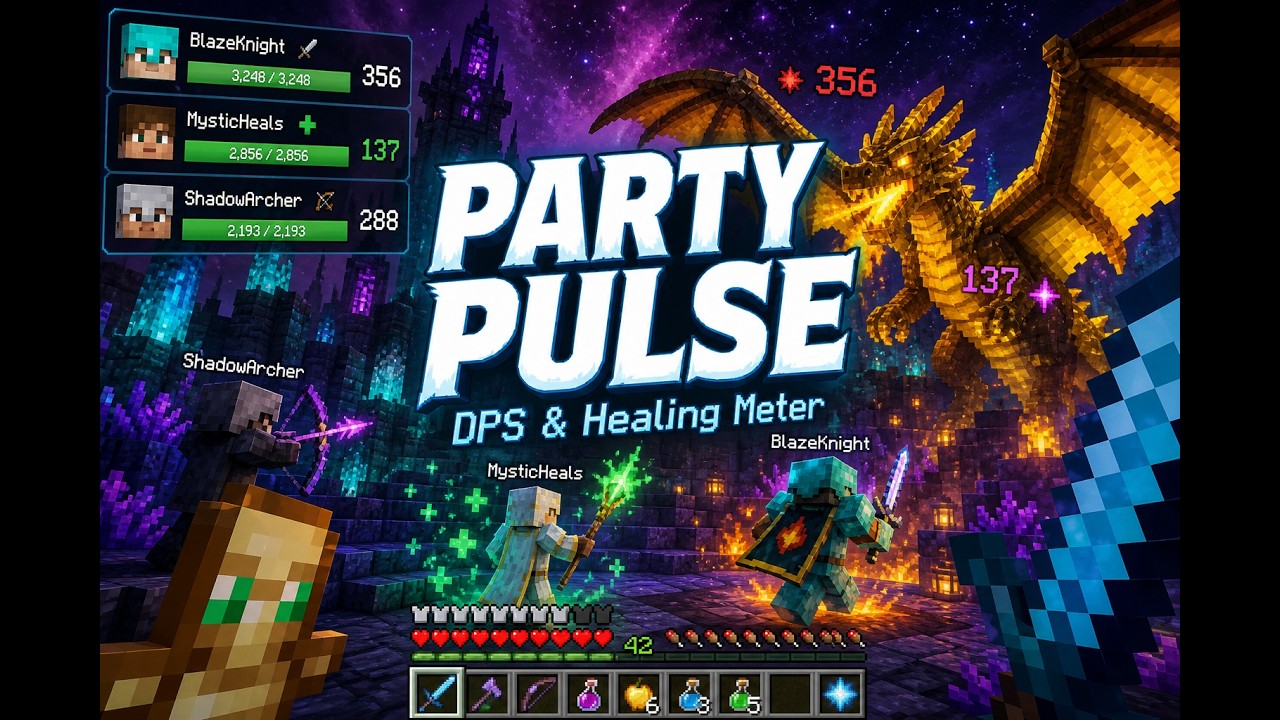
Party frames and combat metrics. Track live party health, Damage Done, DPS, Healing Done, and HPS — with configurable layout, filtering, and hotkeys.
截图
介绍
Party Pulse version 1.0.4 — Updated for Prominence II: Hasturian Era, version 4.0.1hf
Party Pulse
• Party frames with live health
☕ If Party Pulse improves your gaming experience, you can buy me a coffee. ☕
Install on both client and server. Fabric API required.
Optional: Spell Engine, Open Parties and Claims, Trinkets.
Party frames and combat metrics (for Fabric 1.20.1 RPG modpacks.)
—-
Track live party health, Damage Done, DPS, Healing Done, and HPS — with configurable layout, filtering, and hotkeys.
Video
Screenshots


Requirements
- Minecraft 1.20.1
- Fabric Loader
- Fabric API
Optional (recommended)
| Mod | What it unlocks |
|---|---|
| Spell Engine | Caster-attributed Healing Done / HPS |
| Open Parties and Claims | Party roster / party frames |
| Trinkets | Spellbook icon next to player names |
Install Party Pulse on the server and on each client that should see the HUD. Combat is measured server-side, so other players do not need the mod for their damage to appear on your meter.
Install
- Install Fabric for 1.20.1 and Fabric API.
- Drop
party-pulse-<version>.jarinto themodsfolder (client + server). - Launch the game. Open settings with
/pulse menu.
Features
- Party frames with live health / max health
- Damage Done and DPS tracking (post-mitigation, including friendly fire)
- Healing Done and HPS when Spell Engine is present
- Cycle metrics: Damage → DPS → Healing → HPS
- Party vs Nearby filter (Nearby uses a 128-block range)
- Combat metrics only show for players within 128 blocks in your dimension; health frames still update everywhere for party members
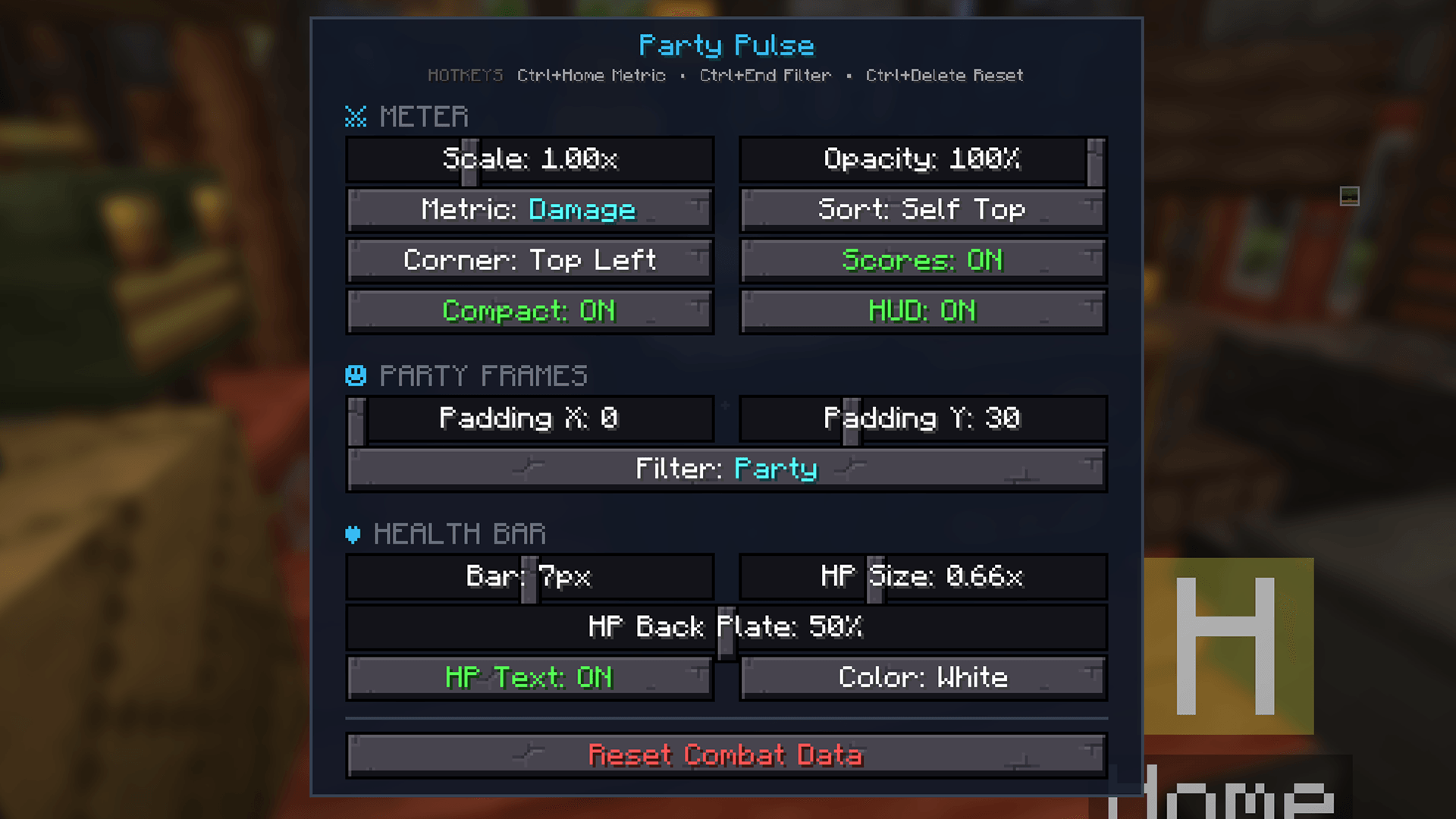
- Configurable corner, scale, opacity, bar height, HP text, sorting
Commands & hotkeys
All chat commands use the /pulse prefix. Keybinds require Ctrl plus the bound key (defaults below). Rebind under Controls → Party Pulse.
Keybinds
| Hotkey | Action |
|---|---|
Ctrl + Home |
Cycle metric: Damage → DPS → Healing → HPS |
Ctrl + End |
Toggle filter: Party ↔ Nearby |
Ctrl + Delete |
Reset combat session totals to 0 |
Chat commands
| Command | Action |
|---|---|
/pulse menu |
Open the settings screen |
/pulse toggle |
Show or hide the entire HUD |
/pulse mode |
Cycle Damage → DPS → Healing → HPS |
/pulse filter |
Toggle Party ↔ Nearby |
/pulse corner |
Move the HUD clockwise around screen corners |
/pulse numbersonly |
Hide combat score numbers (frames + health only) |
/pulse sorting |
Cycle sort: Ranked → A-Z → Self Top |
/pulse values |
Toggle compact numbers (12.3K vs 12345) |
/pulse hptext |
Toggle health number text on the bar |
/pulse reset |
Reset combat session totals to 0 |
Settings menu only
These are available in /pulse menu (no chat command):
- Meter Scale and Opacity
- Party frame Padding X / Y
- Health bar height, HP text size, back plate opacity, and HP color
常见问题
Party Pulse 支持哪些 Minecraft 版本?
Party Pulse 支持 Minecraft Java 版 1.20.1,可用的加载器:Fabric。下载时注意选择和你游戏版本一致的文件。
Party Pulse 怎么安装?
先用 PCL2 或 HMCL 启动器安装对应版本的 Fabric,再把下载的 .jar 文件放进游戏目录的 mods 文件夹,重新启动游戏即可。开启了版本隔离的,mods 文件夹在 versions/版本名 下面。
评论
登录后评论和评分