
Particle Wake
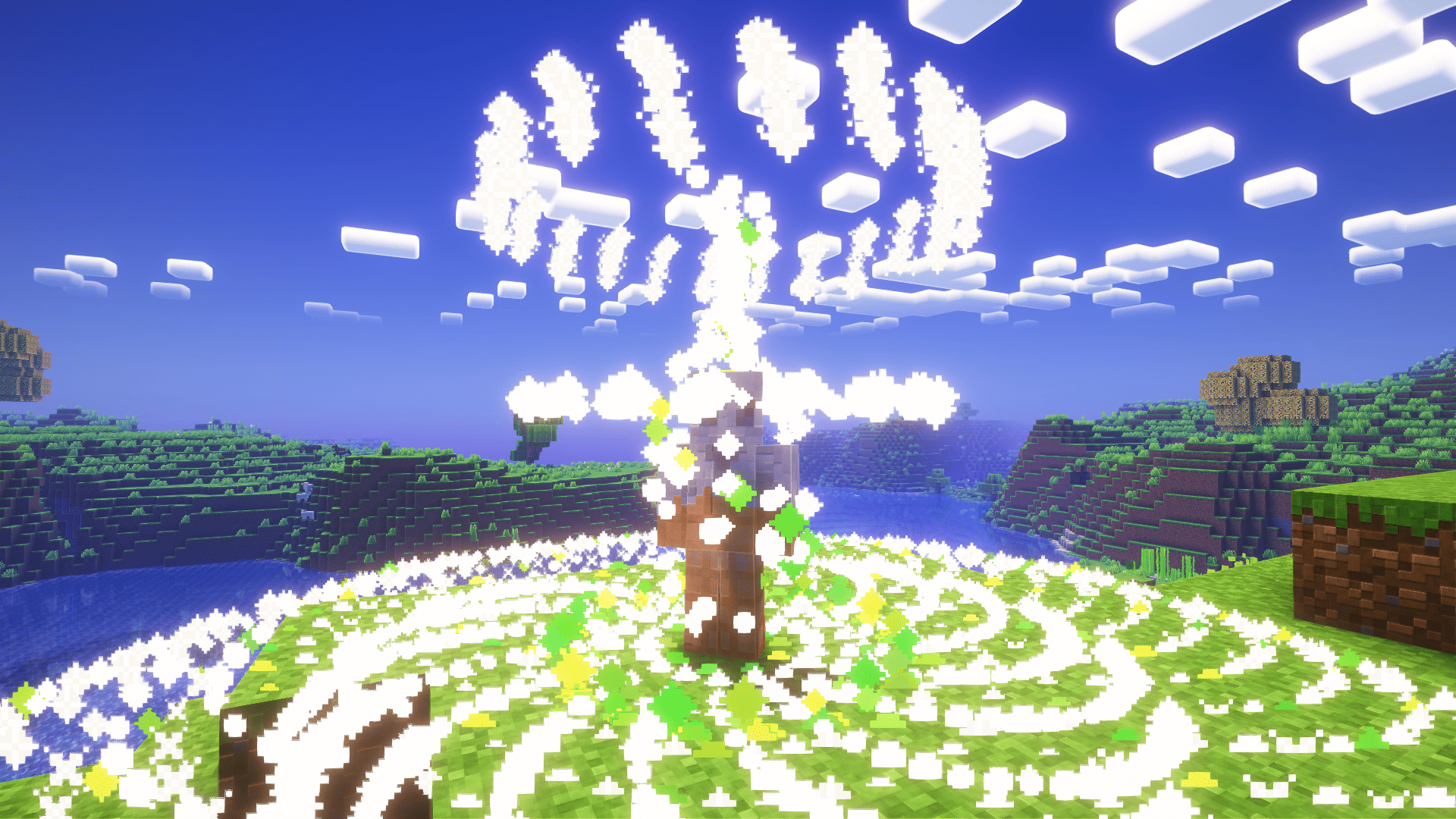
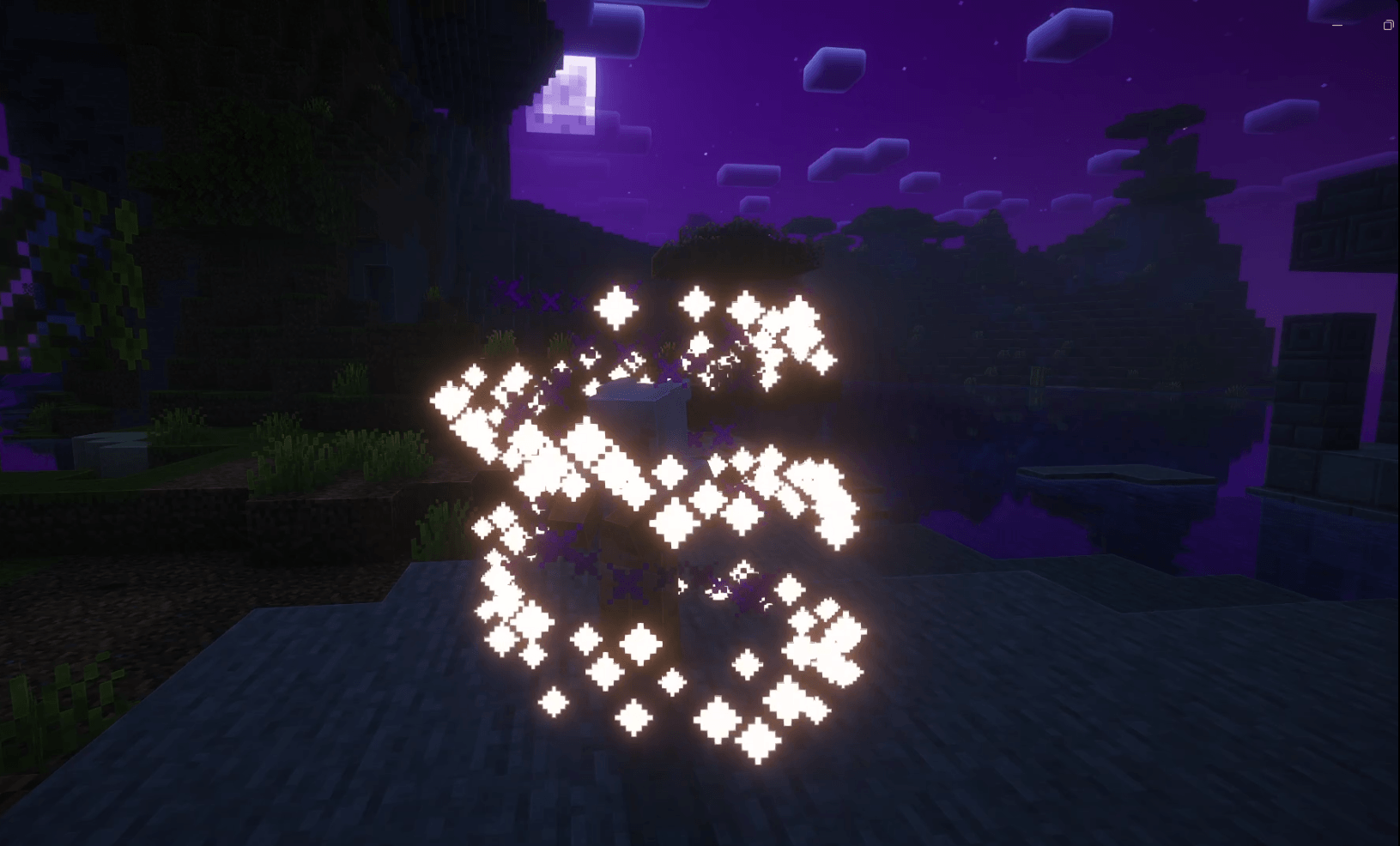
Particle Wake adds immersive particle effects around players when they enter a world or respawn, making each appearance feel more dynamic and visually satisfying.
截图
介绍

Particle Wake adds cinematic particle effects when a player joins a world, respawns, or changes dimension.
Each wake is built around a 3-phase visual sequence: a ground shockwave, a rising particle spiral, and a finale burst above the player.
Features
- Cinematic spawn, respawn, and dimension-change particle effects
- Per-player settings
- Fully customizable particles
- Adjustable particle count, duration, radius, height, rotation speed, and spread
- Built-in visual presets:
- Arcane
- Celestial
- Ember
- Frost
- Void
- Nature
- Phantom
- In-game preview button
- No sound effects for now
How to Use
Press O in-game to open the Particle Wake settings screen.
From there, you can:
- enable or disable the effect
- choose a preset
- customize the particle types
- adjust the shape and intensity
- preview the effect instantly
常见问题
Particle Wake 支持哪些 Minecraft 版本?
Particle Wake 支持 Minecraft Java 版 1.21.1,可用的加载器:NeoForge。下载时注意选择和你游戏版本一致的文件。
Particle Wake 怎么安装?
先用 PCL2 或 HMCL 启动器安装对应版本的 NeoForge,再把下载的 .jar 文件放进游戏目录的 mods 文件夹,重新启动游戏即可。开启了版本隔离的,mods 文件夹在 versions/版本名 下面。
Only_Wave 的其他作品
查看全部 →
Totem Morph
Client mod that renders the totem as a Minecraft player skin.

ChillingTime
Chilling time is a Fabric 1.21.11 Vanilla+ modpack focused on exploration, immersion, and quality of life.

BlackOut Ruins
Blackout: Ruins is a gritty post-apocalyptic survival pack set in abandoned cities. True darkness, fog, and harsh weather shape every fight. Face tougher undead, scavenge supplies, and survive with modern firearms and immersive audio.

Loot Lens
Analyze mobs, discover their drops, and save them in a searchable in-game journal.
评论
登录后评论和评分