Particle Dithering
Adds dithered transparency effect to particles. Compatible with any shaders!
截图
介绍

 [](https://boosty.to/lopymine/donate)


💬 Description
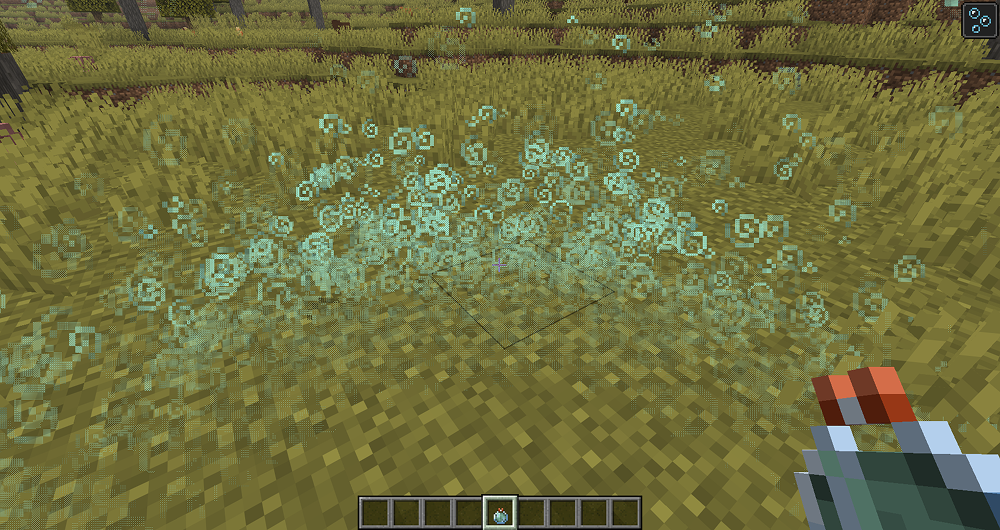
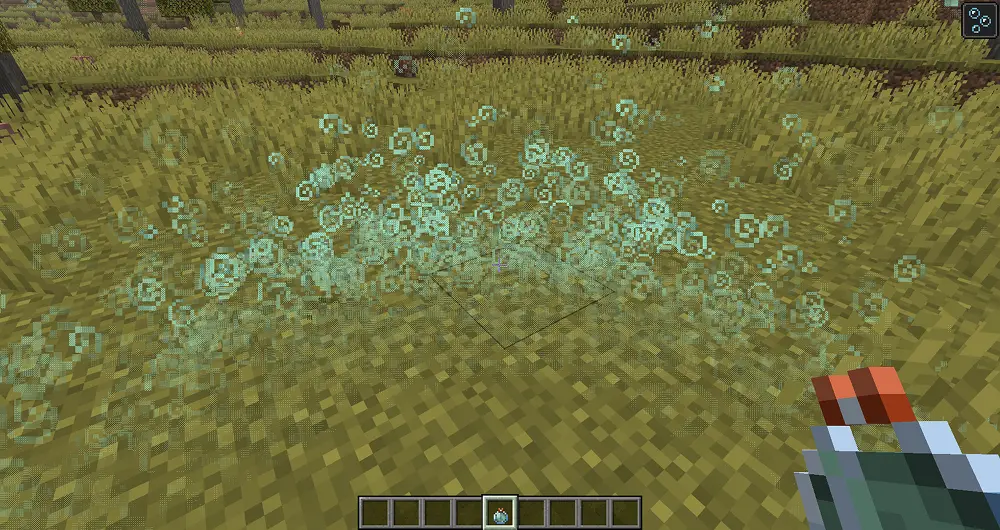
Particle Dithering — Mod that adds dithered transparency effect to particles when you are close to them:
🌟 Shaders Compatible
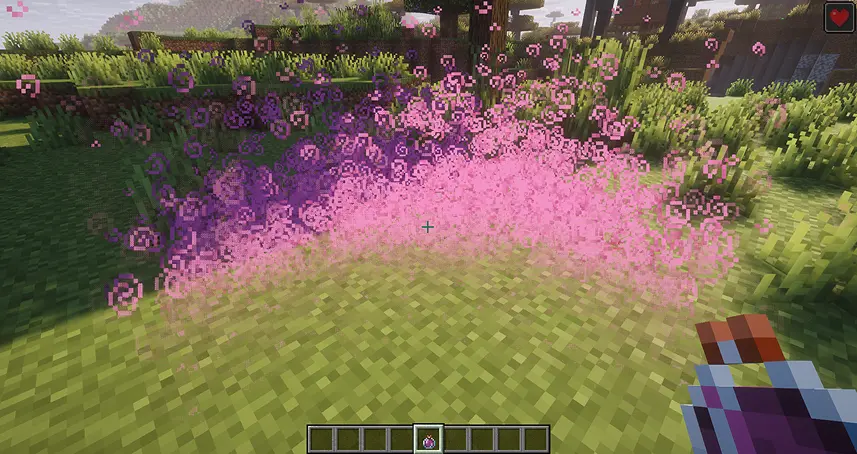
Don’t worry, this mod works with all shaders, including those from your resource packs or Iris shaders! You don’t need to do anything — just enable them, and it will work.
Complementary Shaders Enabled:
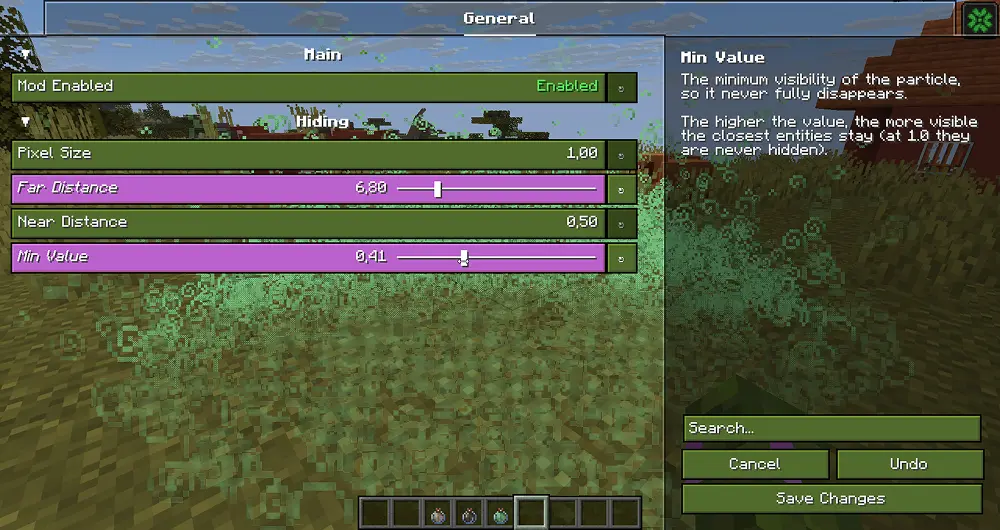
⚙️ Configuration Screen
Here you can easily configure effect behaviour!

 Want to support mod and author? Just tell everyone about this mod!
Yeah, you got it right. Just by advertising, you will support the mod and the creators well. The more people will know about this mod, the more downloads it will have, more downloads will give good motivation to authors and increase income from the site (literally free donation). Remember, advertising must not be intrusive and annoiyng!
What you can do?
- Make a video review / advertisement
- Tell your friends about this mod
- Just download this mod (if you want to play with it :D)
常见问题
Particle Dithering 支持哪些 Minecraft 版本?
Particle Dithering 支持 Minecraft Java 版 1.21.11–26.2,共 5 个版本,可用的加载器:Fabric / NeoForge。下载时注意选择和你游戏版本一致的文件。
Particle Dithering 怎么安装?
先用 PCL2 或 HMCL 启动器安装对应版本的 Fabric / NeoForge,再把下载的 .jar 文件放进游戏目录的 mods 文件夹,重新启动游戏即可。开启了版本隔离的,mods 文件夹在 versions/版本名 下面。运行环境:仅客户端。
LopyMine 的其他作品
查看全部 →
Particle Effects
视觉模组,为 Minecraft 原版的每种效果添加独特的粒子纹理!

MossyLib
为 Mossy 项目提供基础工具的前置库。

Inventory Particles
为你的物品栏物品添加精美粒子效果!让你的物品栏更加生动、更有动感! ✨现已支持模组物品!✨

PatPat [Mod & Plugin]
让你可以抚摸 Minecraft 中的任何生物,无论它是否讨人喜欢!
评论
登录后评论和评分