
截图
介绍
中文介绍正在准备中,下面暂时显示原文。


Paper Thin Maps (Visual Utility)
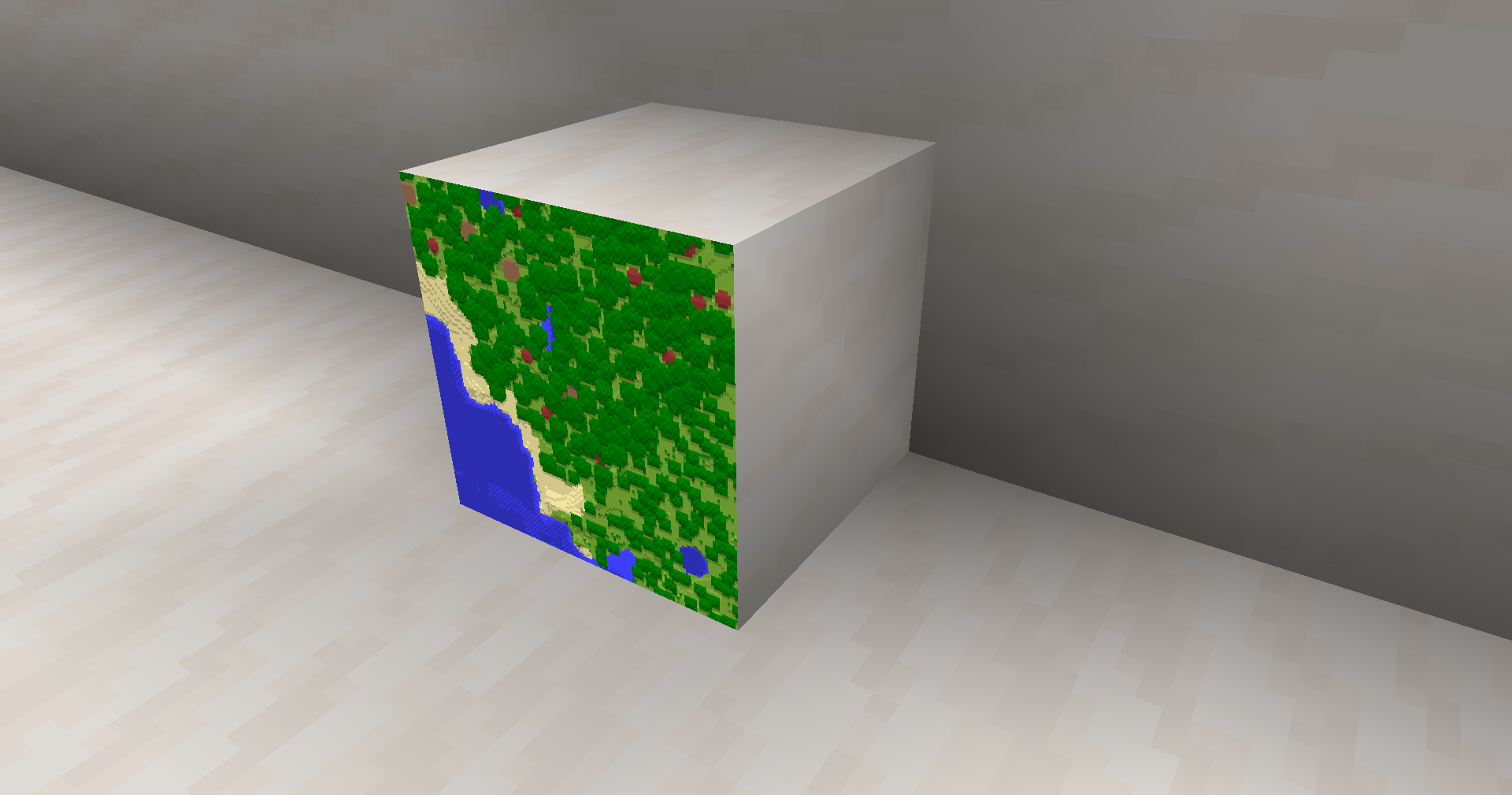
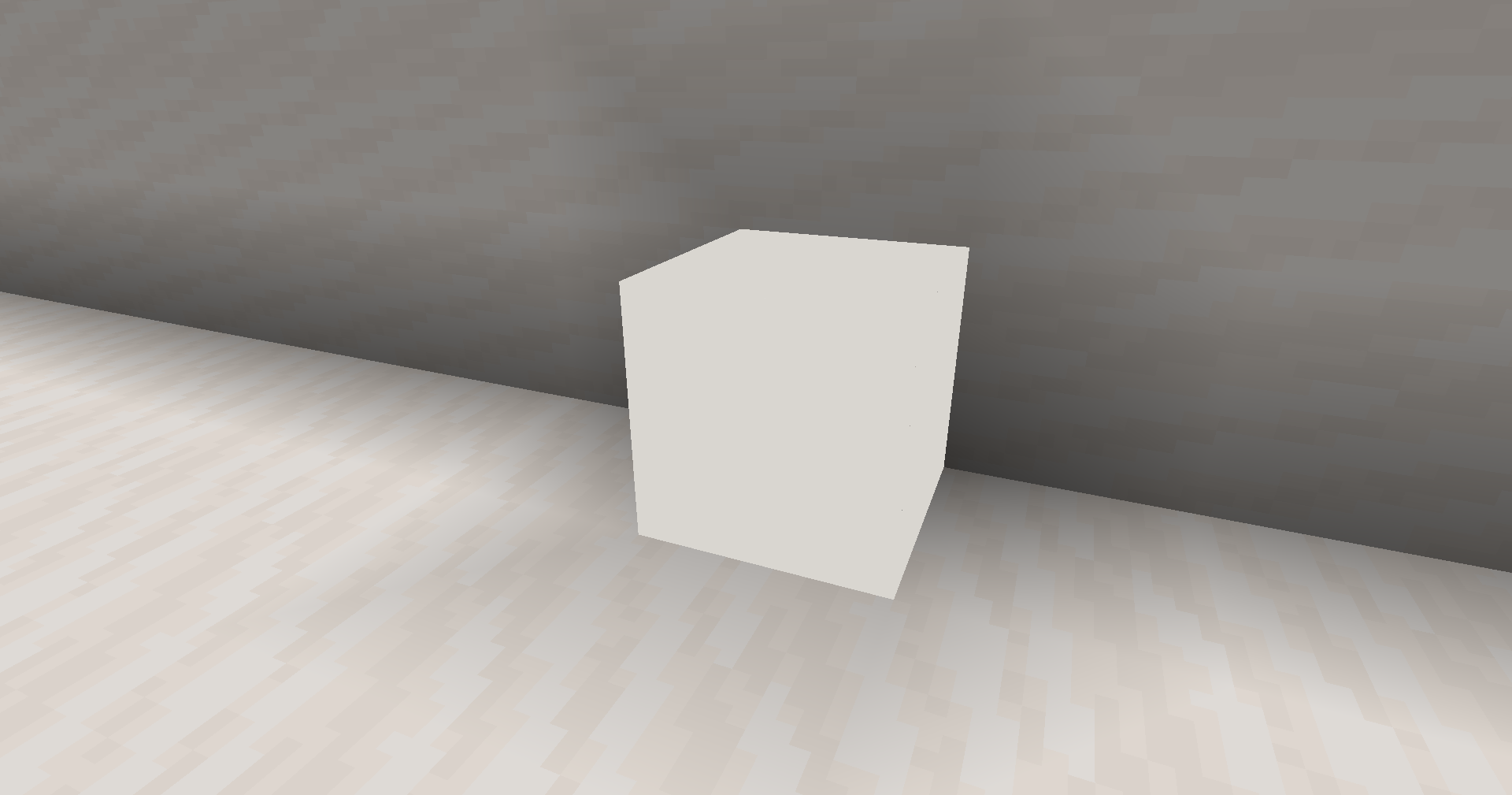
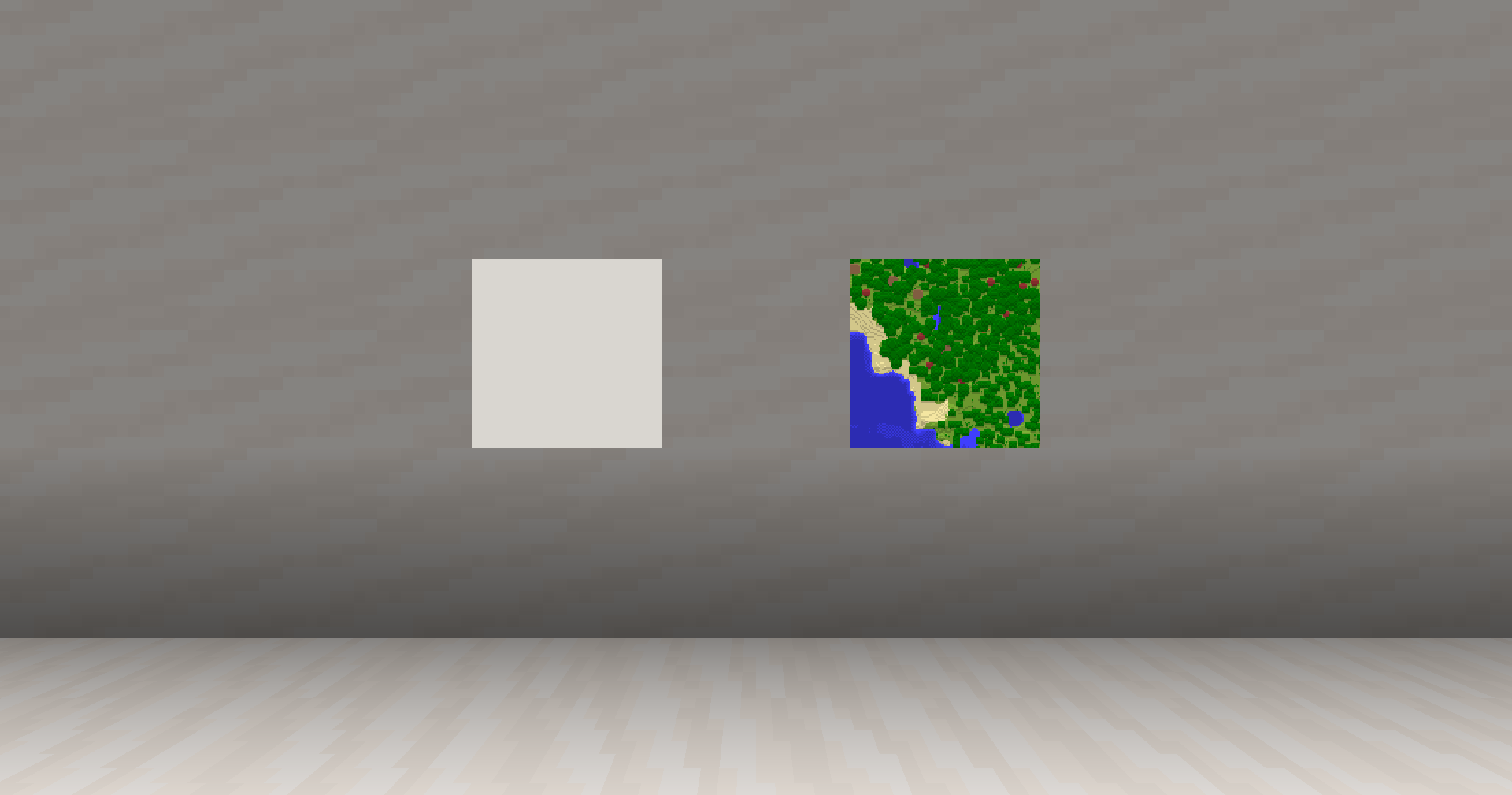
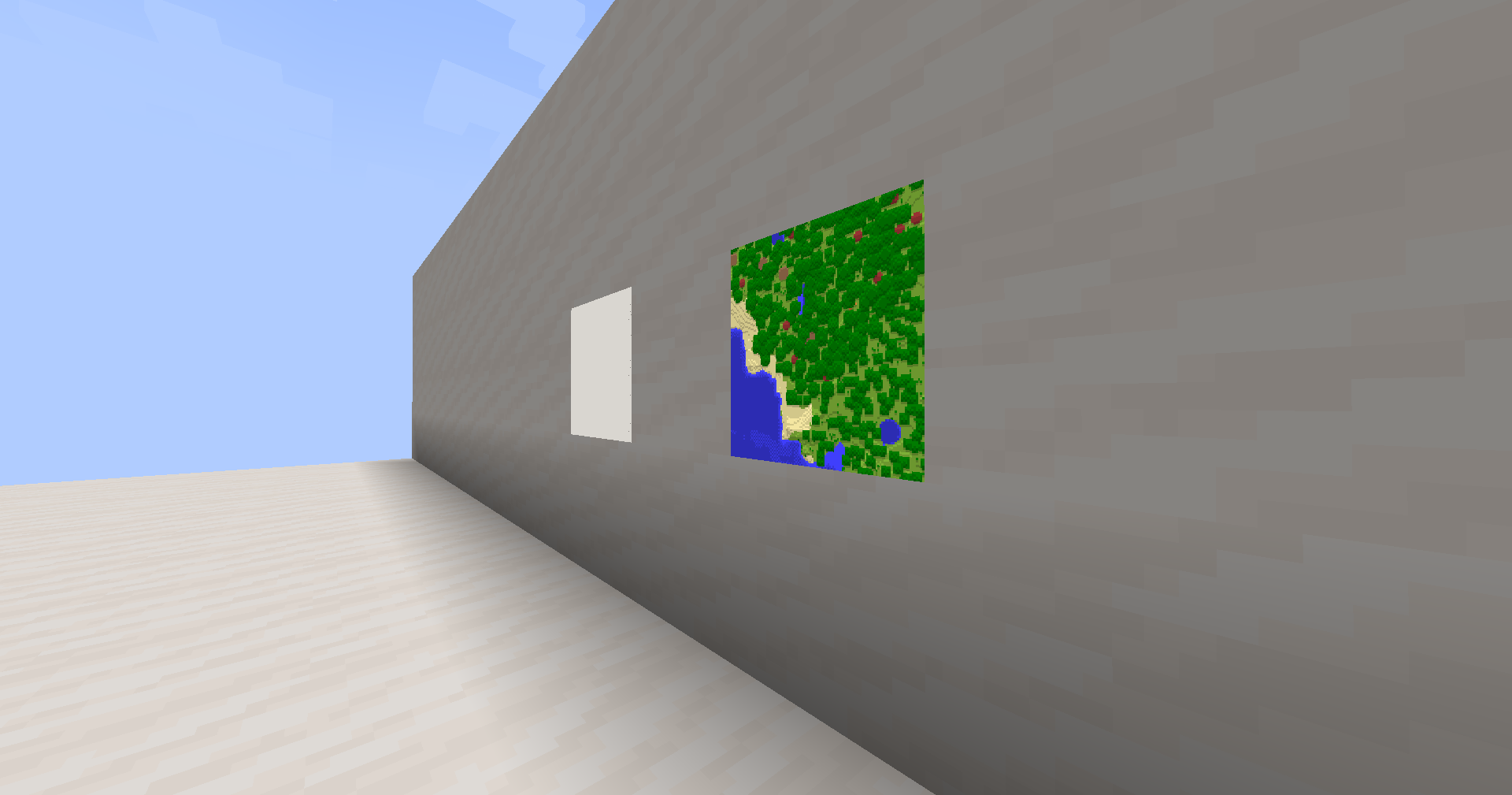
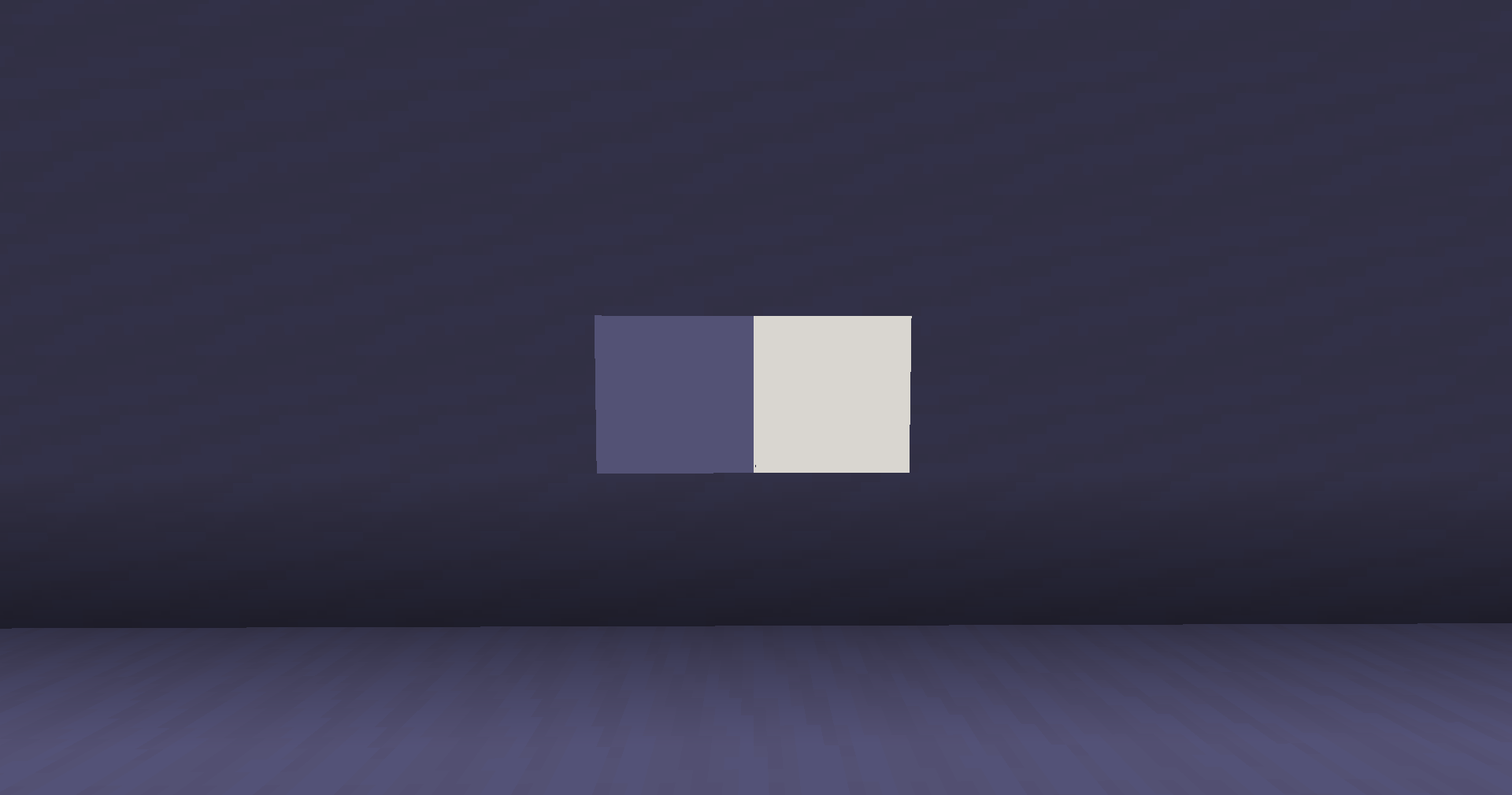
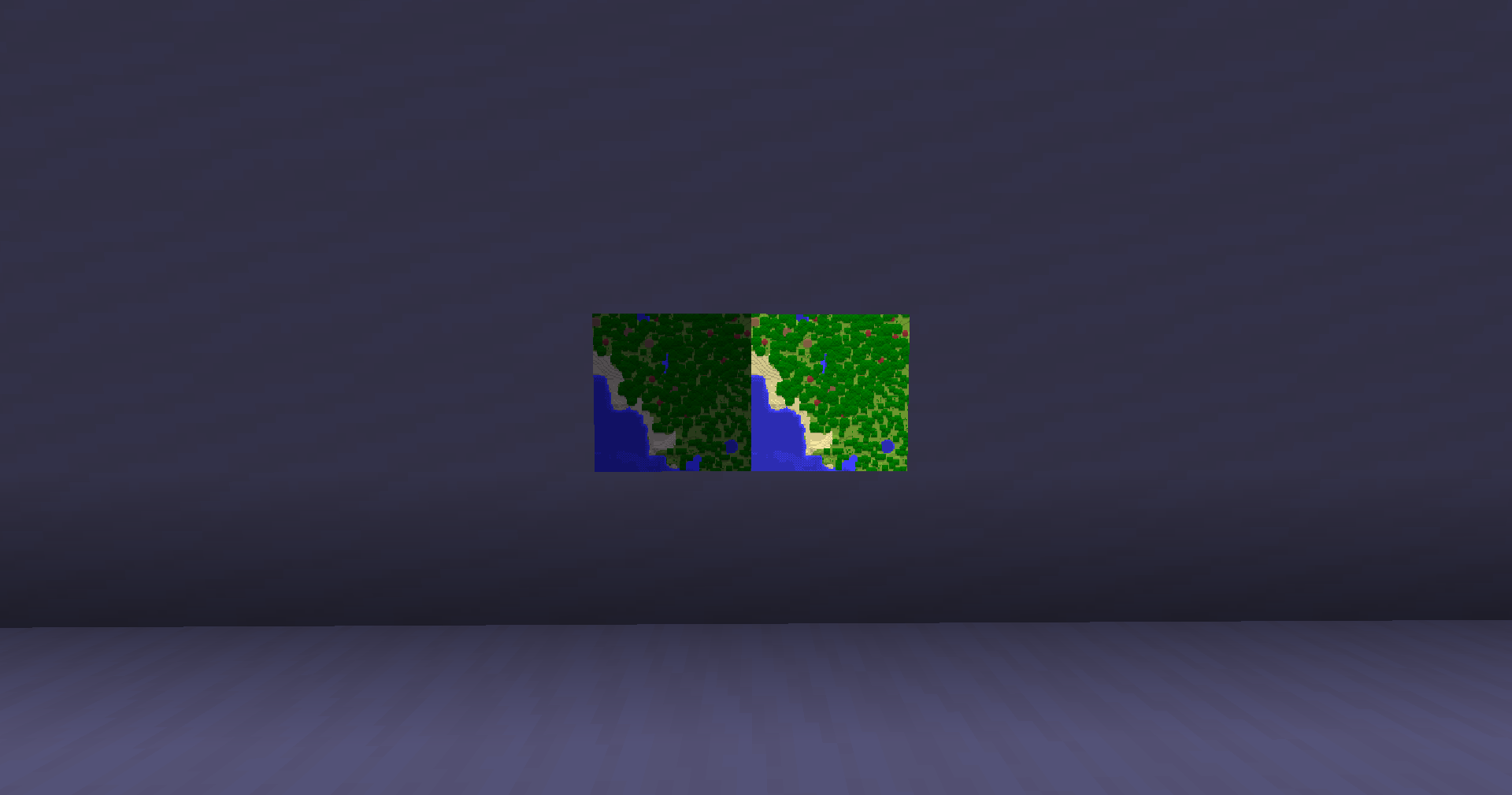
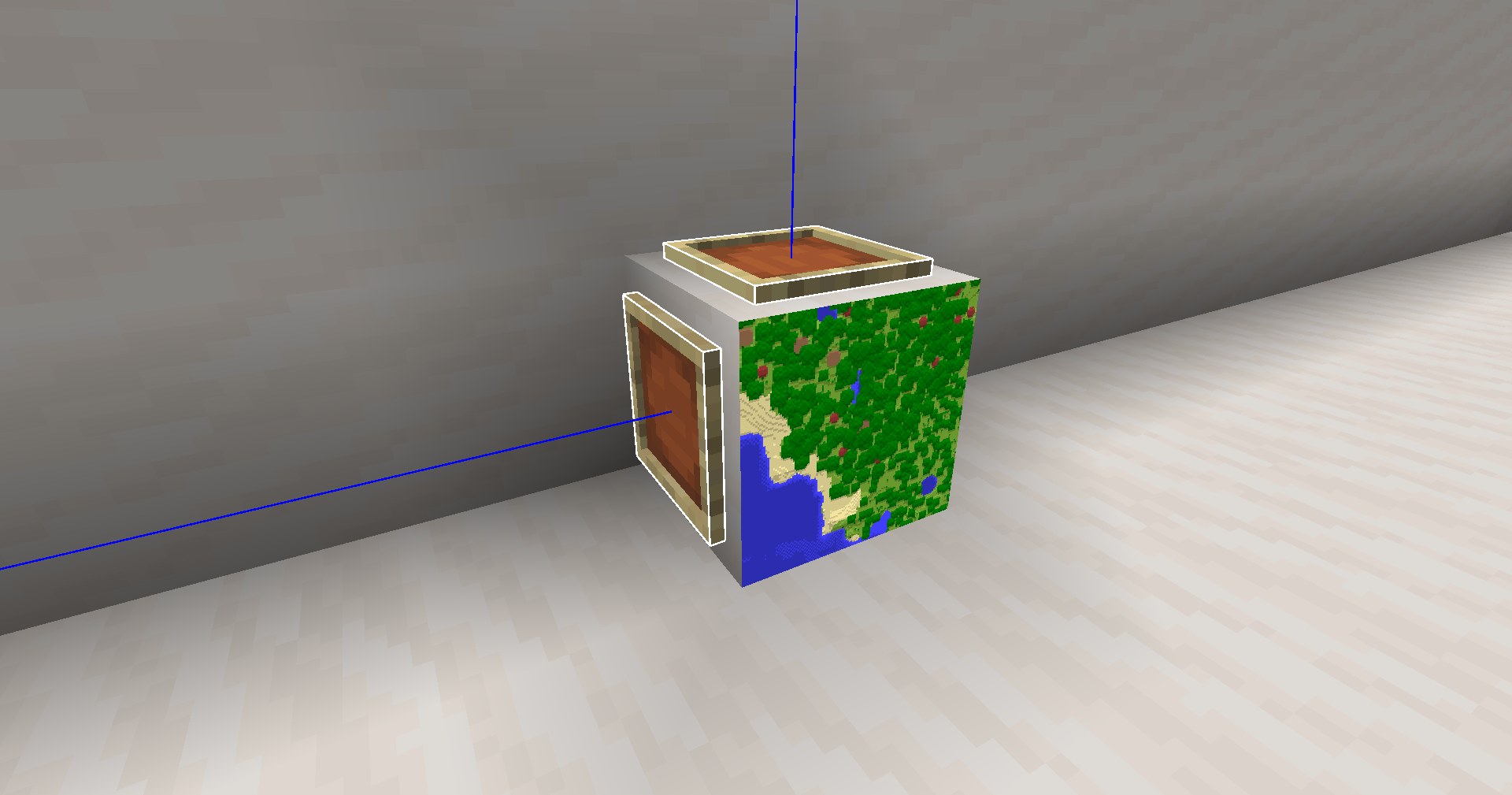
This utility mod redefines how maps are displayed in Item Frames, making them ultra-thin and perfectly aligned with the block surface. It’s the ultimate tool for builders who want seamless “wallpaper” maps or clean glass displays.
Key Features:
- Ultra-Thin Rendering: Reduces the map thickness to a paper-like scale, removing the bulky 3D box effect.
- Zero-Gap Alignment: Adjusts the map position to sit flush against the block (including Glass), eliminating the annoying “floating” space.
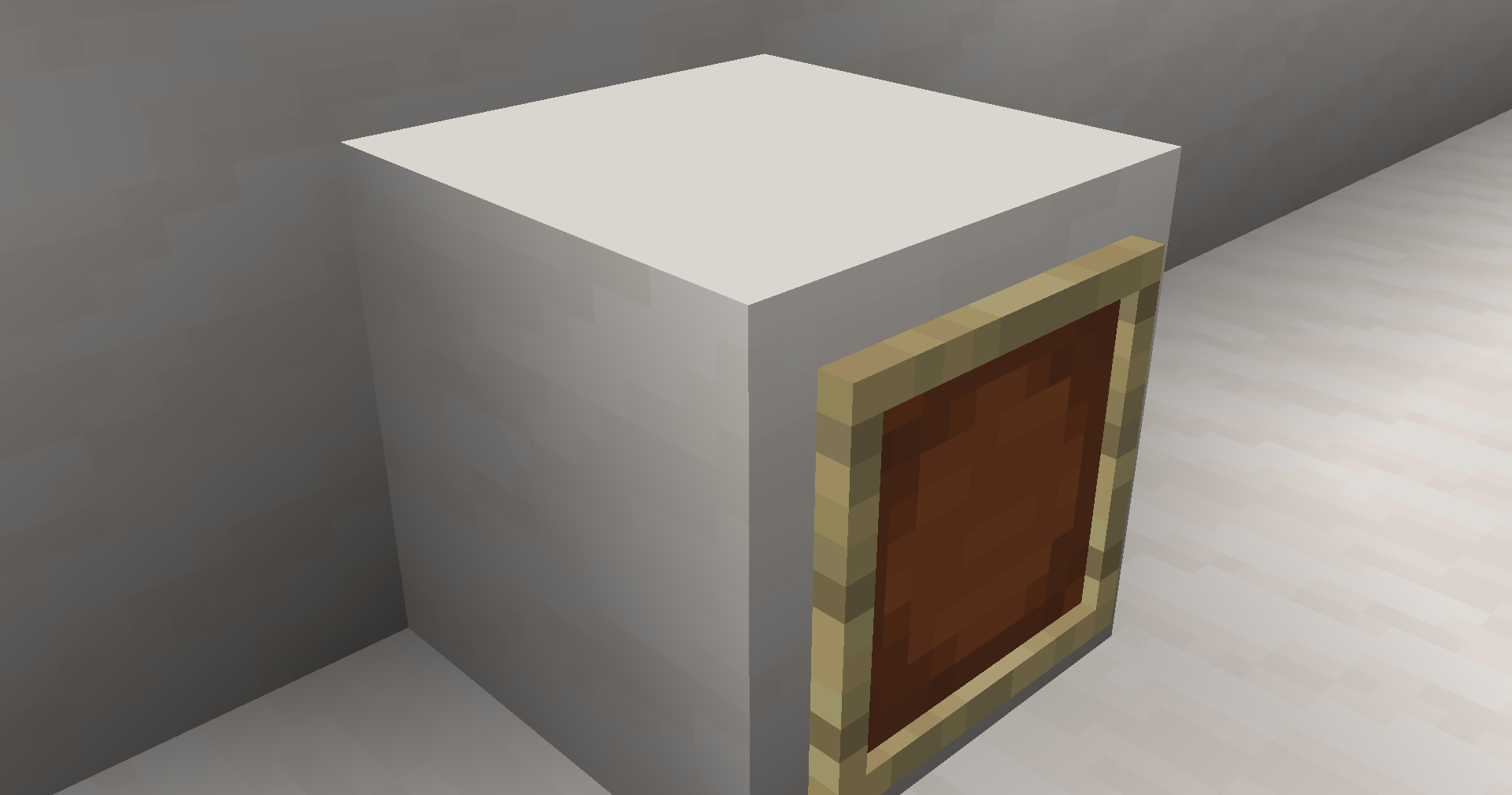
- Auto-Invisible Frames: Automatically hides the wooden Item Frame texture when a map is placed inside.
- Marker Cleanup: Completely disables the green “Frame Markers” on maps for a cleaner, marker-free world view.
This is a client-side and server-side compatible modification. It requires Architectury API to function.
Compatibility:
- Loaders: Supports both Forge and Fabric.
- Environments: Perfect for creative building, map art galleries, and modern interior design.
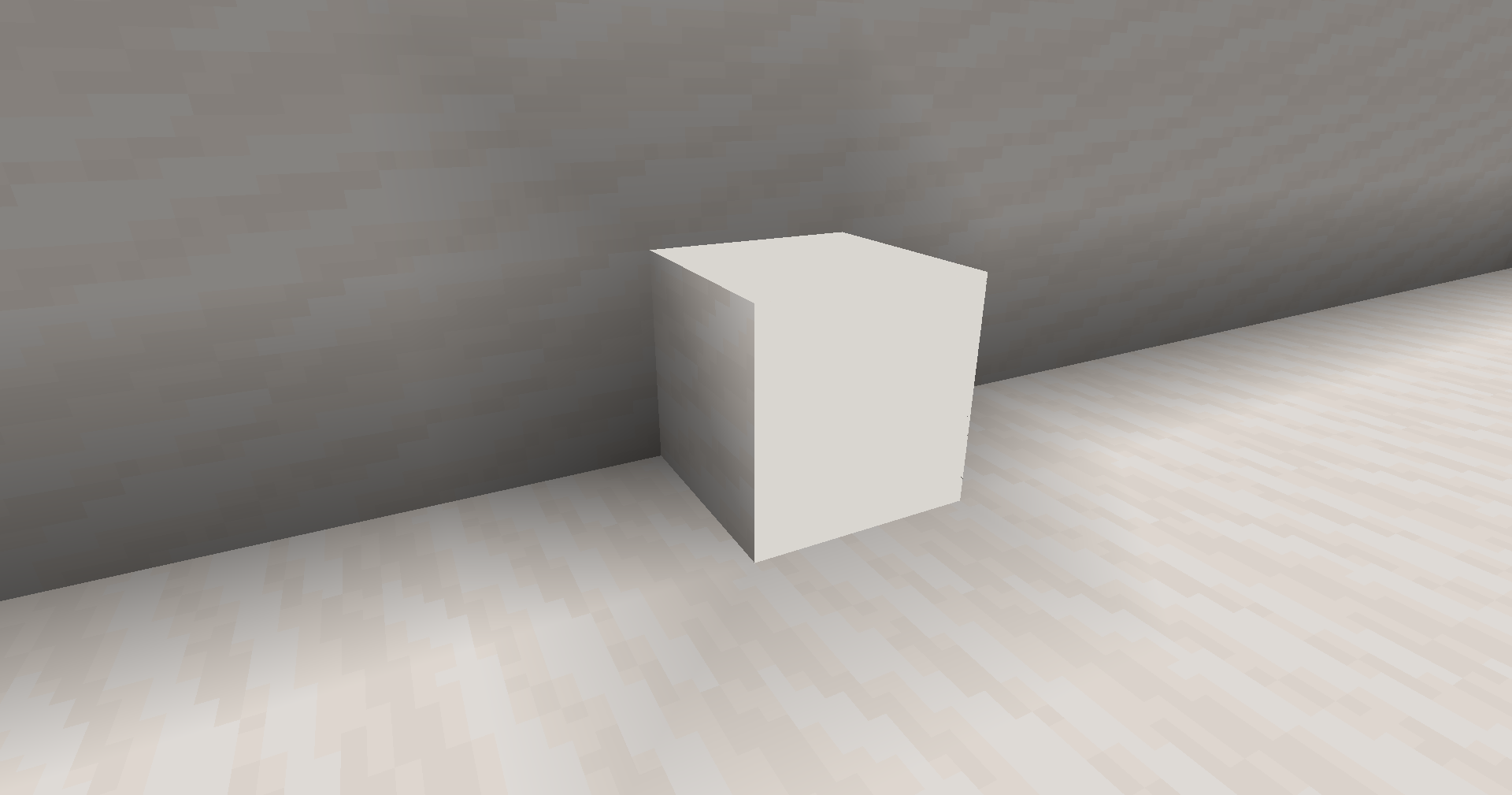
| Before | After |
|---|---|
 |
 |
常见问题
Paper Thin Maps 支持哪些 Minecraft 版本?
Paper Thin Maps 支持 Minecraft Java 版 1.20.1–26.1,共 19 个版本,可用的加载器:Fabric / Forge。下载时注意选择和你游戏版本一致的文件。
Paper Thin Maps 怎么安装?
先用 PCL2 或 HMCL 启动器安装对应版本的 Fabric / Forge,再把下载的 .jar 文件放进游戏目录的 mods 文件夹,重新启动游戏即可。开启了版本隔离的,mods 文件夹在 versions/版本名 下面。运行环境:客户端 / 服务端。

评论
登录后评论和评分