
Panoramic Fix
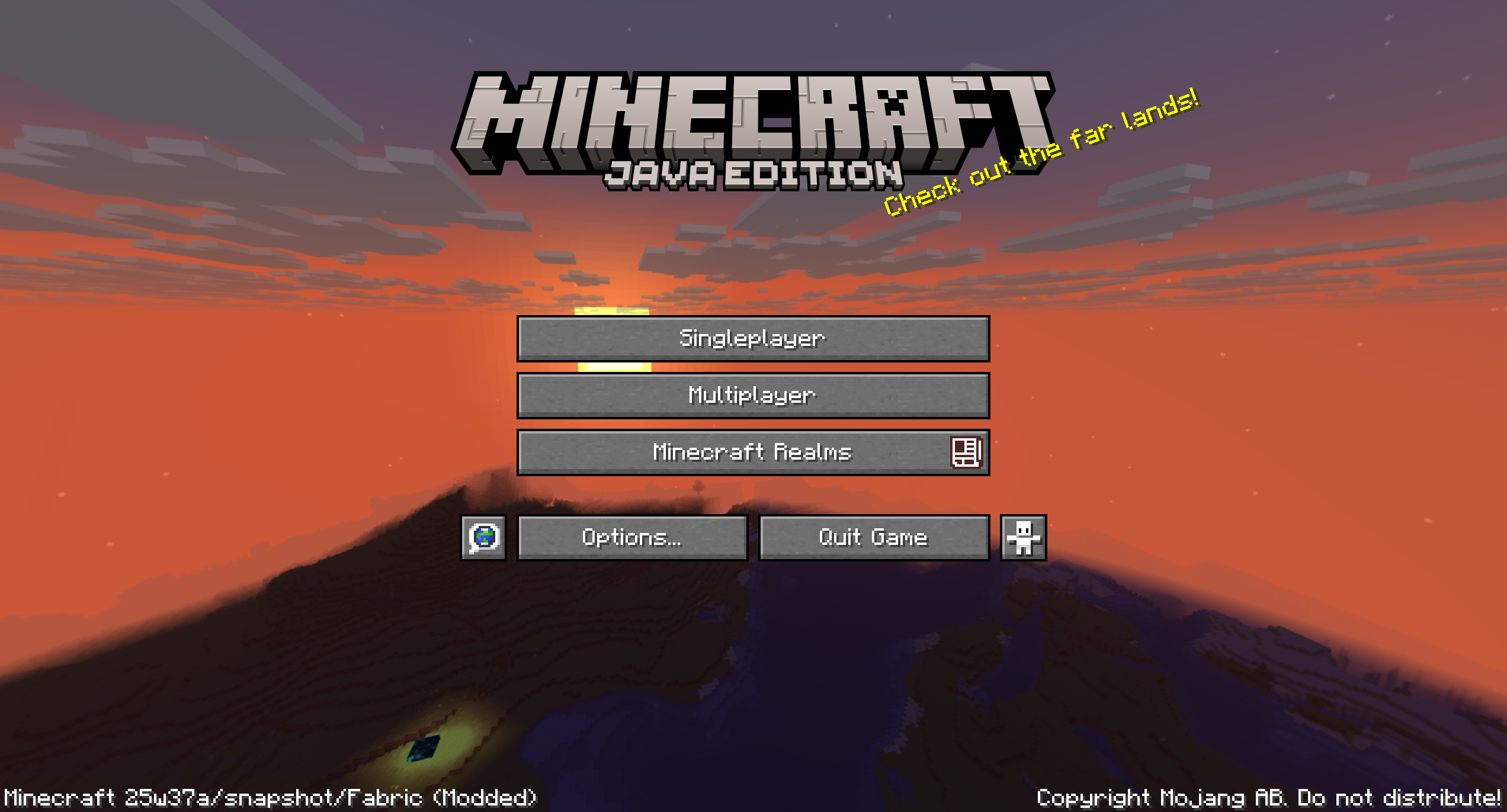
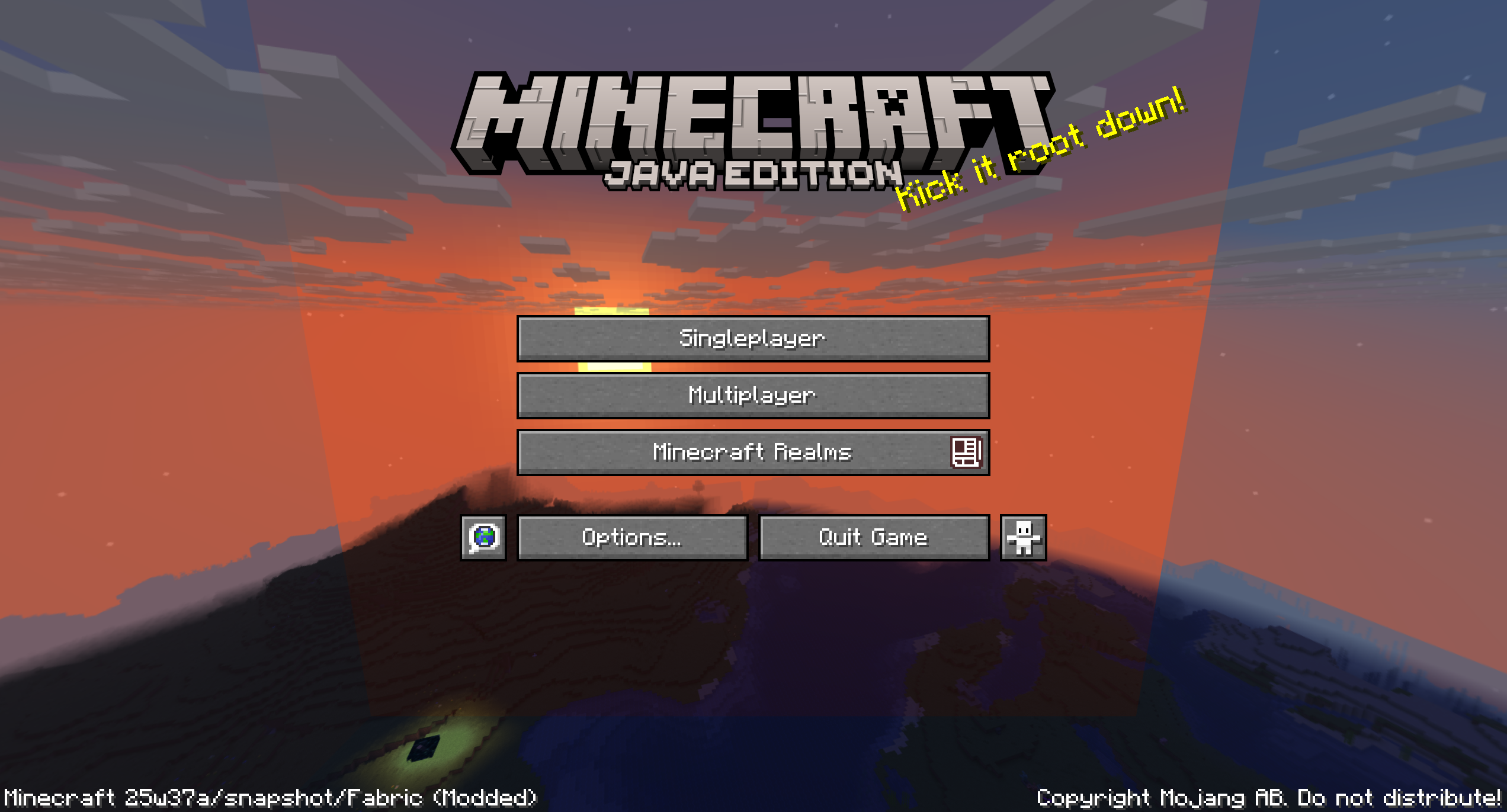
Removes harsh borders when taking a panorama screenshot using the debug feature added in 25w37a
截图
介绍
中文介绍正在准备中,下面暂时显示原文。
Panoramic fix
Removes borders when taking a panoramic screenshot with the debug feature in 25w37a caused by fog changing based on rotation
Examples
Screenshot taken with the mod
Screenshot taken in vanilla
Using the mod
- Make sure the
PANORAMA_SCREENSHOTdebug property is enabled - Take a panorama screenshot with Ctrl+F2 or Cmd+F2
- Enjoy your perfect, seamless panorama screenshot
常见问题
Panoramic Fix 支持哪些 Minecraft 版本?
Panoramic Fix 支持 Minecraft Java 版 1.21.9–1.21.10,共 2 个版本,可用的加载器:Fabric。下载时注意选择和你游戏版本一致的文件。
Panoramic Fix 怎么安装?
先用 PCL2 或 HMCL 启动器安装对应版本的 Fabric,再把下载的 .jar 文件放进游戏目录的 mods 文件夹,重新启动游戏即可。开启了版本隔离的,mods 文件夹在 versions/版本名 下面。运行环境:仅客户端。
enchanted-games 的其他作品
查看全部 →
Enchanted Vertical Slabs
by enchanted-games
Vertical Slabs 是一款简洁、原版风格的模组,为 Minecraft 添加了垂直台阶。
533.9万
3 个月前
Modrinth · CurseForge

Particle Interactions
by enchanted-games
为游戏中的更多互动添加粒子效果,例如放置方块或去皮原木。完全可配置,且仅需安装在客户端!
367.9万
25 天前
Modrinth · CurseForge

Inventory Blur
by enchanted-games
将 1.20.5 新增的菜单背景模糊效果应用到箱子、玩家物品栏等界面上。
97.3万
4 个月前
Modrinth

Saturated
by enchanted-games
A Resource Pack for Minecraft that makes the game look slightly more vibrant!
47.6万
1 年前
Modrinth · CurseForge
评论
登录后评论和评分