
截图


介绍
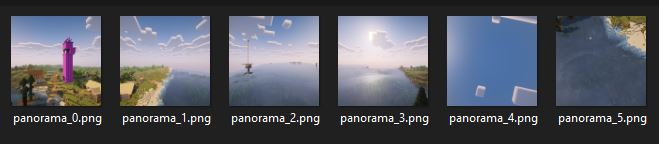
Use unused code in the vanilla client to make panorama screenshots just as MOJANG does!
The mod is characterized by the fact that it makes unused panorama screenshot code already included in the vanilla game usable. This makes the mod very lightweight and presumably easy and quick to update to the next Minecraft versions.
How to take panorama screenshots
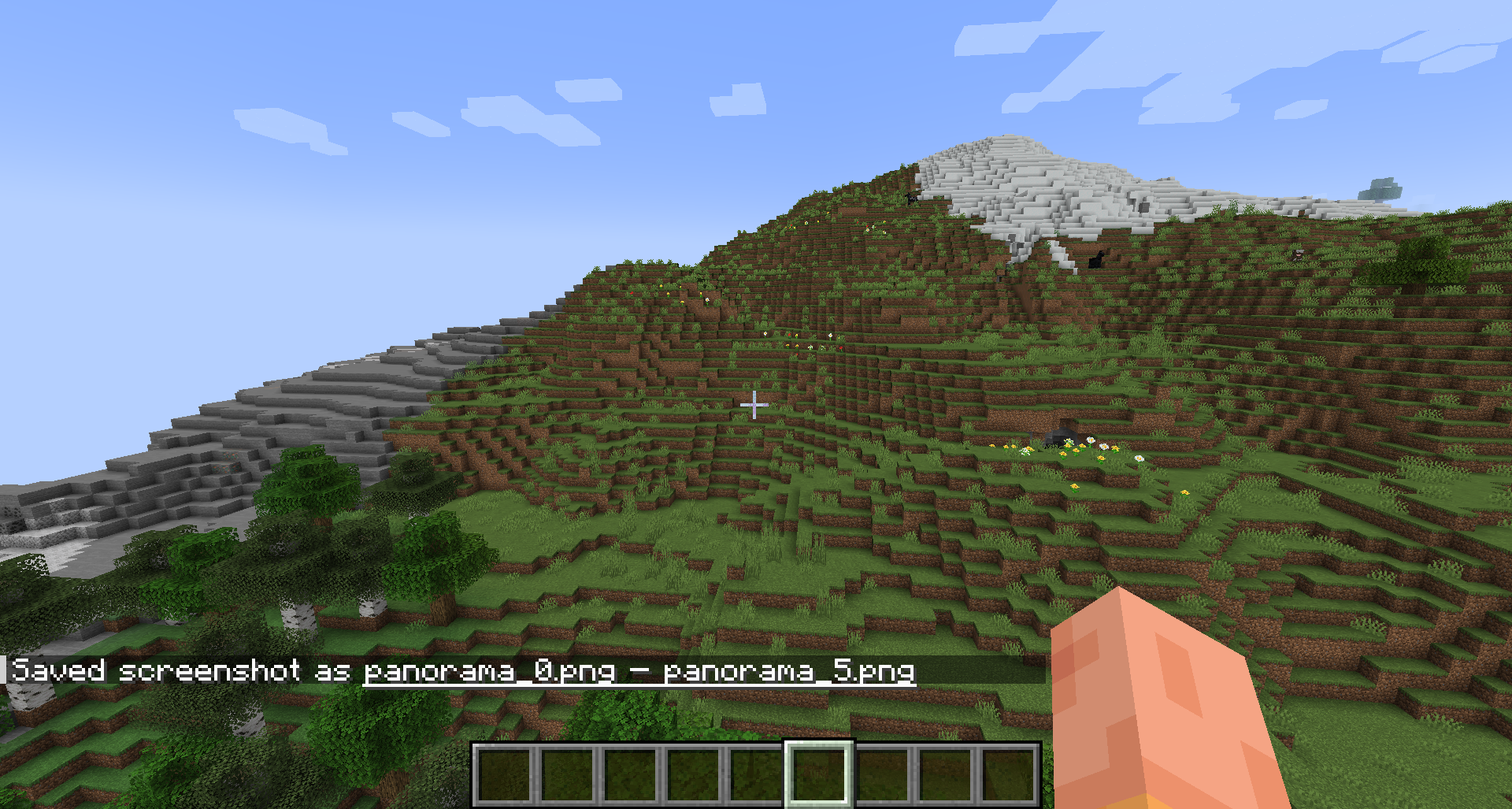
It’s as simple as just pressing F4. (The key is configurable.) The rest is completely automated. No need to adjust the window size or FOV. The screenshots are then simply saved in the regular screenshot folder or, starting with mod version 1.1.0, in timestamped subfolders.
Limited functionality with shaders
Recordings with shaders enabled only work from Minecraft version 1.21.8 onwards. In older versions the recording will be blank. I can’t change that because this mod doesn’t change Mojang’s Panorama code, it just uses it.
Using the recordings
This is just a very simple mod for creating recordings using Minecraft’s own function. If you want to use the recording as your main menu background, for example, you will need to create your own texture pack. There are plenty of tutorials online for this.
Images
常见问题
Panorama Screenshot 支持哪些 Minecraft 版本?
Panorama Screenshot 支持 Minecraft Java 版 1.20.1–26.3,共 11 个版本,可用的加载器:Fabric / Quilt。下载时注意选择和你游戏版本一致的文件。
Panorama Screenshot 怎么安装?
先用 PCL2 或 HMCL 启动器安装对应版本的 Fabric / Quilt,再把下载的 .jar 文件放进游戏目录的 mods 文件夹,重新启动游戏即可。开启了版本隔离的,mods 文件夹在 versions/版本名 下面。运行环境:仅客户端。


评论
登录后评论和评分