
截图
介绍
PanicleCraft
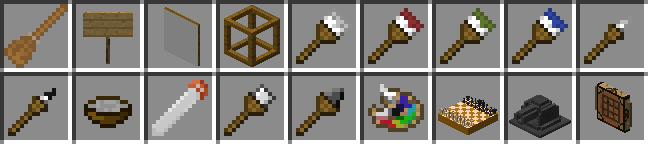
PanicleCraft is a mod with a miscellaneous components. Open images tab to see how they looks like.
Components
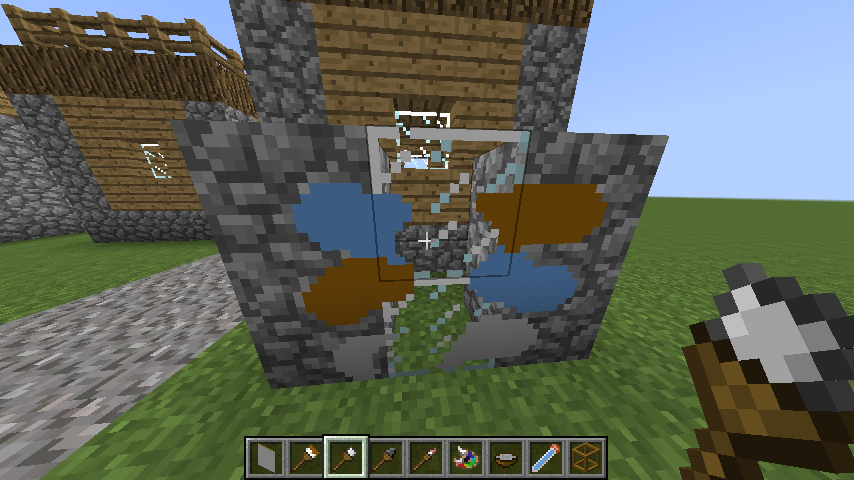
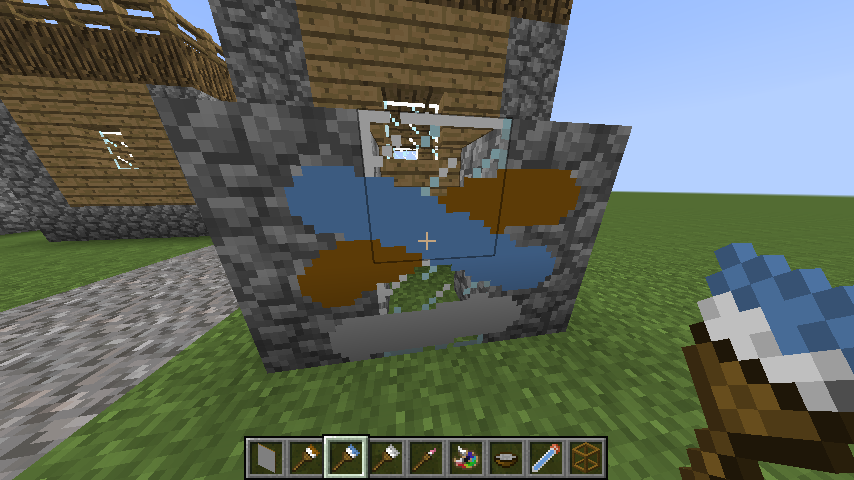
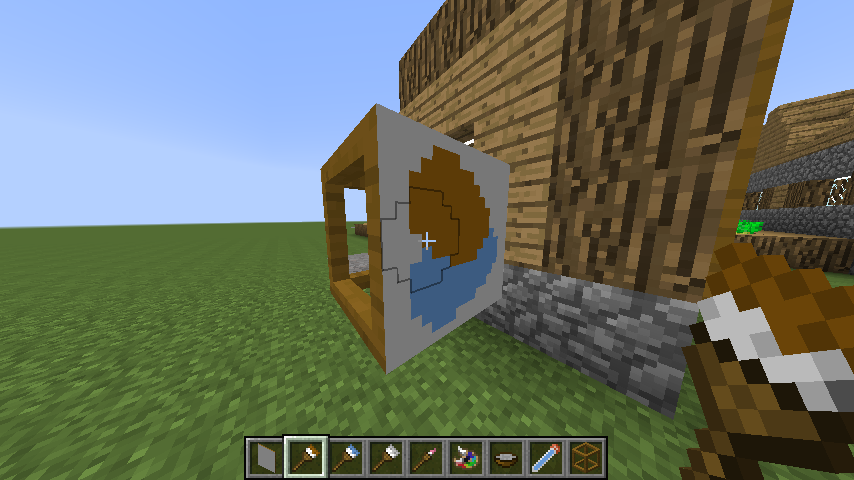
Paint brushes, paintings, graffiti
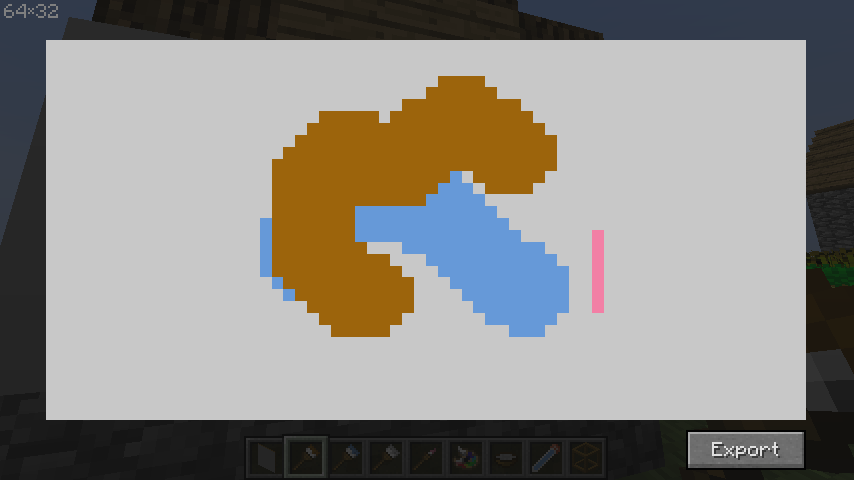
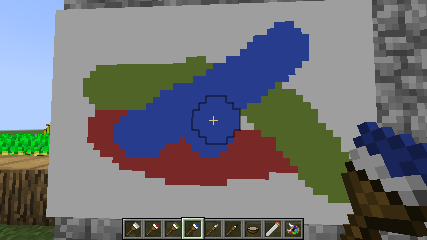
Place a canvas and paint on it using brushes. Brushes can also paint on blocks, make graffiti, but this feature is disabled by default.
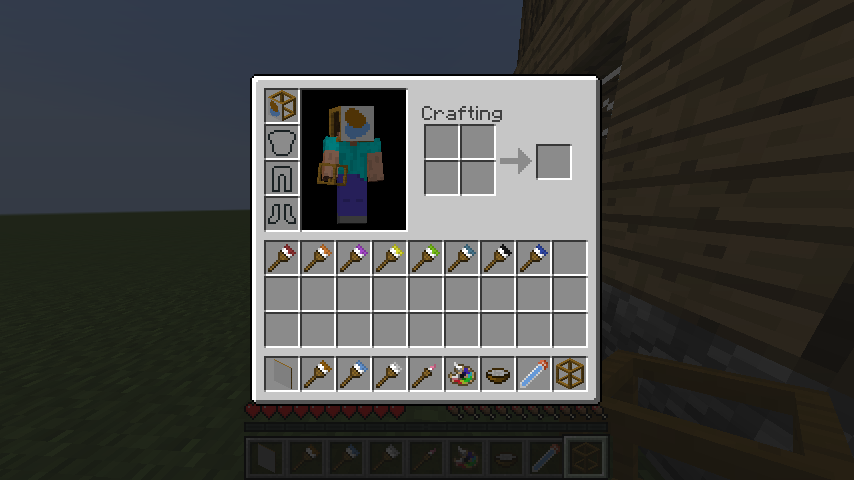
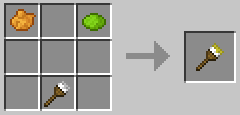
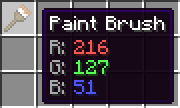
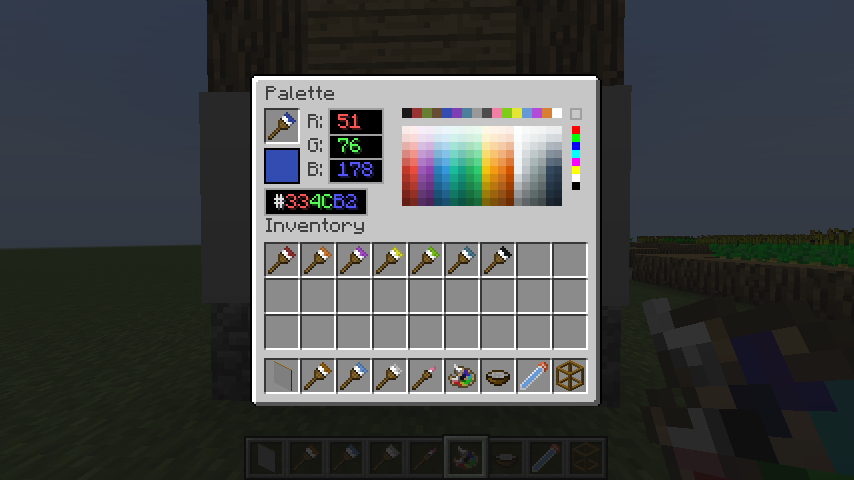
Use dyes to change brushes color in a crafting table. Palette can set any color to brush.
Canvas can be placed inside the frame on all sides. Thus, you can place a block with different pictures on the sides. To remove a painting from a frame, right-click with an empty hand while sneaking.
Painted picture can be exported in painting view. Also having permission you can import images into painting.
Paintings can be combined in a crafting table and copied on an anvil.
Chess
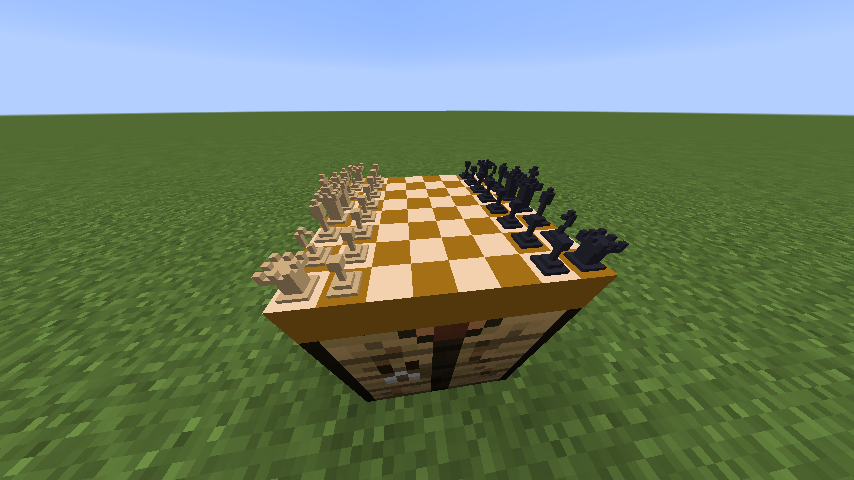
Chess board can be placed in world. It saves the state of the game on a break. The game history can be copied.
Broom
Broom can collect items around by right click.
Advanced sign
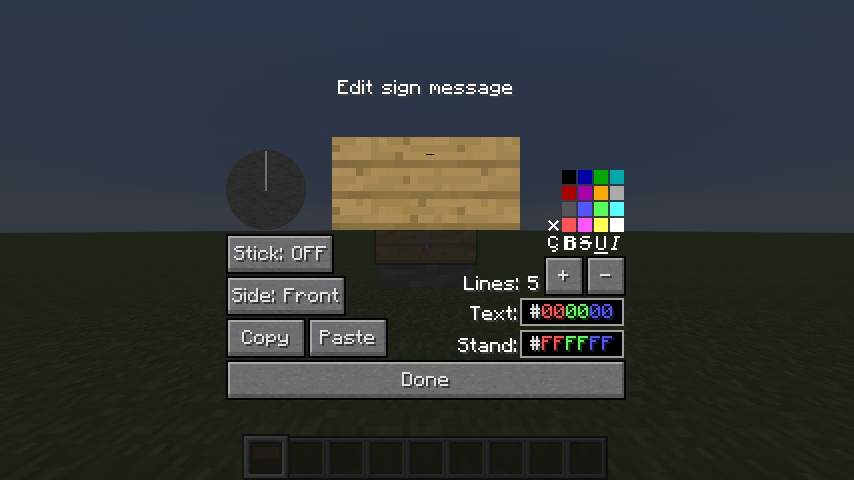
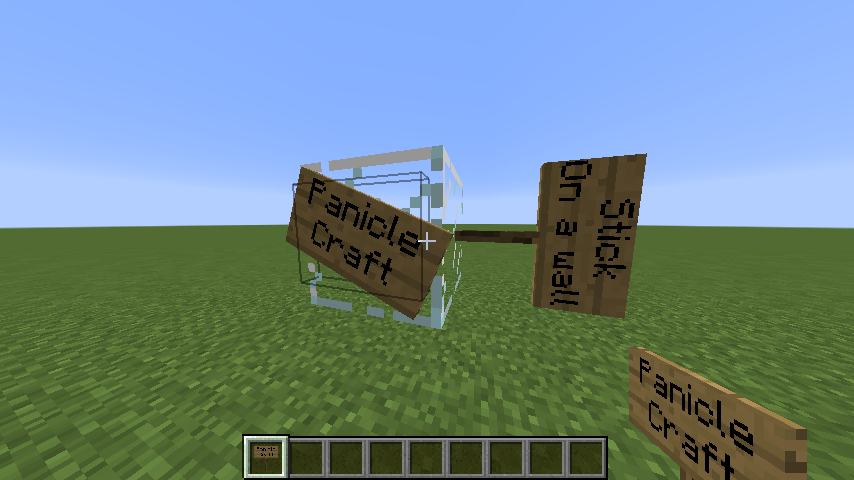
Advanced sign can be placed in many shapes with various colors and number of lines.
Cannon
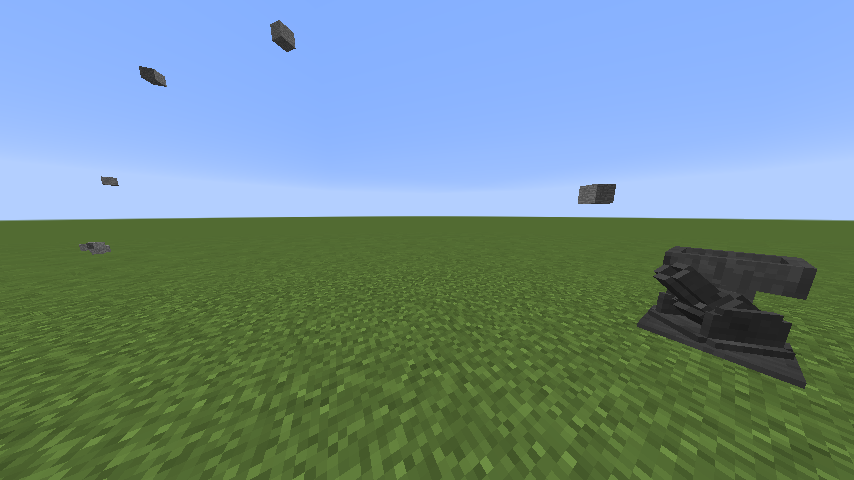
Cannon can shoot items in a given direction.
Portable Workbench
Portable Workbench allows you to craft things on the go, but consumes durability.
Configuration
Here is only highlight of some config parameters, see all of them in paniclecraft.cfg
Palette
Palette is not craftable by default and available only in creative. To enable crafting recipe change the config parameter painting → craftingRecipePalette to true.
Graffiti
Graffiti, PaintOnBlock feature is disabled by default. To enable it change the config parameter painting → allowPaintOnBlock to true.
Also you should enable crafting recipes of paint removers by changing the config parameters painting → craftingRecipePaintRemoverFromStick, craftingRecipeSmallPaintRemoverFromStick to true.
Editview
Op players can open painting editview gui with import feature by /paniclecraft painting editview command. To allow this for any player change the config parameter painting → allowPaintingEditView to true.
Disable components
You can disable any unwanted component by changing enable parameter in their config block to false.
Versions
Now supported versions are 1.7.10 and 1.12.2. Upgrades to newer versions planned to be someday, if you want help me with that, welcome to github.
常见问题
PanicleCraft 支持哪些 Minecraft 版本?
PanicleCraft 支持 Minecraft Java 版 1.7.10–1.12.2,共 2 个版本,可用的加载器:Forge。下载时注意选择和你游戏版本一致的文件。
PanicleCraft 怎么安装?
先用 PCL2 或 HMCL 启动器安装对应版本的 Forge,再把下载的 .jar 文件放进游戏目录的 mods 文件夹,重新启动游戏即可。开启了版本隔离的,mods 文件夹在 versions/版本名 下面。
评论
登录后评论和评分