
Palette Placer
Client-side, allows you to create palettes with percentages that automatically selects randomly when you place
截图

介绍

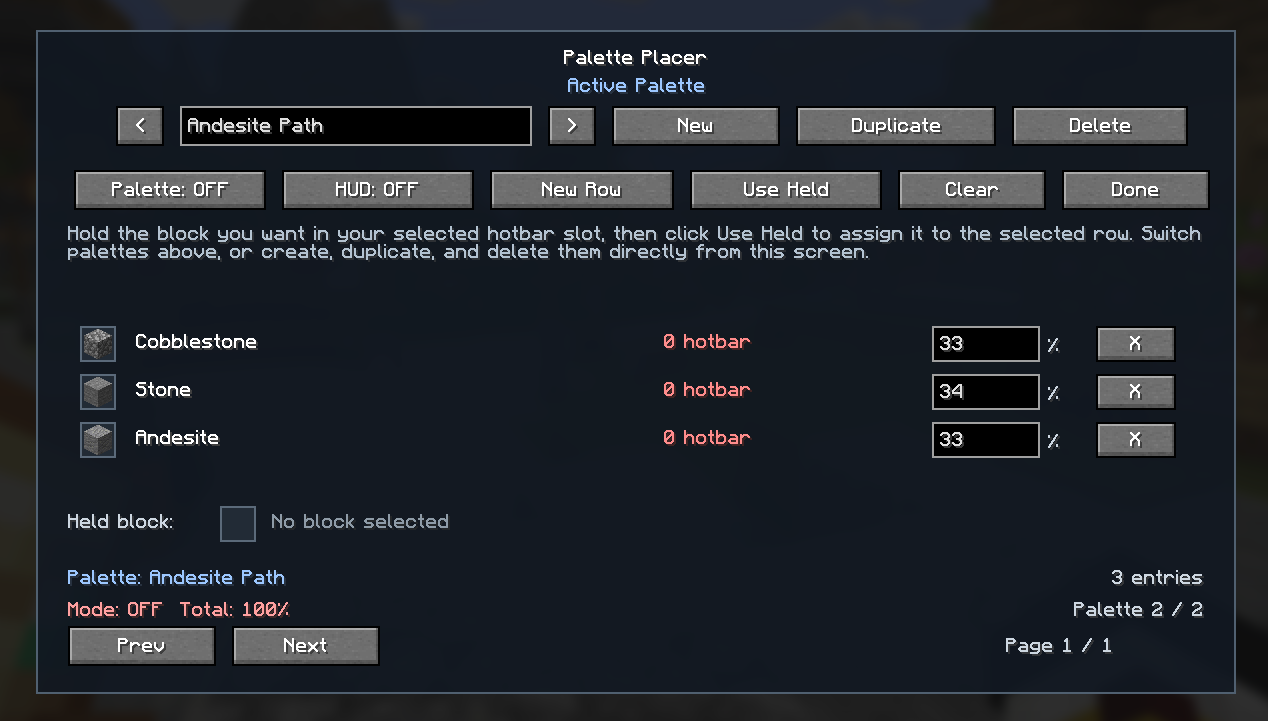
Palette Placer is a client-side Fabric mod that helps with block variation while building.
Instead of manually swapping between matching blocks, you create a weighted palette and the mod will randomly switch your selected hotbar slot to one of the configured palette blocks that is already present in your hotbar.
Features
- Client-side only
- No server install required
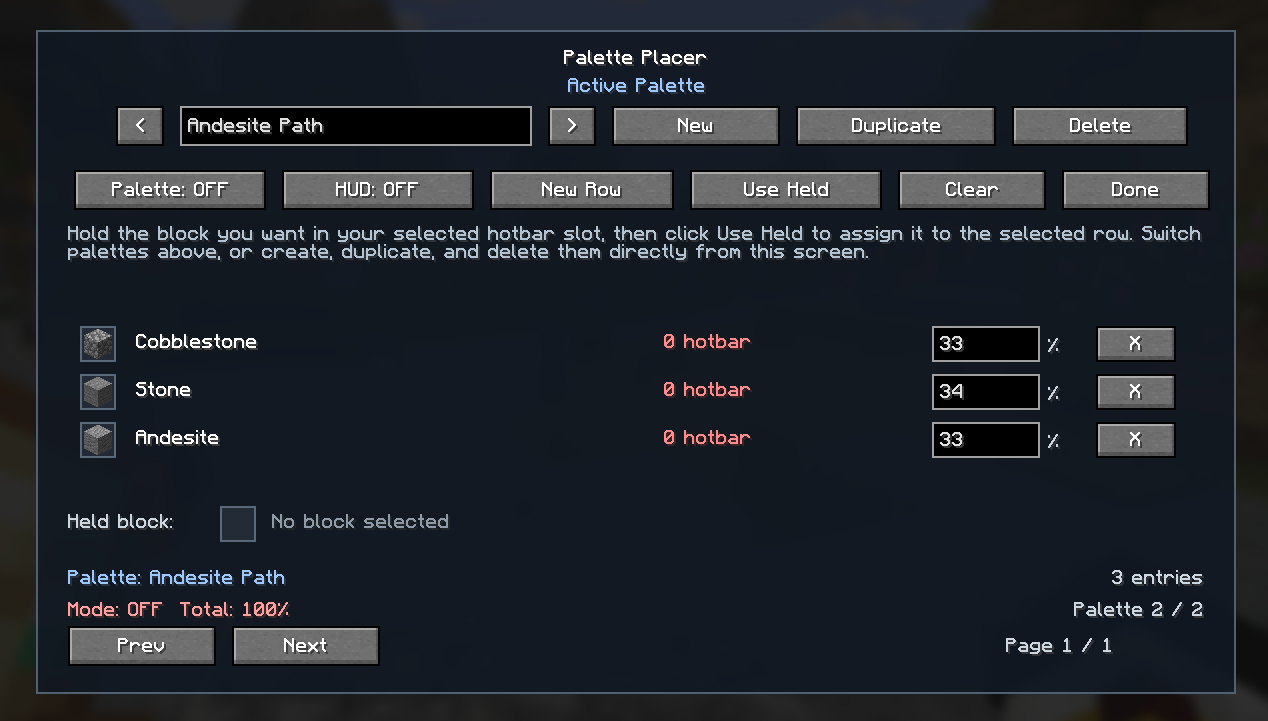
- Standalone in-game palette manager
- Multiple named palettes
- Duplicate, rename, and delete palettes
- Per-block weight percentages
- Random hotbar switching based on your configured weights
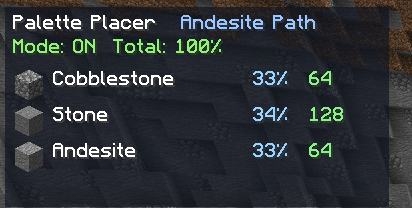
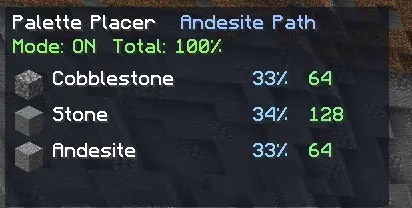
- Compact HUD showing palette status and hotbar availability
How It Works
- Press
Pto open the palette screen. - Create or select a palette.
- Add rows to the palette.
- Hold a block in your selected hotbar slot.
- Select a row and click Use Held.
- Set the weight for each entry.
- Put the real block stacks you want to build with in your hotbar.
- Enable the palette.
O– Toggle palette on/off
When the palette is enabled, Palette Placer automatically rerolls your selected hotbar slot between matching palette blocks in your hotbar while you build.
Check Out My Other Mods



常见问题
Palette Placer 支持哪些 Minecraft 版本?
Palette Placer 支持 Minecraft Java 版 1.20.6–26.3,共 5 个版本,可用的加载器:Fabric。下载时注意选择和你游戏版本一致的文件。
Palette Placer 怎么安装?
先用 PCL2 或 HMCL 启动器安装对应版本的 Fabric,再把下载的 .jar 文件放进游戏目录的 mods 文件夹,重新启动游戏即可。开启了版本隔离的,mods 文件夹在 versions/版本名 下面。运行环境:仅客户端。
ElmerLion 的其他作品
查看全部 →
Villager Trading Helper
Client-side, streamlines the trading process with a new screen for easy and fast one-click trading

Storage Tracker
Client-side chest and container search for Minecraft. Track storage and find exact item locations

Cape Over Elytra
Keeps your cape visible by hiding the equipped elytra model on the client.

Entity Tracker Hud
Adds a customizable and easy-to-read list of all specific entities near you
评论
登录后评论和评分