
Pakko
Client-sided mod for automated, convenient resource pack hosting for LAN worlds
截图
介绍
Pakko
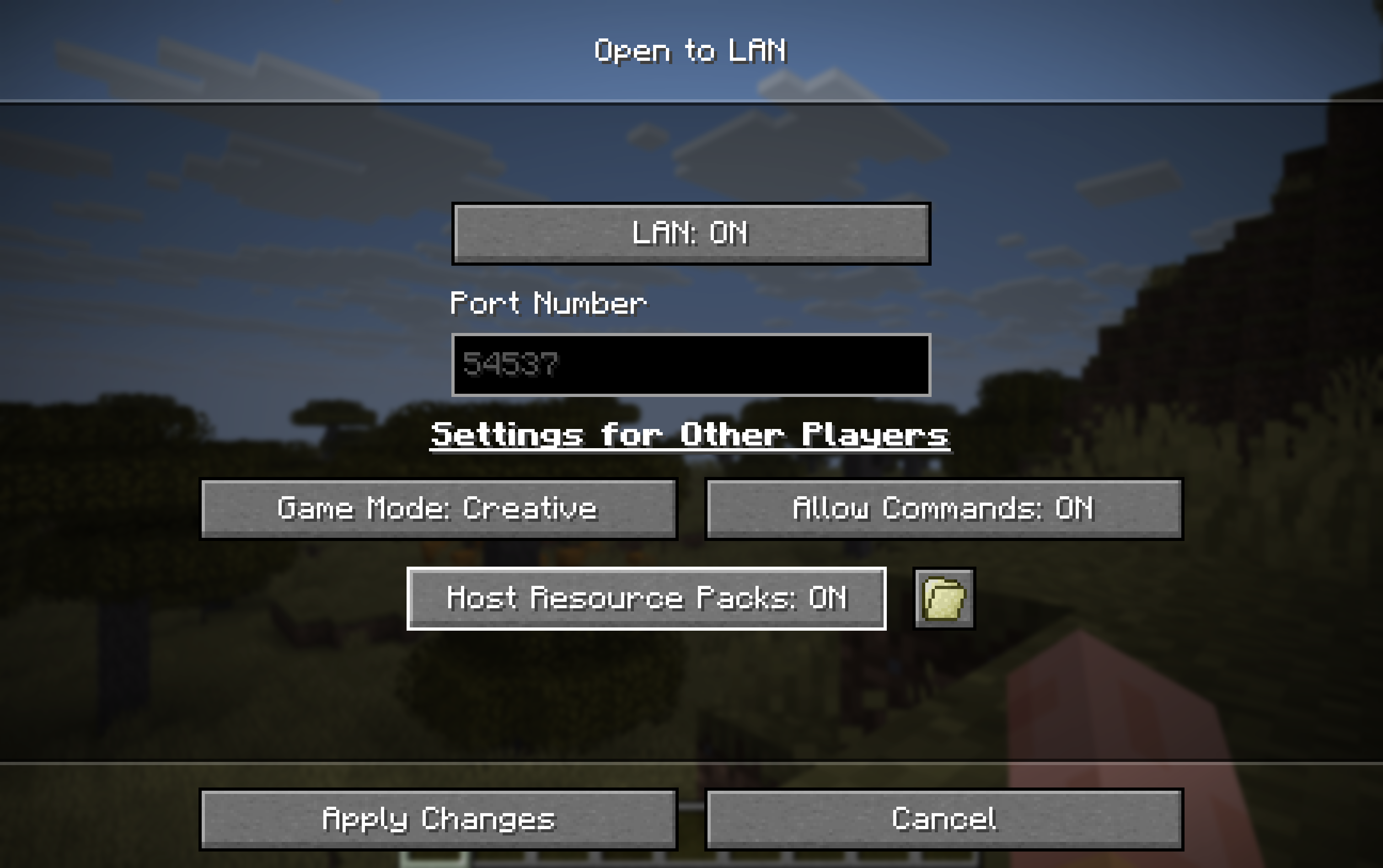
Client-sided mod for automated, convenient resource pack hosting for LAN worlds.
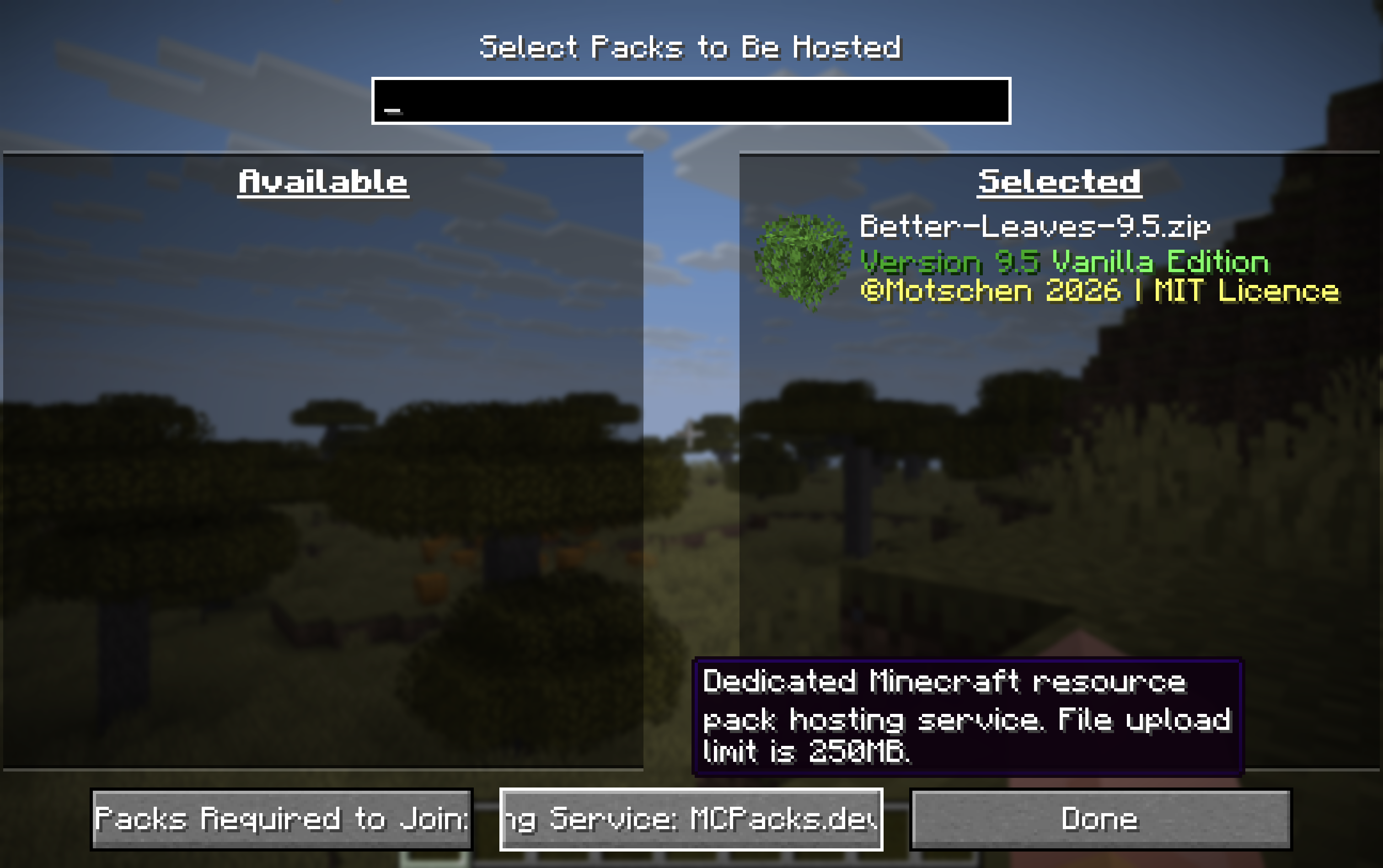
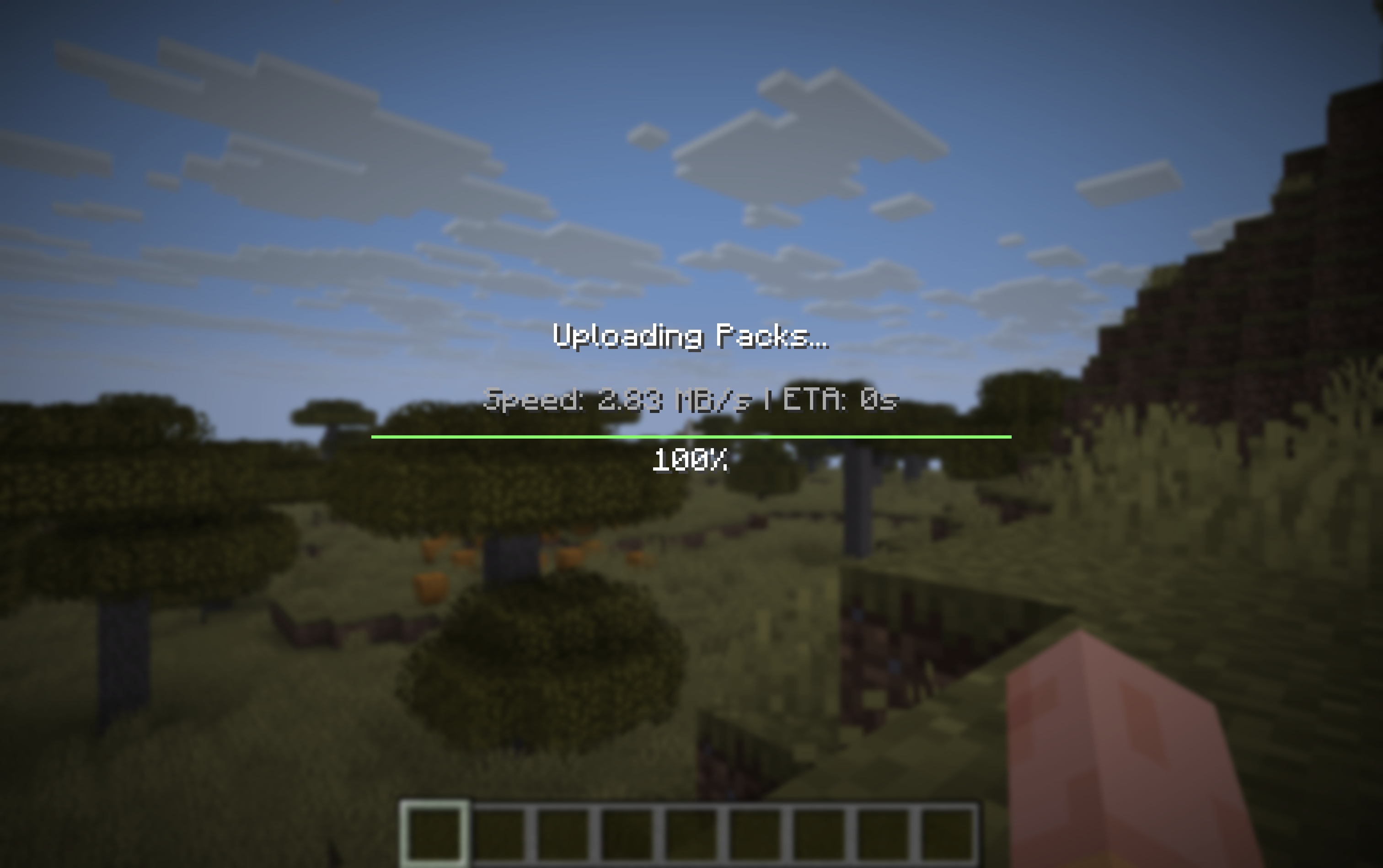
Select packs you want to host with a vanilla-friendly GUI, and publish within one click.
Currently the following services are available:
risk.
Some Motivations
I’ve been playing some maps with my friends via LAN lately, and many of them have built-in resource packs.
Since initially the packs are only loaded in the host’s game, it’s always been a real bummer, either requiring
everyone to download from a website or sharing the pack elsewhere.
This got me thinking, what if people can simply have their required packs hosted upon publishing the LAN world?
Since Minecraft itself supports server-managed resource packs, it might be possible to adapt this mechanism to
work with integrated servers beautifully.
I initially selected (and still use) Litterbox as the primary pack hosting service with built-in support as
it’s totally free and has a delightfully lightweight public-facing API. Expect more options to come.
Configuration
Configurations are stored per world. Normally you can access most of the settings within the game with a
vanilla-ish pack selection GUI. Yet sometimes, if you want to alter some advanced settings (e.g. adding extra
directories in the resource packs for the mod to merge), the config file is located at
<WORLD_FOLDER>/pakko.json. The field names are pretty self-explanatory.
Support
This mod is supported on Fabric and on Minecraft versions from 1.21 to 26.3. I might backport the mod if I
have time. (Neo)Forge won’t be supported as the mod primarily targets vanilla scenarios, most of which are
niche when coupled with (Neo)Forge.
常见问题
Pakko 支持哪些 Minecraft 版本?
Pakko 支持 Minecraft Java 版 1.21–26.3,共 17 个版本,可用的加载器:Fabric / Quilt。下载时注意选择和你游戏版本一致的文件。
Pakko 怎么安装?
先用 PCL2 或 HMCL 启动器安装对应版本的 Fabric / Quilt,再把下载的 .jar 文件放进游戏目录的 mods 文件夹,重新启动游戏即可。开启了版本隔离的,mods 文件夹在 versions/版本名 下面。运行环境:仅客户端。
moechakucha 的其他作品
查看全部 →
EMI Trades (Villager Trading EMI Plugin)
适用于 EMI 的村民交易 trades

EMIffect
EMI附属模组,在EMI中显示状态效果并提供每种状态效果的信息。

EMIffect (Status Effects EMI Plugin)
一个 EMI 附属模组,可在 EMI 中添加状态效果,并提供每种状态效果的详细信息。

EMI Trades
EMI 的村民交易信息。
评论
登录后评论和评分