
PackTimer
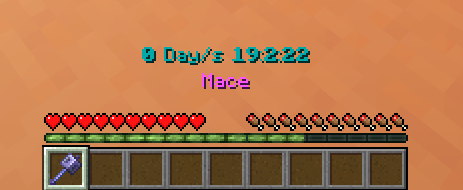
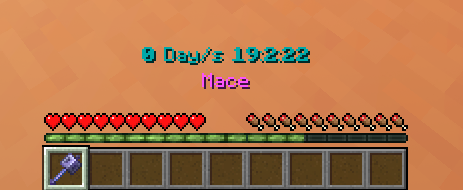
Timer with many features and an simple interface I will add more features to it soon™
截图
介绍
PackTimer
Update
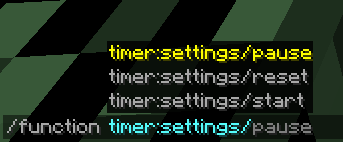
If you update, run the function “/function timer:update“ if there are any problems!
Features
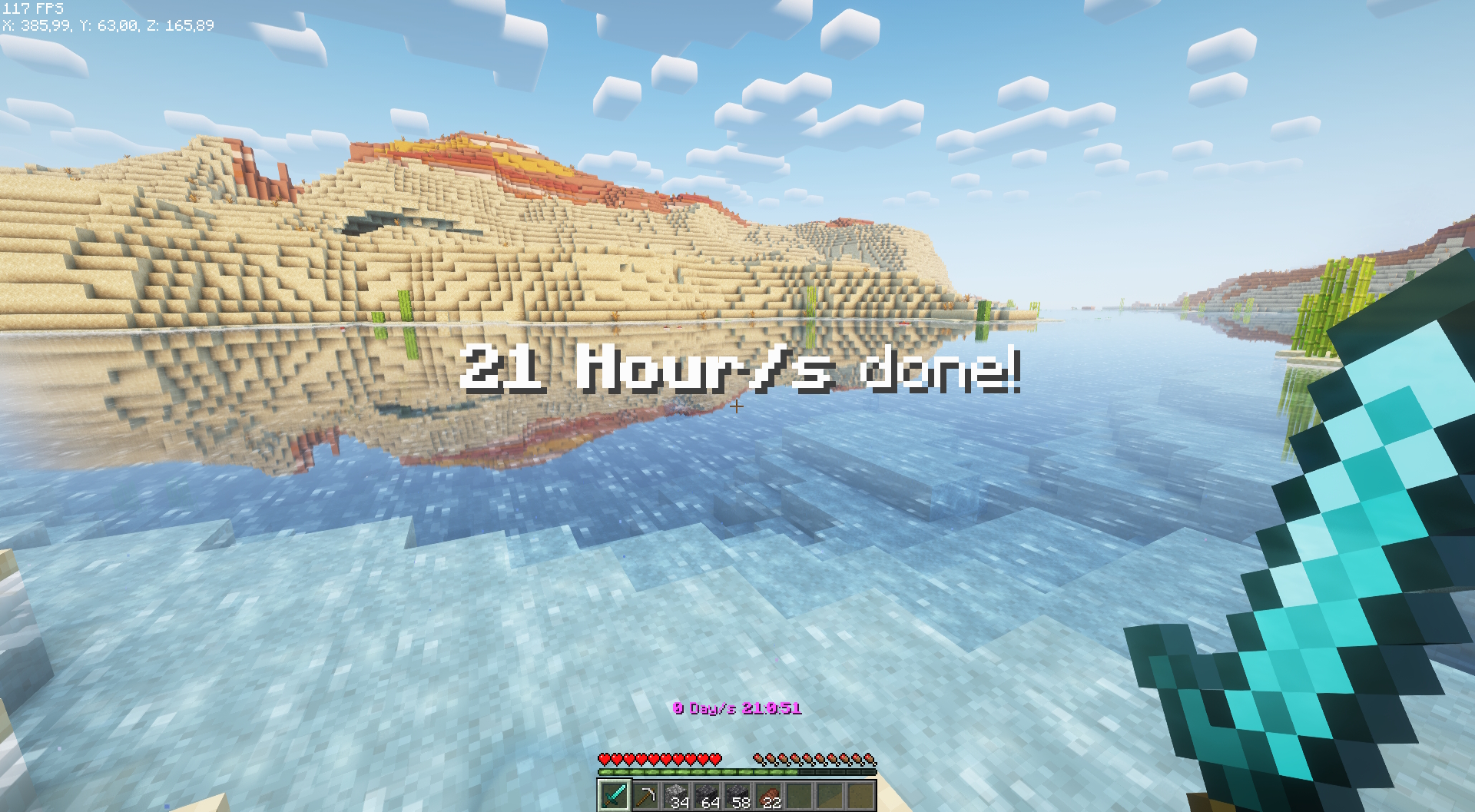
- Timer with Day Counter
- Milliseconds Counter 😀
- Easy to use
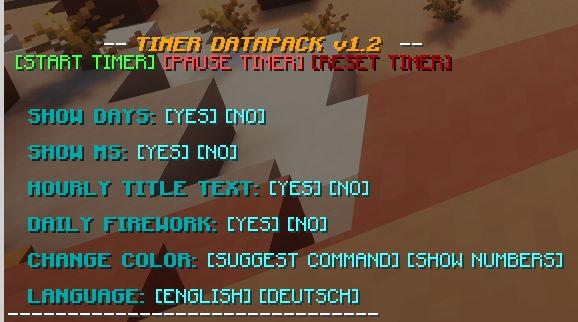
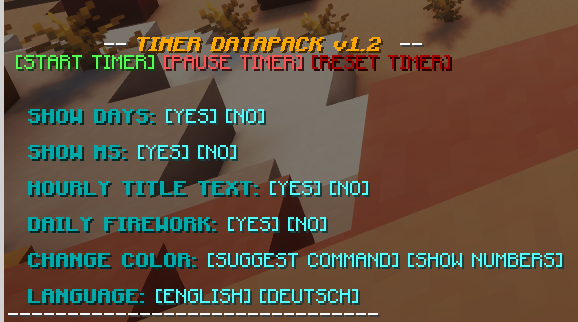
- English and german language options
- 16 different colors supported
- Simple to install and update
Tags
Disabling the interface:
/tag PLAYERNAME add timer.disable_interfaceDisabling the timer:
/tag PLAYERNAME add timer.disable_timerHow to use
- Make sure you have commands enabled or have OP on a server.
- Type: “
/trigger timer.interface“ - Change some settings or start the timer!
Installation
- Install the Datapack (note: In Minecraft the Datapack may appear to be “unsupported”, but it still works if you downloaded the correct version.)
- Make sure you have commands enabled
- Run the command “
/trigger timer.interface“
常见问题
PackTimer 支持哪些 Minecraft 版本?
PackTimer 支持 Minecraft Java 版 1.18–26.3,共 32 个版本,可用的加载器:Fabric / Forge / NeoForge / Quilt。下载时注意选择和你游戏版本一致的文件。
PackTimer 怎么安装?
先用 PCL2 或 HMCL 启动器安装对应版本的 Fabric / Forge / NeoForge / Quilt,再把下载的 .jar 文件放进游戏目录的 mods 文件夹,重新启动游戏即可。开启了版本隔离的,mods 文件夹在 versions/版本名 下面。运行环境:客户端 / 服务端。
toBlue49 的其他作品
查看全部 →
Faster Happy Ghasts
Makes Happy Ghasts double the speed. That's it.

DefaultEdit49
This is a Default Edit (shocking) from me. It enhances the Vanilla Textures with my own style. It's also multifunctional : for PVP, Building and Survival

PackTAS
This Datapack creates an esay to use Menu to make TAS Recordings. (Please note that this is still in alpha)

Hard++
Minecraft is to esay? Try the Hard++ Datapack for 1.18+
评论
登录后评论和评分