
Datapack/Gamerule Menus
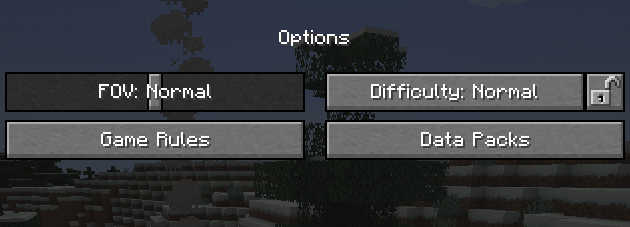
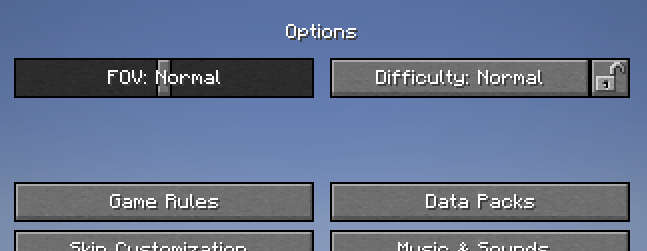
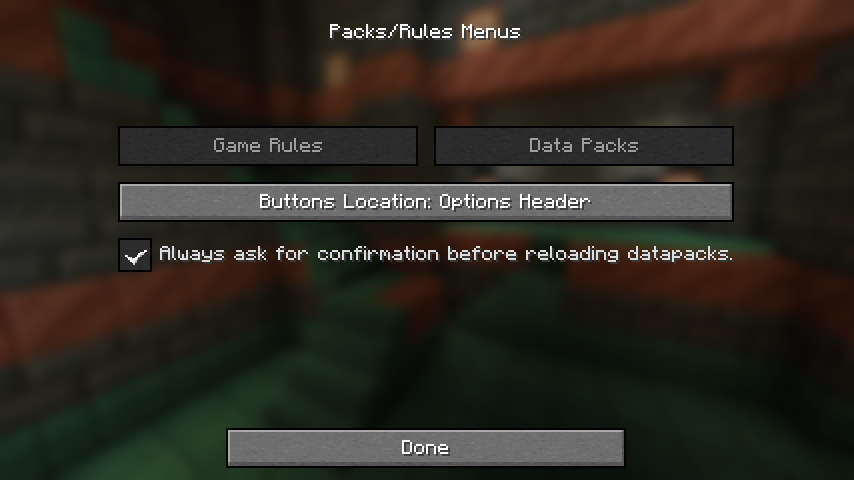
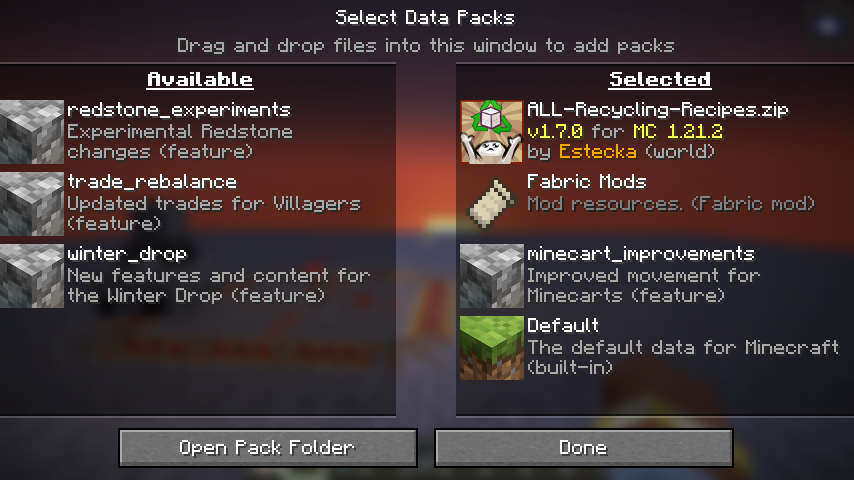
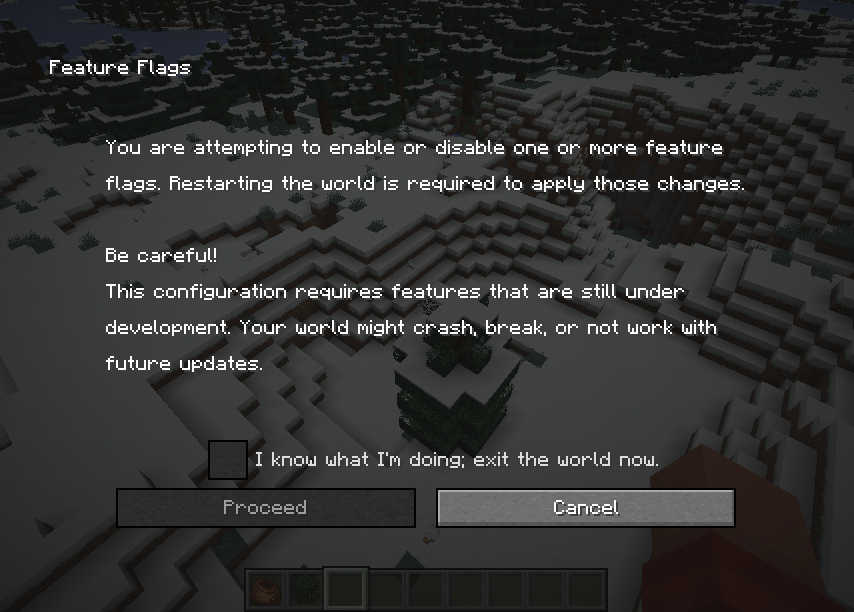
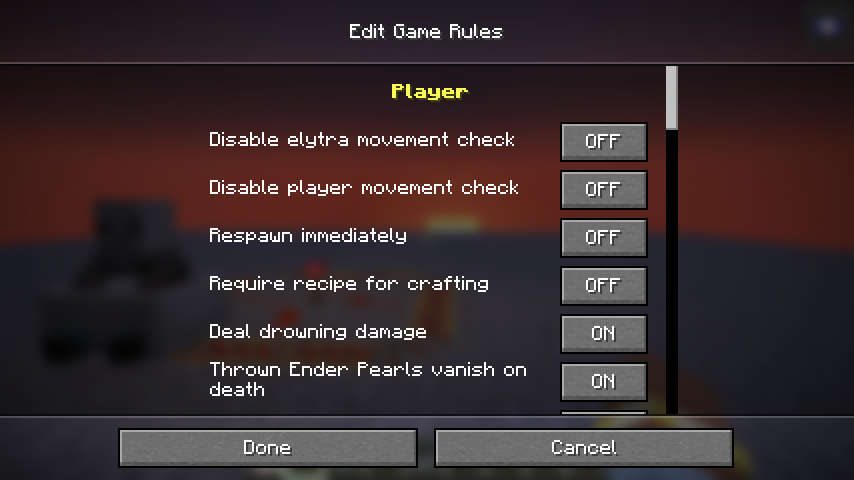
Makes the Datapack and Gamerule menus accessible from existing singleplayer worlds. Allows toggling experimental features.
截图
介绍
**Starting MC 26.1, this mod no longer provides a gamerules menu, in favor of vanilla’s implementation.
It still provides a datapack menu, now placed alongside the vanilla gamerules menu button.**
Data-Pack / Game-Rule Menus
Takes the titular menus from the World-Creation menu, and makes them available from already created singleplayer worlds.
This provides a more user-friendly alternative to the vanilla /gamerule and /datapack commands.
Like those commands, the menus will only be accessible in worlds with cheats/commands enabled.
Unlike the vanilla /datapack command, the Datapack menu from this mod also can be used to toggle experimental features !
Word of caution: Datapacks
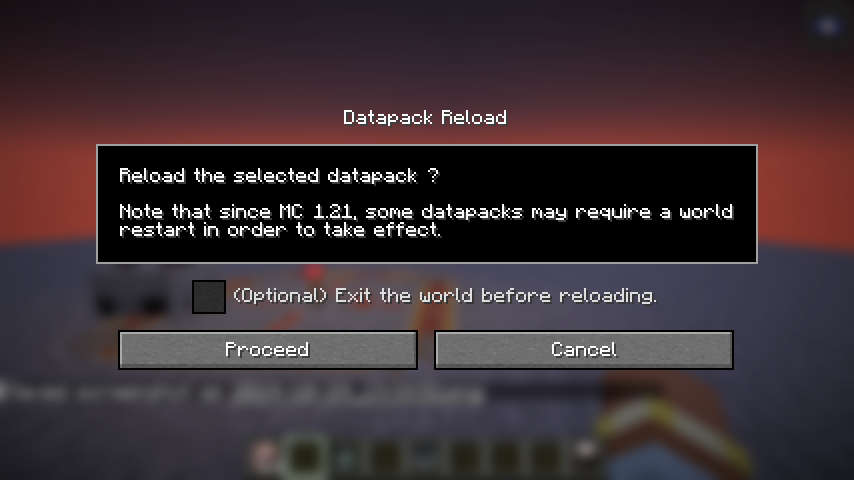
Some types of datapacks require a world restart to fully take effect.
Whenever possible, the mod will show a warning after toggling one of them, and offer you the option to either back-out, or exit the world gracefully.
However, some type of packs cannot be detected, and no warning will be displayed for those.
Registry Packs
The new type of packs introduced in MC 1.21, those packs which add data to registries (painting variants, etc), are not detected by the mod, but still require a world restart to fully take effects.
Toggling these packs without a restart may cause some errors in the log, but those are benign so long as you restart the world immediately afterward. This behaviour is no different from using the /datapack command.
Experimental Features
Packs that dpend on experimental features are properly detected by the mod. Toggling them will also toggle the corresponding feature-flag on the world, and exit the world gracefully.
Vanilla Datapack
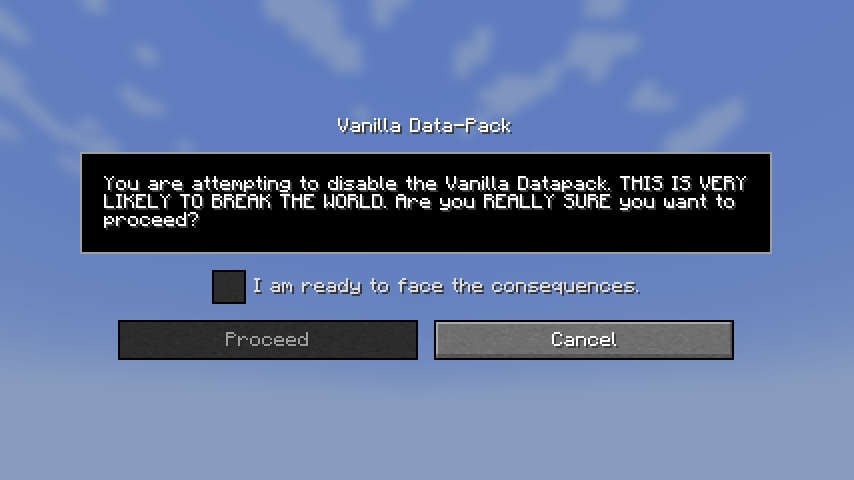
The Vanilla datapack can technically be disabled, but you probably don’t want to do it.
Doing so will break worlds unless you know exactly what you are doing.
An additional warning screen will appear when trying to disable this pack.
If you can’t load a world after having disabled the Vanilla datapack, loading it in Safe Mode should be able to restore it.
Related Mods
 Preferred Gamerules
Lets you choose the default values of gamerules
 Cloth Gamerules
Cloth-Config replacement for the gamerules screen.
常见问题
Datapack/Gamerule Menus 支持哪些 Minecraft 版本?
Datapack/Gamerule Menus 支持 Minecraft Java 版 1.19.4–26.3,共 25 个版本,可用的加载器:Fabric。下载时注意选择和你游戏版本一致的文件。
Datapack/Gamerule Menus 怎么安装?
先用 PCL2 或 HMCL 启动器安装对应版本的 Fabric,再把下载的 .jar 文件放进游戏目录的 mods 文件夹,重新启动游戏即可。开启了版本隔离的,mods 文件夹在 versions/版本名 下面。运行环境:客户端和服务端都要装。
Estecka 的其他作品
查看全部 →
Spyglass Astronomy
在交互性更强、经过改良的夜空中绘制属于你自己的星座。 沉浸式重制太空天空盒,加入行星和更加绚丽的星空。

Variants-CIT
用于大量重复模式变体集合的替代CIT格式。
Preferred Gamerules
用于更改游戏规则默认值的轻量级模组。

Shifting Wares
Villagers will occasionally reroll their trade offers
评论
登录后评论和评分