
截图

介绍
PacketDump
A simple packet dumping mod for Minecraft.
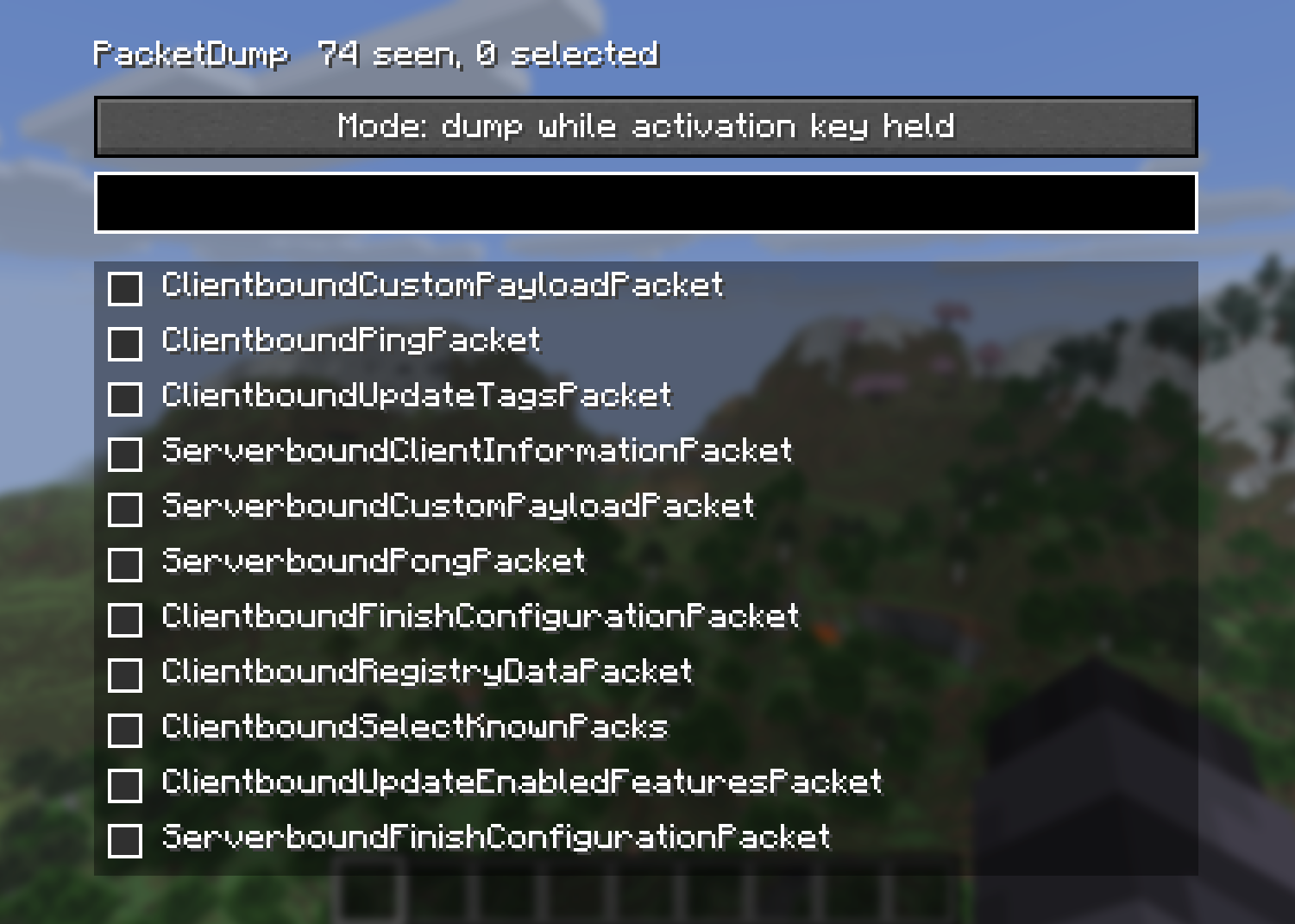
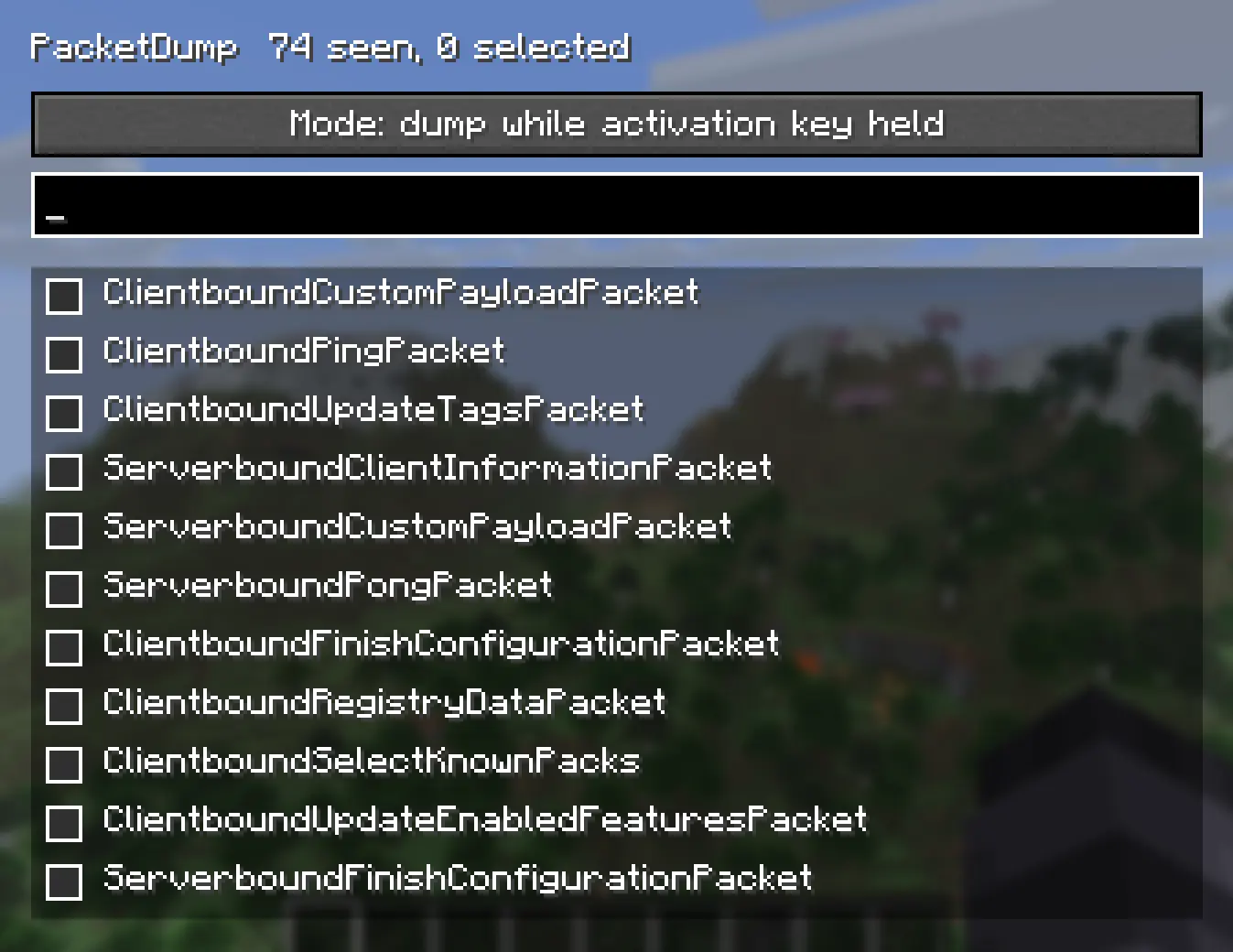
PacketDump lets you choose exactly which packets you want to monitor, then dumps every instance of those packets while the dumper is active inside logs. It’s useful for debugging, reverse engineering, learning how the protocol works, or just seeing what’s happening between the client and server.
Features
- Select individual packet types from an easy to use GUI
- Dump only the packets you care about
- Logs packet data to the game log
- Hold F9 to dump packets only while the key is held
- Lightweight with minimal overhead when not in use
Controls
Right Shift: Open the PacketDump menu
F9: Hold to activate packet dumping (default keybind)
Whether you’re developing a mod, tracking down a networking issue, or just curious about Minecraft’s packets, PacketDump makes it easy to inspect network traffic without digging through every packet the game sends.
No complicated setup. Open the menu with Right Shift, choose the packets you want to monitor, hold F9, and start logging.
常见问题
PacketDump 支持哪些 Minecraft 版本?
PacketDump 支持 Minecraft Java 版 1.21.8–26.2,共 8 个版本,可用的加载器:Fabric。下载时注意选择和你游戏版本一致的文件。
PacketDump 怎么安装?
先用 PCL2 或 HMCL 启动器安装对应版本的 Fabric,再把下载的 .jar 文件放进游戏目录的 mods 文件夹,重新启动游戏即可。开启了版本隔离的,mods 文件夹在 versions/版本名 下面。运行环境:仅客户端。

评论
登录后评论和评分