
Pack Guardian
Client-side modpack compatibility checks before risky sessions break the save.
截图
介绍
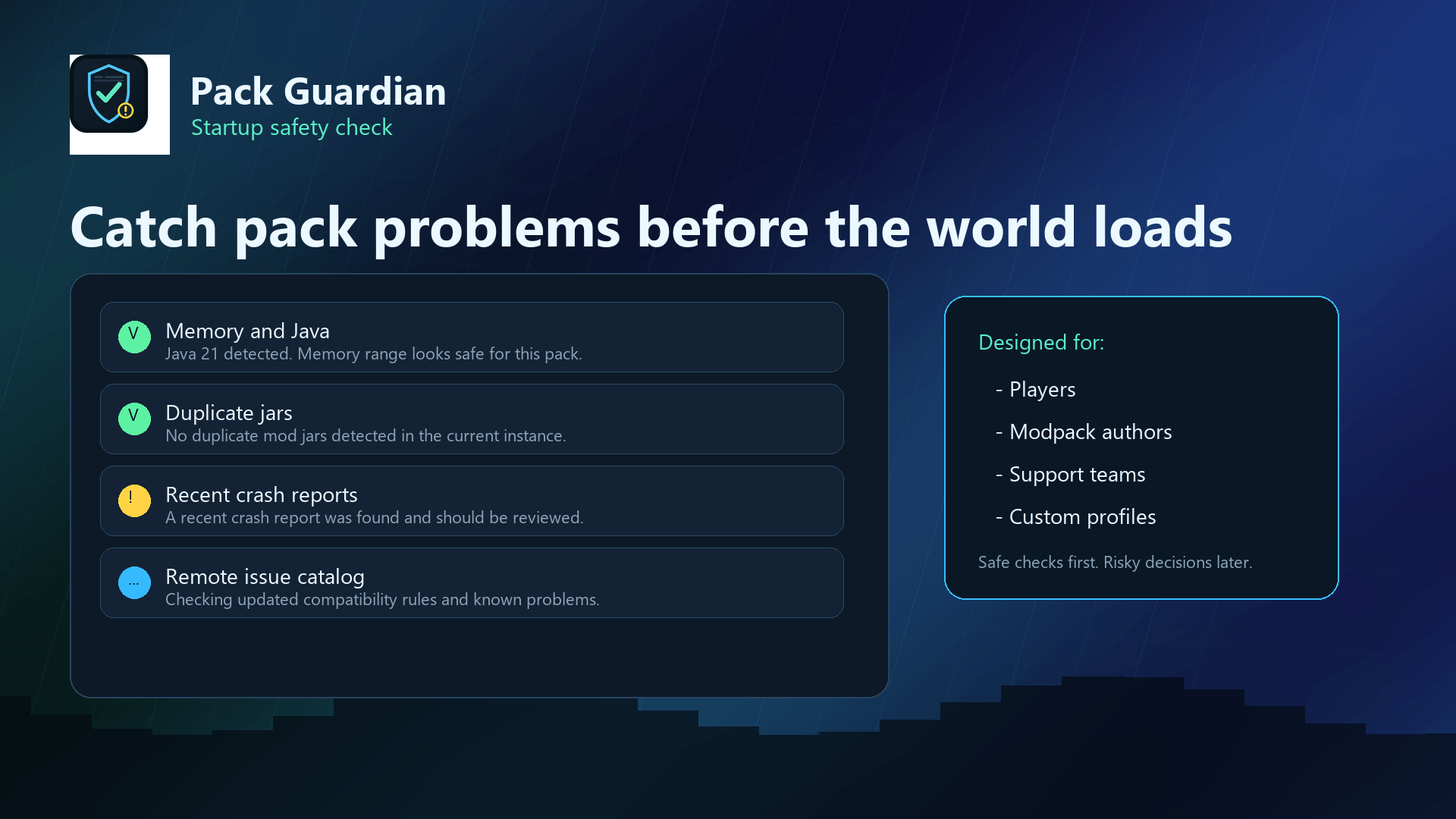
Pack Guardian helps catch pack problems before a risky launch turns into a broken world, vague crash, or support nightmare.
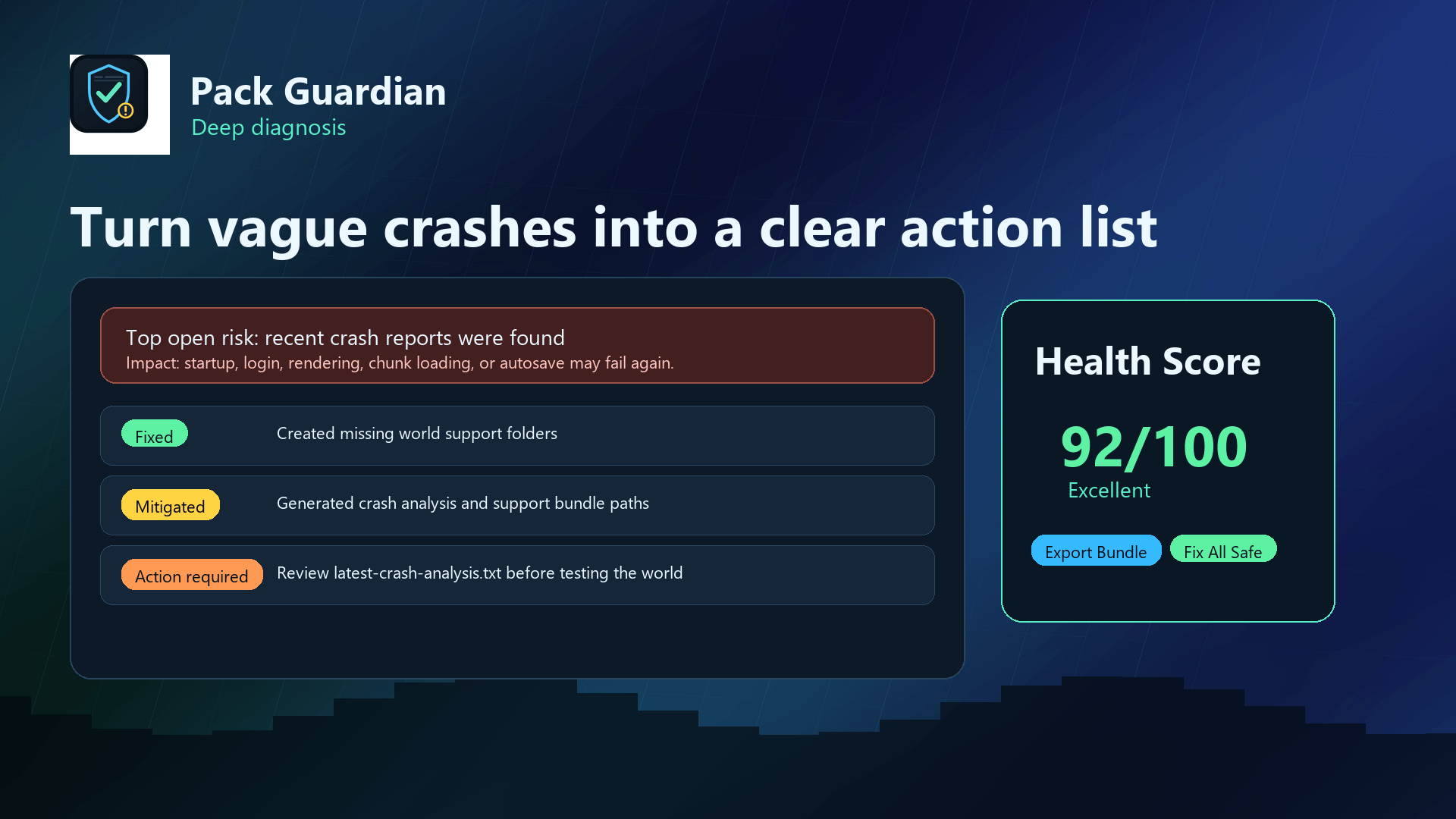
It checks the current instance, investigates the likely impact, and gives the player a clean action list instead of a mystery failure.
What Pack Guardian does:
– Scans memory limits, Java setup, disk space, duplicate jars, crash reports, and compatibility rules.
– Runs a startup checklist before a risky session starts.
– Runs world preflight checks before and during world entry.
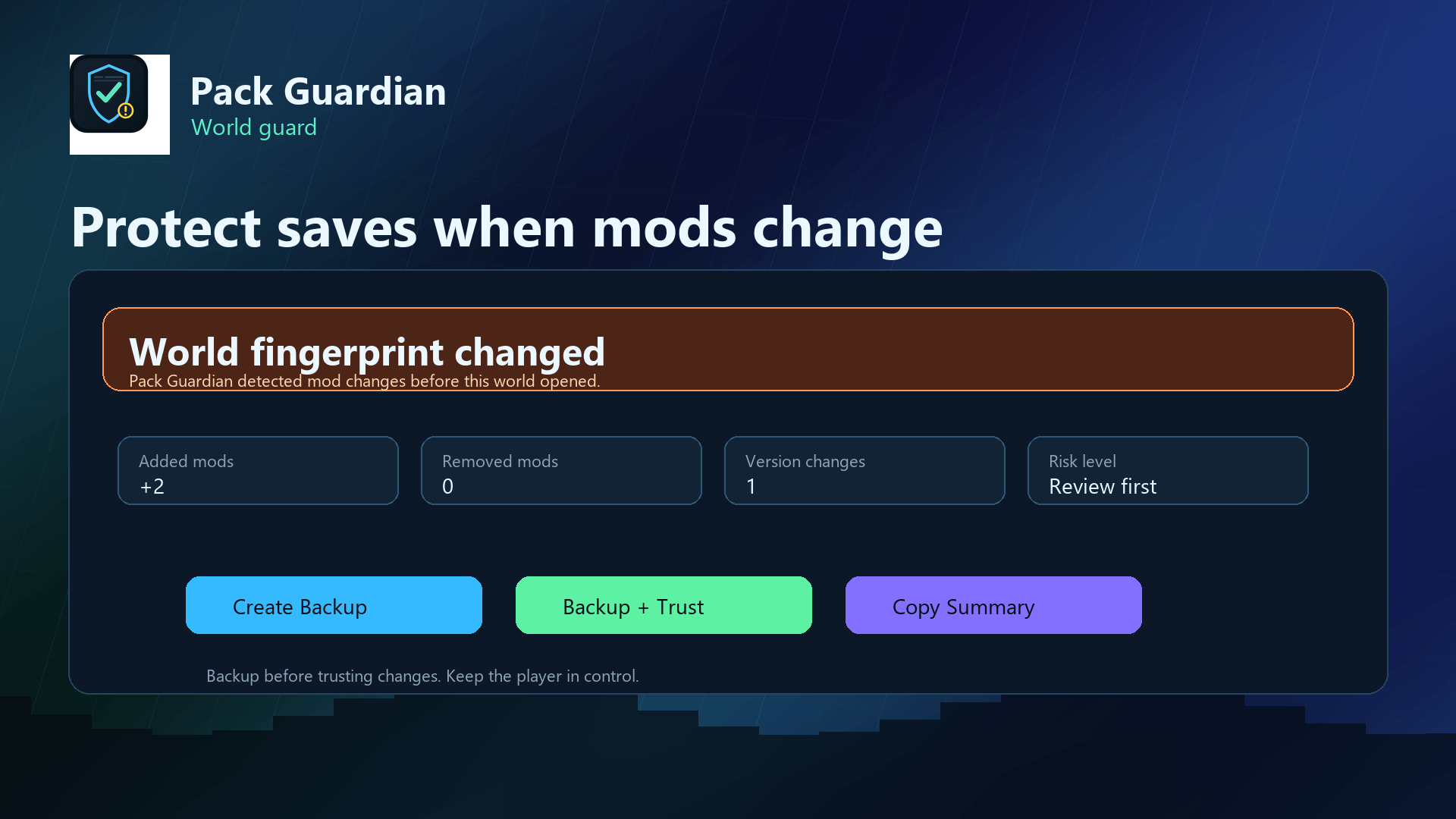
– Detects world fingerprint changes when mods are added, removed, or changed.
– Offers safe one-click actions for supported fixes.
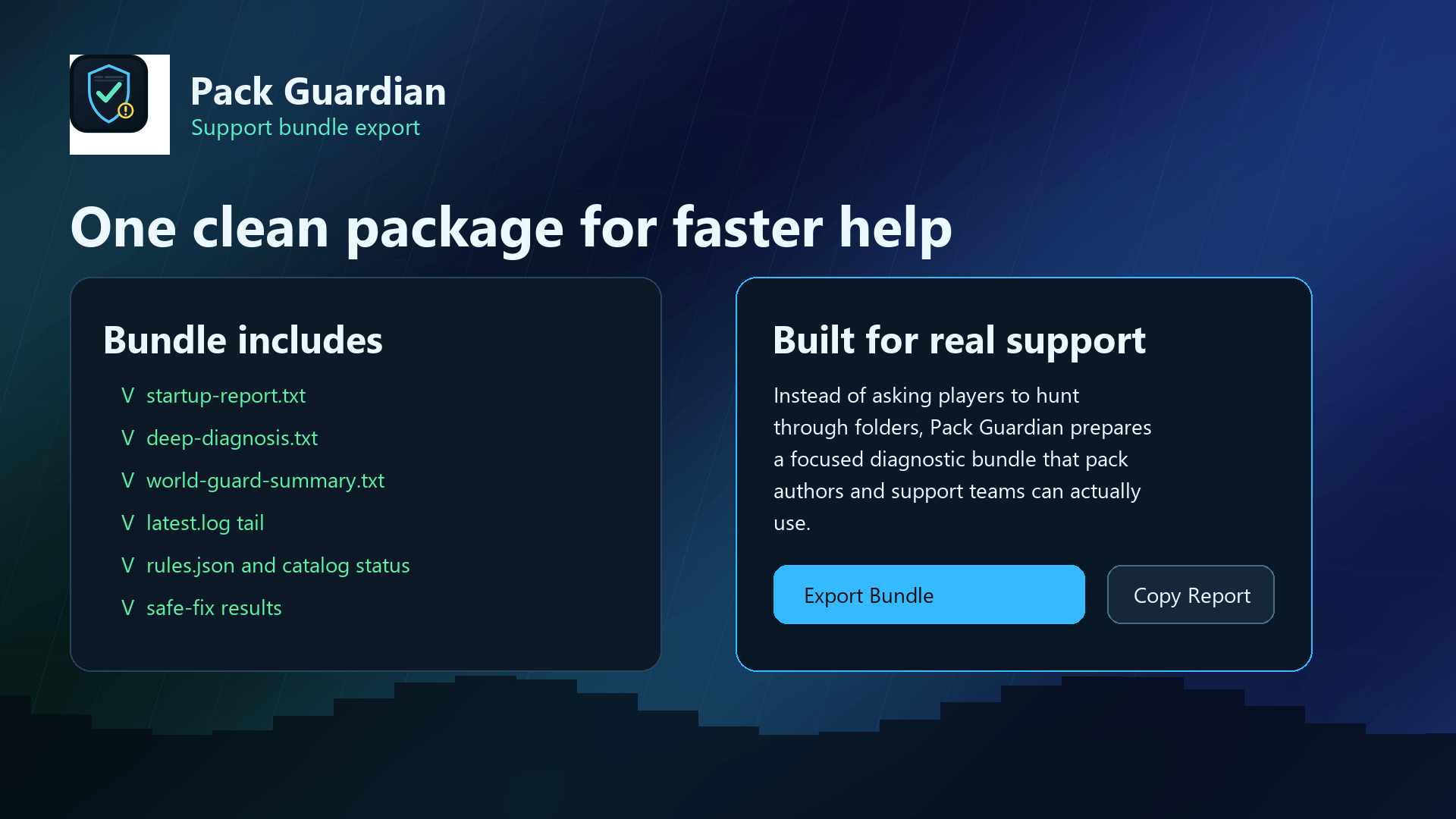
– Exports support bundles for modpack creators and support teams.
– Supports remote issue catalogs so known problems can be updated faster.
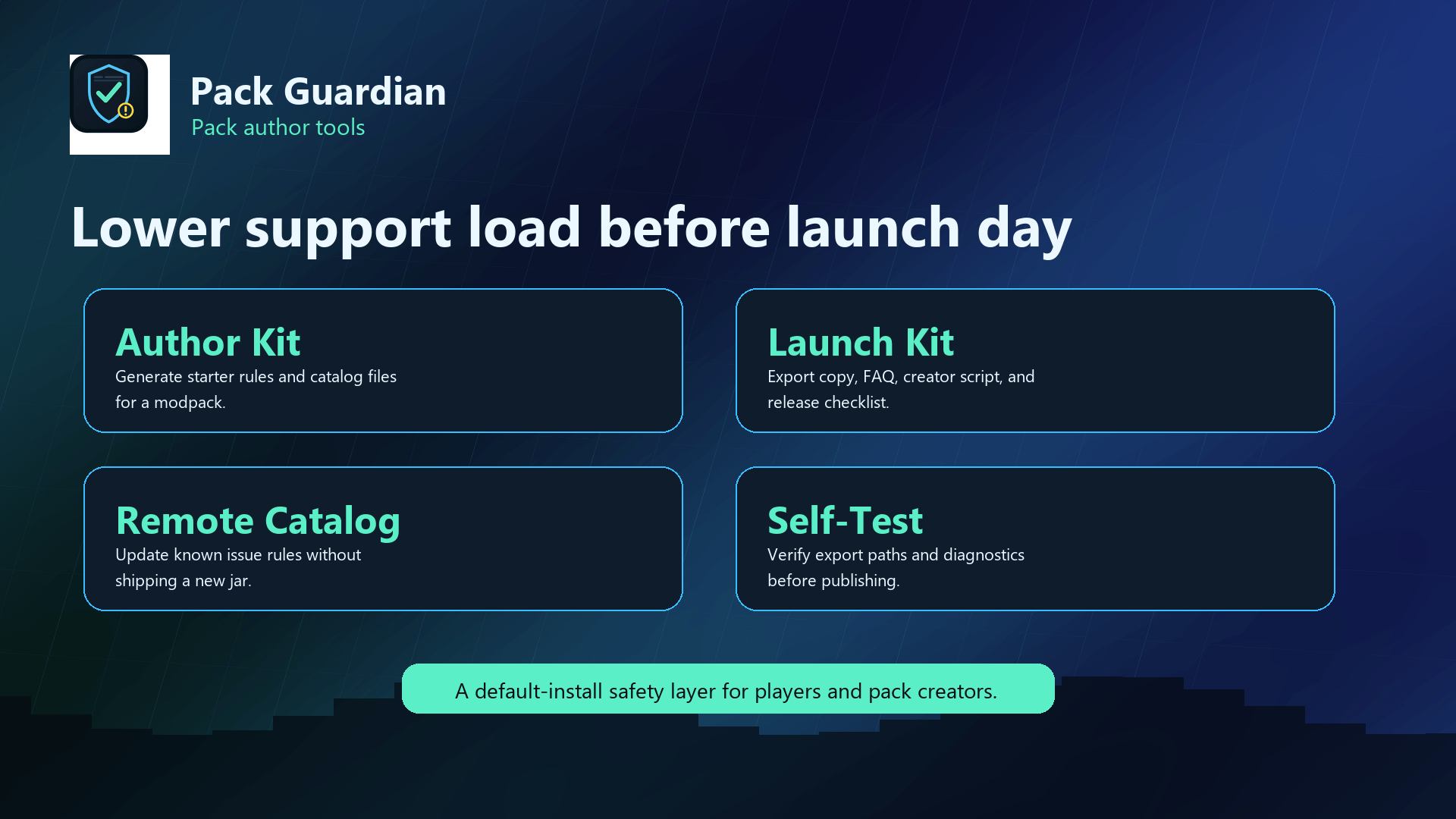
– Includes tools for pack authors to generate starter rules and launch materials.
Why install it:
Pack Guardian is designed for players, modpack authors, and support teams who want fewer mystery crashes, safer saves, and clearer recovery steps.
It does not promise that every crash can be prevented, but it helps catch common and dangerous problems earlier, before they become harder to diagnose.
Good for:
– Large modpacks
– Custom CurseForge profiles
– Players who frequently add or remove mods
– Support teams
– Pack authors
– Anyone who wants safer world loading and clearer diagnostics
Created by Harel.
常见问题
Pack Guardian 支持哪些 Minecraft 版本?
Pack Guardian 支持 Minecraft Java 版 1.21.11,可用的加载器:Fabric / NeoForge。下载时注意选择和你游戏版本一致的文件。
Pack Guardian 怎么安装?
先用 PCL2 或 HMCL 启动器安装对应版本的 Fabric / NeoForge,再把下载的 .jar 文件放进游戏目录的 mods 文件夹,重新启动游戏即可。开启了版本隔离的,mods 文件夹在 versions/版本名 下面。
评论
登录后评论和评分