
TierTagger (OuterTiers)
在Tab列表中的玩家名字旁以及头顶的名牌徽章上显示OuterTiers、MCTiers、PvPTiers和SubTiers等级。客户端模组,无需安装服务端。
截图
介绍
TierTagger
A client-side mod that shows MCTiers, OuterTiers, PvPTiers and SubTiers rankings directly in Minecraft, in the tab list and above player heads.
No server installation needed. Works on any server.
Features
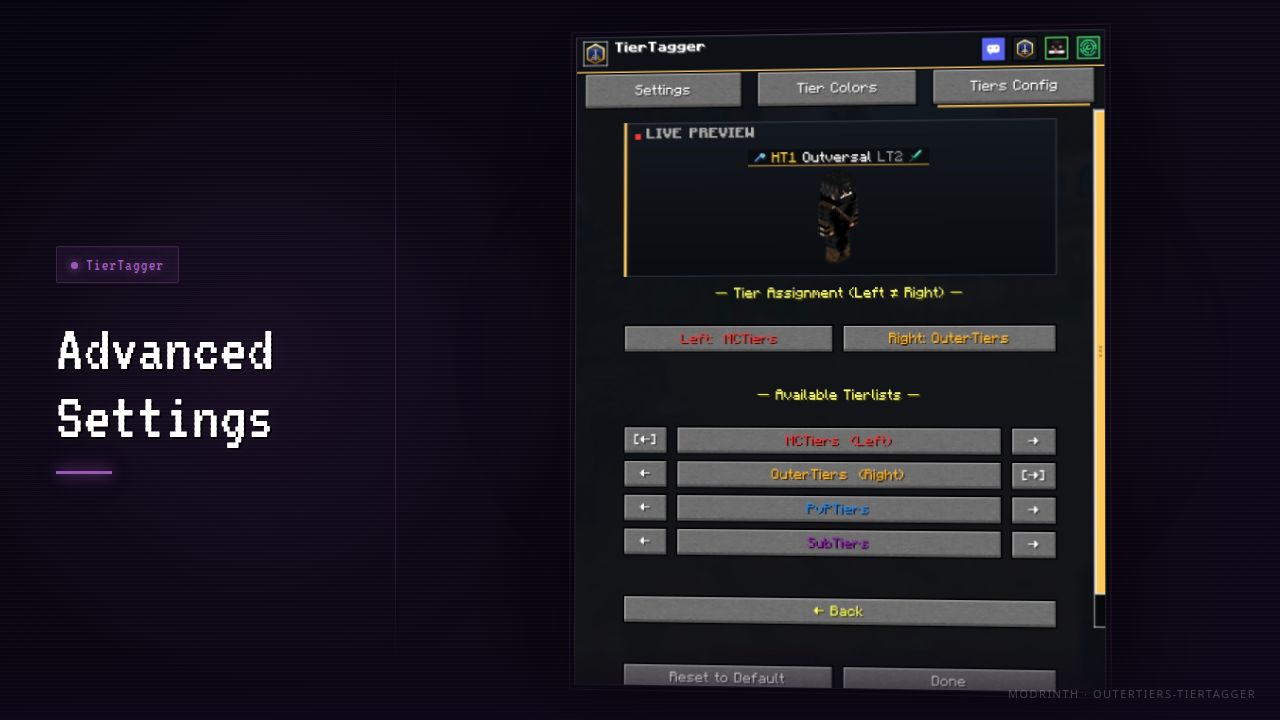
Tab list — tier badges appear next to every player’s name when you open the tab list. Supports dual badges to show two different tier lists side by side.
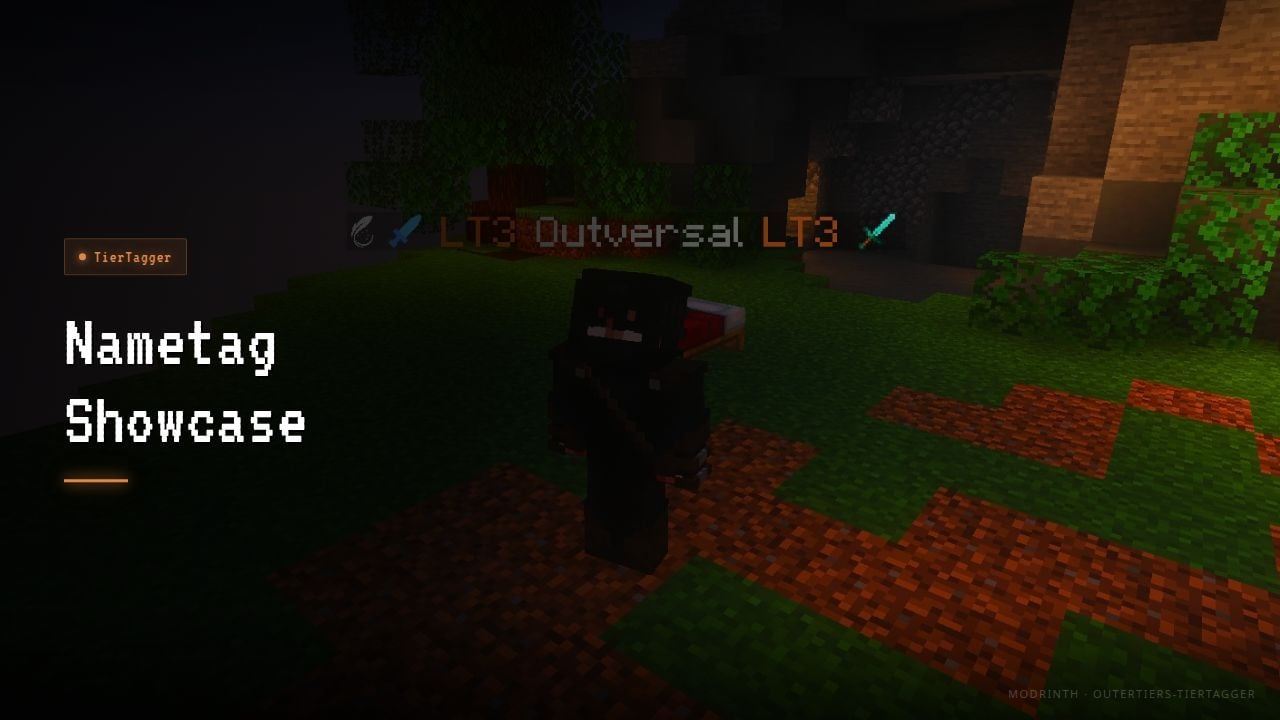
Nametag — a badge floats above each player’s head in-world. Toggle on/off with F5. Gamemode-aware, so it always shows the relevant tier for the server you’re on.
Commands
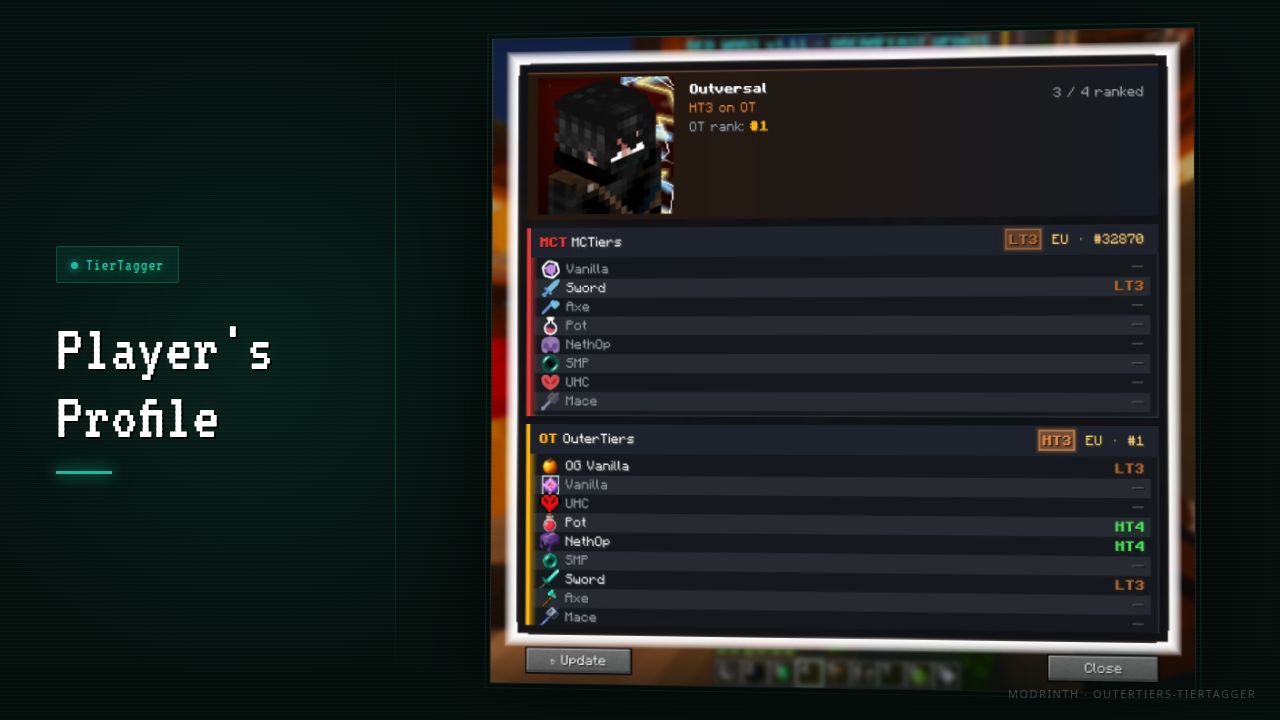
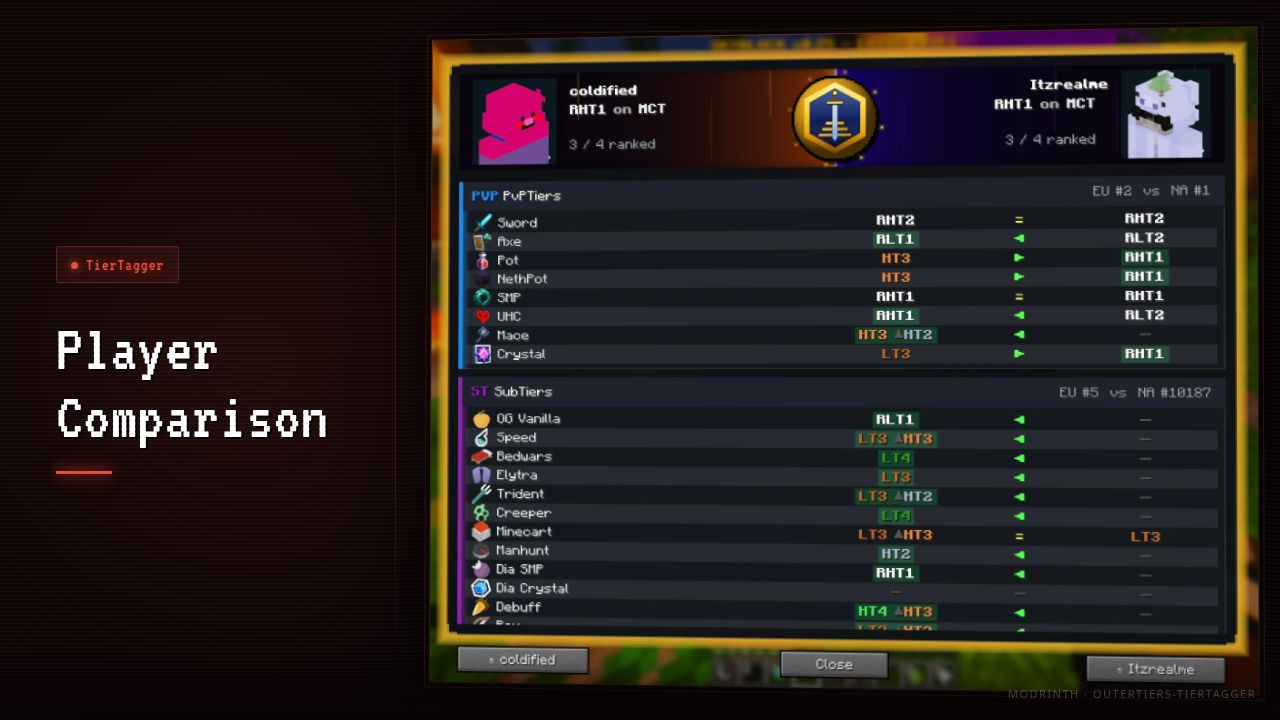
/tiertagger search <player>— see a player’s full tier breakdown across all services and gamemodes/tiertagger compare <player1> <player2>— compare two players side by side/tiertagger help— list all available commands
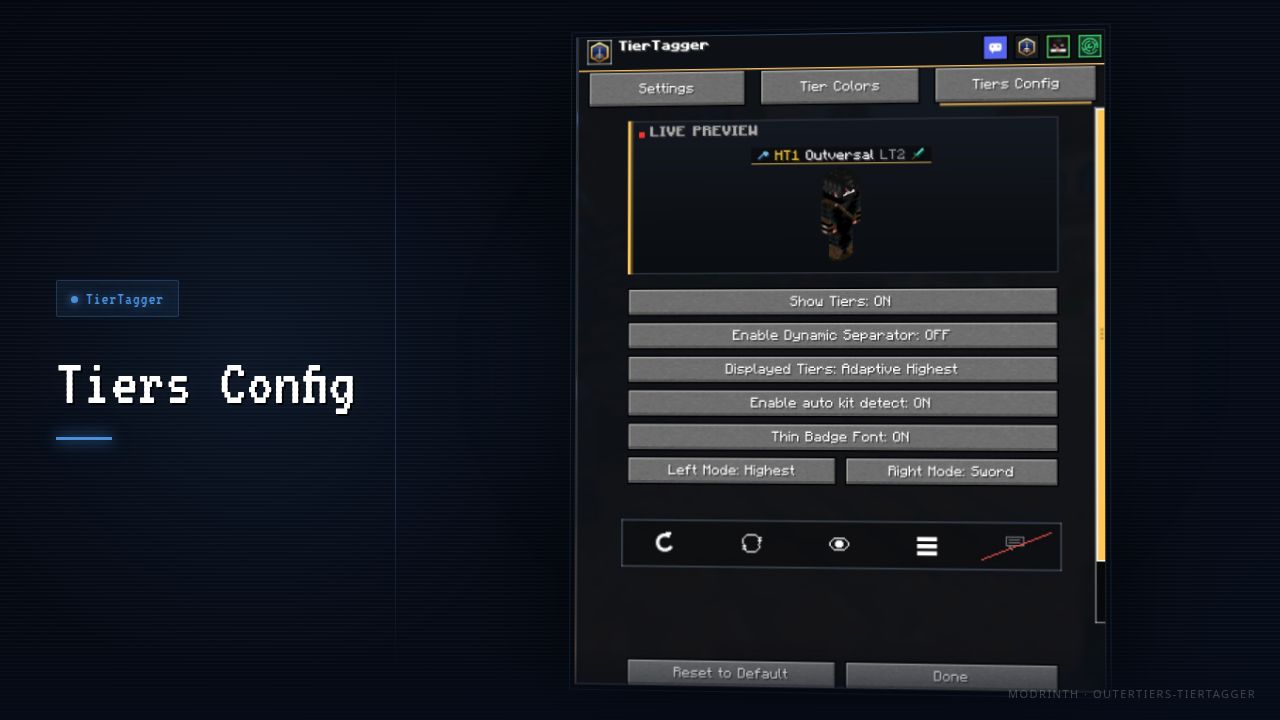
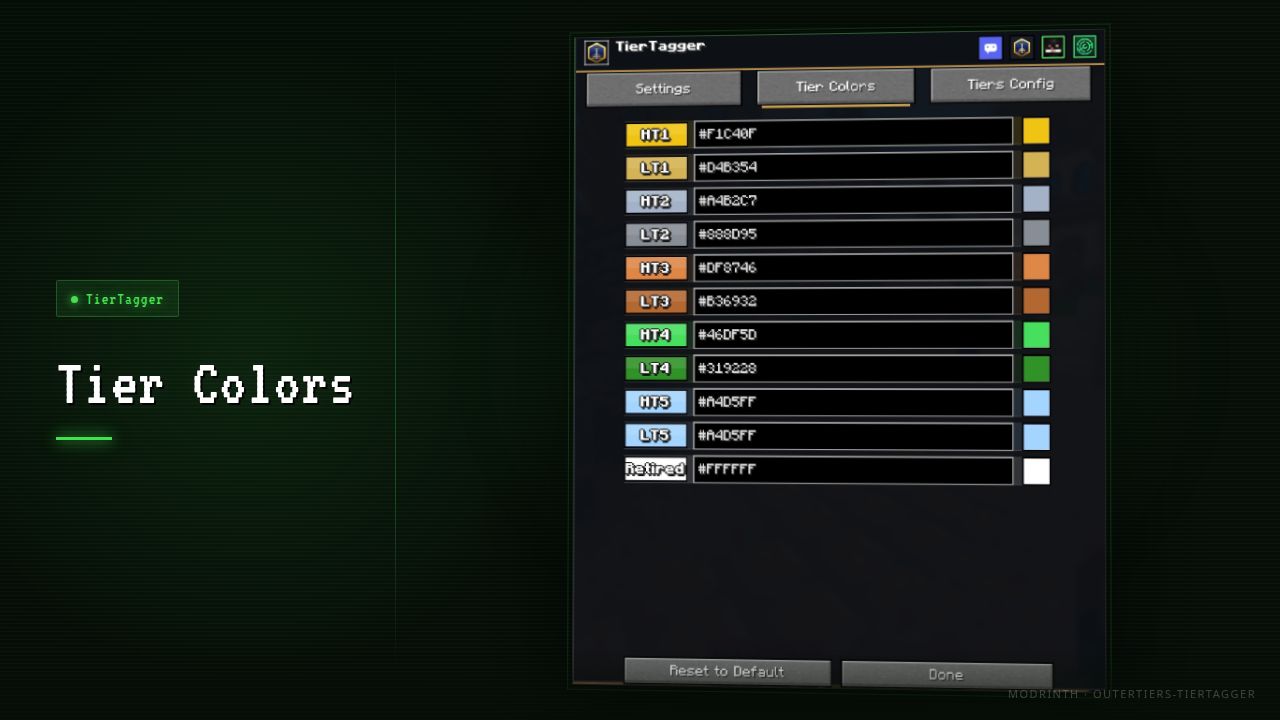
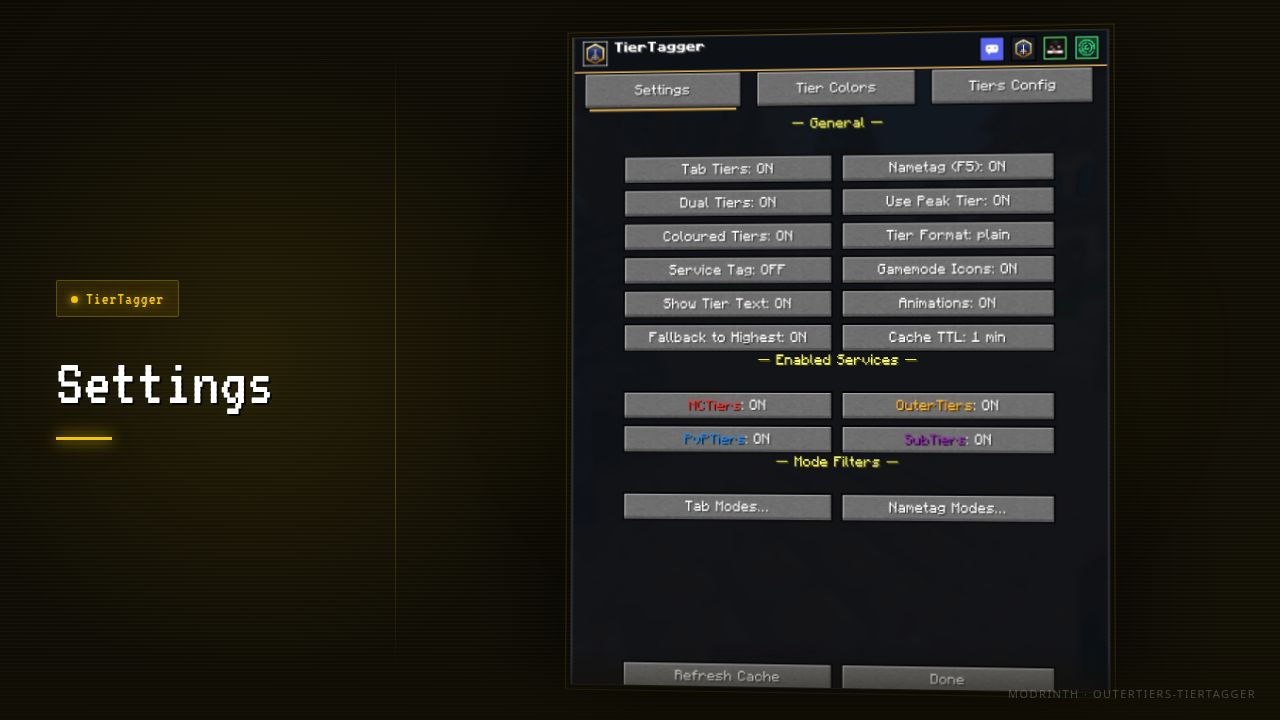
Settings — fully configurable in-game via Mod Menu. Customize colors, which tier lists to show, badge format, cache duration, and more.
Install
- Install Fabric for your Minecraft version
- Add Fabric API to your mods folder
- Drop TierTagger in and launch
Mod Menu is optional but gives you access to the in-game settings screen.
常见问题
TierTagger (OuterTiers) 支持哪些 Minecraft 版本?
TierTagger (OuterTiers) 支持 Minecraft Java 版 1.21.8–26.3,共 8 个版本,可用的加载器:Fabric。下载时注意选择和你游戏版本一致的文件。
TierTagger (OuterTiers) 怎么安装?
先用 PCL2 或 HMCL 启动器安装对应版本的 Fabric,再把下载的 .jar 文件放进游戏目录的 mods 文件夹,重新启动游戏即可。开启了版本隔离的,mods 文件夹在 versions/版本名 下面。运行环境:仅客户端。
评论
登录后评论和评分