截图


介绍
中文介绍正在准备中,下面暂时显示原文。

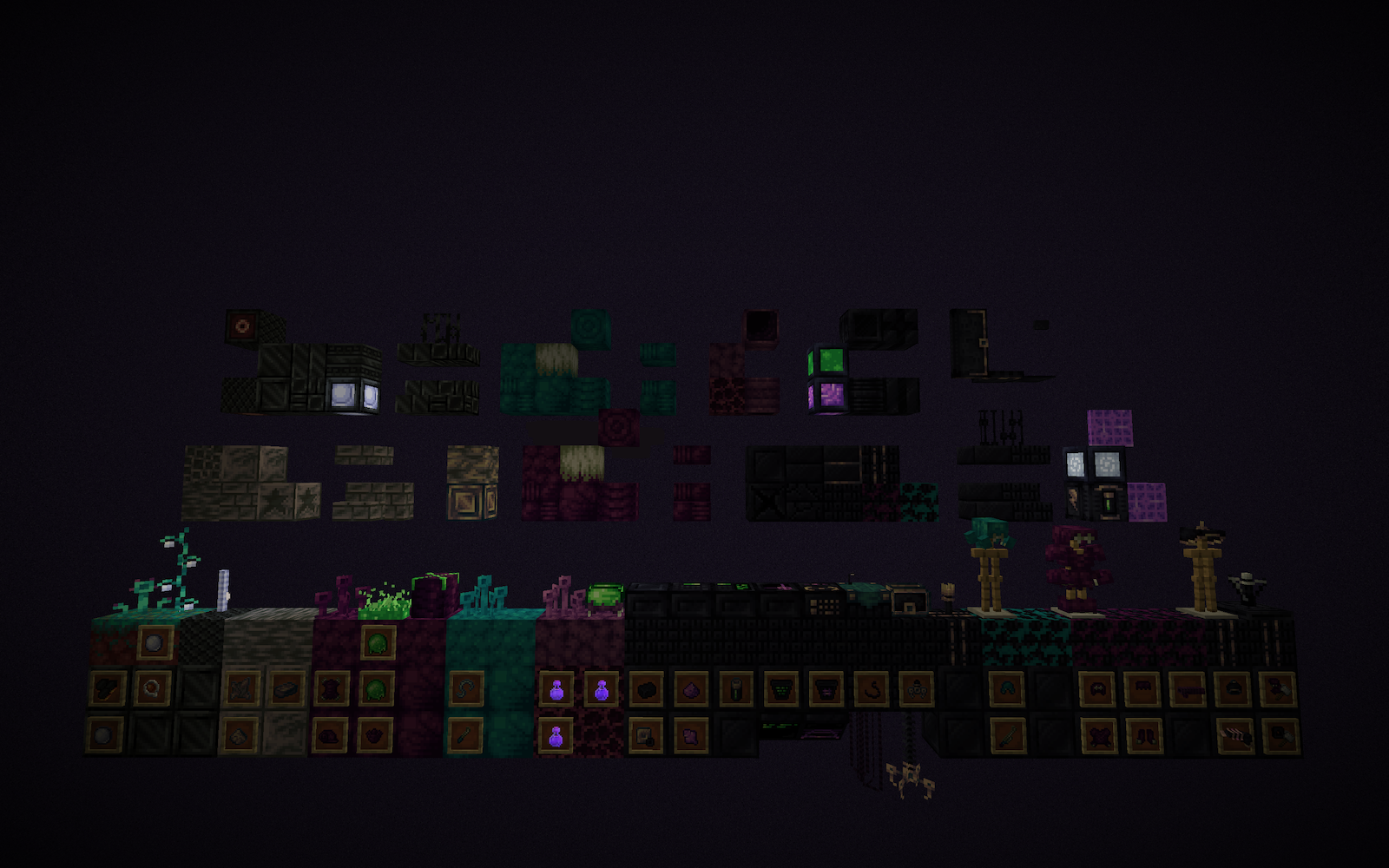
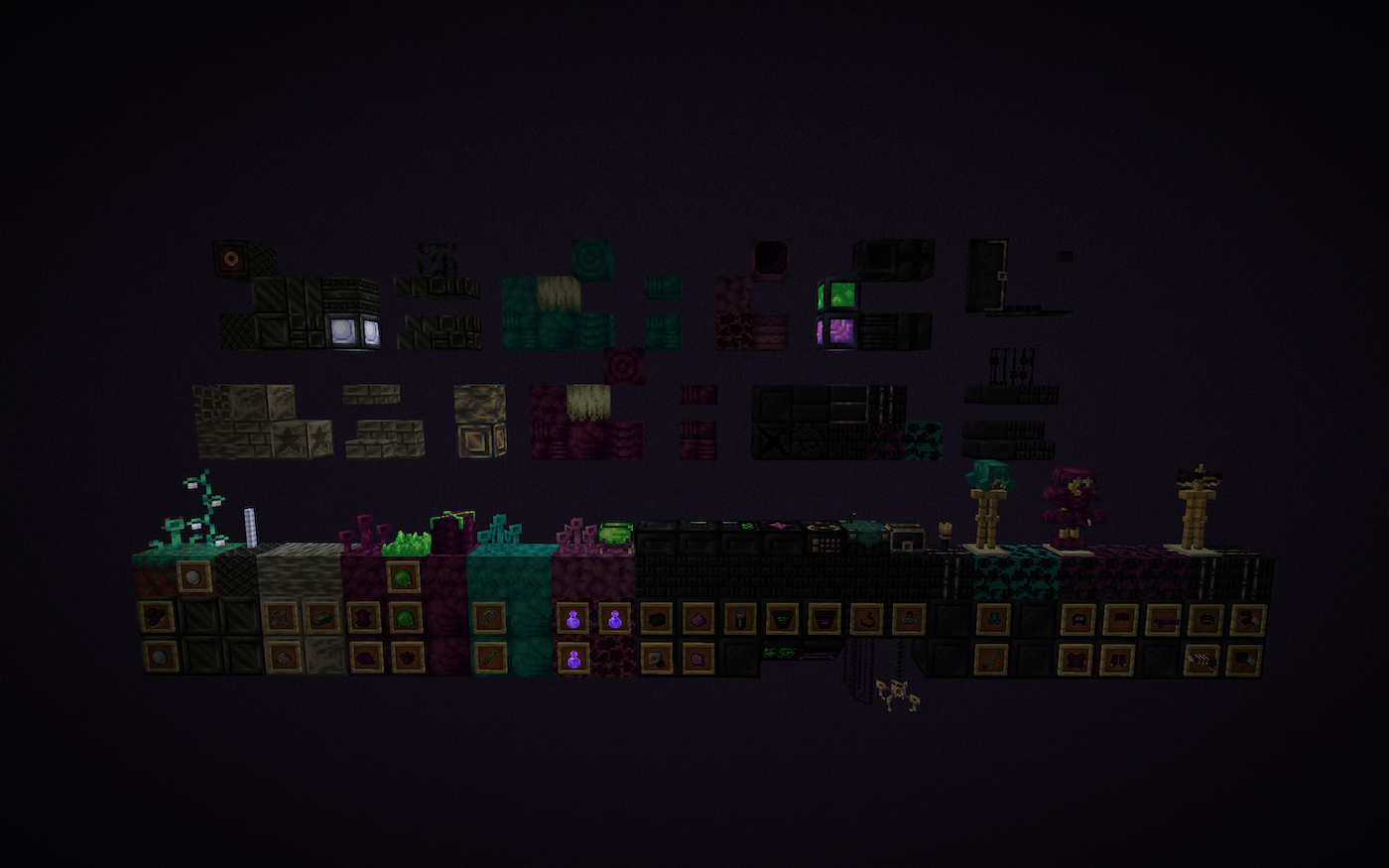
Othercraftly is aimed at being a unique alien themed mod that adds to minecraft without drastically changing the experience. This mod contains polish and is meant to fit nicely into the survival experience.
Additions:
- A new workbench, The Research Table.
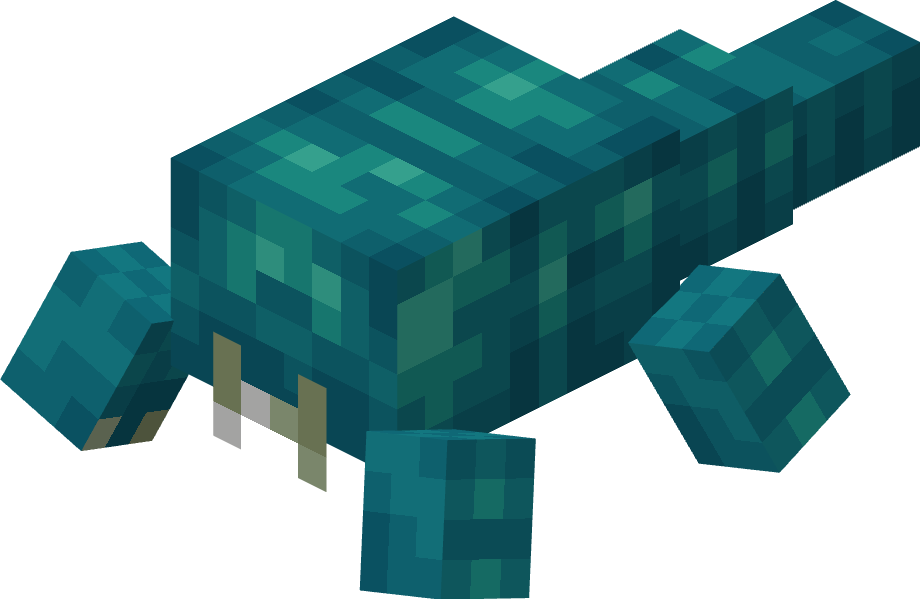
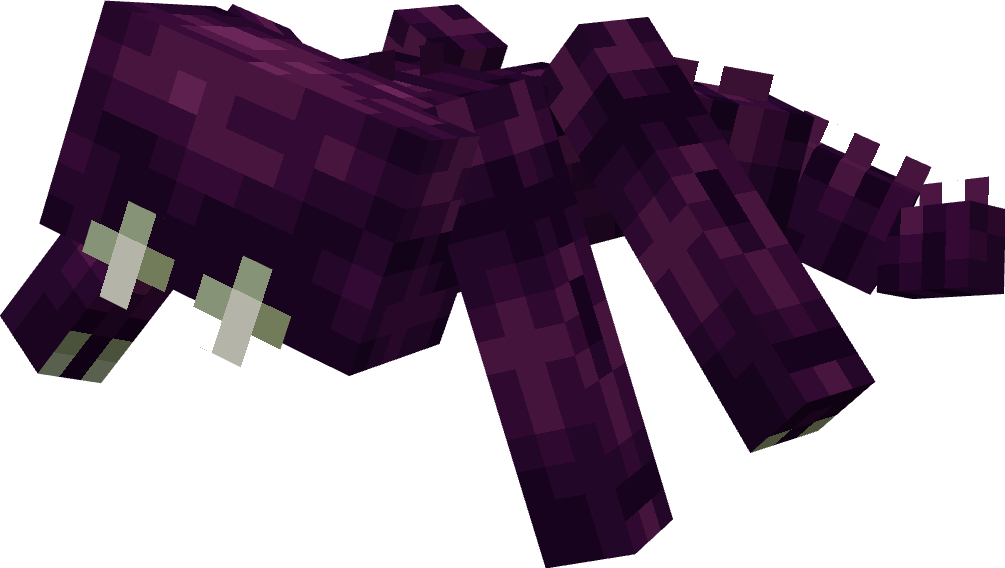
- 8 new and unique mobs.
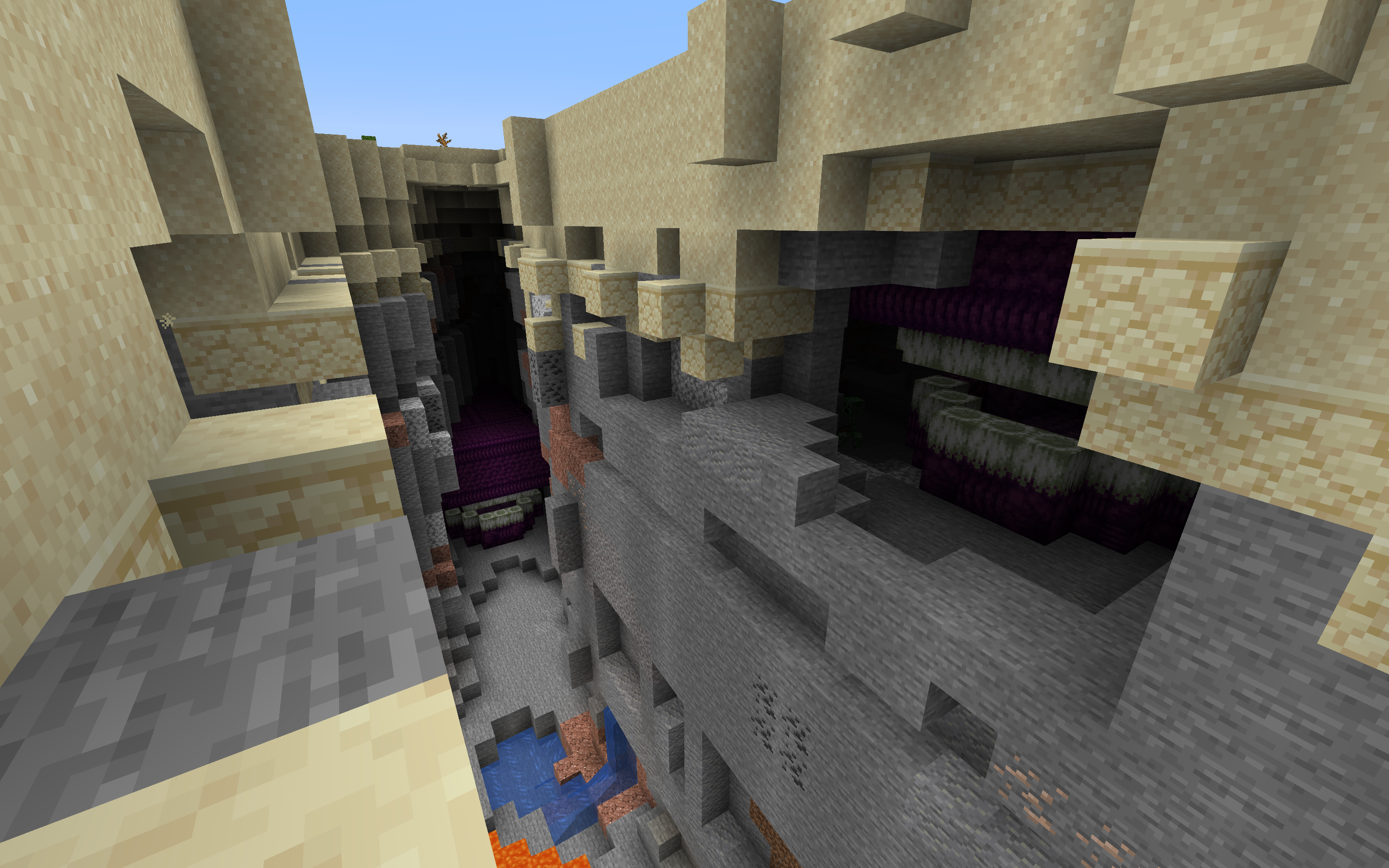
- Two unique randomly generated structures. (Can be placed manually in creative mode!)
- Other smaller structures such as meteors (meteors can also fall from the sky, but can be disabled with a gamerule).
- 93 new blocks.
- 38 new items, 3 of which are tools, 6 are equipment (armor), and 12 are potions, tipped arrows, etc…
- 15 new paintings.
- 16 new achievements.
Questions and Answers:
- Q: Will this mod be on (insert new version)?
- A: Currently the mod will not be leaving 1.16 until a certain issue outside of my control regarding animation is fixed.
- Q: Will this mod be back-ported?
- A: No.
- Q: Can I use your mod resources?
- A: No.
- Q: Can I put this mod on (insert website here)?
- A: No, currently the MCreator and Forge downloads are the only official ones. Any others are unofficial and may contain viruses.
- Q: Can I put this mod into my modpack?
- A: Yes, just give credit.
- Q: Can I make videos using this mod?
- A: Yes, just give credit, and leave a link to the Forge or MCreator site in the description.
- Q: Will you make this mod compatible with (insert other mod)?
- A: Maybe, I haven’t quite figured out compatibility yet.
Other Sites:
Credits:
All Zionate, All Palustone, Wormwood block and Scales, and Meteorite block textures – Eolite
Everything else – Me
Testing – Jeo, Patchouli, Madoc
Mod made with MCreator.
常见问题
Othercraftly 支持哪些 Minecraft 版本?
Othercraftly 支持 Minecraft Java 版 1.16.5,可用的加载器:Forge。下载时注意选择和你游戏版本一致的文件。
Othercraftly 怎么安装?
先用 PCL2 或 HMCL 启动器安装对应版本的 Forge,再把下载的 .jar 文件放进游戏目录的 mods 文件夹,重新启动游戏即可。开启了版本隔离的,mods 文件夹在 versions/版本名 下面。

评论
登录后评论和评分