
Adventurer, an Origins Addon
Adds an additional Origin Layer for your worlds, granting additional depth within your player builds
截图
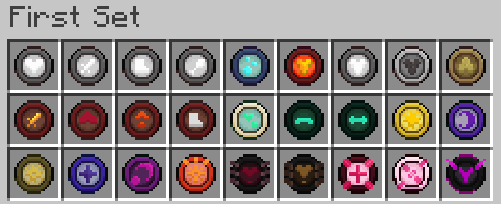

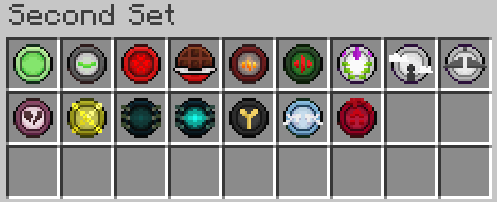

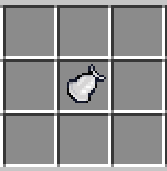



介绍
become an adventurer, and search the world of its hidden powers.

about the pack
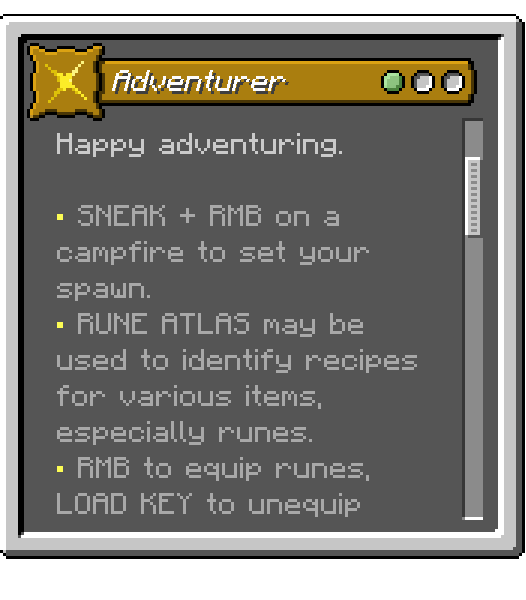
, minecraft somewhat lacks satisfying progression and a customizable build system. this addon adds the Adventurer, allowing crafting of various runes that give passive abilities. The Atlas will tell you the rest.
_, dont forget to download the resourcepack_


spoiler content
Spoiler
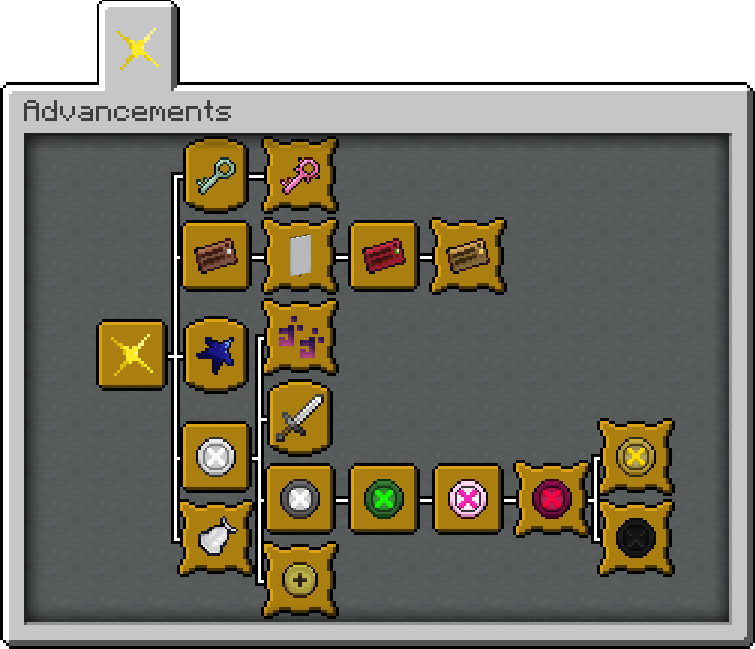
advancements
Spoiler
, below is some technical info about the pack
controls
, runes can be equipped by holding on main-hand and right-click, unequip all runes at once with load toolbar key, and toggle visibility of mana bar with save toolbar key
how does mana work and regenerate
, mana is restored by 4 per sec, 8 when standing still, crystals are meant for important events hence you get only 3 per night which quickly grants 60 mana with right-click
, runes can drain or consume a chunk of mana
, drains either 0, 2, 4, 6, or 8 mana / consumes chunks of mana when rune condition is met
is there a way to get the atlas back
, can be crafted, similar to runes
is this compatible with custom origins
, right-click and save/load toolbar key are the only keybinds used for this mod, it should be compatible with most custom origins that don’t have excessive keybinds
i want to know every single rune, i want to get the advancements
, all crafting recipes and mobs that may drop runes are in the atlas. currently, there are 11 basic, 19 uncommon, 15 special, 4 stunning and 5 undefined runes to collect
datapack + resourcepack variant ?
– download, extract, and place the files inside in their respective folders ( datapack / resourcepack )
Spoiler
showcase ?

常见问题
Adventurer, an Origins Addon 支持哪些 Minecraft 版本?
Adventurer, an Origins Addon 支持 Minecraft Java 版 1.20–1.20.4,共 5 个版本,可用的加载器:Fabric。下载时注意选择和你游戏版本一致的文件。
Adventurer, an Origins Addon 怎么安装?
先用 PCL2 或 HMCL 启动器安装对应版本的 Fabric,再把下载的 .jar 文件放进游戏目录的 mods 文件夹,重新启动游戏即可。开启了版本隔离的,mods 文件夹在 versions/版本名 下面。运行环境:客户端 / 服务端。
mischievouspixel 的其他作品
查看全部 →
misch origins, Servant
Maids are liiiiit, and cute

misch origins, Cat Witch
She's the sweetest, the sweetest in the world

misch origins, Outclassed
Despite tragedy at future sight, the world is at equilibrium

misch origins, Venerated Souls
Let the Venerated Souls live in spite of their God
评论
登录后评论和评分