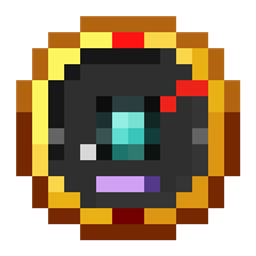
OreSense – The Ore Finding Compass
An ore finder / ore detector for survival prospecting: load the Ore Sensor with an ore sample and amethyst shards, then follow its needle, lamps and lock chime to the nearest vein of vanilla or modded ore.
截图
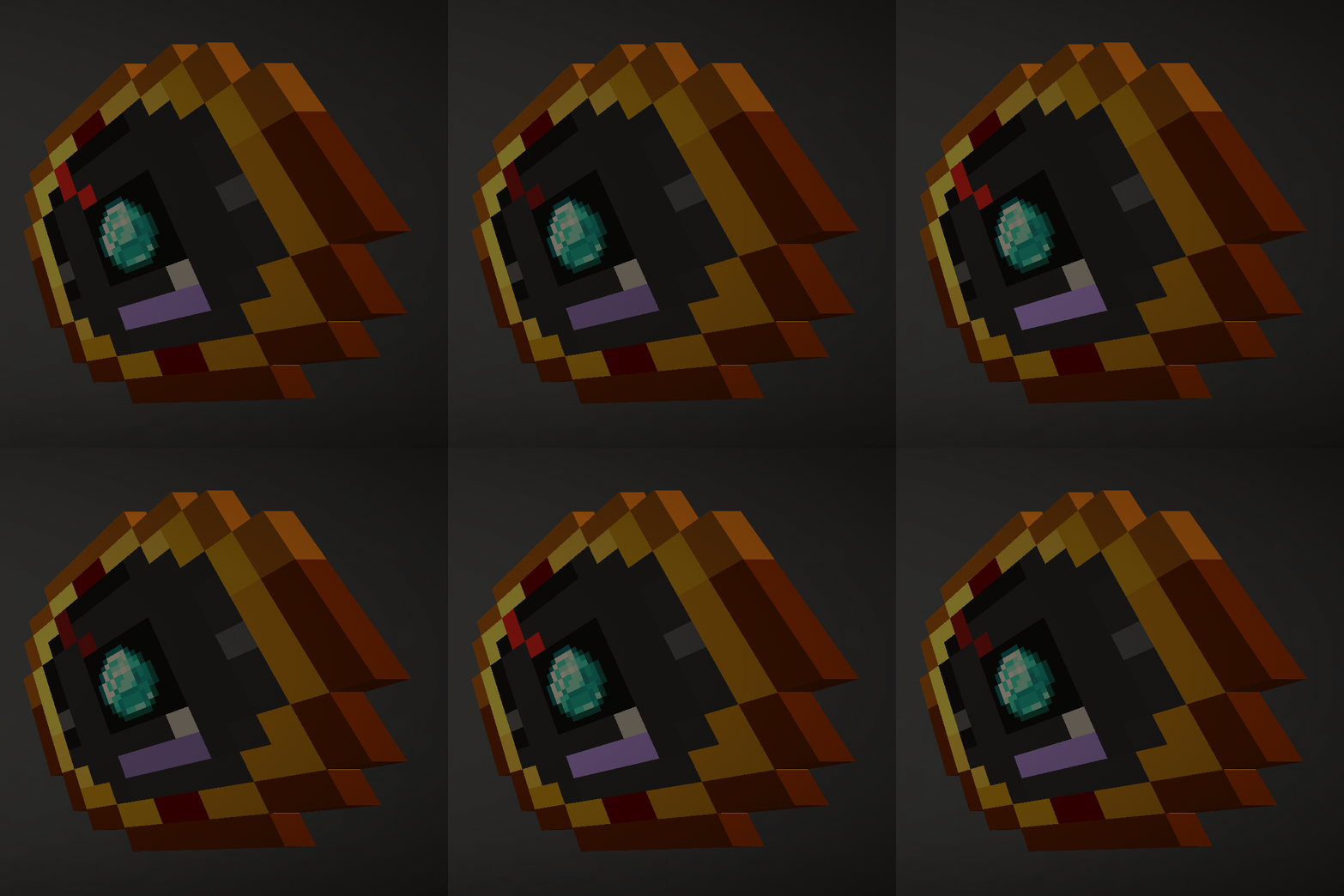
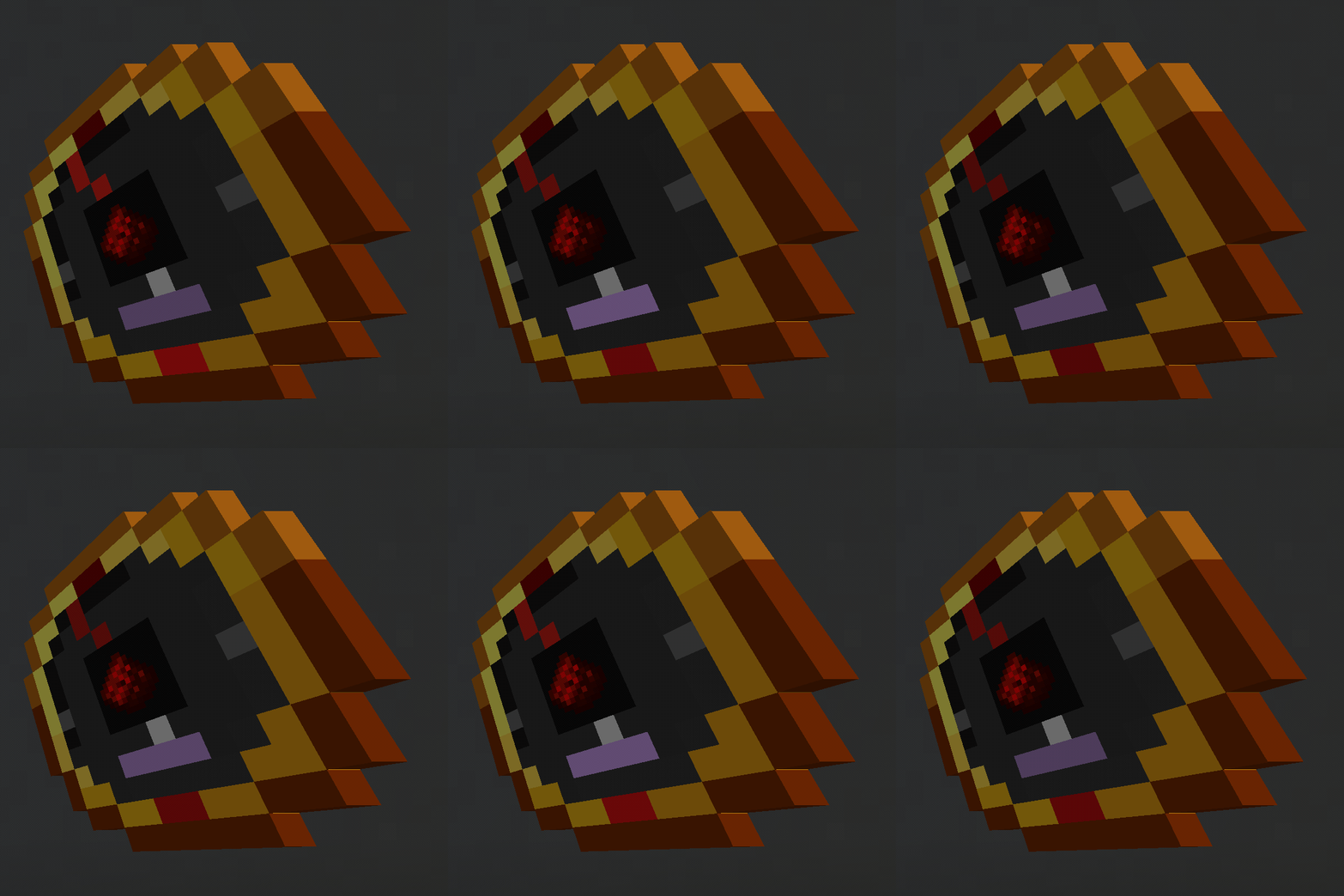
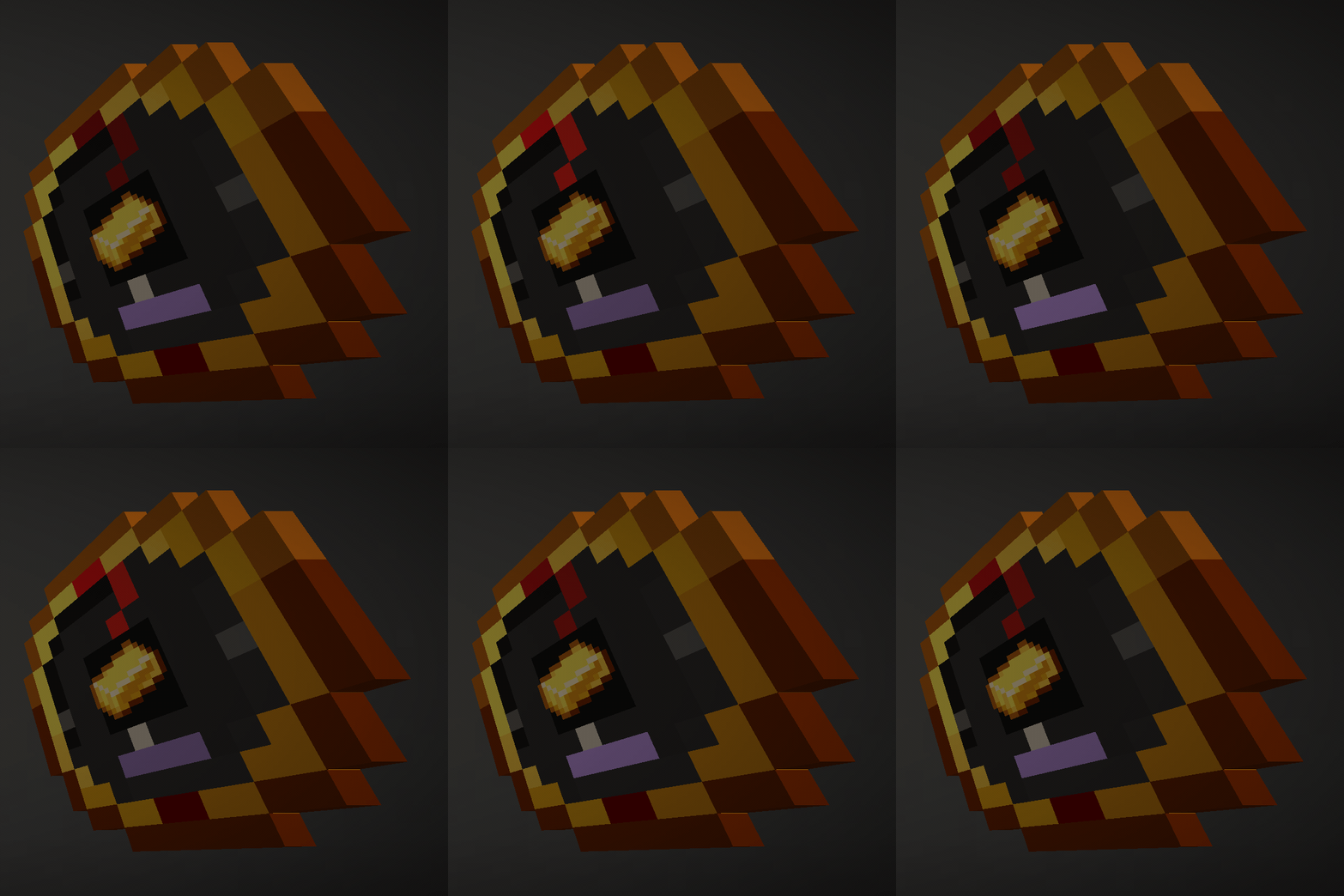
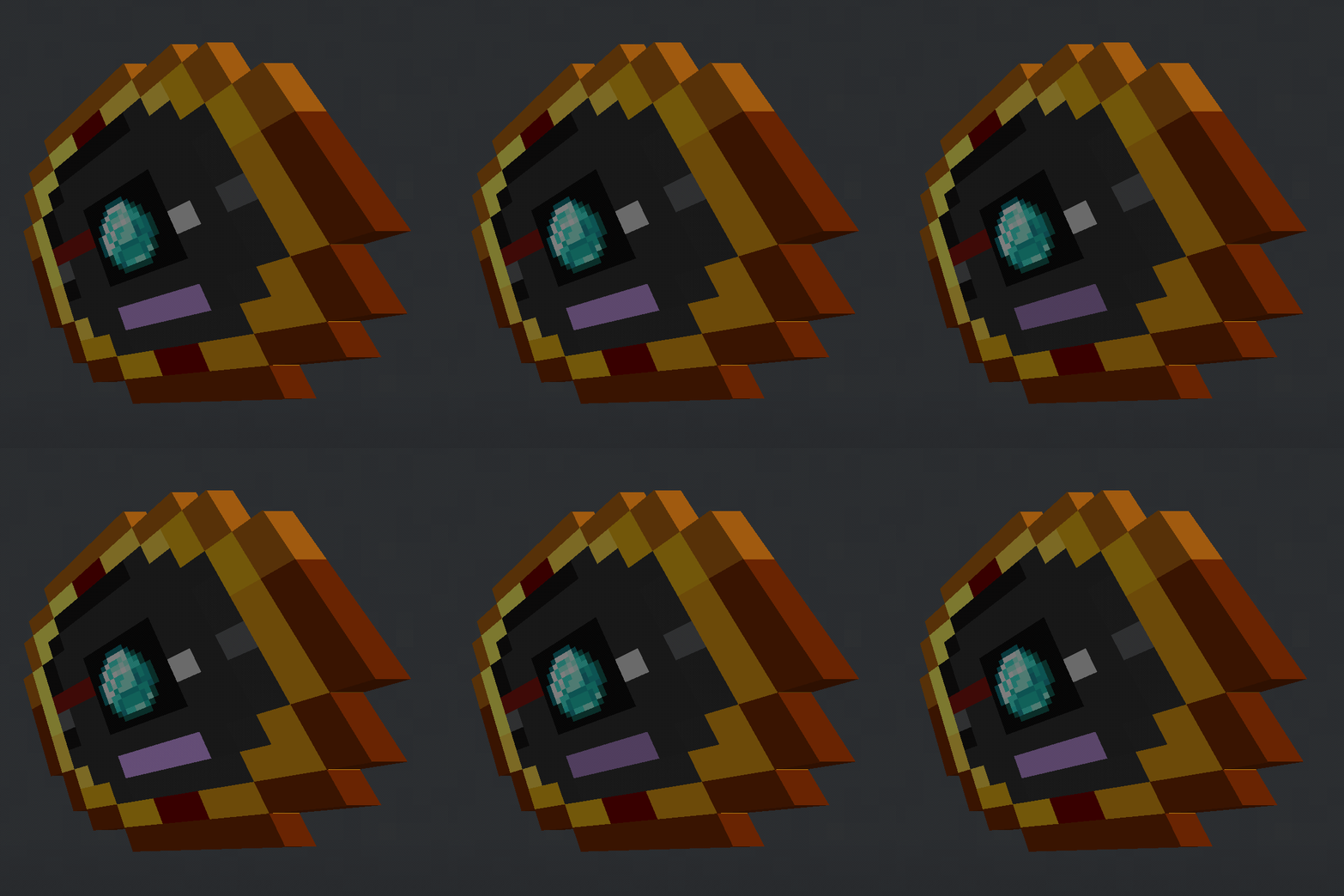
介绍
OreSense
A prospecting compass powered by amethyst shards. An ore finder for Forge, Fabric, Quilt, and NeoForge.
Tune the Ore Sensor with a sample, load it with amethyst shards, and follow the needle to the vein. Samples can be ore blocks, their drops, or items made purely from that material. It works as an ore detector for vanilla ores, modded ores, and amethyst geodes.
Current mod version: 1.1.0.
Features
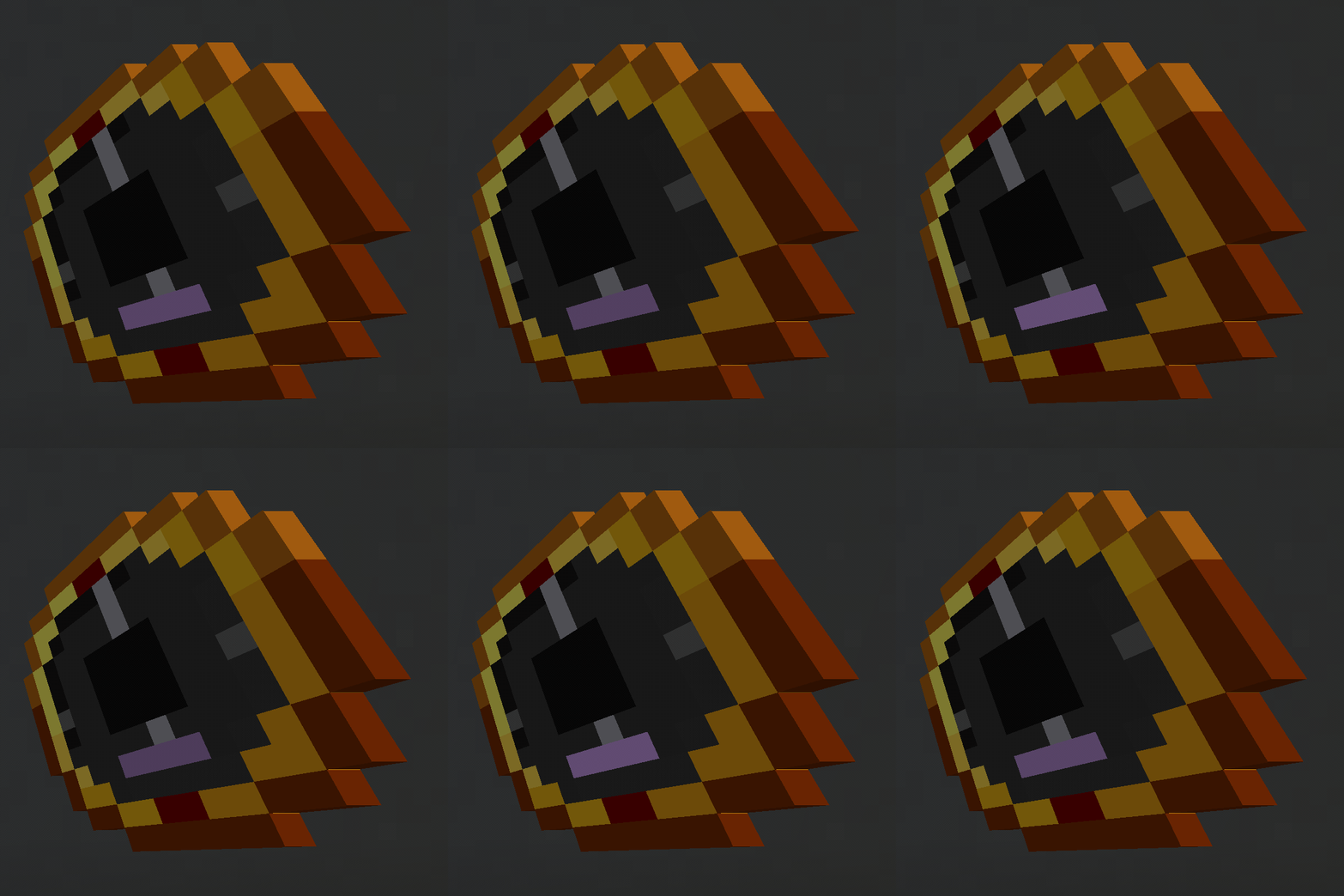
- A compass-style dial at vanilla pixel scale, with a red needle, above/below lamps, a charge gauge, and a window showing your sample.
- Find coal, copper, iron, gold, redstone, lapis, diamond, emerald, quartz, ancient debris, and amethyst geodes—including deepslate and Nether ore variants where available.
- Use samples such as ingots, nuggets, storage blocks, raw ore blocks, cut copper, netherite scrap, and amethyst shards. Mixed-material recipes, such as pickaxes and golden apples, are not followed.
- Supports modded ores through the ore tags used by each loader, with samples discovered from their drops and recipes.
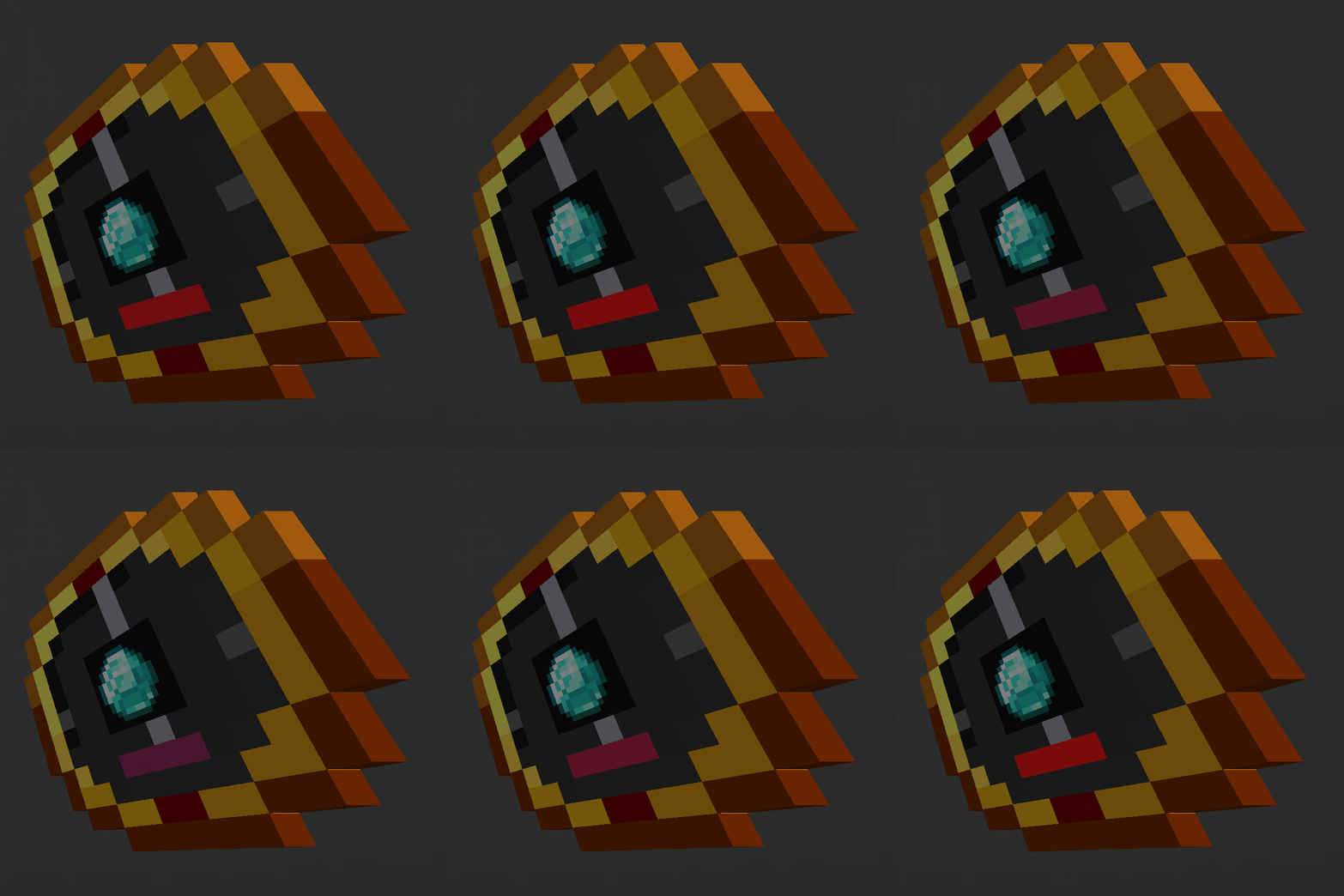
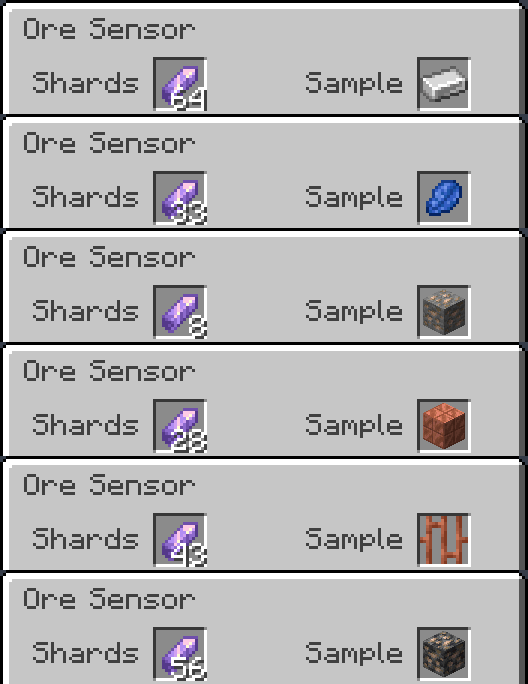
- Hold up to 64 amethyst shards. The gently pulsing charge gauge shows your remaining charge even when the Sample slot is empty.
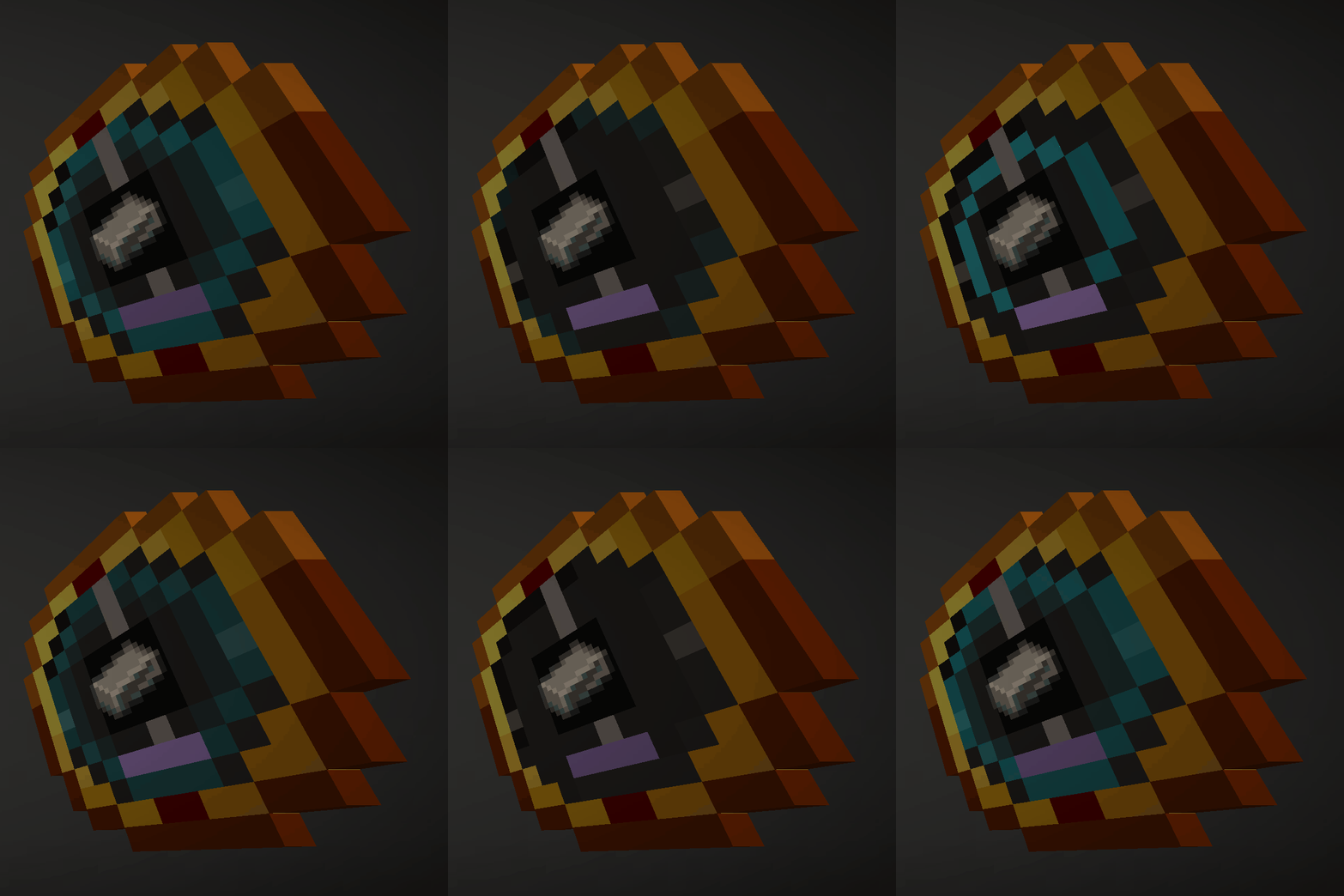
- The needle pulses faster as you approach a vein. Indicator lamps show whether it is above or below you, and cyan sonar rings show the sensor is searching.
- Data-pack friendly: add your own item-to-block targets under data/<namespace>/sample_aliases/.
How to use it
- Tune it: Right-click to open the sensor and place a sample in the Sample slot. Only items the sensor can actually find are accepted.
- Charge it: Put amethyst shards in the Shards slot.
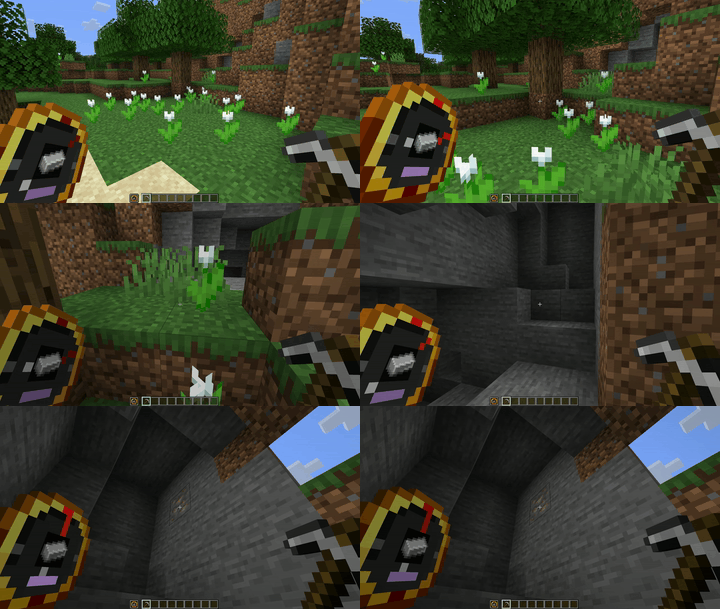
- Follow it: Hold the sensor in either hand. A chime announces a lock, and the needle points toward the vein.
- Mine it: Swap to your pickaxe—the lock stays while the sensor is in your inventory. Mining the first block spends one shard; the remaining blocks in that lock cost no additional charge.
- Skip it: Sneak-right-click to release a lock and search for another vein. Releasing within four blocks spends one shard if that lock has not already been paid for.
A grey needle at rest with cyan rings sweeping the face means the sensor is searching and has found nothing in range. If it finds a vein but has no shards, the gauge pulses red.
Spending about ten seconds outside scan range releases the lock without spending another shard. Creative mode never consumes charges.
Recipe
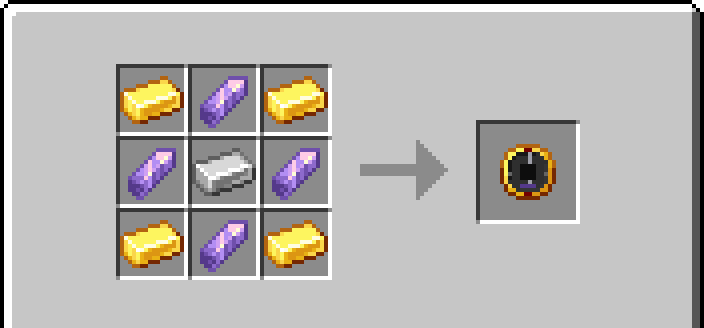
Four gold ingots, four amethyst shards, and one iron ingot.
Place gold ingots in the corners, amethyst shards on the edges, and an iron ingot in the middle. Equivalent ingots from the loader’s common tags are accepted. The recipe unlocks when you pick up an amethyst shard.
What’s new in 1.1.0
Open the settings screen from OreSense’s Config button in the mod list, on the title screen or from the pause menu’s Mods screen in a world; Fabric uses Mod Menu. Forge builds for Minecraft 1.17.1, 1.18, 1.18.1, 1.18.2, 1.19, 1.19.1, 1.19.2, 1.19.3 and 1.20 have no Mods button in the pause menu, so there the screen opens from the title screen’s mod list; on NeoForge 21.9.16-beta (Minecraft 1.21.9) the Mods screen crashes before it opens, fixed in NeoForge 21.10, so edit config/oresense-client.toml by hand.
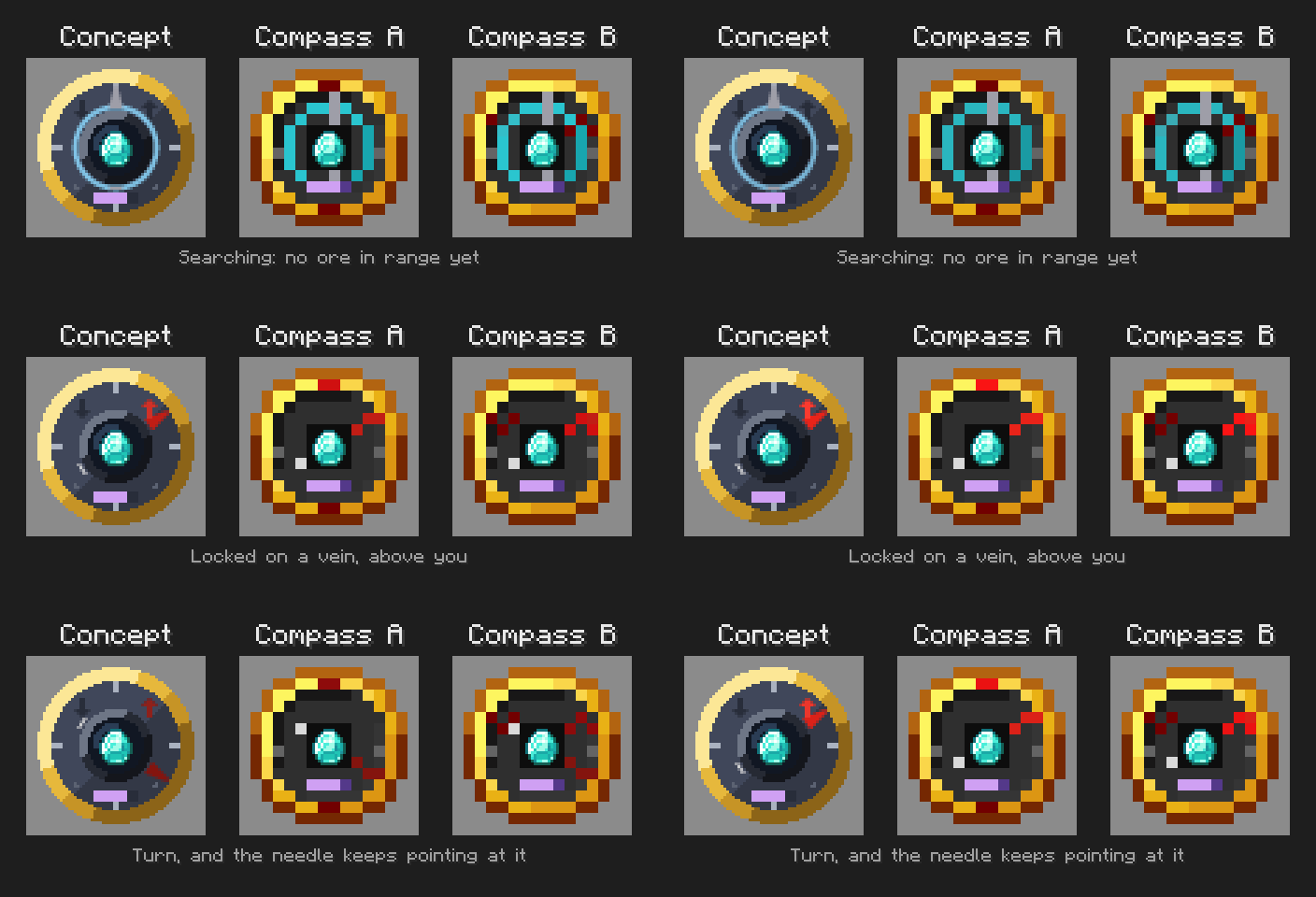
- Choose from three dial skins: Concept (the original v0.0.1 64 px dial), Compass A (the 1.0 art, the default), and Compass B (Compass A with arrow lamps on the face).
- Pulsing lights is on by default; turning it off holds the needle glow, sonar sweep, and charge gauge pulse steady while the needle still turns.
- Choose charging per vein, per size, or per block mined. A lock’s price, vein size cap, and grace time are fixed when it is made.
- When a lock costs something other than one shard per vein, its price appears above the hotbar when it locks and in the sensor’s tooltip until it is paid.
- Closest selects the closest vein; Largest selects the largest vein in range, with the nearer vein winning a size tie. Changing the vein choice releases a lock that is not yet paid for.
- The shorter sensor tooltip shows the sample, shards, and any warning; hold Shift for instructions. If the sensor cannot afford a vein, its tooltip says how many shards it needs.
- Fabric and Quilt: /reload re-reads config/oresense.json.
Existing configuration files and sensors keep working, and new settings start at their defaults. Clients and servers running 1.0.3 and 1.1.0 can still join each other in both directions.
Supported versions
| Loader | Minecraft versions |
|---|---|
| Forge | 1.17.1–26.3, except 1.20.5 and 1.21.2 |
| Fabric | Every stable release from 1.17–26.3 |
| Quilt | Every stable release from 1.17–26.3 |
| NeoForge | Every stable release from 1.20.1–26.3 |
Download the file for your exact Minecraft version and loader. Each combination has its own build. When updating, replace any older OreSense jar in your mods folder; do not keep two OreSense jars in the same instance. Snapshots and Minecraft pre-releases are excluded.
Requirements
- Install OreSense on both the client and server.
- Fabric and Quilt require Fabric API for the same Minecraft version.
- Fabric builds require Fabric Loader 0.19.5 or newer.
- Forge 1.20.1 runs on any Forge 47.x release, from 47.0.0 up.
- Quilt builds for 1.17, 1.17.1, 1.18, and 1.18.1 require exactly Quilt Loader 0.26.4. Later Quilt builds require 0.30.1 or newer.
- Java 17 for Minecraft 1.17 through 1.20.4 (Java 16 is the minimum on 1.17 and 1.17.1), Java 21 for 1.20.5 through 1.21.11, and Java 25 for 26.x.
- Check each file’s release notes for its specific loader and dependency requirements.
Configuration
Configuration files are created on first launch:
| Loader | Configuration file |
|---|---|
| Forge / NeoForge | config/oresense-common.toml |
| Fabric / Quilt | config/oresense.json |
Adjust scan range (horizontalRange, verticalRange), scan interval (scanIntervalTicks), optional text readings (showDirection, showActionBar), and oresOnly (default true; false lets any block serve as a sample).
The default scan range is 32 blocks horizontally and 16 blocks vertically.
Restart after editing. In multiplayer, the server configuration controls scanning and the optional text readings.
Transparency
Every part of OreSense was built or modified with AI assistance (Claude, through Claude Code), directed and reviewed by me. That covers the mod code, the procedurally generated textures, the ports to all 122 Minecraft version and loader combinations, the build and test pipeline, and the written text here, in the changelogs and in the release notes. AI is how I can apply a fix to every version and loader at once and keep the project moving. I decide what the mod does and review what is produced, and every build is started on a dedicated server and joined with a real client before release. Screenshots and GIFs are real game captures, not AI-generated.
Links
常见问题
OreSense – The Ore Finding Compass 支持哪些 Minecraft 版本?
OreSense – The Ore Finding Compass 支持 Minecraft Java 版 1.17–26.3,共 34 个版本,可用的加载器:Fabric / Forge / NeoForge / Quilt。下载时注意选择和你游戏版本一致的文件。
OreSense – The Ore Finding Compass 怎么安装?
先用 PCL2 或 HMCL 启动器安装对应版本的 Fabric / Forge / NeoForge / Quilt,再把下载的 .jar 文件放进游戏目录的 mods 文件夹,重新启动游戏即可。开启了版本隔离的,mods 文件夹在 versions/版本名 下面。
评论
登录后评论和评分