
Opus (Guidebooks)
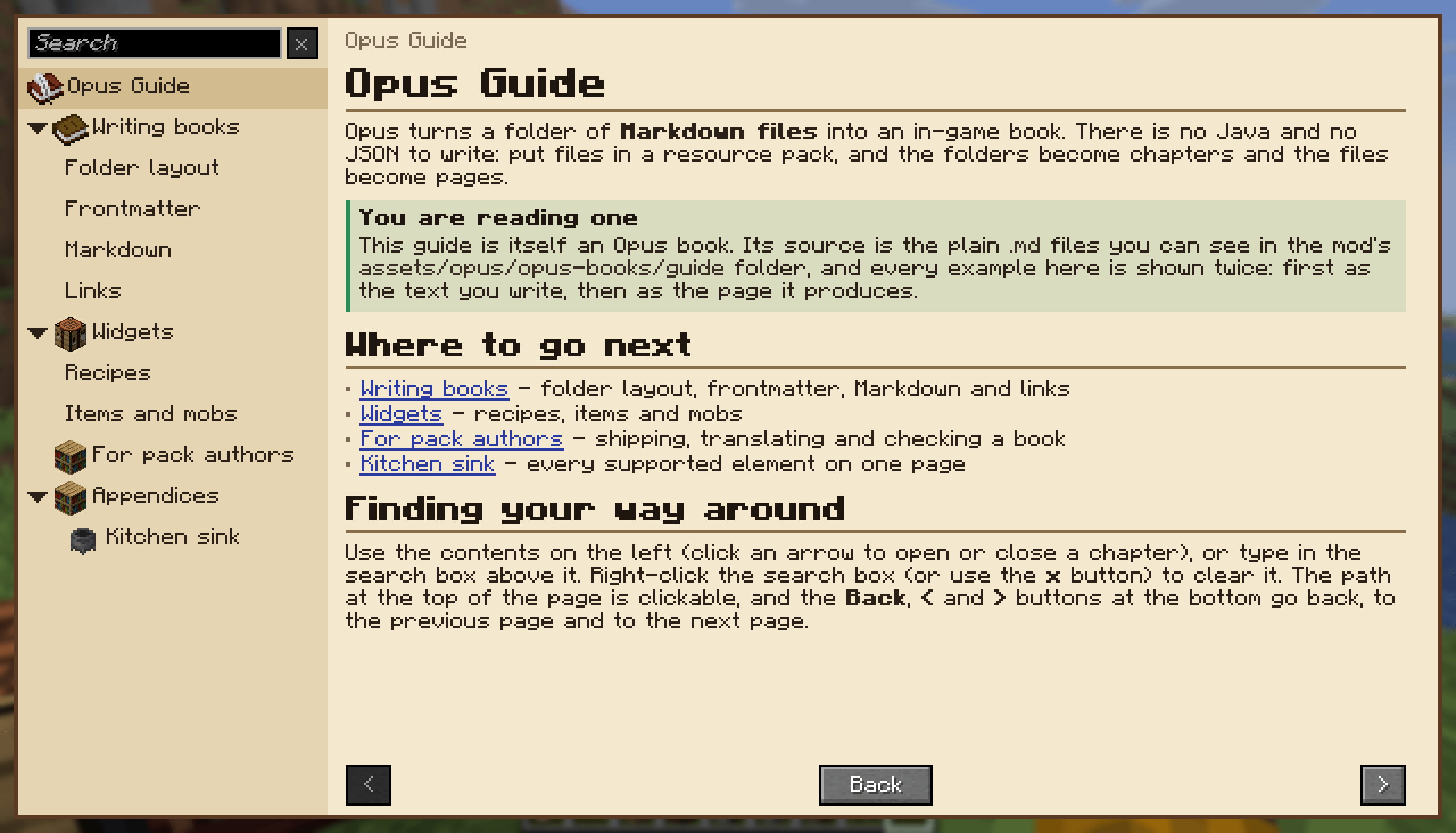
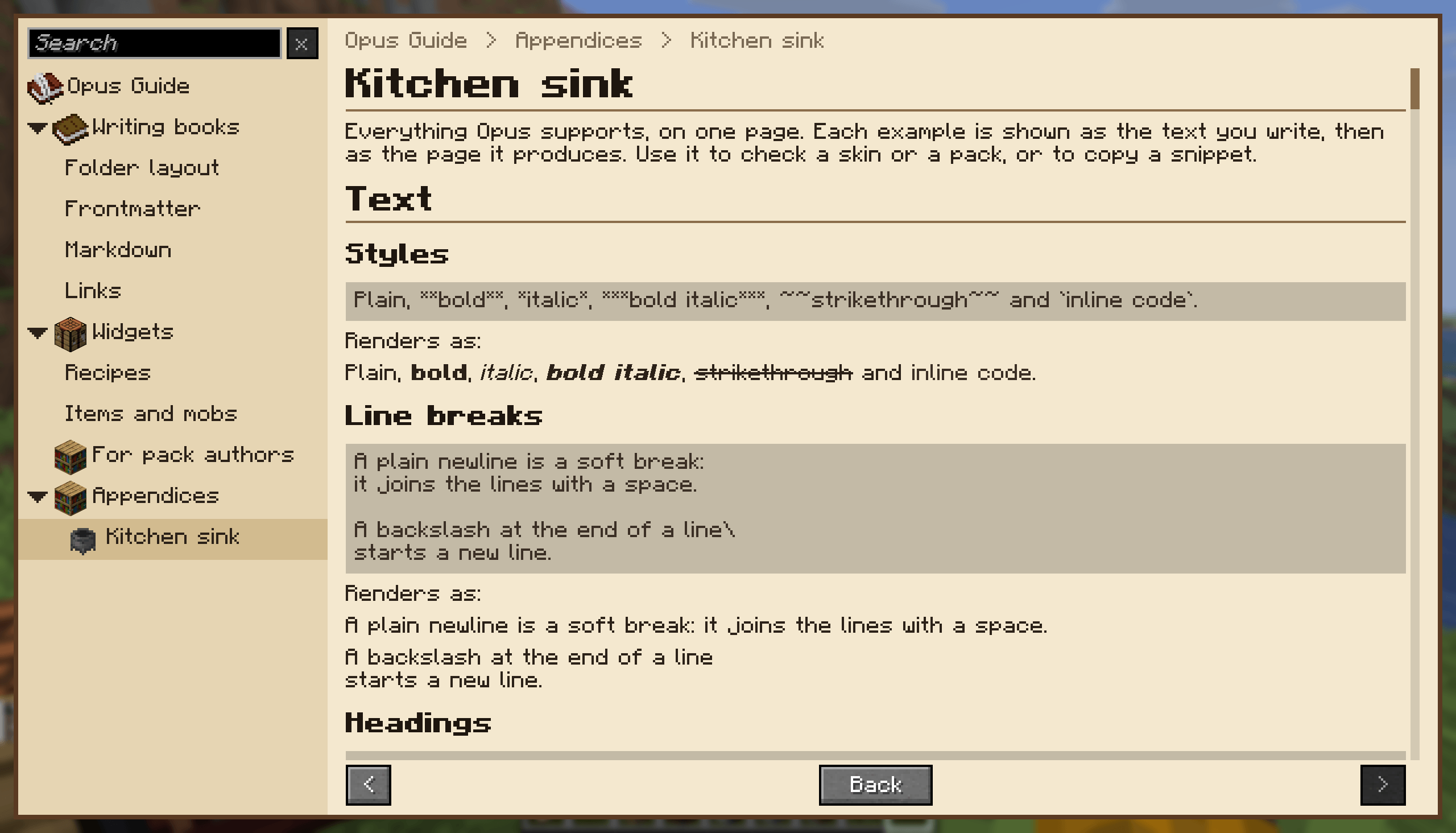
Opus is a library mod intended for mod and pack developers to create highly customizable in-game guidebooks using nothing but Markdown.
截图
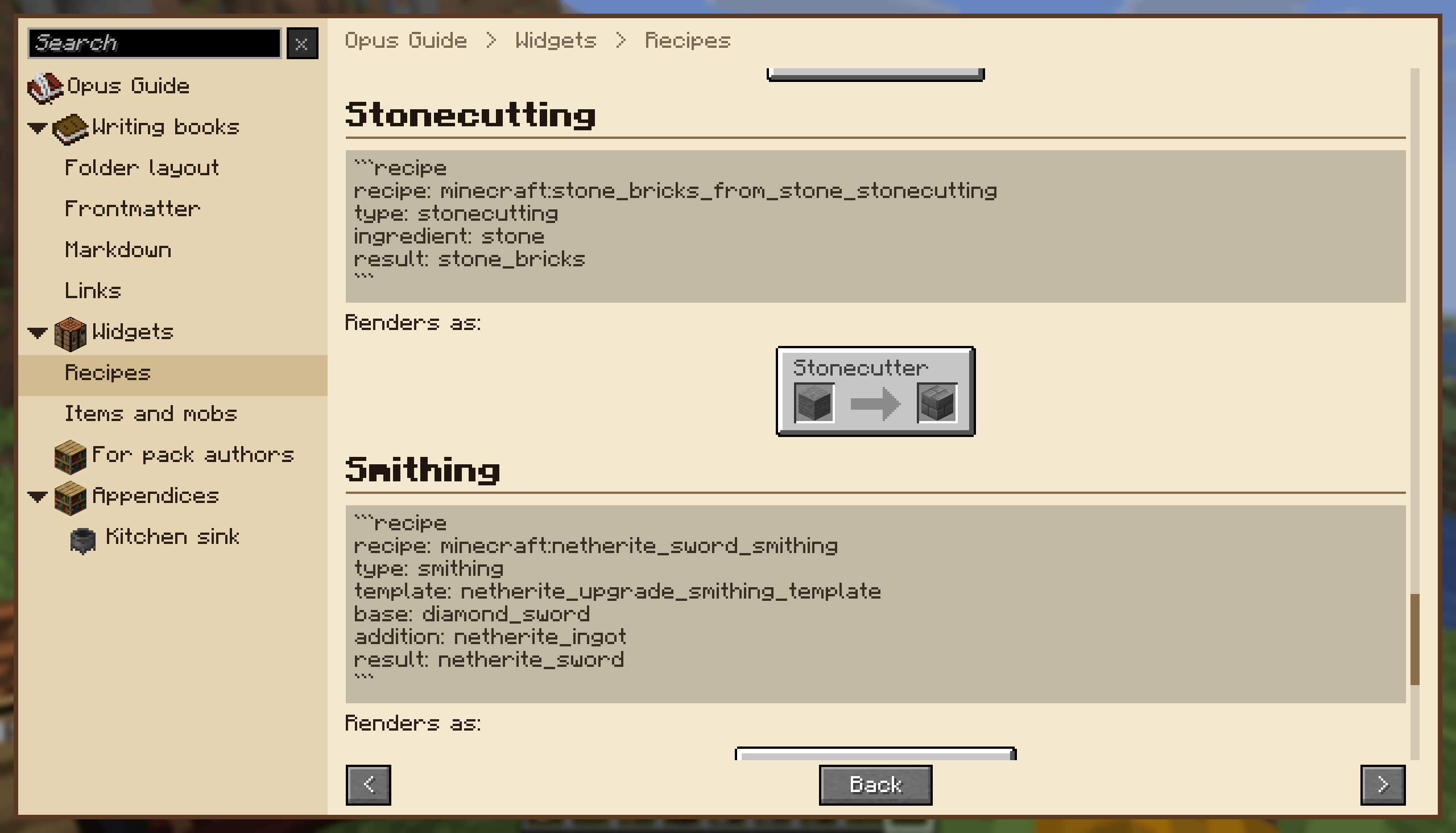
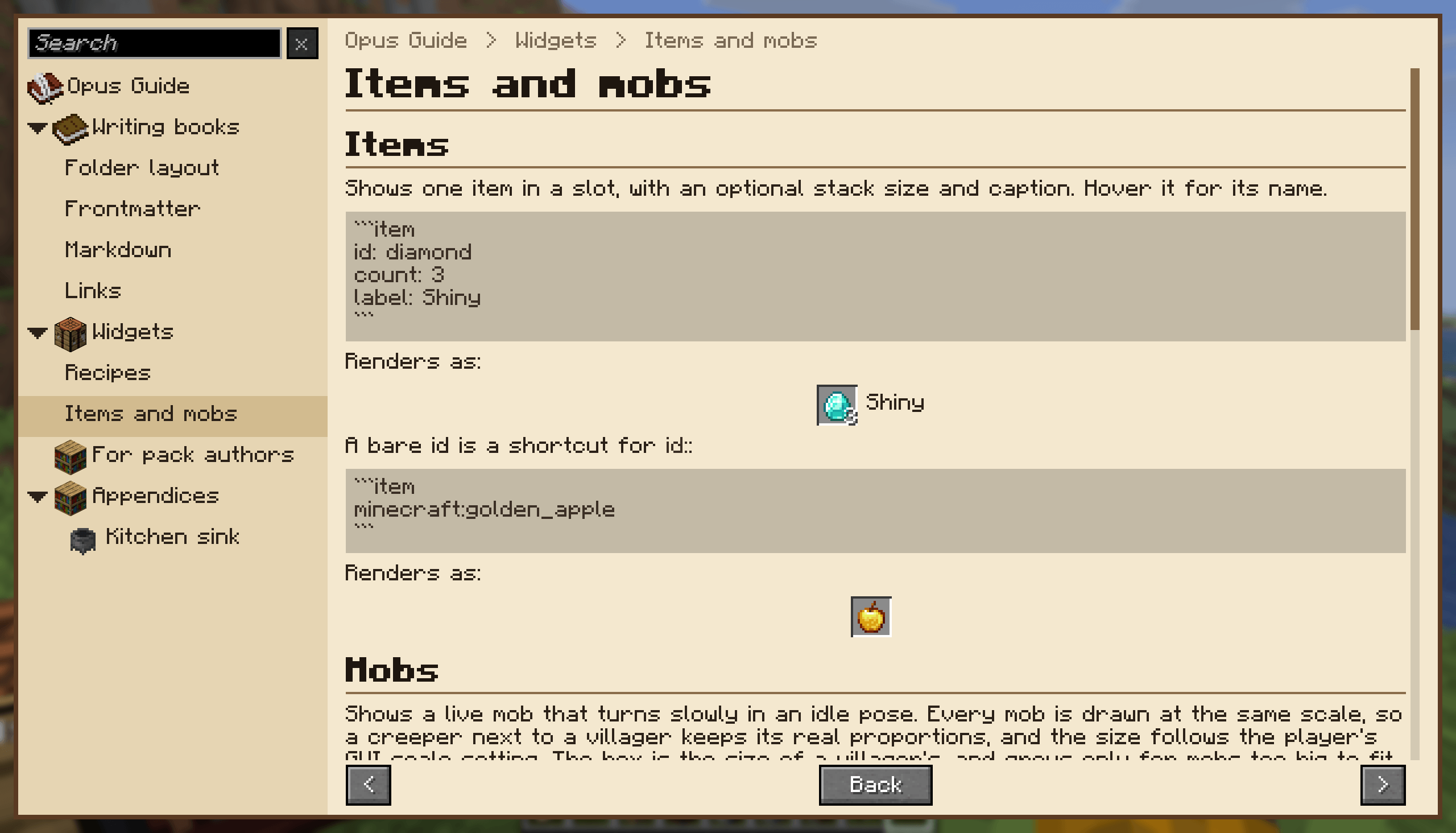
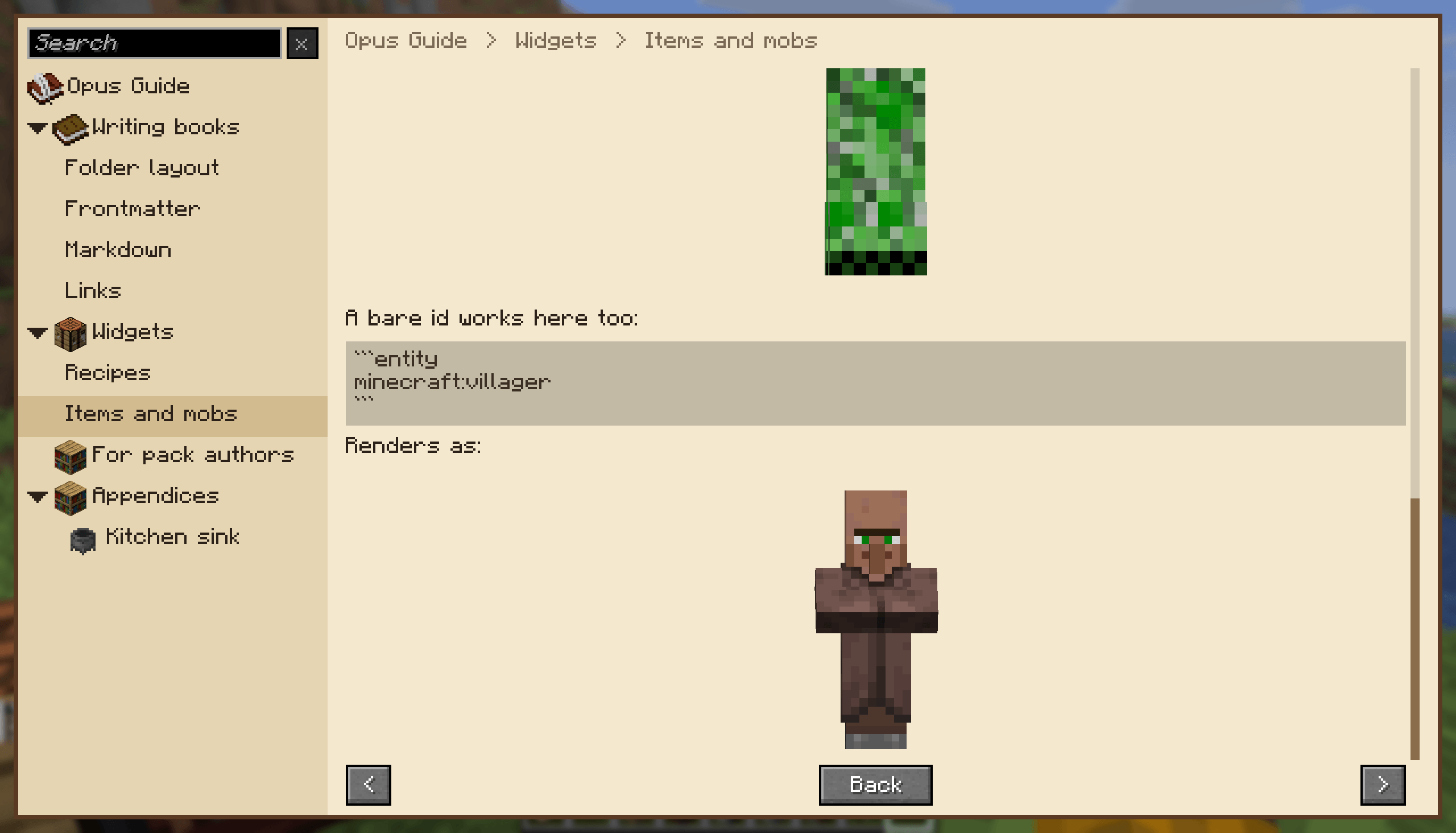
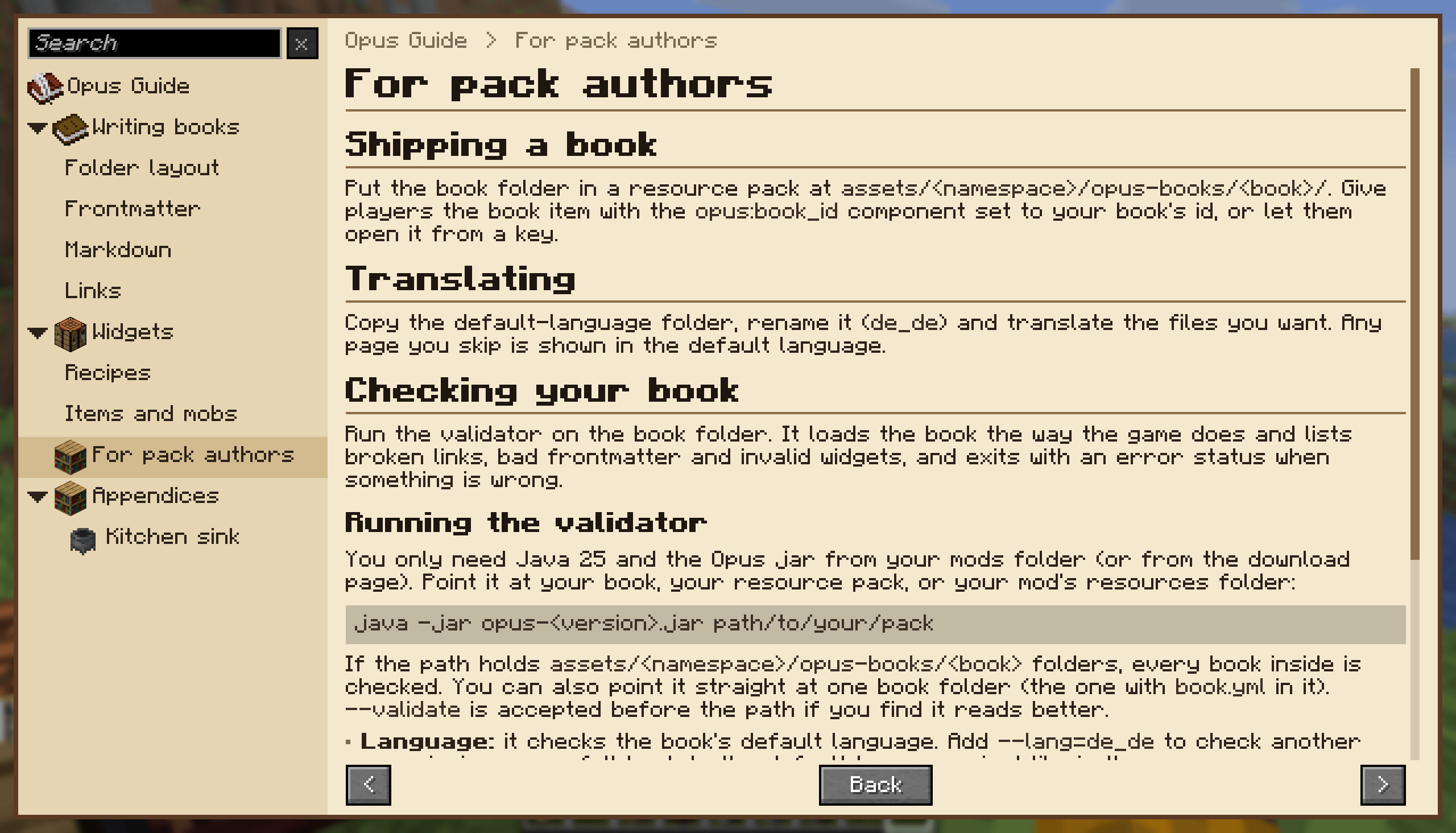
介绍


Minecraft Versions
- 26.2: supported
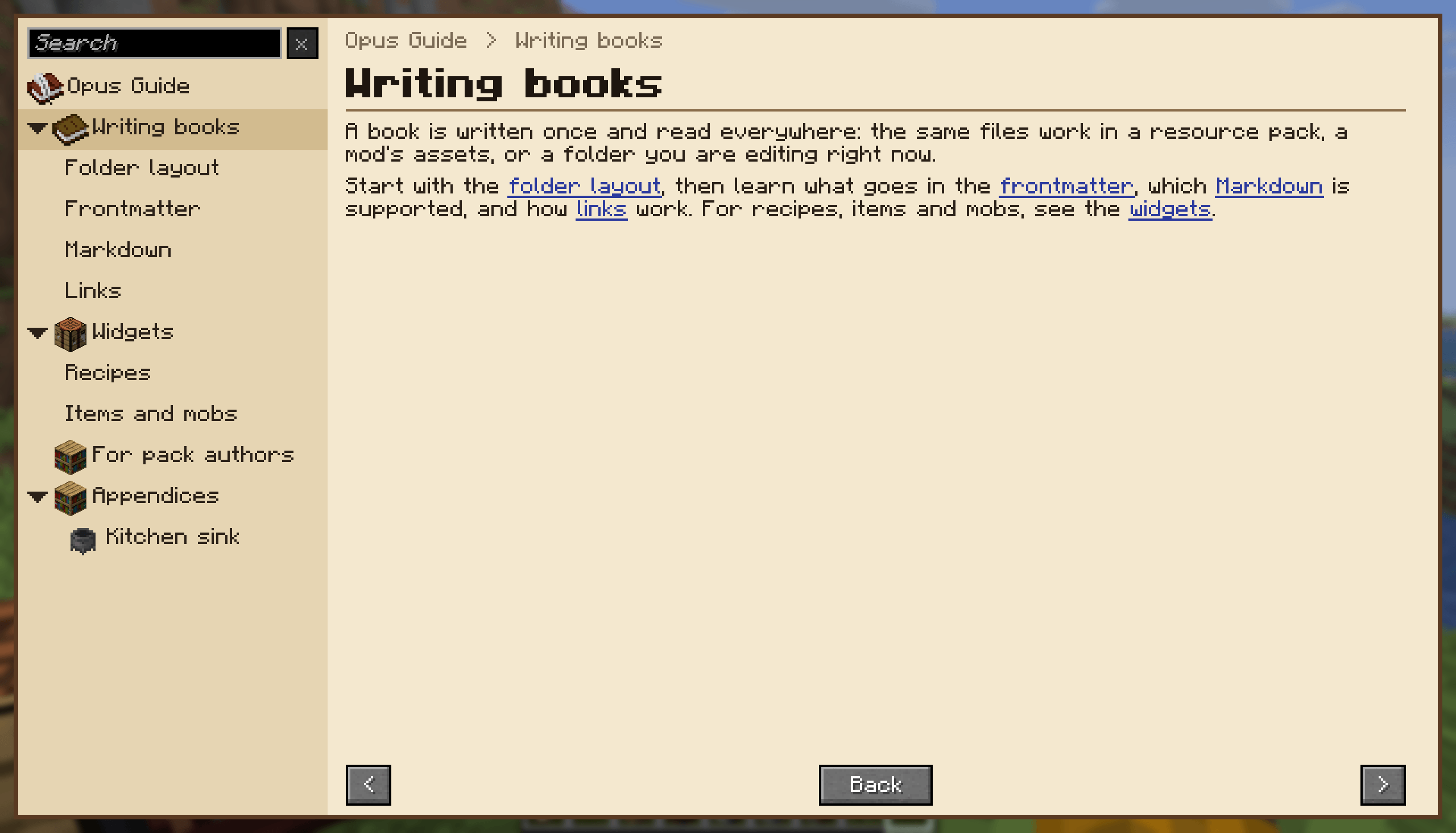
Opus is a documentation mod. A book is just a folder of Markdown files in a resource pack, so there is no Java and no JSON to write. Folders become chapters, files become pages, and an index.md introduces its chapter.
Current Features
- Table of contents sidebar with search, back history, and previous/next buttons
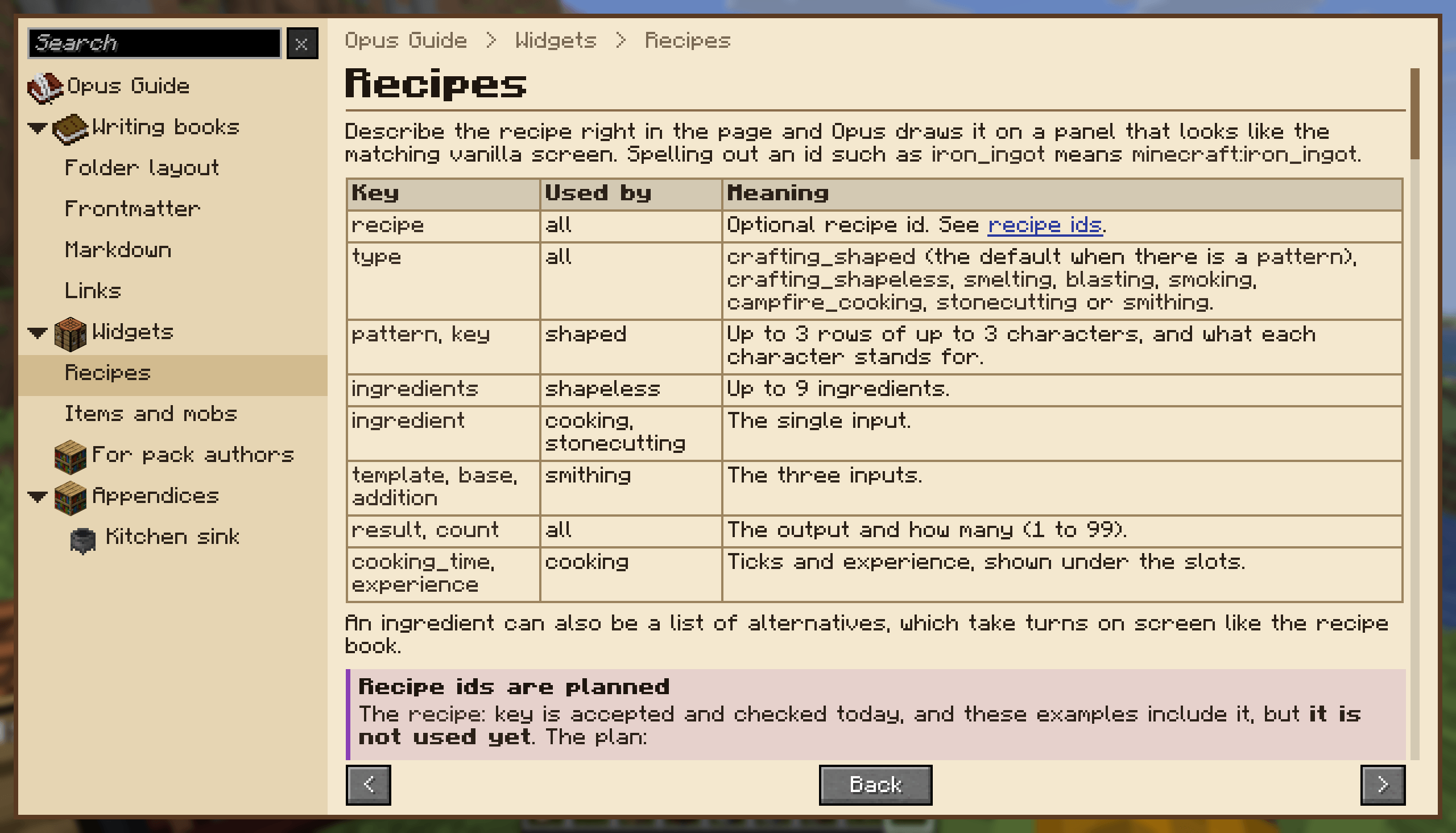
- CommonMark with tables, strikethrough, task lists, and callouts
- YAML frontmatter for titles, icons, ordering, tags, hidden pages, and advancement-gated pages
- Links between pages that are checked when the book loads
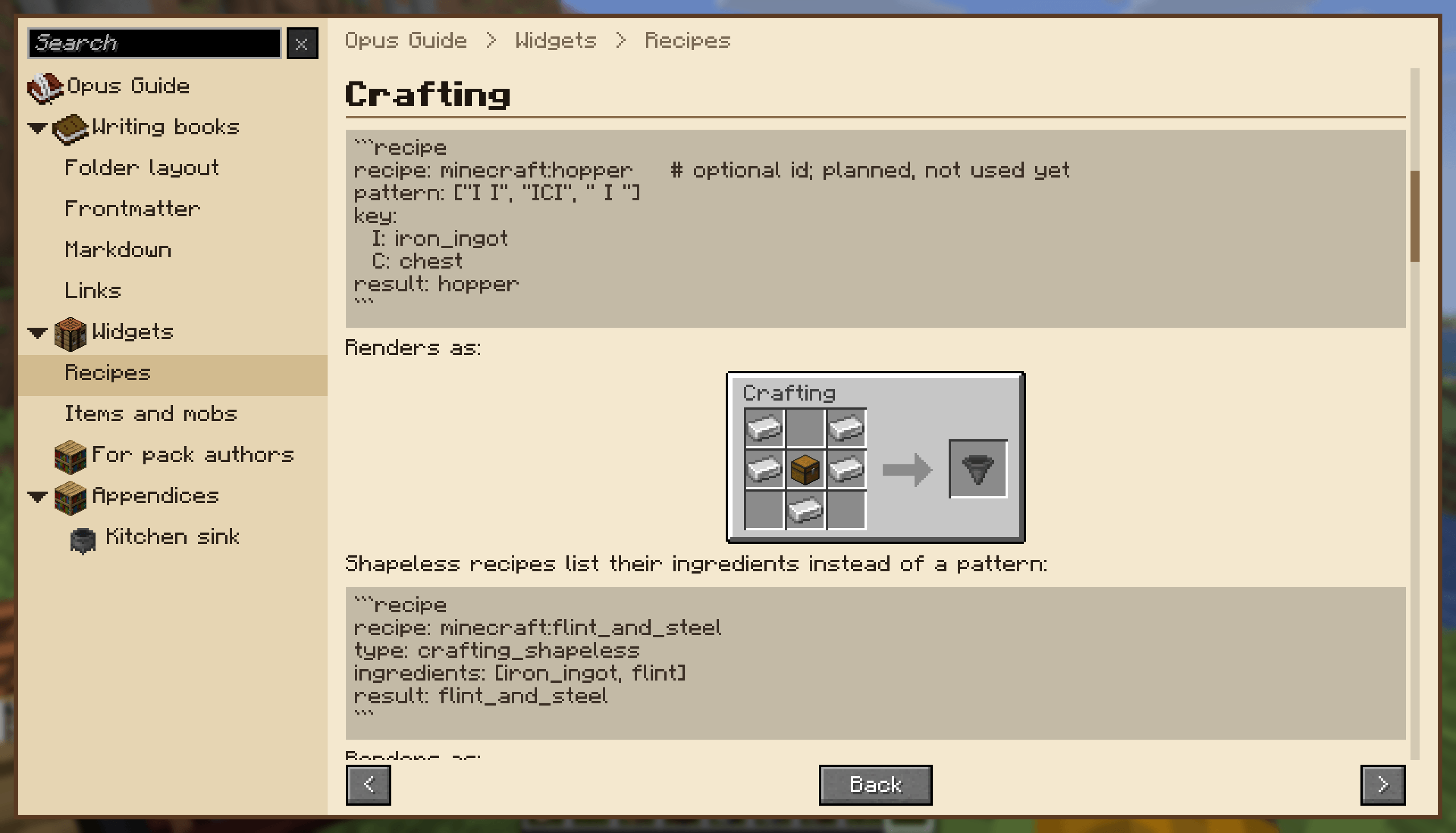
- Recipe, item, and mob widgets written as fenced blocks
- Translations that fall back to the book’s default language
- A validator that finds broken links and bad widgets before your players do
Planned Features (in no particular order)
- Tabs, accordions, etc
- Custom theming / skins for books
- Tag index pages
- Bookmarks
- Multi-block preview widget
- Advancement-gated content
Issues & Suggestions
Please use the GitHub issue tracker to report any bugs you find or suggest new features.
Credits
Obviously this mod would not be possible if not for the people at Mojang making an awesome game. Thanks also go to the developers of the Fabric and NeoForge mod loaders and the Architectury API.
Beyond those groups, huge credit goes to Vazkii and others who came before and created great mods like Patchouli, Modnomicon, and others.
License
This mod is released under the MIT license. The full text of the license can be found here.
常见问题
Opus (Guidebooks) 支持哪些 Minecraft 版本?
Opus (Guidebooks) 支持 Minecraft Java 版 26.2,可用的加载器:Fabric / NeoForge。下载时注意选择和你游戏版本一致的文件。
Opus (Guidebooks) 怎么安装?
先用 PCL2 或 HMCL 启动器安装对应版本的 Fabric / NeoForge,再把下载的 .jar 文件放进游戏目录的 mods 文件夹,重新启动游戏即可。开启了版本隔离的,mods 文件夹在 versions/版本名 下面。
chimericdream 的其他作品
查看全部 →
ChimericLib
chimericdream 各模组共用的前置库

The Athenaeum
关于书籍、文学作品及更多内容的一切!

Minekea (Fabric/NeoForge)
书架、板条箱、暗门等!简单实用又美观的方块,满足你的建造与储物需求(部分内容需自行组装)

Hopper X-Treme
升级你的漏斗!
评论
登录后评论和评分