
Optimum Loading Screens
Texture-Pack driven Custom Loading Screens for Minecraft
截图
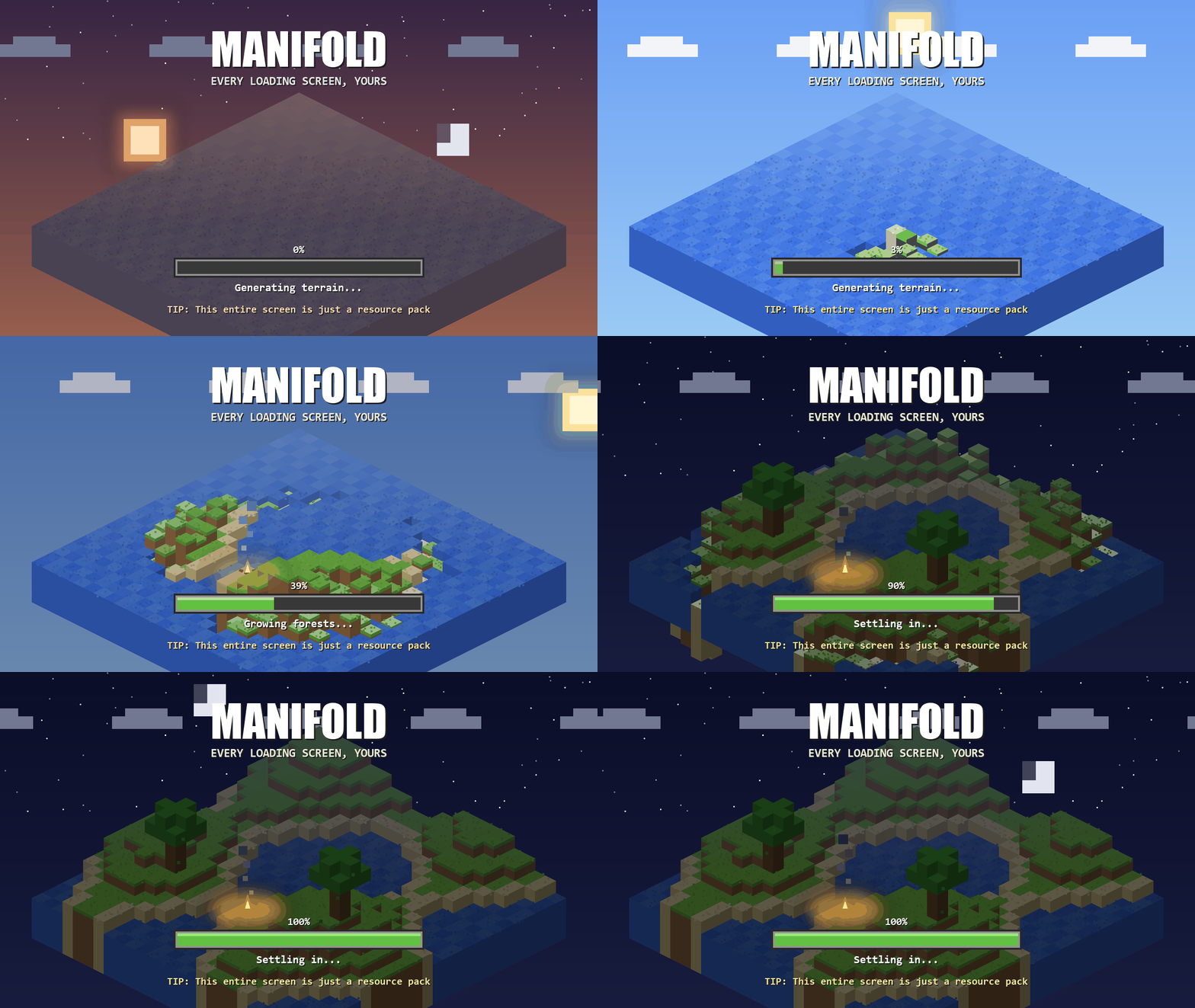
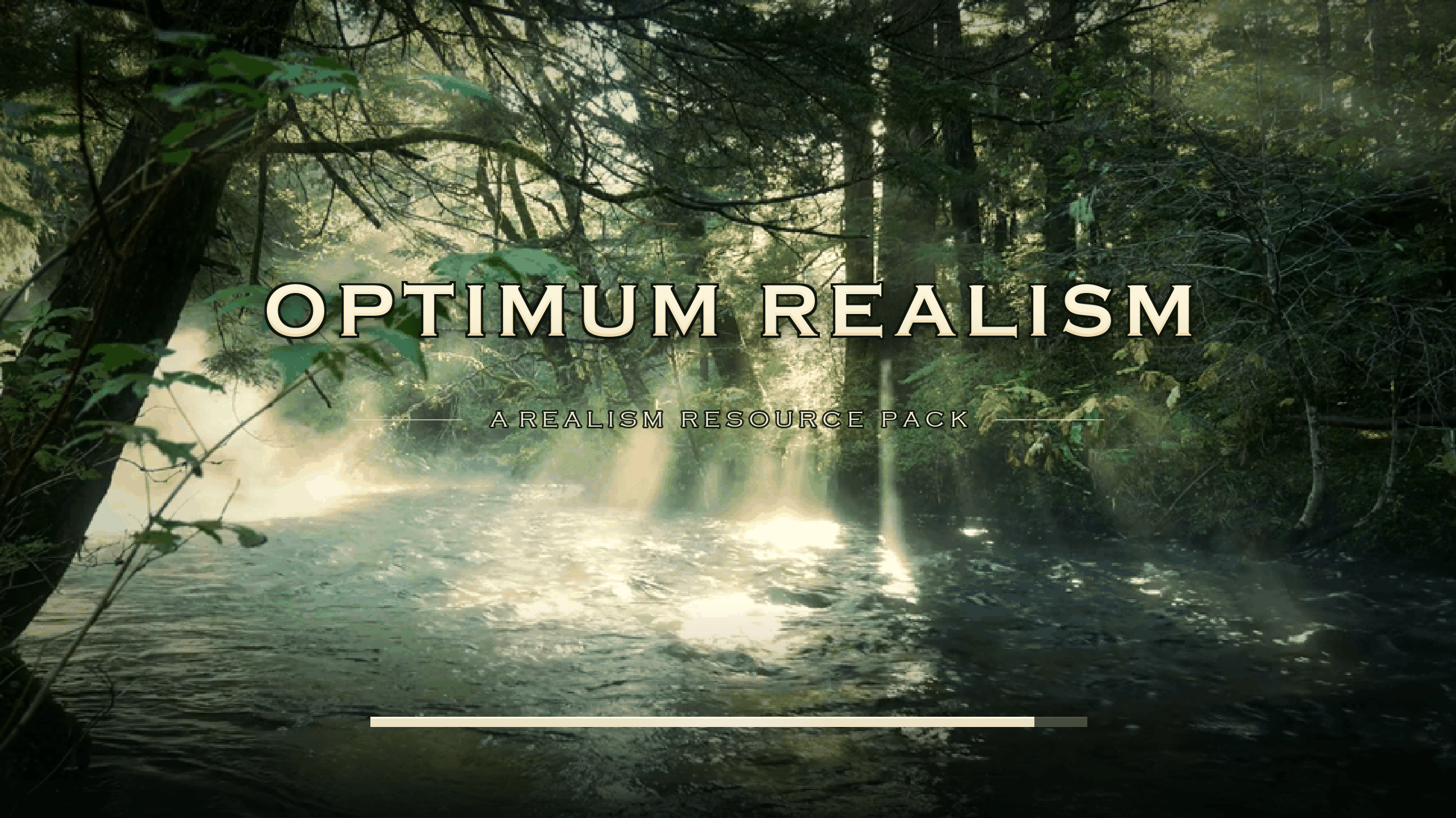
介绍
Customizable texturepack-driven loading screens for Minecraft: Java Edition
Optimum Loading Screens turns Minecraft’s loading screens into a resource-pack format. Any pack that ships a manifold.json takes over the boot screen, world loading, world upgrades, server connects, and every other loading or waiting screen.
No config files, no menus: install the mod, use a texturepack which contains a loading screen, done.
What packs can do
- Full-screen custom art for every loading screen, with a solid-colour fallback
- Animated backgrounds using vanilla’s own
.mcmetaframe-strip convention - Animated progress bars from PNG frames, with automatic masking to the real progress
- Live percent readout drawn from pack-styled digit images
- Progress-keyed status lines (“Compiling atmospheric shaders…”) as styled images
- Rotating tips with per-session shuffle
Screens without measurable progress (connecting to a server, waiting on a response) get a sweeping bar instead of a fake percentage, automatically. No need to configure.
Default Themes
Three official themes are available: Neo-Glitch, Cinematic Dawn, and Badlands Edition (fully animated: a minecart rolling into a badlands sunset).
Making your own theme needs no code; it’s a folder with a JSON file and some PNGs. The complete guide: PACK_AUTHORS.md.
Notes
- Fabric API is not required. Client-side only; safe to leave installed on servers (it simply doesn’t load).
- Conflicts(mods that should be avoided): Mods that fight for the same screens (Puzzle’s splash module, Remove Reloading Screen).
Credits
Inspired by icehunter. Provenance record: attribution.
常见问题
Optimum Loading Screens 支持哪些 Minecraft 版本?
Optimum Loading Screens 支持 Minecraft Java 版 1.20–26.2,共 22 个版本,可用的加载器:Fabric / NeoForge。下载时注意选择和你游戏版本一致的文件。
Optimum Loading Screens 怎么安装?
先用 PCL2 或 HMCL 启动器安装对应版本的 Fabric / NeoForge,再把下载的 .jar 文件放进游戏目录的 mods 文件夹,重新启动游戏即可。开启了版本隔离的,mods 文件夹在 versions/版本名 下面。
评论
登录后评论和评分