OpSec Enhanced
Privacy mod blocking client fingerprinting & tracking exploits — client spoofing, resource-pack protection, DPI evasion, and account tools.
截图
介绍
OpSec Enhanced
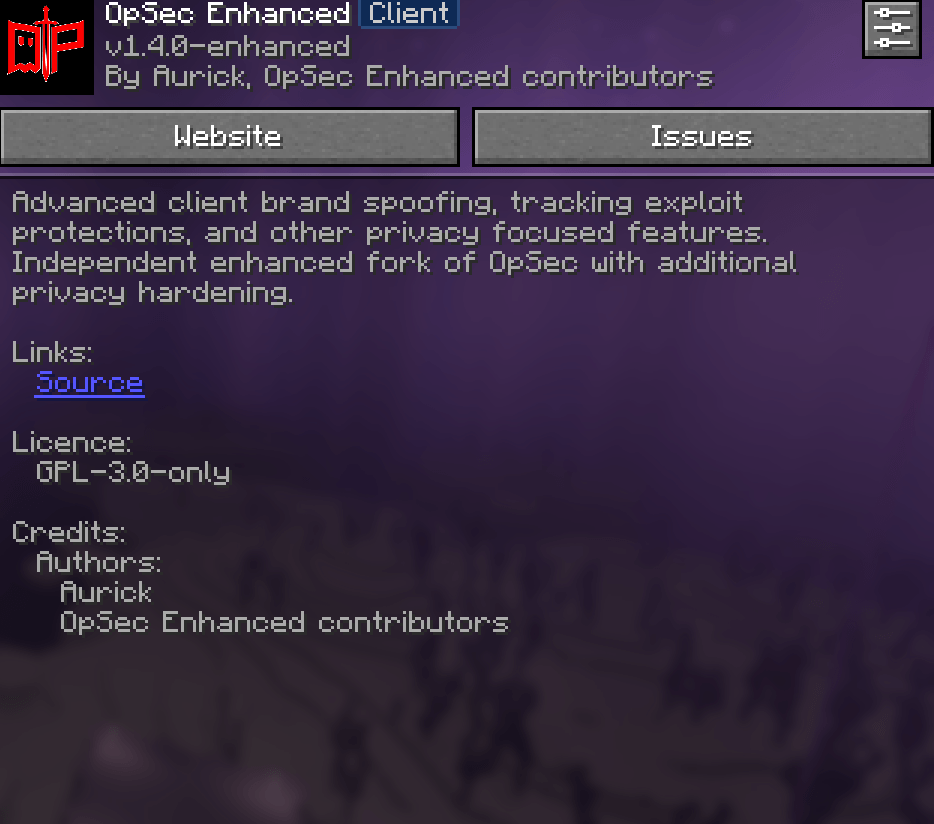
A client-side Minecraft mod (Fabric and NeoForge) that protects you from client fingerprinting, tracking exploits and other privacy leaks, without needing a modified server.
Unofficial, independently maintained fork of aurickk/OpSec. The original project was removed by its author and its repository is archived. OpSec Enhanced is not affiliated with the original author. Licensed under GPL-3.0-only.
AI disclosure: this is a passion project developed with the help of AI (code, assets and text), reviewed and tested by hand.
Official sources only: Modrinth, CurseForge and GitHub Releases. The mod checks its own jar hash on startup and warns if it doesn’t match an official release.
What it protects against
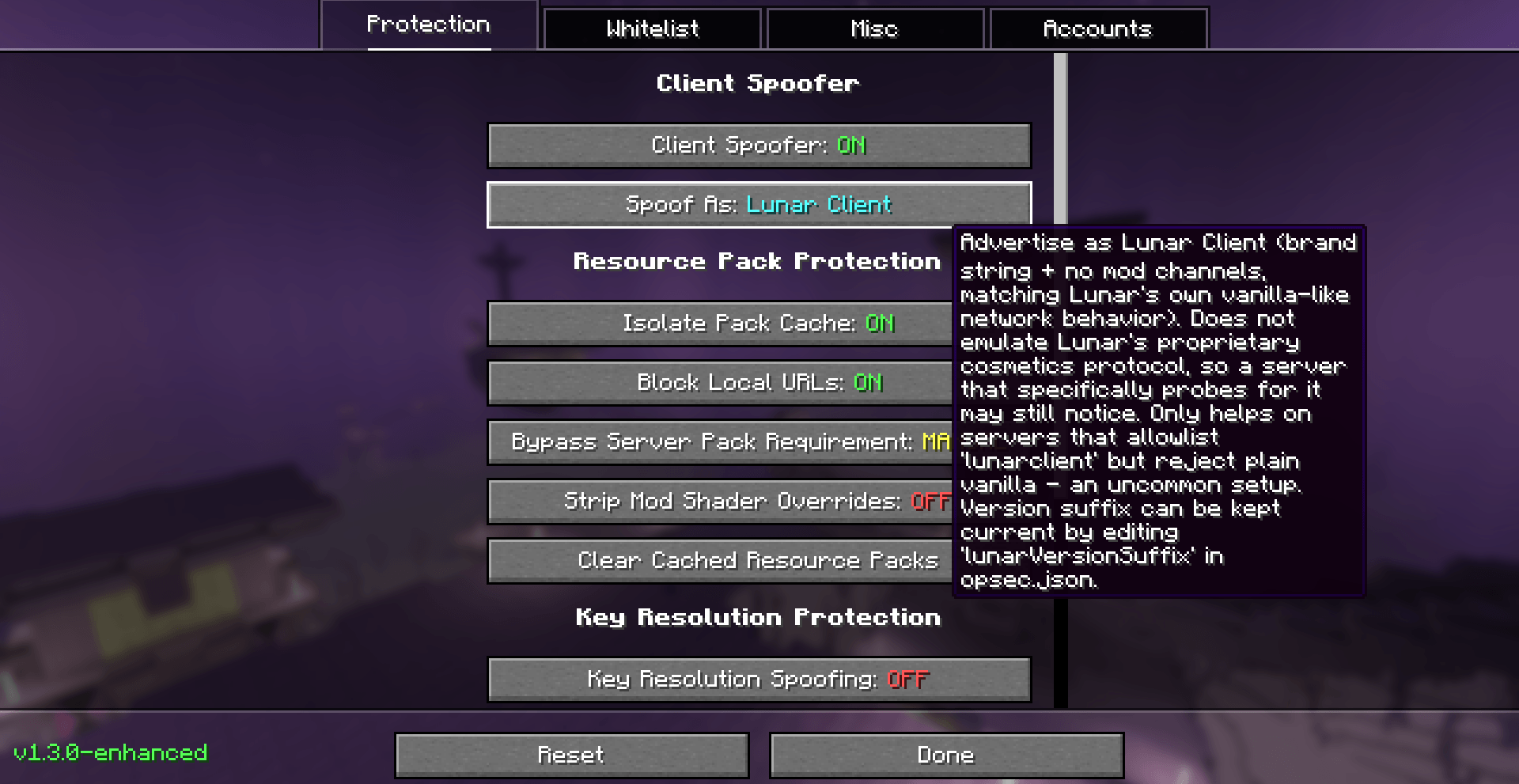
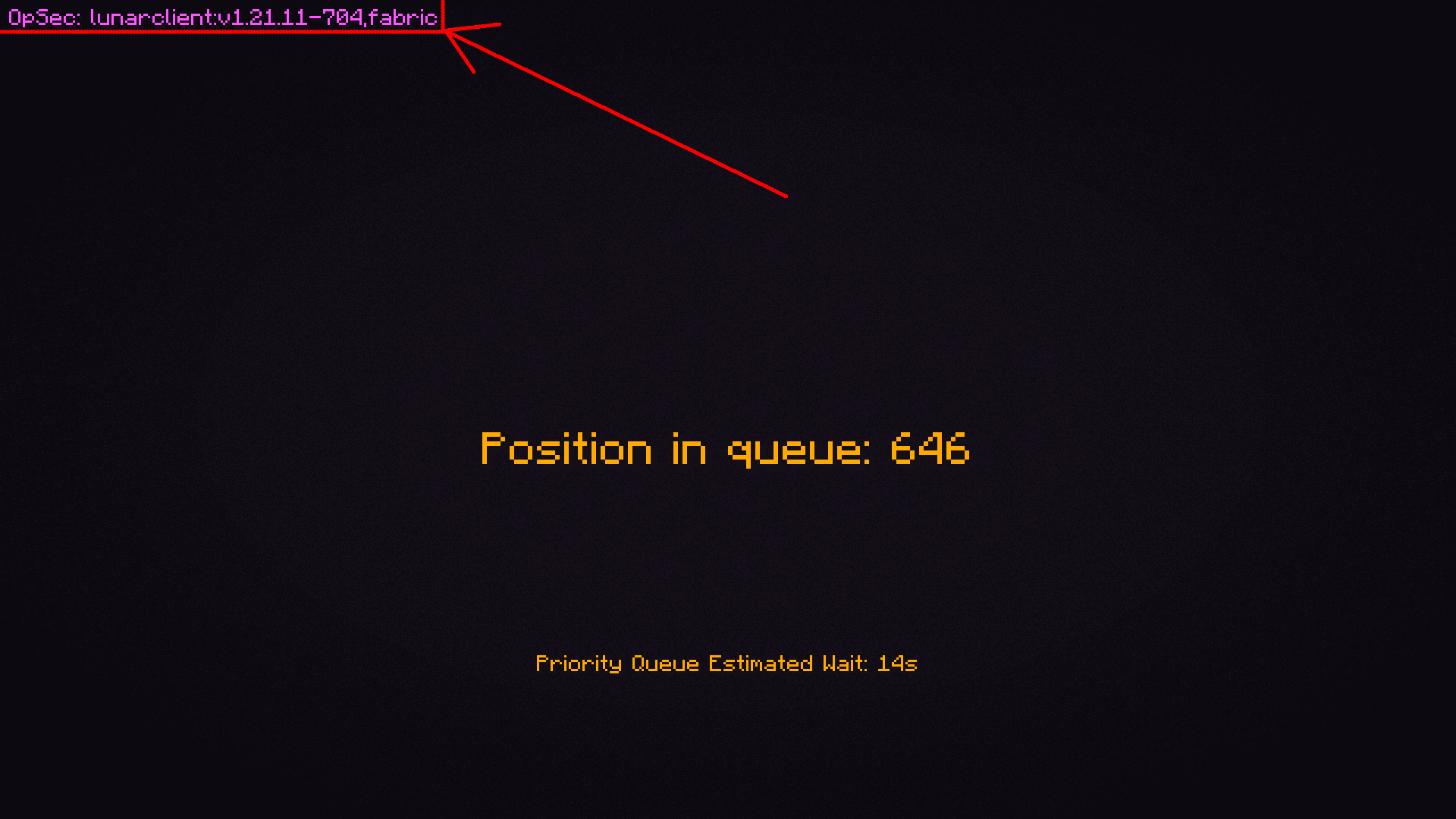
- Client Spoofer: advertise as vanilla (or Lunar Client / Badlion Client) and block other mods’ network channels, keybinds and translation keys from leaking your mod list.
- Key Resolution Protection: blocks the sign/translation-key exploit servers use to probe which mods and keybinds you have.
- Resource pack fingerprinting: per-account and per-server pack cache isolation, local-URL blocking, scrubbing of identifying download headers, and the ability to strip a forced server pack’s textures and sounds while keeping its chat translations working.
- Known-Pack and Shader Filtering: strips mod-injected pack identifiers and stops server packs from overriding another mod’s shaders (used for GUI crashes and GPU DoS).
- Meteor Fix: patches Meteor Client’s broken key-resolution defense so it doesn’t give itself away.
- Telemetry Blocking and Chat Signature Control: stops Mojang telemetry and strips chat message signing when you don’t want messages tied to your account.
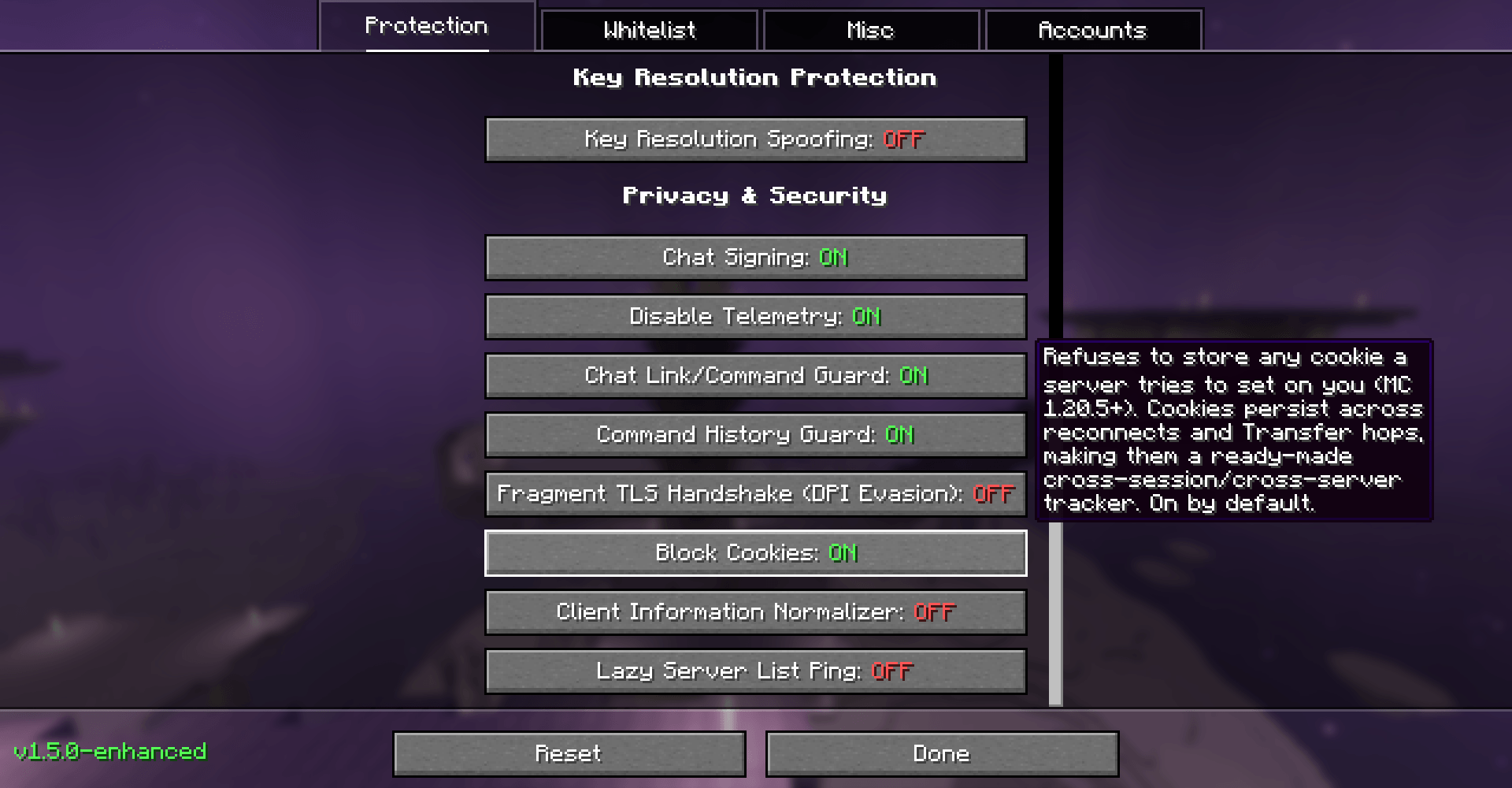
- Cookie Blocking: refuses to store server-set cookies (MC 1.20.5+), which would otherwise persist across reconnects and server transfers as a cross-session tracker.
- Client Information Normalizer: reports a common language/view-distance/chat/skin-layer/main-hand combination instead of your real settings, since that combination is itself a fingerprint. It only changes what the server sees.
OpSec Enhanced additions
- Encrypted Account Storage: saved session/refresh tokens are encrypted with AES-256-GCM (owner-only key file) instead of plaintext.
- Skin/Cape Correlation Alerts: warns when two saved accounts share the same active skin or cape, which can link an alt to a main.
- Chat Link/Command Guard: asks for confirmation before a clicked chat/sign/book message copies to your clipboard or runs a command, and warns about links shaped like phishing or IP grabbers (raw IP, punycode, look-alike characters).
- Per-Server Pack Cache Isolation: pack cache is bucketed by account and server address, so two colluding servers can’t recognize a returning player through a shared pack ID.
- Trusted Skin/Cape Texture Hosts: rejects skin/cape texture URLs that don’t point to
textures.minecraft.net, so a malicious server can’t make your client contact an arbitrary host. - Sensitive Log Redaction: strips token-shaped strings from logged authentication errors.
- Command History Guard: redacts arguments of
/login,/register,/changepasswordand similar commands before they reachcommand_history.txt. - Scrub Pack Download Headers: replaces
X-Minecraft-Username,X-Minecraft-UUIDandUser-Agenton resource pack downloads with a neutral placeholder (MC 1.20.3+). - Auto-Purge Pack Cache On Exit: optional wipe of the downloaded-pack cache when the game closes.
- Lazy Server List Ping: stops the multiplayer screen from pinging every saved server on open. Optionally backed by a Cloudflare Ping Relay that you deploy yourself, so you still see MOTD and player counts without a direct connection from your IP (MC 1.20.6+).
- Game Connection Proxy: routes the actual multiplayer connection through a SOCKS5 or HTTP proxy you configure. Off by default.
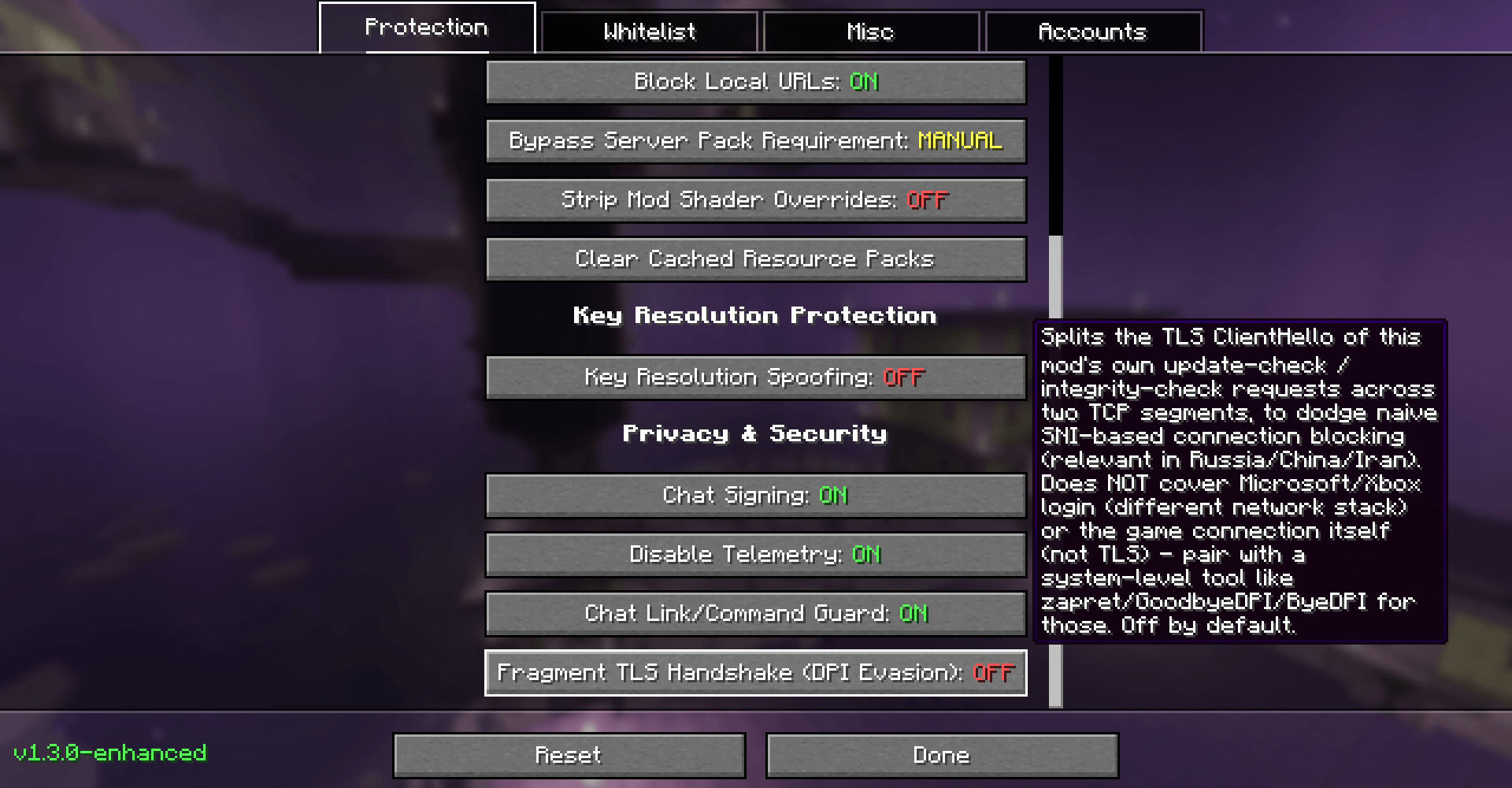
- DPI Evasion (TLS Fragmentation): splits the TLS handshake of the mod’s own update and integrity-check requests to dodge naive SNI-based blocking. It does not cover Microsoft/Xbox login or the Minecraft server connection; use a system-level tool such as zapret, GoodbyeDPI or ByeDPI for those. Off by default.
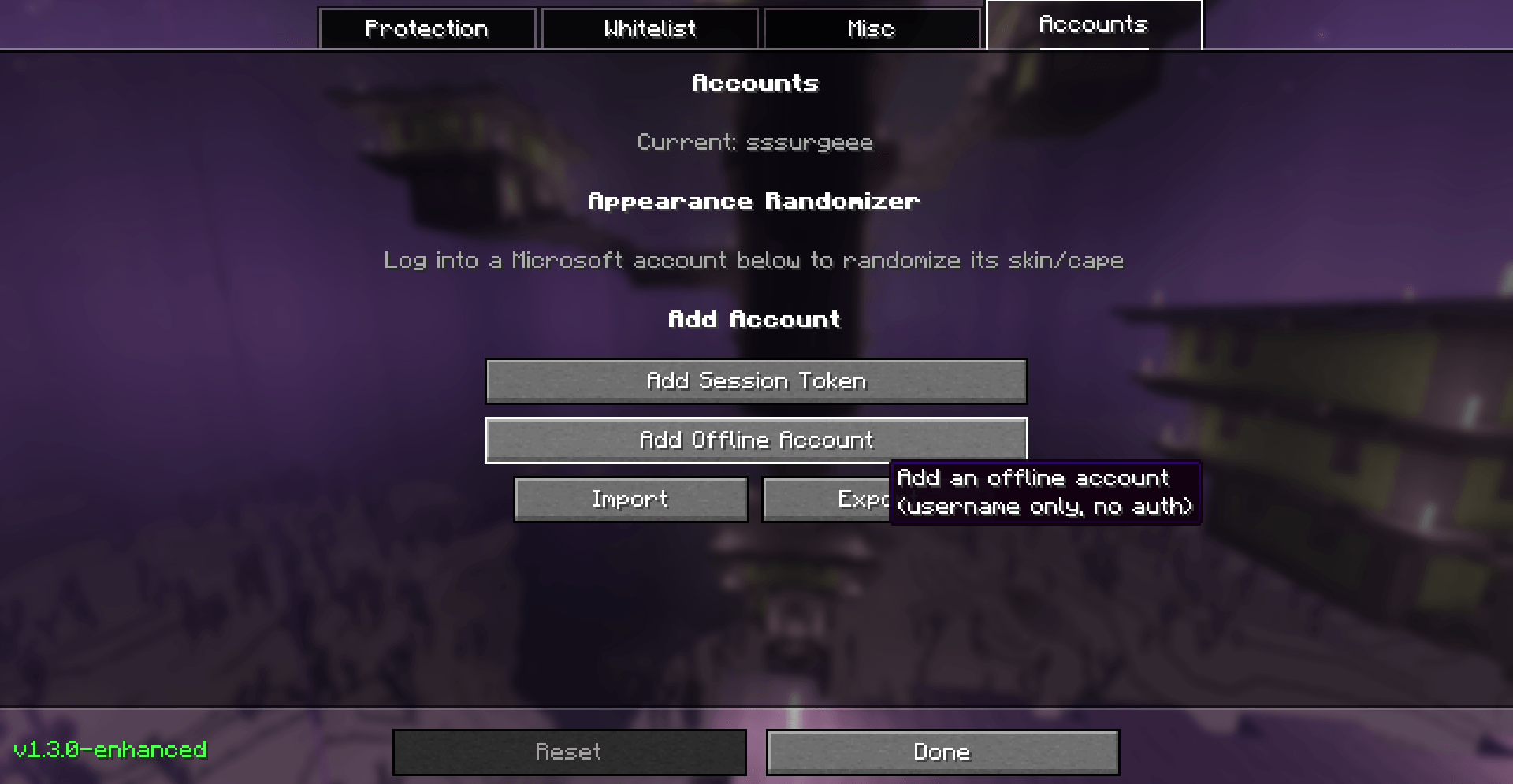
- Randomize Skin / Cape: uploads a procedurally generated flat-color skin to the logged-in account through Mojang’s official skin API, or picks a random cape the account actually owns.
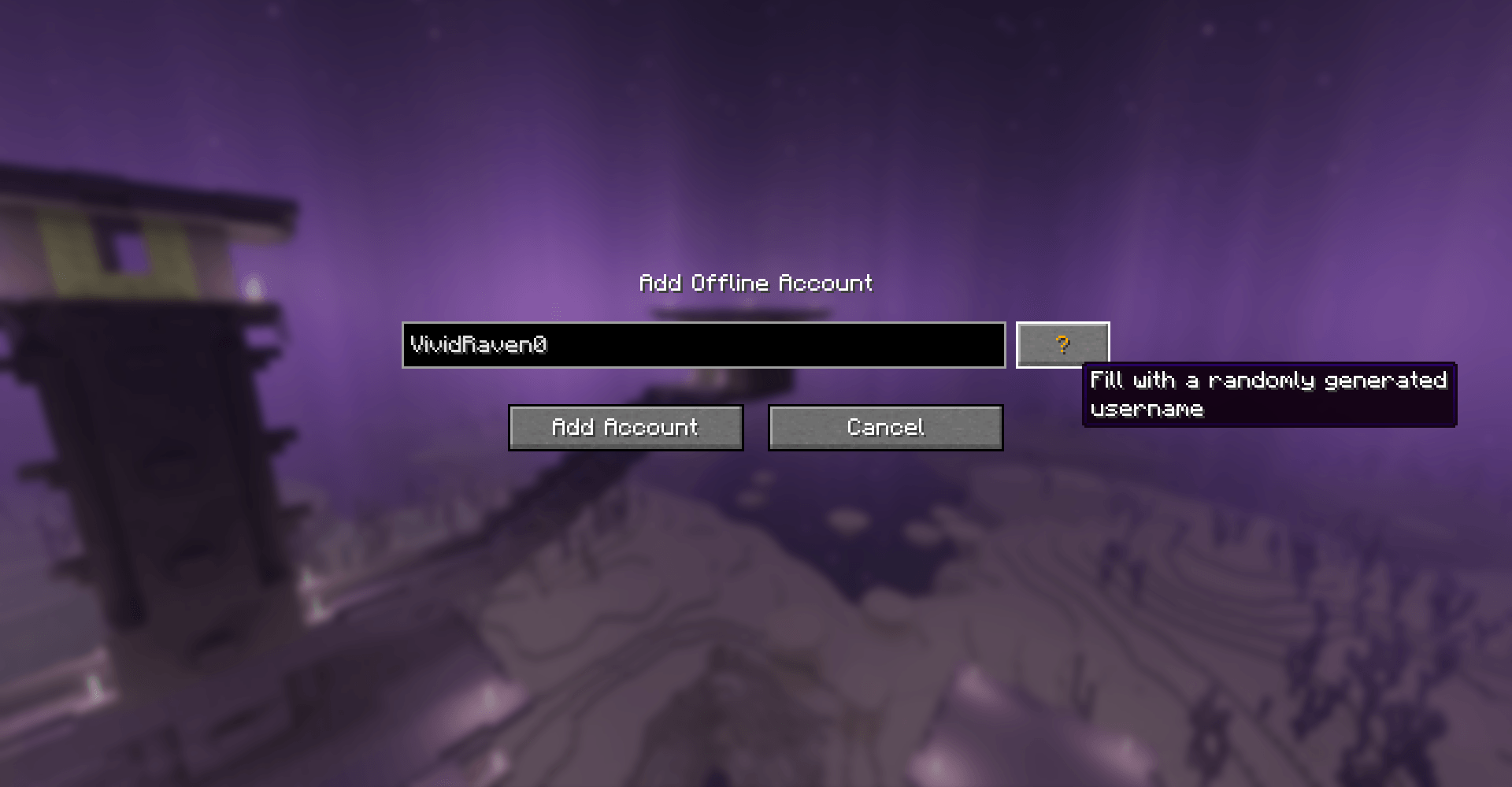
- Random Nickname Generator: one click to fill a random username when adding an offline account.
- Per-Server Profiles: save a settings snapshot tied to a server address.
- Streamer Mode: on-screen redaction for content creators: hides F3 coordinates (MC 1.21.11+) and masks every player’s nametag and tab-list name. Visual only; it doesn’t change what is sent to servers.
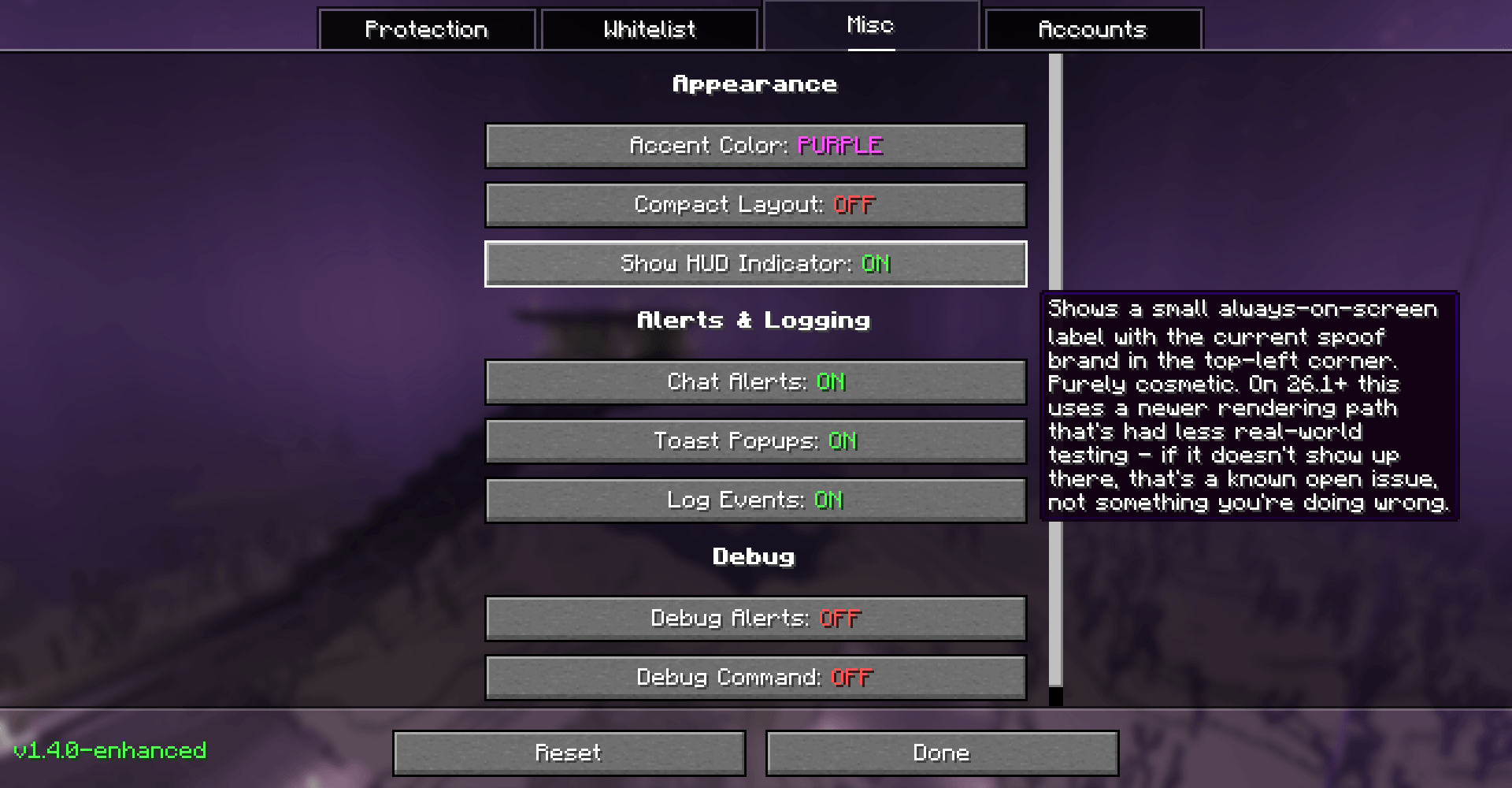
- HUD Indicator and Theming: optional on-screen label showing the current spoof brand, accent color and compact settings layout.
- Jar Integrity Mirrors: the startup integrity check compares your jar against the Modrinth listing and falls back to GitHub Releases and CurseForge if Modrinth has no match, instead of silently skipping.
Network requests made by the mod
On startup the mod makes these requests on its own:
- Update check: queries GitHub for newer releases of OpSec Enhanced.
- Jar integrity check: compares your jar’s hash with the official listing (Modrinth, then GitHub Releases and CurseForge).
Other connections happen only when you use the matching feature: Microsoft/Mojang services for the account manager and Randomize Skin/Cape, and your own proxy or Cloudflare Worker if you configure them. The mod has no analytics and does not send usage data to its author.
Files the mod reads and writes
Beyond its own config, the mod writes the encrypted accounts file and its key file, can import/export accounts as JSON, clears the downloaded resource pack cache (downloads/, server-resource-packs/) on request or on exit if enabled, and redacts entries before they are saved to command_history.txt.
Loaders and requirements
Fabric (all features): Minecraft 1.20 – 26.3
- Fabric Loader 0.16.0+ (0.18.5+ for MC 26.1.x)
- Fabric API
NeoForge: Minecraft 1.21.1, 1.21.11, 26.2. No extra dependencies.
Known issues
- NeoForge has no Mod Whitelist AUTO mode (NeoForge has no equivalent of Fabric’s global network-channel registry). Use BLOCK ALL or CUSTOM. Other features work the same. NeoForge builds are newer and less tested.
- On MC 26.3, Bypass Server Pack Requirement and Strip Mod Shader Overrides are not available (Minecraft changed how server packs are opened internally). Account import/export uses fixed files (
opsec-accounts-import.json/opsec-accounts-export.json) in the config folder instead of a file picker. - Hide Coordinates (Streamer Mode) only works on MC 1.21.11+ and only covers vanilla’s F3 screen, not third-party debug HUDs. Mask Player Names doesn’t cover names inside chat text.
- HUD Indicator on 26.1+ is experimental.
- Cloudflare Ping Relay requires MC 1.20.6+.
Configuration
Open the settings with the OpSec button in the multiplayer server list, or through Mod Menu (Fabric only). If you change settings while connected to a server, reconnect to apply them. Full feature documentation is in the GitHub README.
Disclaimer
OpSec Enhanced is a privacy tool designed to protect players from unwanted client fingerprinting and tracking. It is not intended or encouraged for use in bypassing server rules, evading bans or gaining unfair advantages. Users are responsible for complying with the rules and terms of service of any server they connect to.
Credits
- aurickk/OpSec: the upstream project this is forked from
- ExploitPreventer, LiquidBounce, Meteor Client, No Chat Reports: sources of ideas and code used by the upstream project
- AntiSpoof, lunarclient.dev, zapret, GoodbyeDPI, ByeDPI: references for the brand options and DPI evasion
Source code and support
常见问题
OpSec Enhanced 支持哪些 Minecraft 版本?
OpSec Enhanced 支持 Minecraft Java 版 1.20–26.3,共 24 个版本,可用的加载器:Fabric / NeoForge。下载时注意选择和你游戏版本一致的文件。
OpSec Enhanced 怎么安装?
先用 PCL2 或 HMCL 启动器安装对应版本的 Fabric / NeoForge,再把下载的 .jar 文件放进游戏目录的 mods 文件夹,重新启动游戏即可。开启了版本隔离的,mods 文件夹在 versions/版本名 下面。
评论
登录后评论和评分