
OptiMix
HUD & utility mod for Minecraft that gives you control of your screen.
截图
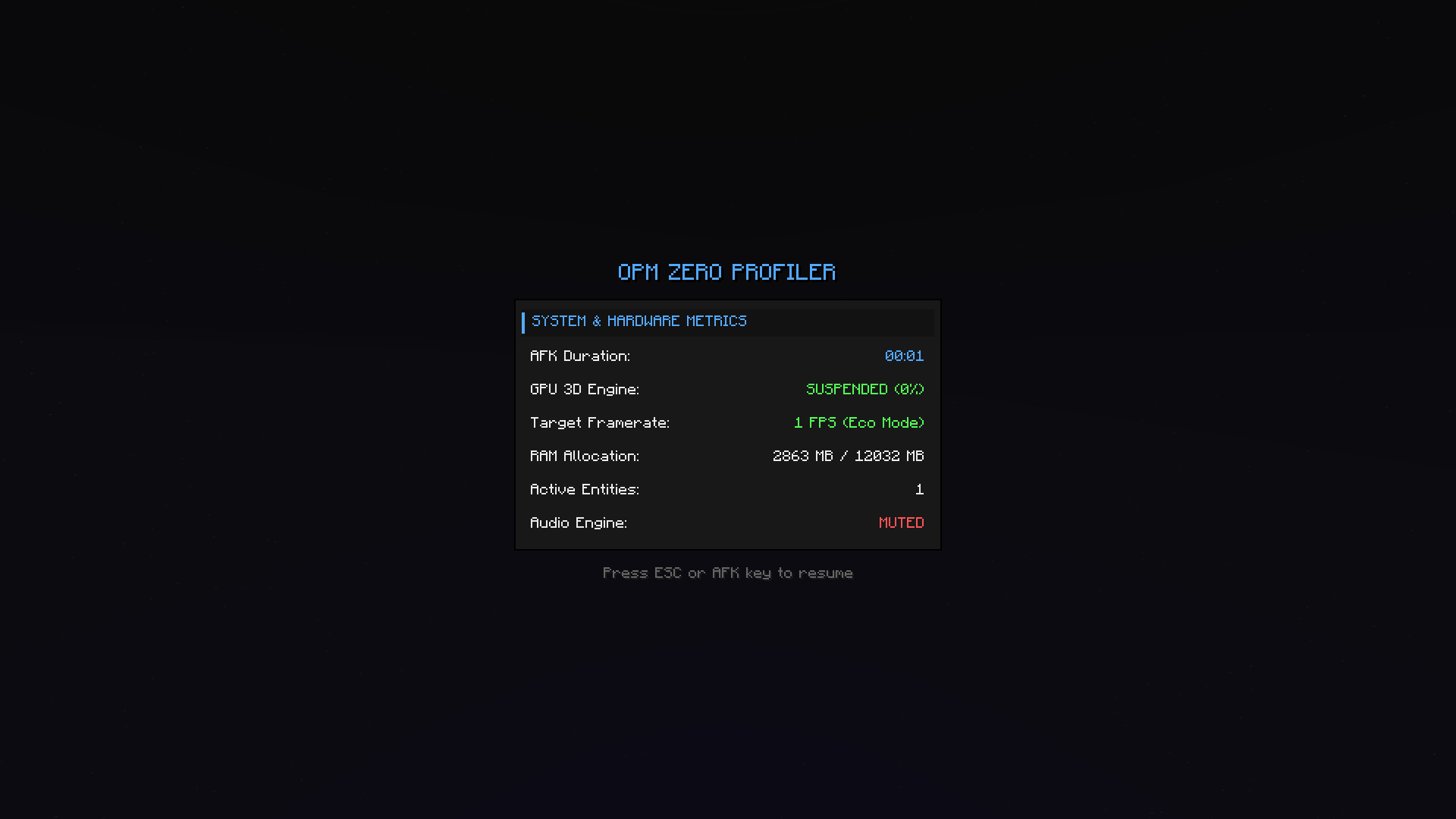
介绍
🛡️ OptiMix
HUD & utility mod for Minecraft that gives you control of your screen.
🟠 GitHub Issue: [Here]
💬 Discord: [Here]
✨ Features
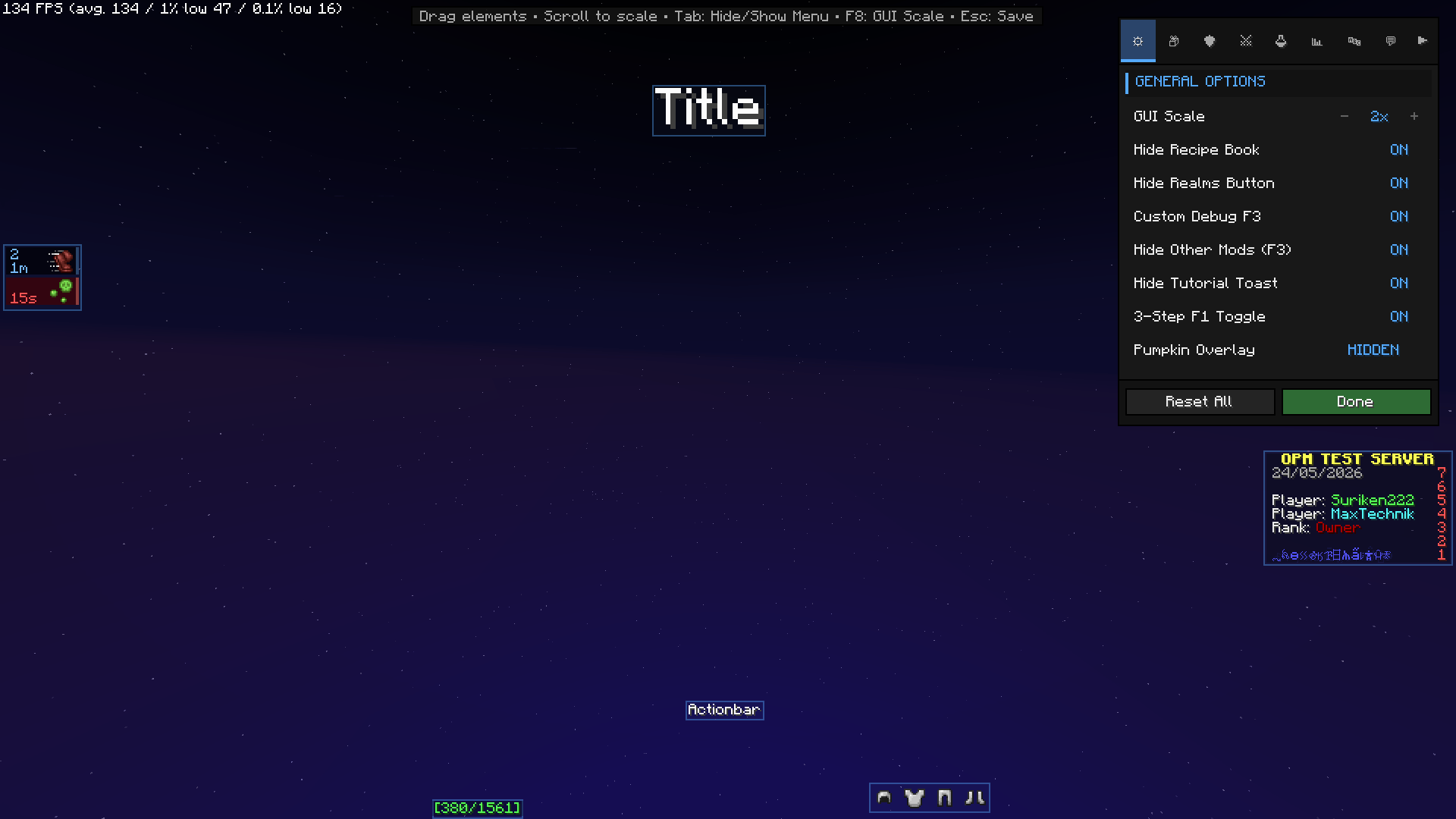
🛡️ Armor HUD
Displays your equipped armor pieces directly on screen.
Configurable side, rotation, and hotbar locking.
🔧 Item Durability Bar
A dedicated durability indicator for the item in your hand.
Fully repositionable with X/Y offset controls.
⚗️ Effects HUD
Replaces the default potion effect overlay with a compact, readable list.
Configurable left or right side positioning.
⚔️ Damage Bar
Visual indicator for incoming and outgoing damage.
Real-time combat feedback with no extra mods required.
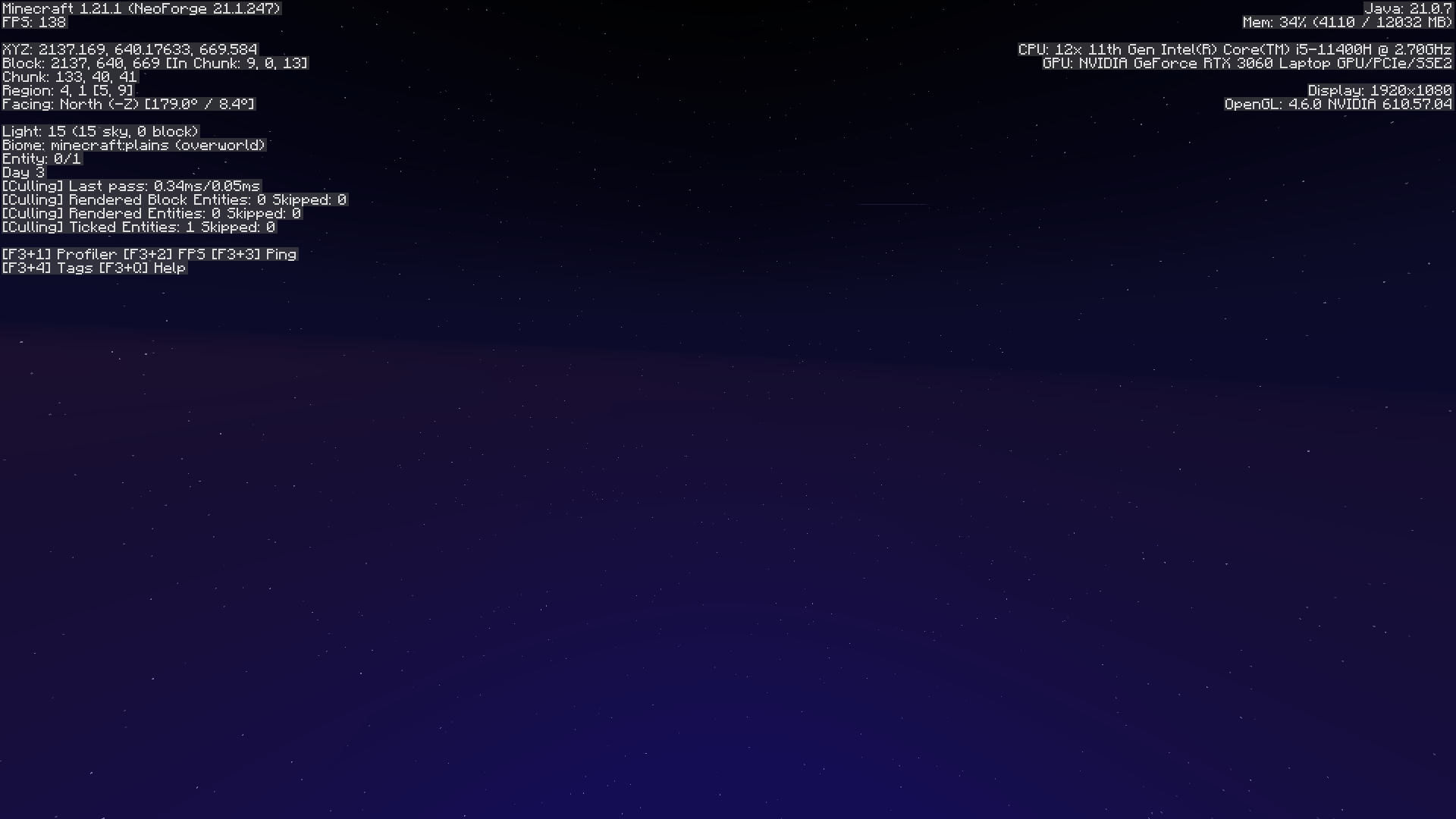
☀️ Full Bright
Toggleable maximum brightness.
No gamma edits or resource packs — see everything in dark areas instantly.
🎃 Pumpkin Overlay Settings
Control the pumpkin helmet overlay — default, fully transparent, or subtle tint.
No more blocked vision.
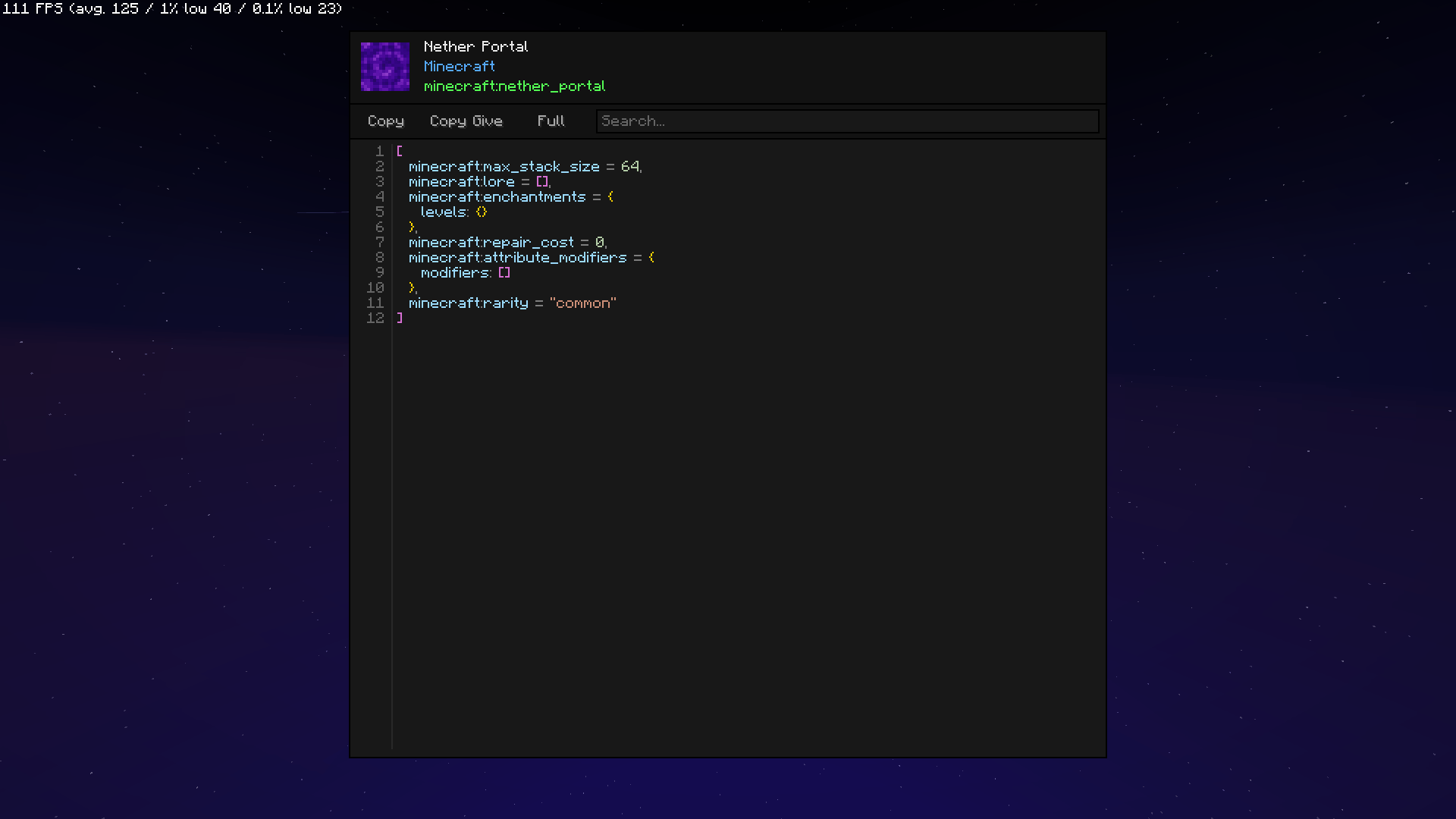
🔍 Item Inspector
Hover over any item to see a full breakdown of NBT data, components, enchantments, and custom attributes.
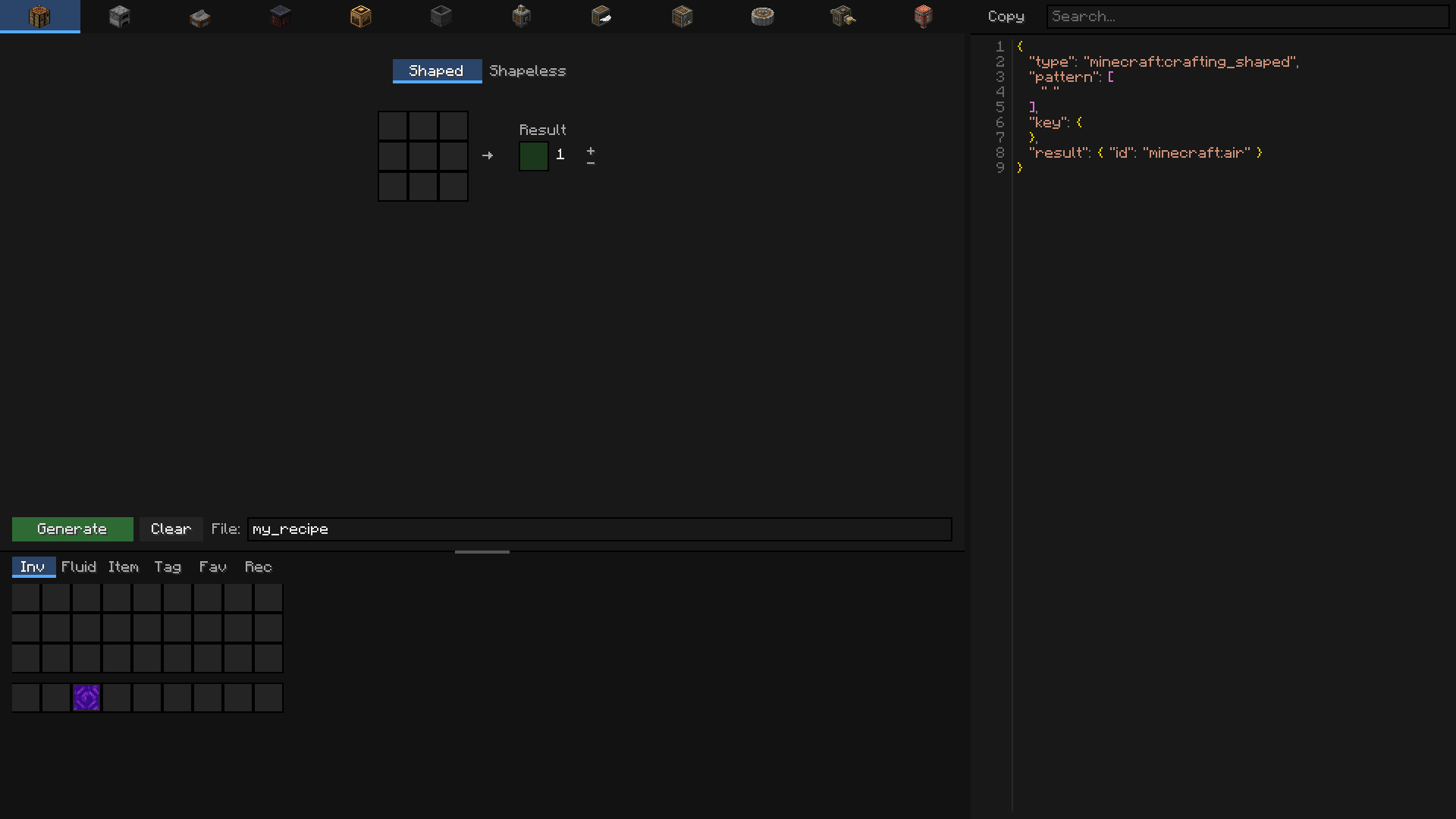
📦 Recipe Creator (Create compat)
In-game crafting recipe builder with native Create mod support.
Design and preview recipes without leaving the game.
常见问题
OptiMix 支持哪些 Minecraft 版本?
OptiMix 支持 Minecraft Java 版 1.21.1,可用的加载器:NeoForge。下载时注意选择和你游戏版本一致的文件。
OptiMix 怎么安装?
先用 PCL2 或 HMCL 启动器安装对应版本的 NeoForge,再把下载的 .jar 文件放进游戏目录的 mods 文件夹,重新启动游戏即可。开启了版本隔离的,mods 文件夹在 versions/版本名 下面。
MaxTechnik3796 的其他作品
查看全部 →
Terralith, Incendium, Nullscape Biomes Names
Terralith、Incendium、Nullscape 生物群系名称语言修复
OldVillages – Datapack [Depricated]
老版本里的村庄回来了!

TheDifferential
TheDifferential is a technical addon for the Create mod that expands its mechanics to include the oil industry.

NewAdventures
NewAdventures expands the world of Minecraft by introducing challenging new Illager variants.
评论
登录后评论和评分