
Open2Online [Forge]
Adds the ability to make a LAN server visible online and configure it in more detail.
截图
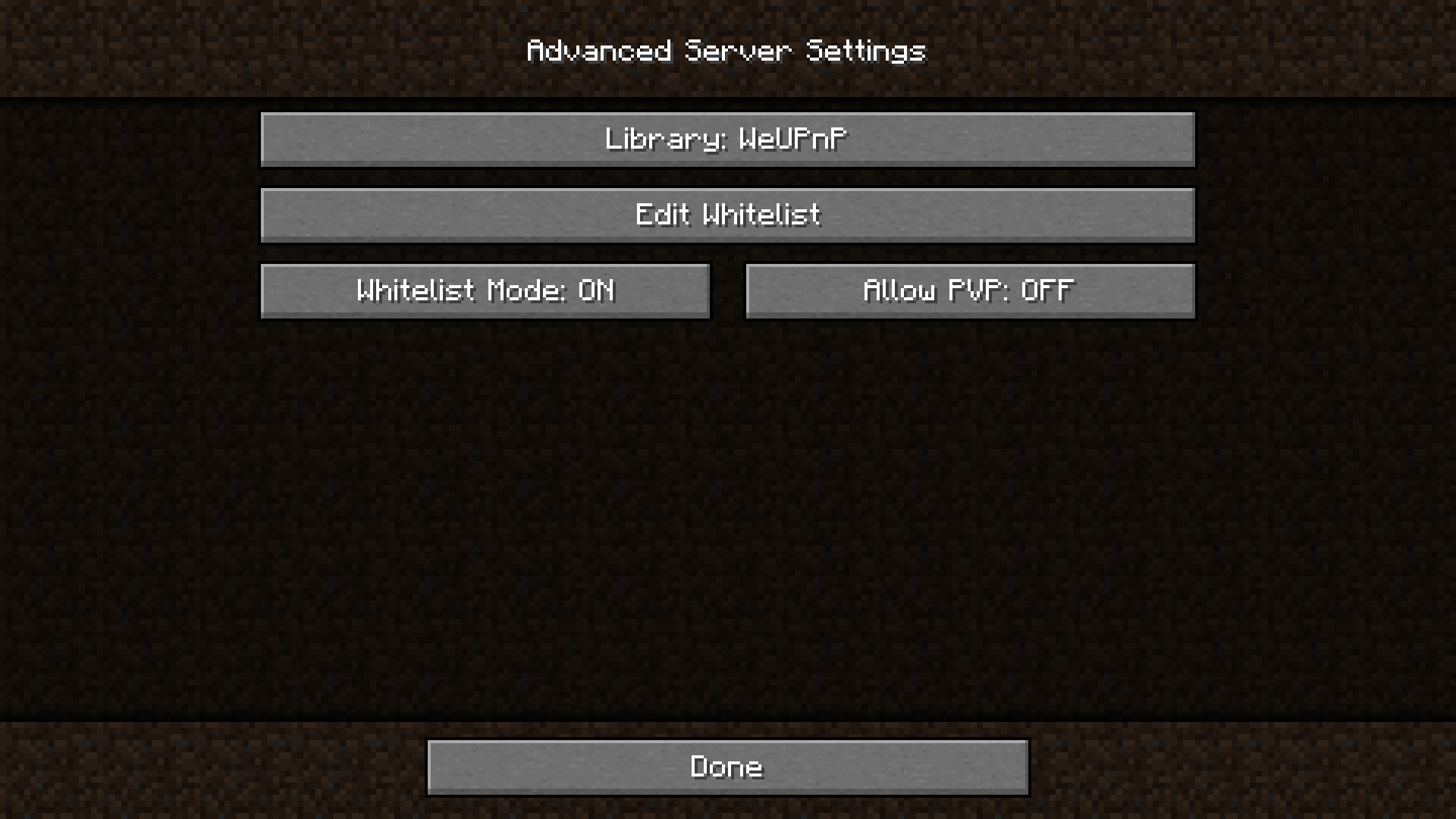

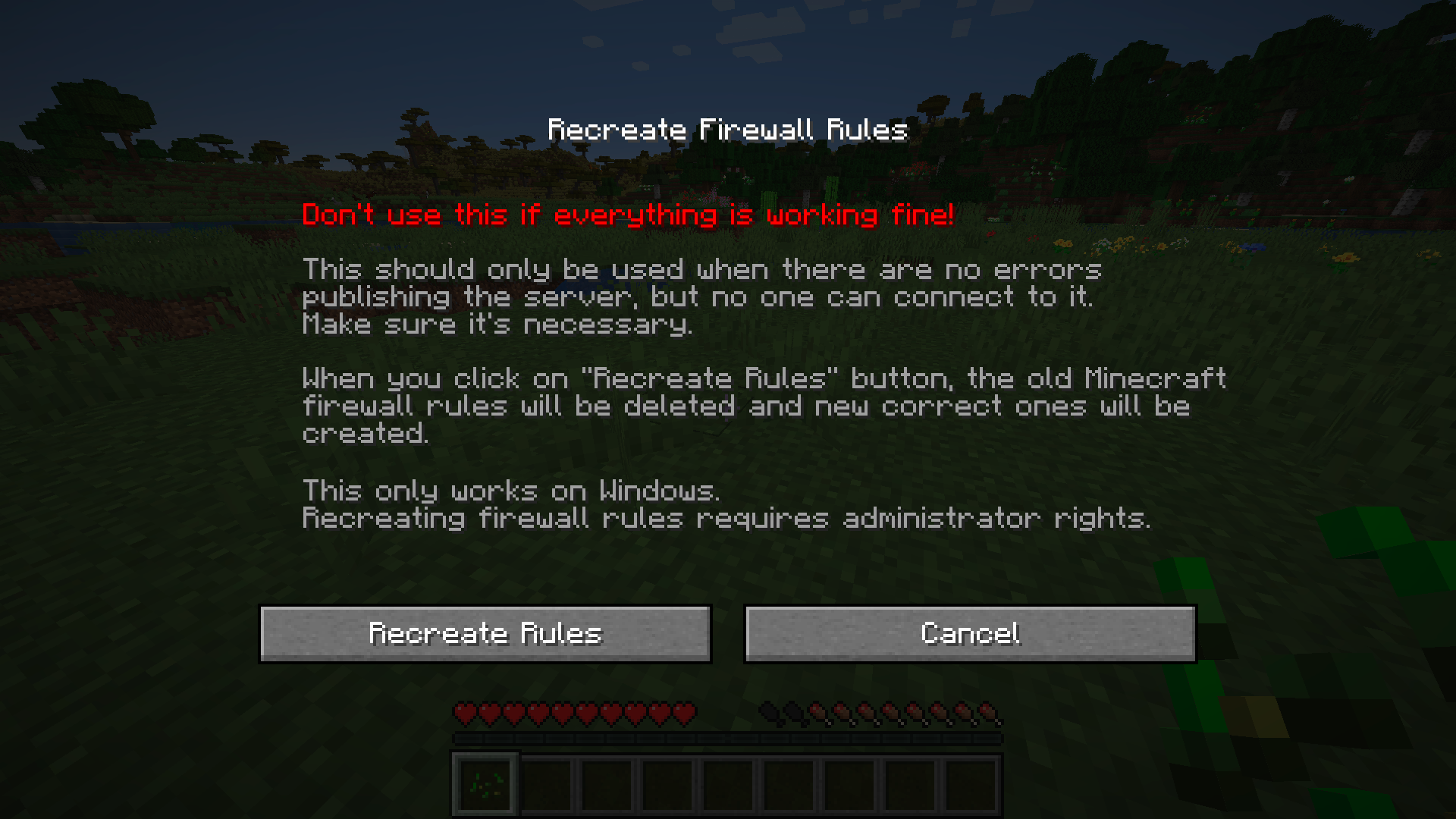
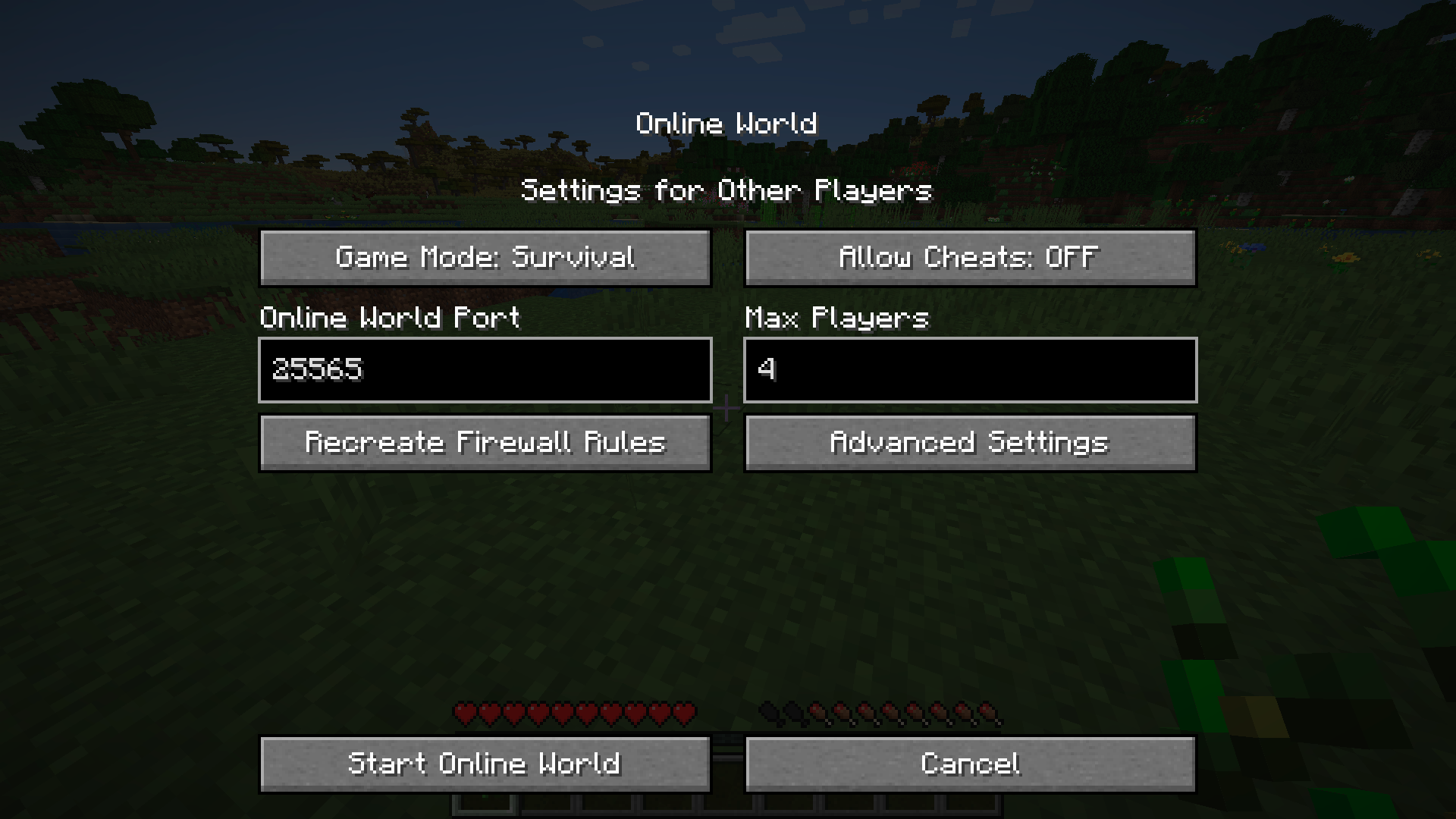
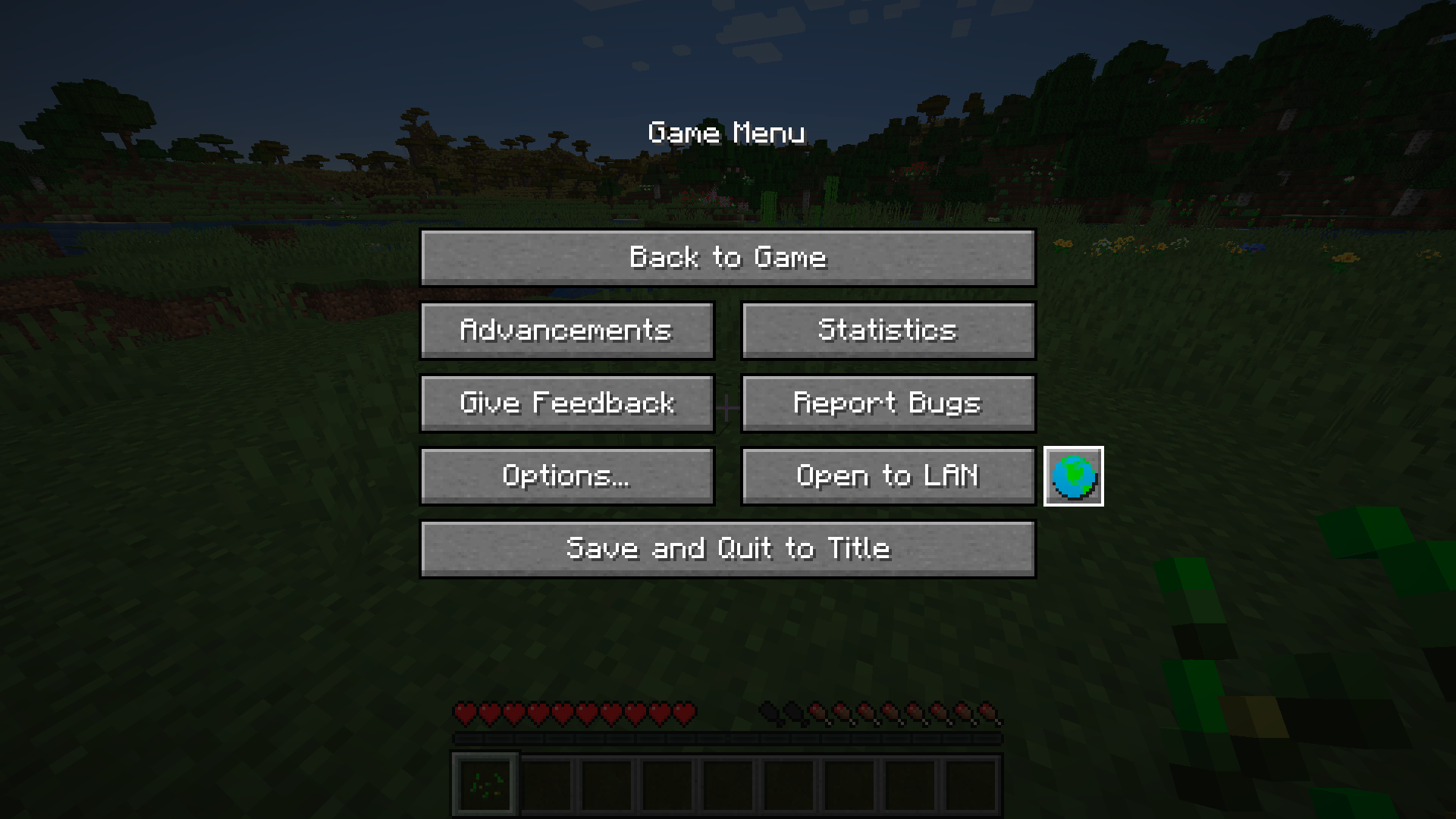

介绍
This mod can make your LAN server visible online*
In other words, you can play with friends without Realms or LAN emulators.
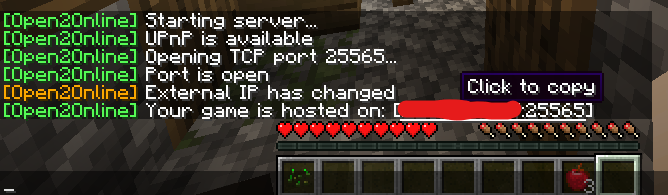
Just type /open2online into chat to start the server with the current world settings.
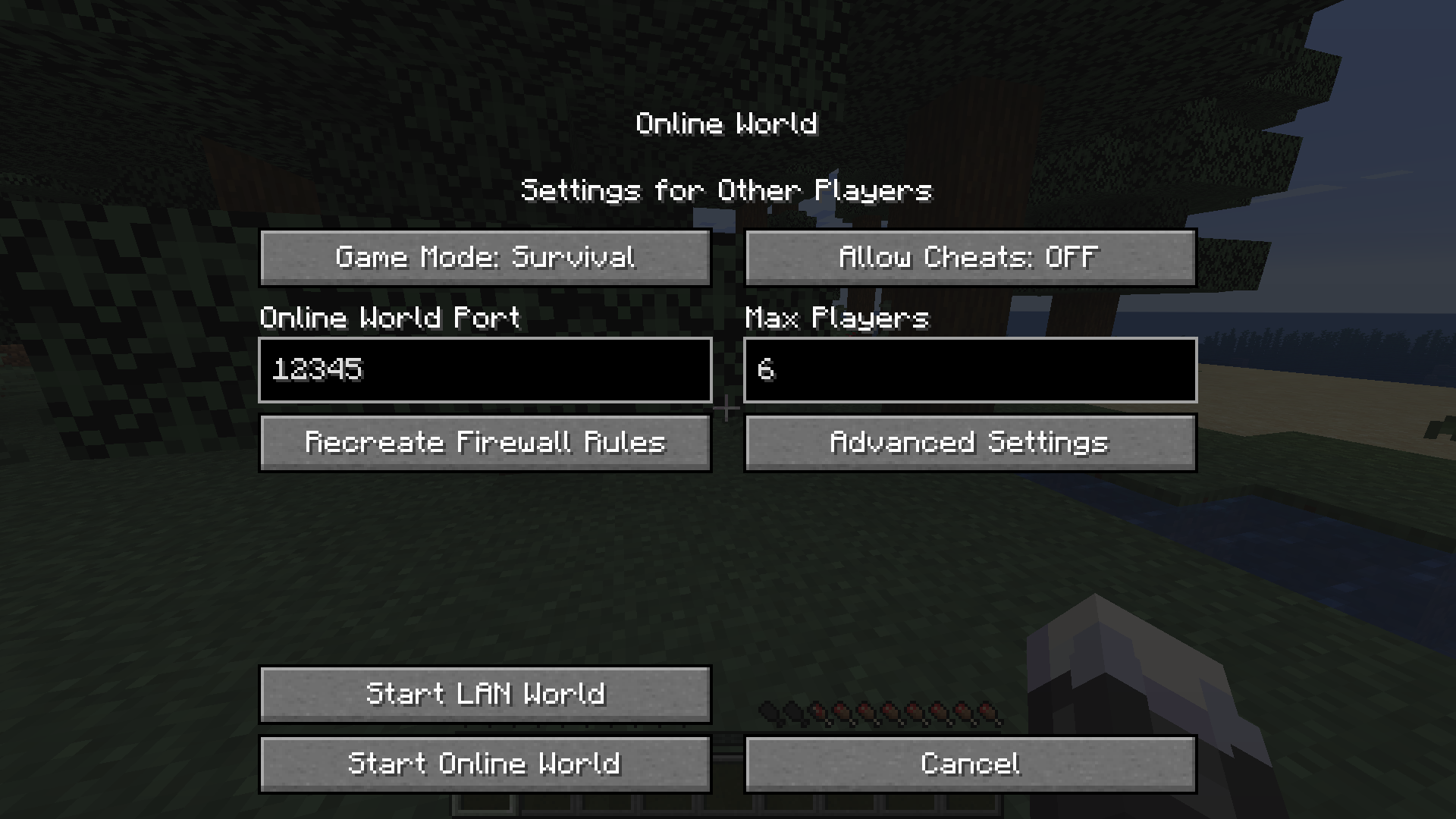
Or set up the server yourself by clicking the button in the pause menu.
If no one can connect to your server, click the «Recreate Firewall Rules» button.
(also from version 1.0.0 you can start a lan server with custom settings)
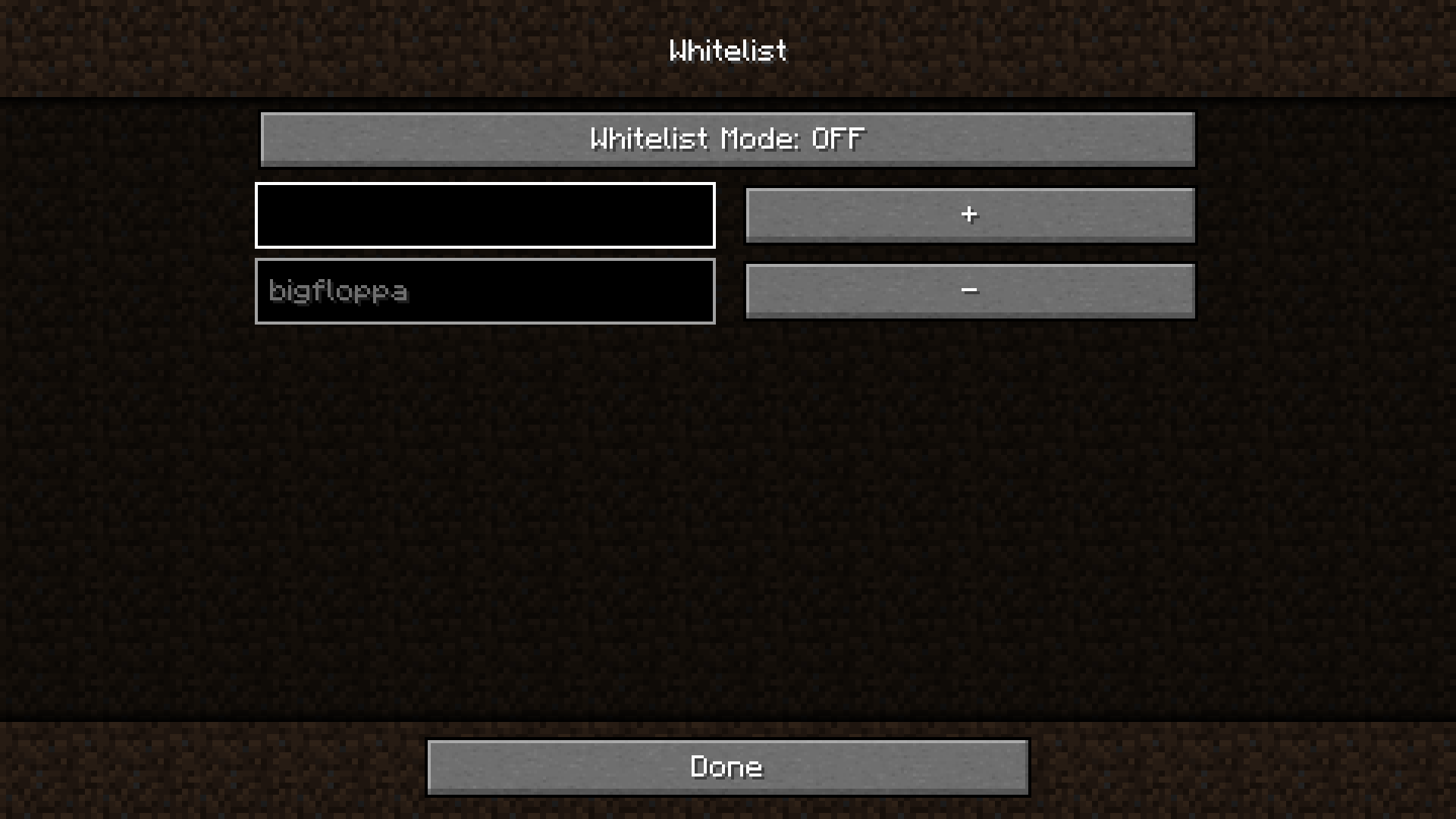
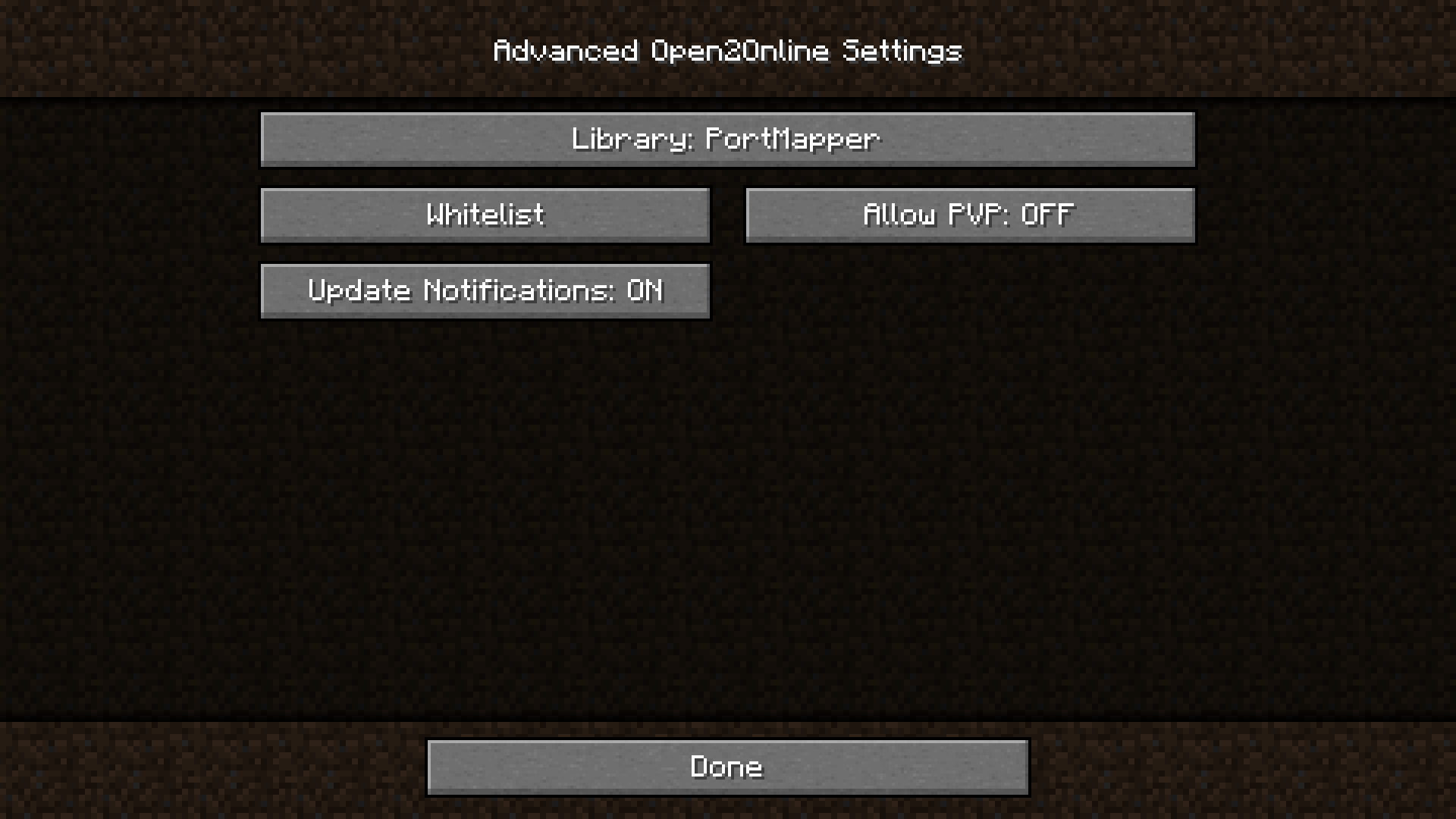
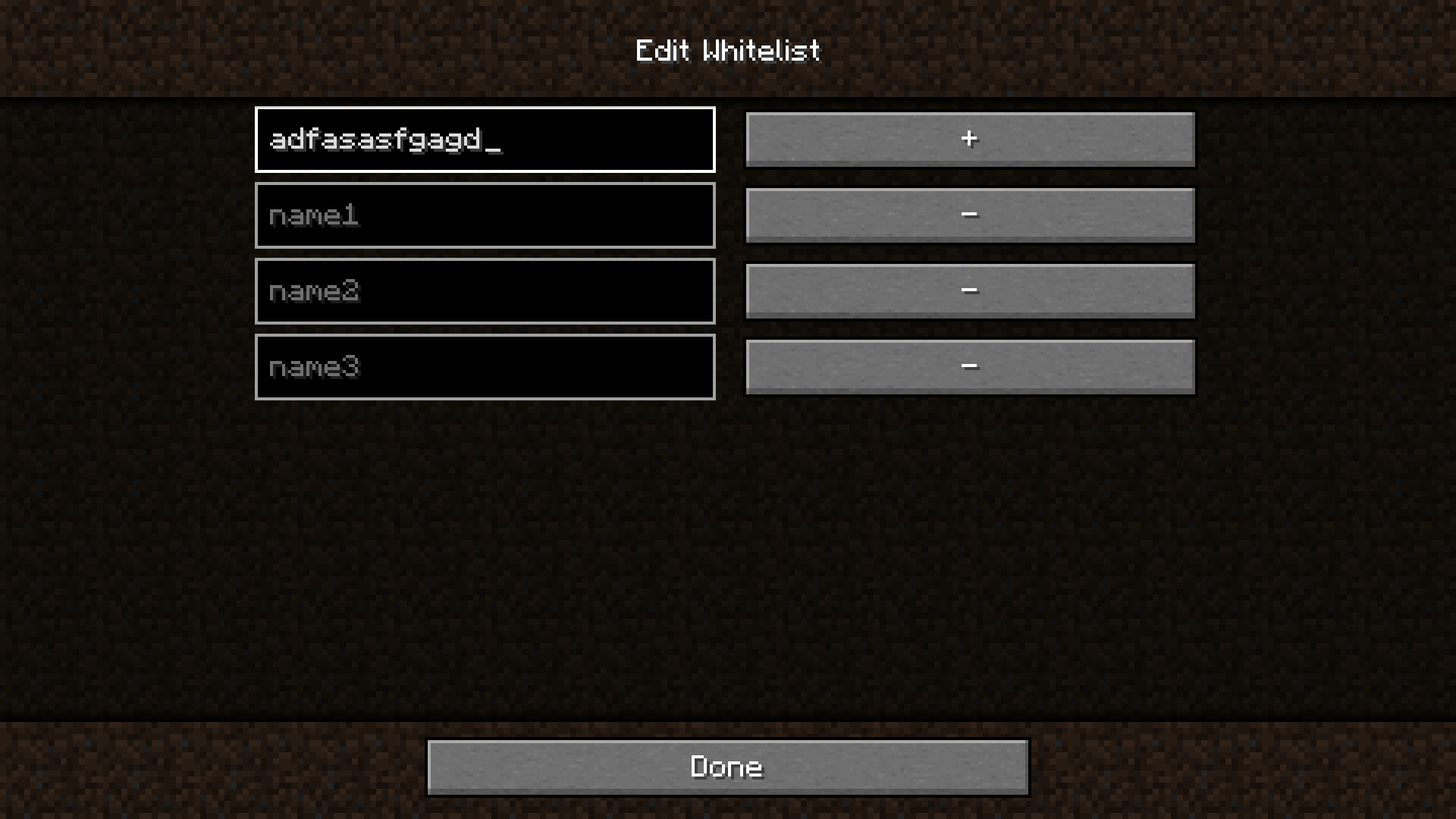
Look at the Images for more info.
*You need UPnP (or NAP-PMP/PCP for version 1.0.0+) enabled on your router.
- Failed to open the port.
Try changing the port or library. If the port still does not open, your ISP is most likely blocking port forwarding.
- Friend can’t connect to my server.
Make sure you’re not using a VPN. Click on the «Recreate Firewall Rules» button and start the server. Check if the port is open using any site that allows you to do this (not a router page). If the port is closed, then something is blocking the connection. If the port is open, then everything should work. Maybe your friend should also recreate the firewall rules.
常见问题
Open2Online [Forge] 支持哪些 Minecraft 版本?
Open2Online [Forge] 支持 Minecraft Java 版 1.16.5–1.20.1,共 7 个版本,可用的加载器:Forge。下载时注意选择和你游戏版本一致的文件。
Open2Online [Forge] 怎么安装?
先用 PCL2 或 HMCL 启动器安装对应版本的 Forge,再把下载的 .jar 文件放进游戏目录的 mods 文件夹,重新启动游戏即可。开启了版本隔离的,mods 文件夹在 versions/版本名 下面。
评论
登录后评论和评分