Open Water Detector
A Fabric mod to inform the user whether they are fishing in open water.
截图
介绍
Open Water Detector
A Fabric mod to inform the user whether they are fishing in open water.
How to set up
Place the downloaded jar into your mods folder inside your Minecraft instance.
In order to find the location of your Minecraft instance:
Normal launcher – Any of the following:
– C:\Users\<YOUR_USER_NAME>\AppData\Roaming\.minecraft
– %USERPROFILE%\AppData\Roaming\.minecraft
– %APPDATA%\.minecraft
MultiMC – Follow the steps:
1. Right-Click on your instance
2. Select “Minecraft Folder”
Behavior
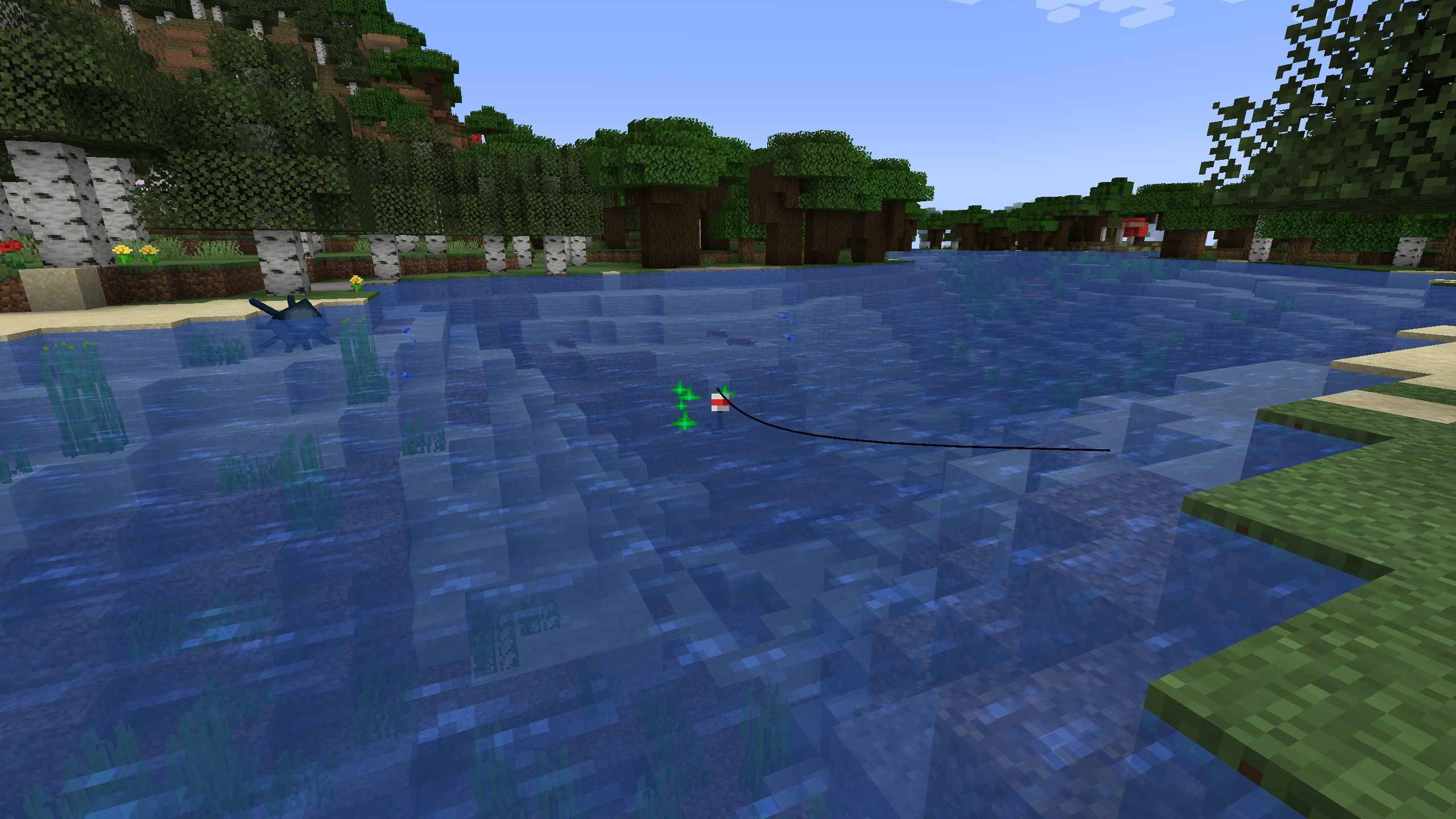
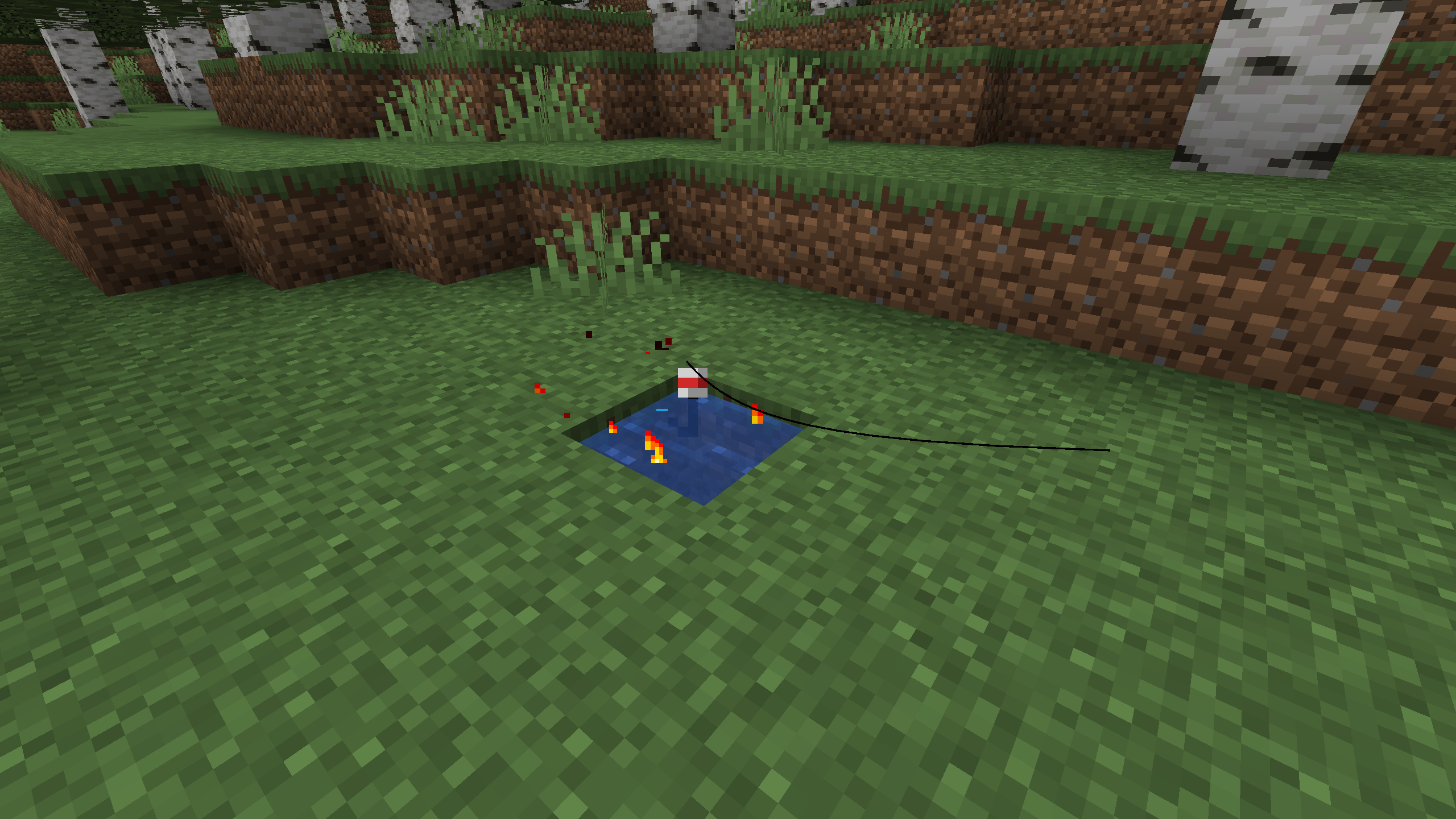
Whenever your fishing bobber is inside a body of water, particles will spawn around it:
- green particles when the bobber is in open water
- flame particles when it isn’t
The Minecraft Wiki defines open water as:
the 5×4×5 vicinity around the bobber resting on the water surface (2 blocks away horizontally,
2 blocks above the water surface, and 2 blocks deep). Each horizontal layer in this area must consist only of air and
lily pads or water source blocks, waterlogged blocks without collision (such as signs, kelp, or coral),
and bubble columns.
Keybind
The mod can be toggled ON and OFF through the use of the Toggle Detector keybind in the Open Water Detector section (Default: O).
Keep in mind that the mod will be ON by default whenever you start your game.
常见问题
Open Water Detector 支持哪些 Minecraft 版本?
Open Water Detector 支持 Minecraft Java 版 1.18.2,可用的加载器:Fabric。下载时注意选择和你游戏版本一致的文件。
Open Water Detector 怎么安装?
先用 PCL2 或 HMCL 启动器安装对应版本的 Fabric,再把下载的 .jar 文件放进游戏目录的 mods 文件夹,重新启动游戏即可。开启了版本隔离的,mods 文件夹在 versions/版本名 下面。
评论
登录后评论和评分