
OPanel
A Minecraft server management panel for Paper / Folia / Fabric / Forge / Neoforge servers
截图

介绍



A Minecraft server management panel
Description
OPanel is a management panel for Minecraft server administrators, and it comes as a server-side plugin that can be run on Paper, Leaves, Folia, Fabric, Forge, NeoForge and even Pumpkin servers. With the web panel, you can manage your server in a more reliable, intuitive and simple way!
Features
The features of OPanel include:
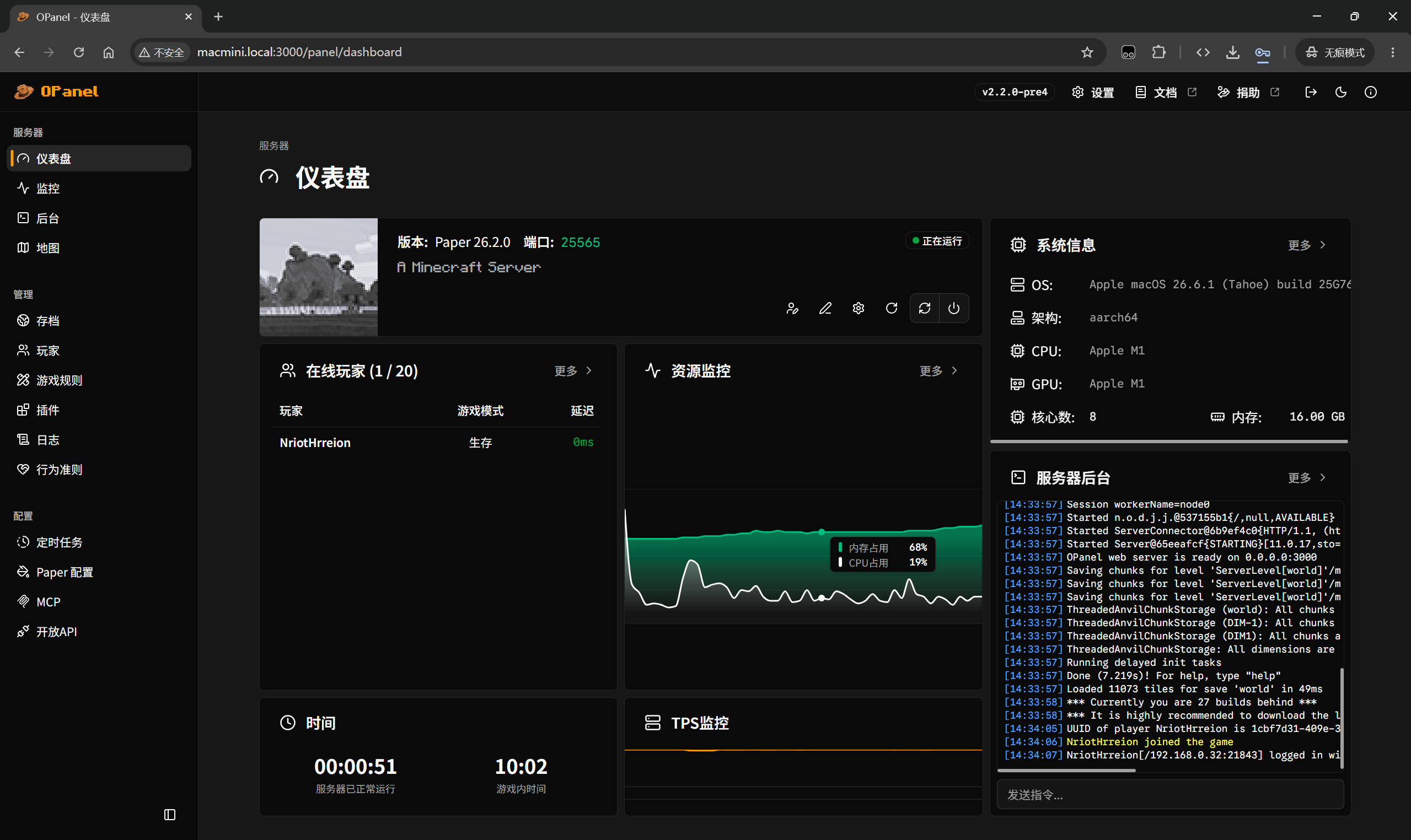
- Dashboard that provides a comprehensive overview of the server
- Saves manager that helps you easily upload, download, delete or enable your saves through a simple interface.
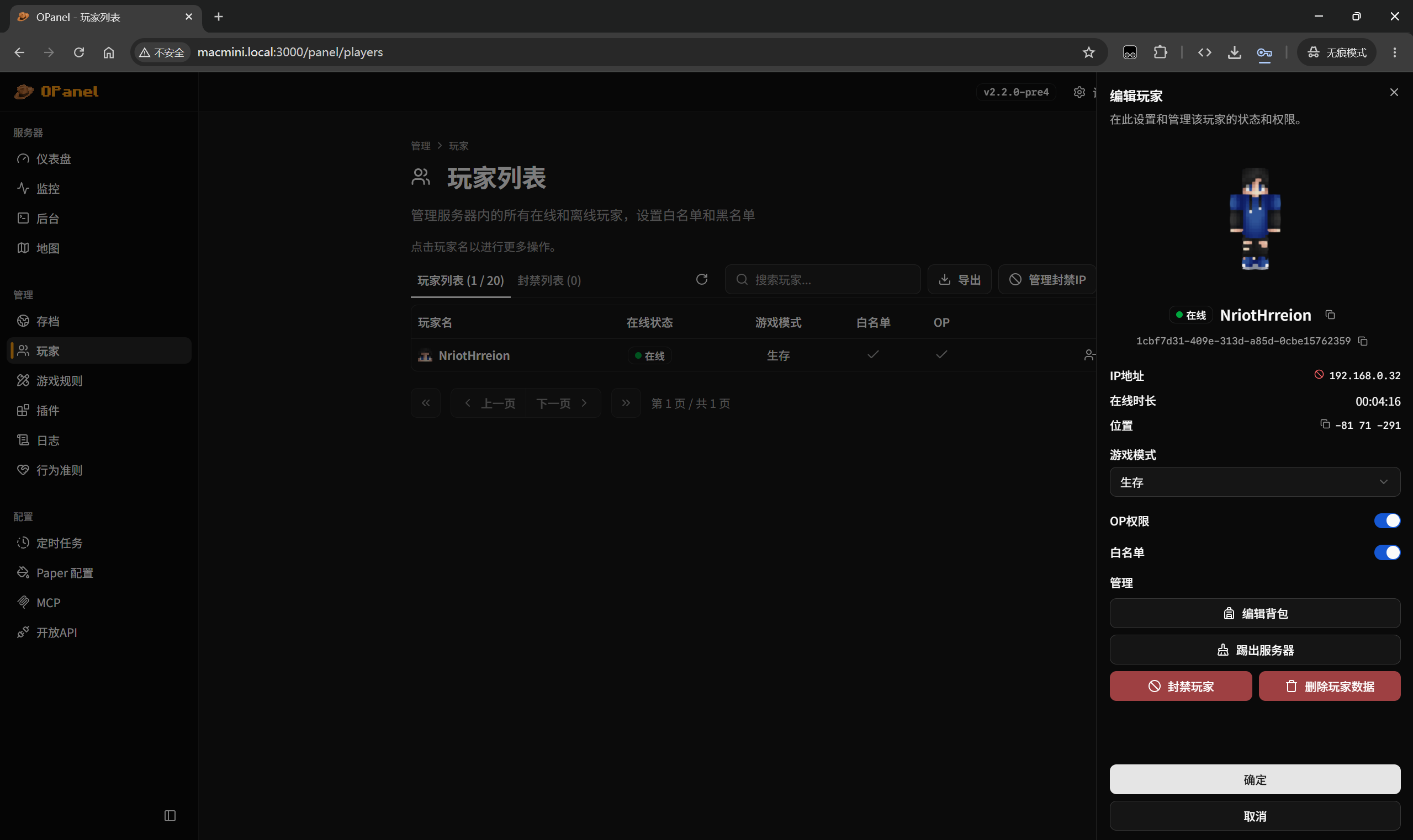
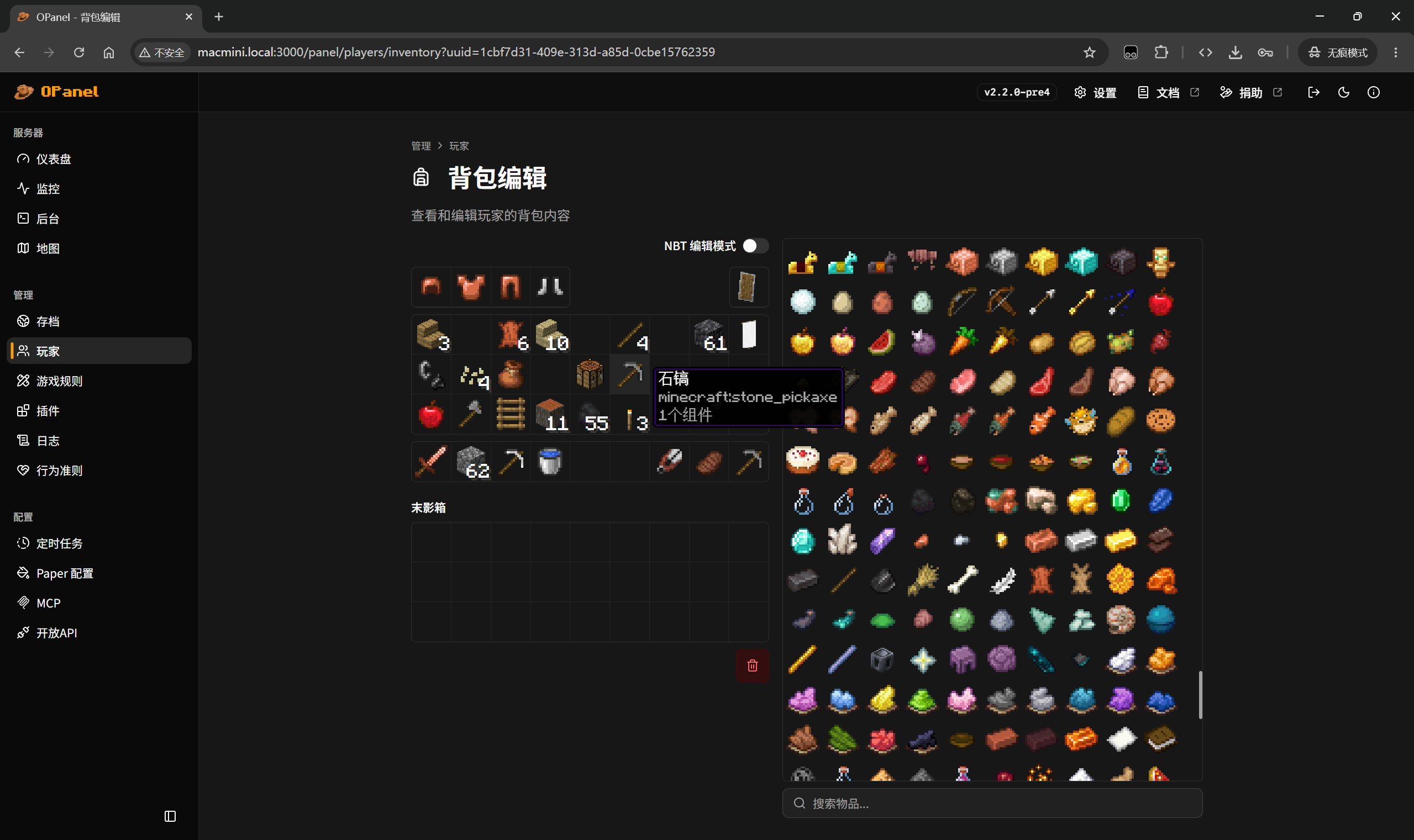
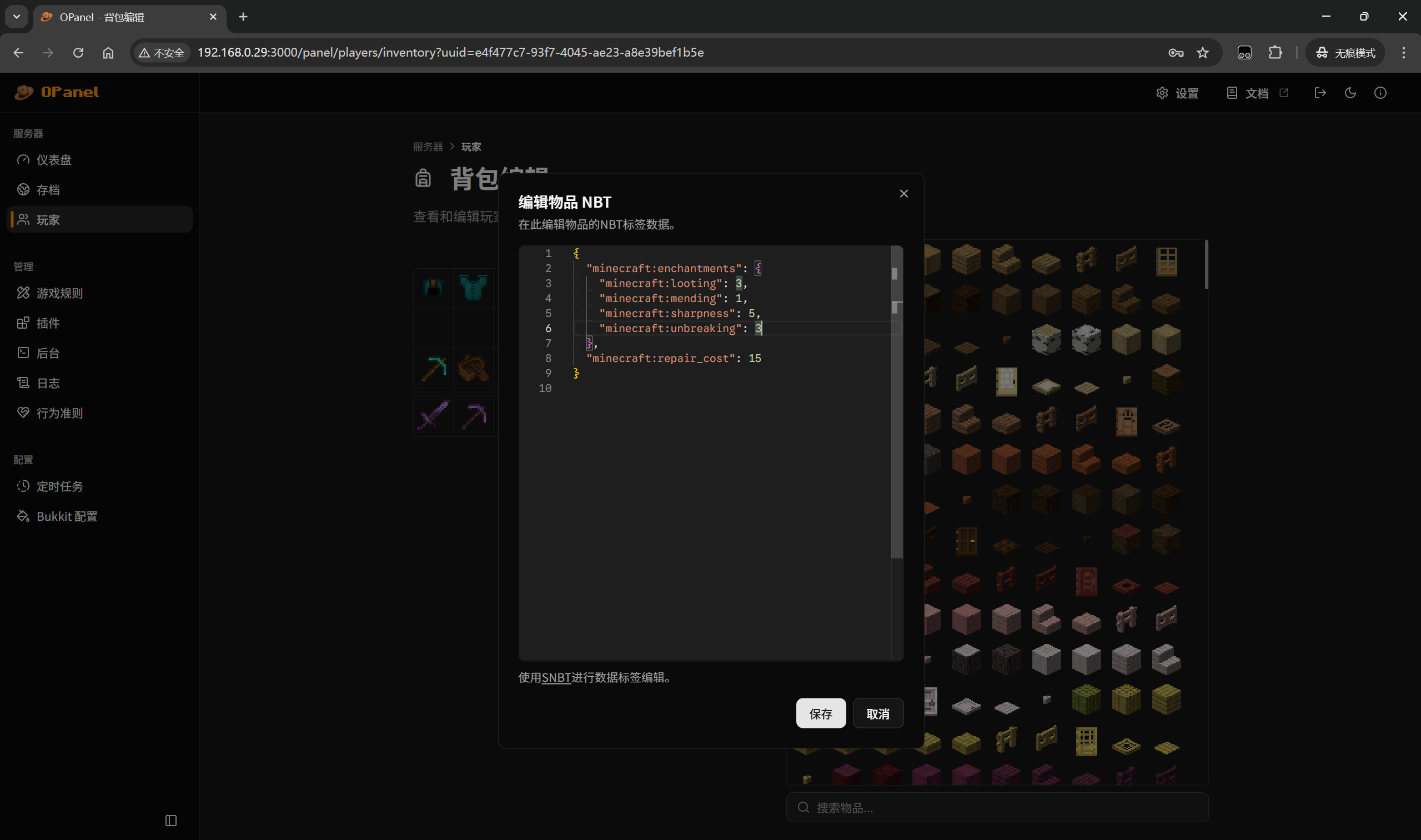
- Players manager that helps you manage players, banned players and whitelist, and perform actions like kick, ban or changing permissions.
- Gamerules editor that assists you to toggle gamerules without entering any command.
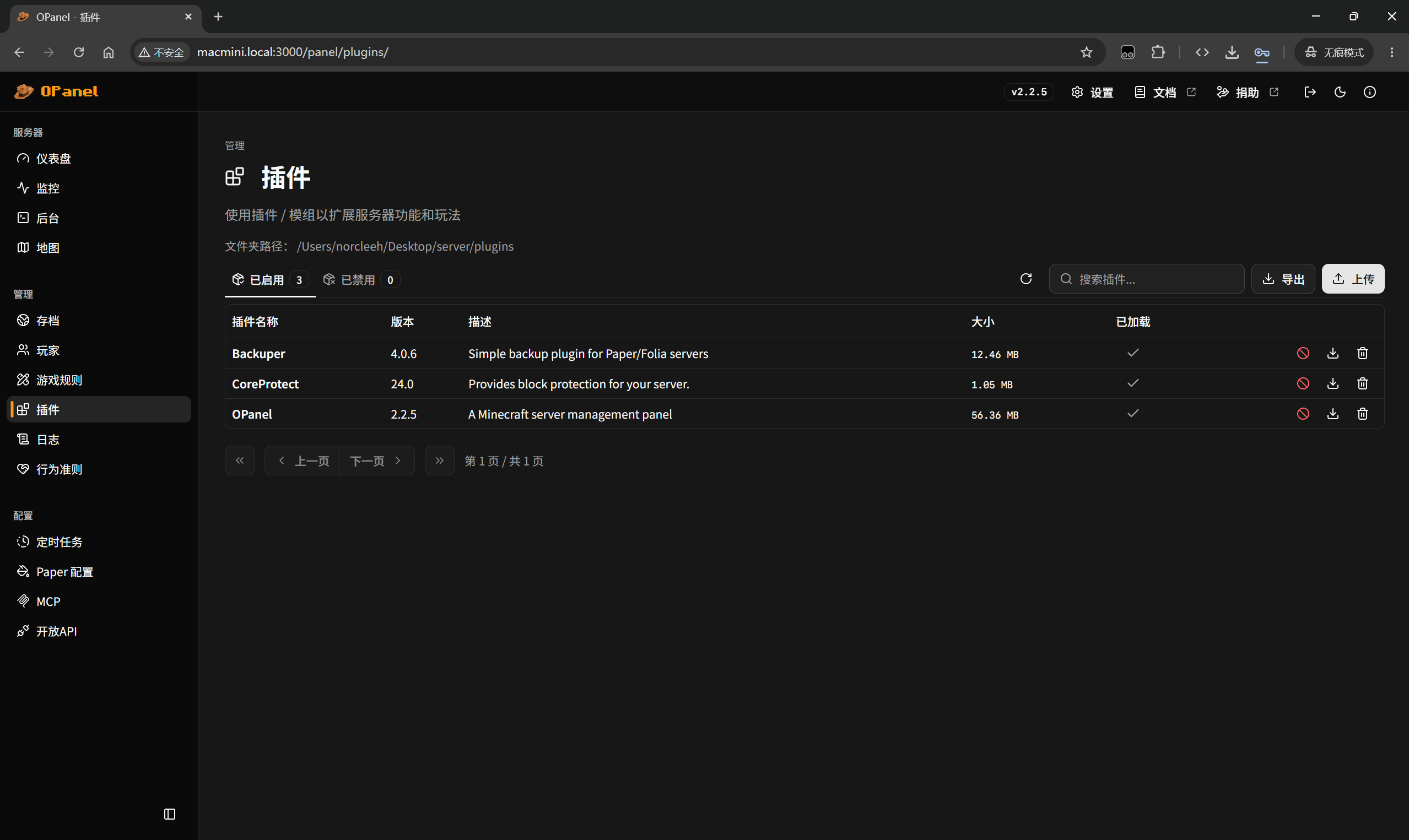
- Plugin manager that allows you to enable / disable plugins or mods and view detailed plugin information.
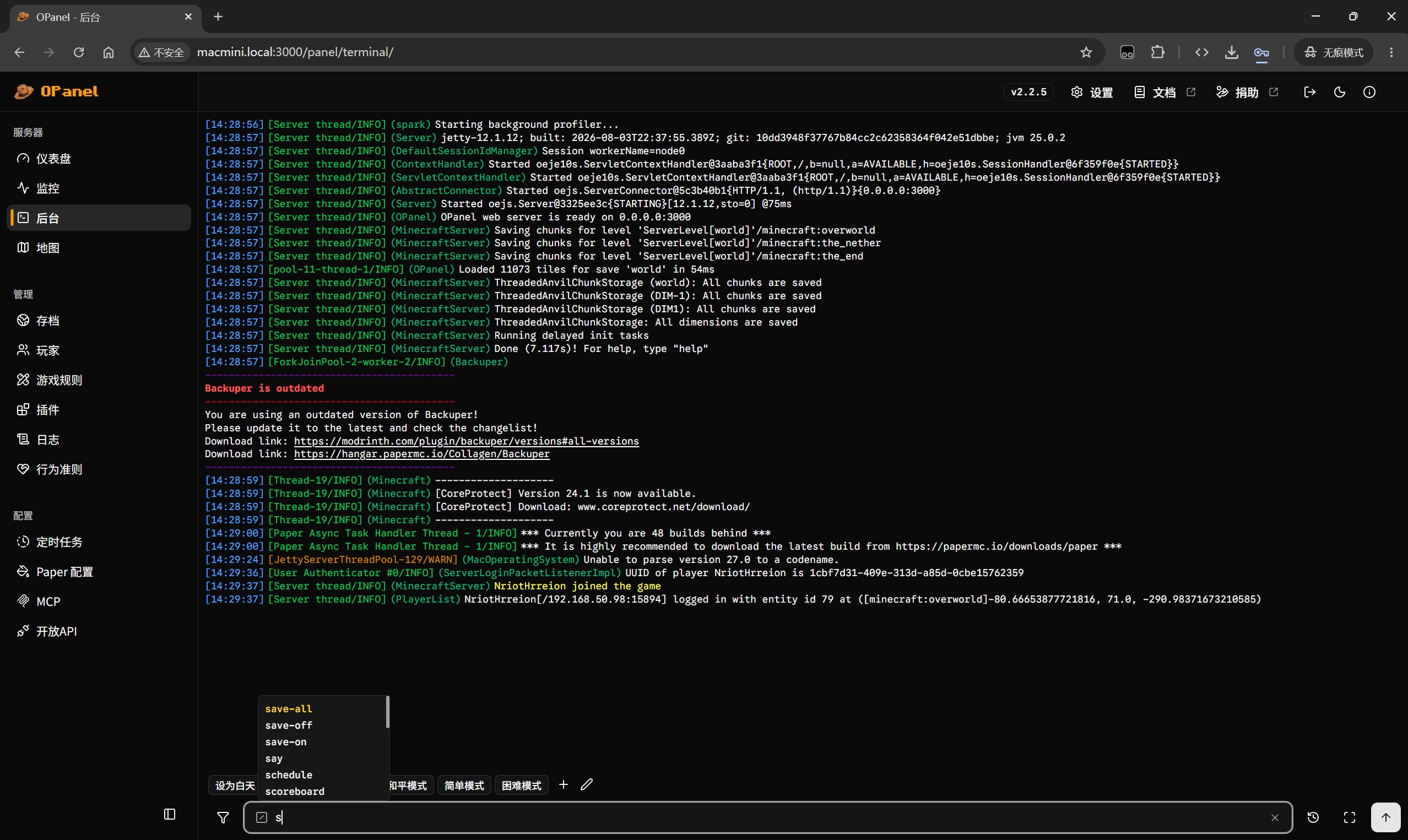
- Server terminal that can directly send messages or execute commands from the web panel.
- Builtin real-time map viewer.
- Server logs manager and viewer.
- MCP Server: You can use your AI agent (e.g. Claude Code, OpenClaw) to manage your server via OPanel MCP.
- Open API: You can configure OPanel Open API to show real-time server status and statistics on the official website of your server.
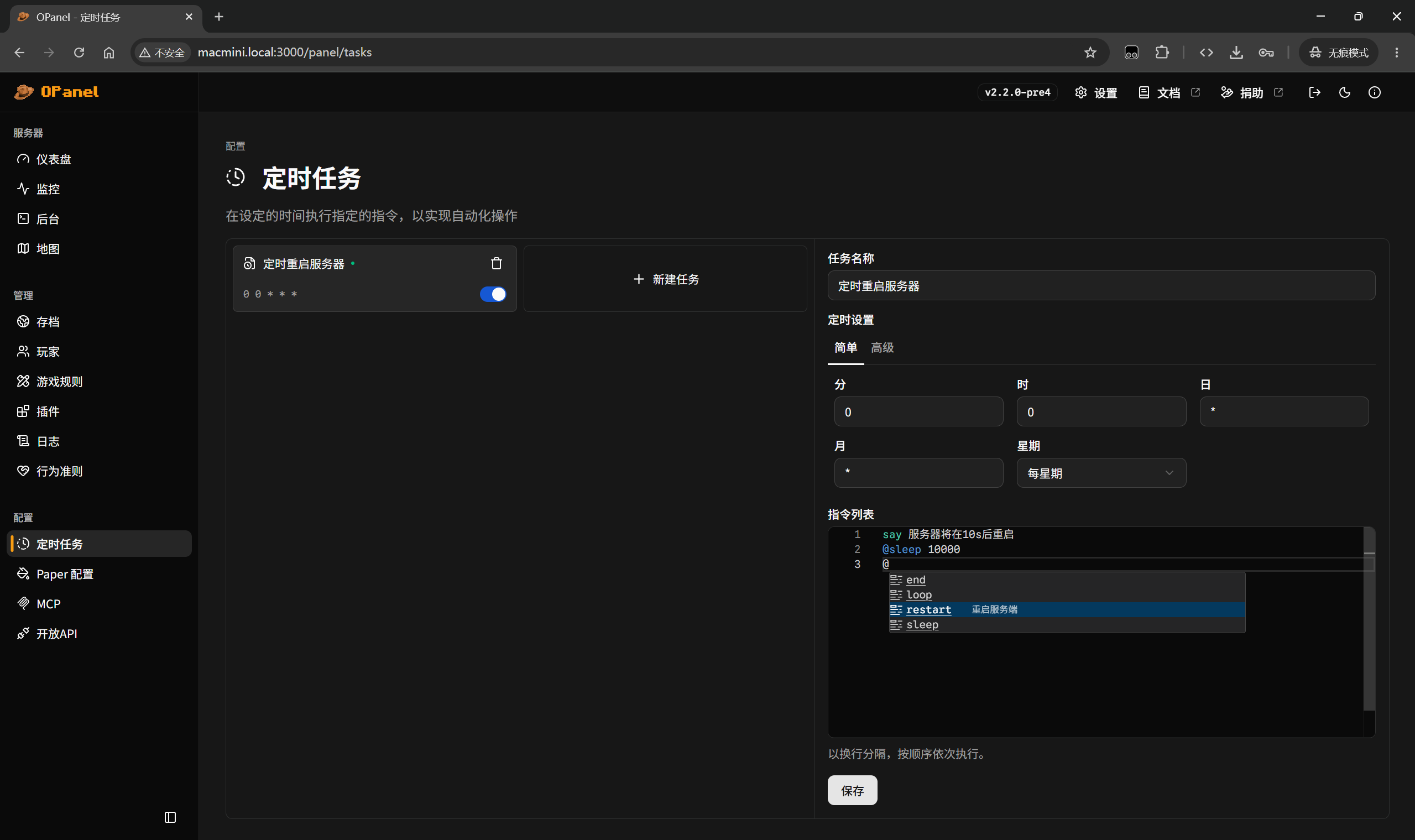
Screenshots
Usage
Read the Quick Start to get started.
Contributing
See Contributing Guidelines for more information.
Supported languages
Chinese (including Simplified, Traditional, Cantonese), English, Japanese, French, German, Korean
Star History
License
GPL-3.0
常见问题
OPanel 支持哪些 Minecraft 版本?
OPanel 支持 Minecraft Java 版 1.16.1–26.3,共 34 个版本,可用的加载器:Fabric / Folia / Forge / NeoForge / Paper。下载时注意选择和你游戏版本一致的文件。
OPanel 怎么安装?
先用 PCL2 或 HMCL 启动器安装对应版本的 Fabric / Folia / Forge / NeoForge / Paper,再把下载的 .jar 文件放进游戏目录的 mods 文件夹,重新启动游戏即可。开启了版本隔离的,mods 文件夹在 versions/版本名 下面。运行环境:仅服务端。
评论
登录后评论和评分