
OPAC Claim Finder
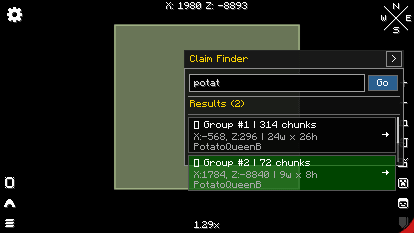
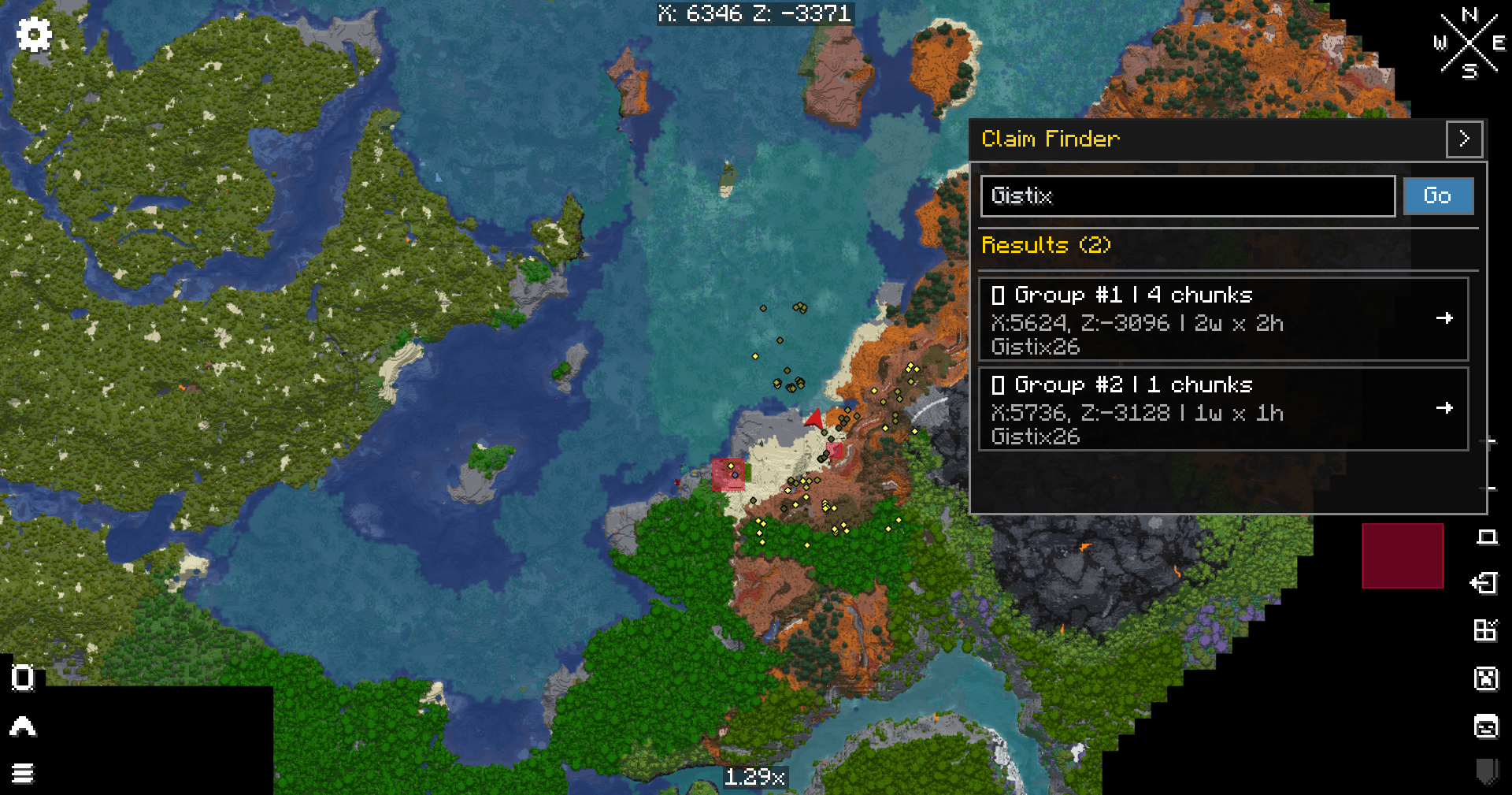
A search bar addon for Xaero's World Map that lets you find any player's claims instantly. Type a name, see all their claims grouped automatically, click to pan the map. Perfect for Vault Hunters 3rd Edition!
截图
介绍
🔍 OPAC ClaimFinder
A search bar addon for Xaero’s World Map that lets you instantly find any player’s claims!
✨ Features
- 🔍 Search by player name — Type any player and find their claims
- 📦 Smart chunk grouping — Connected chunks are automatically grouped using a flood-fill algorithm
- 🗺️ One-click navigation — Click any result and the map pans right to it
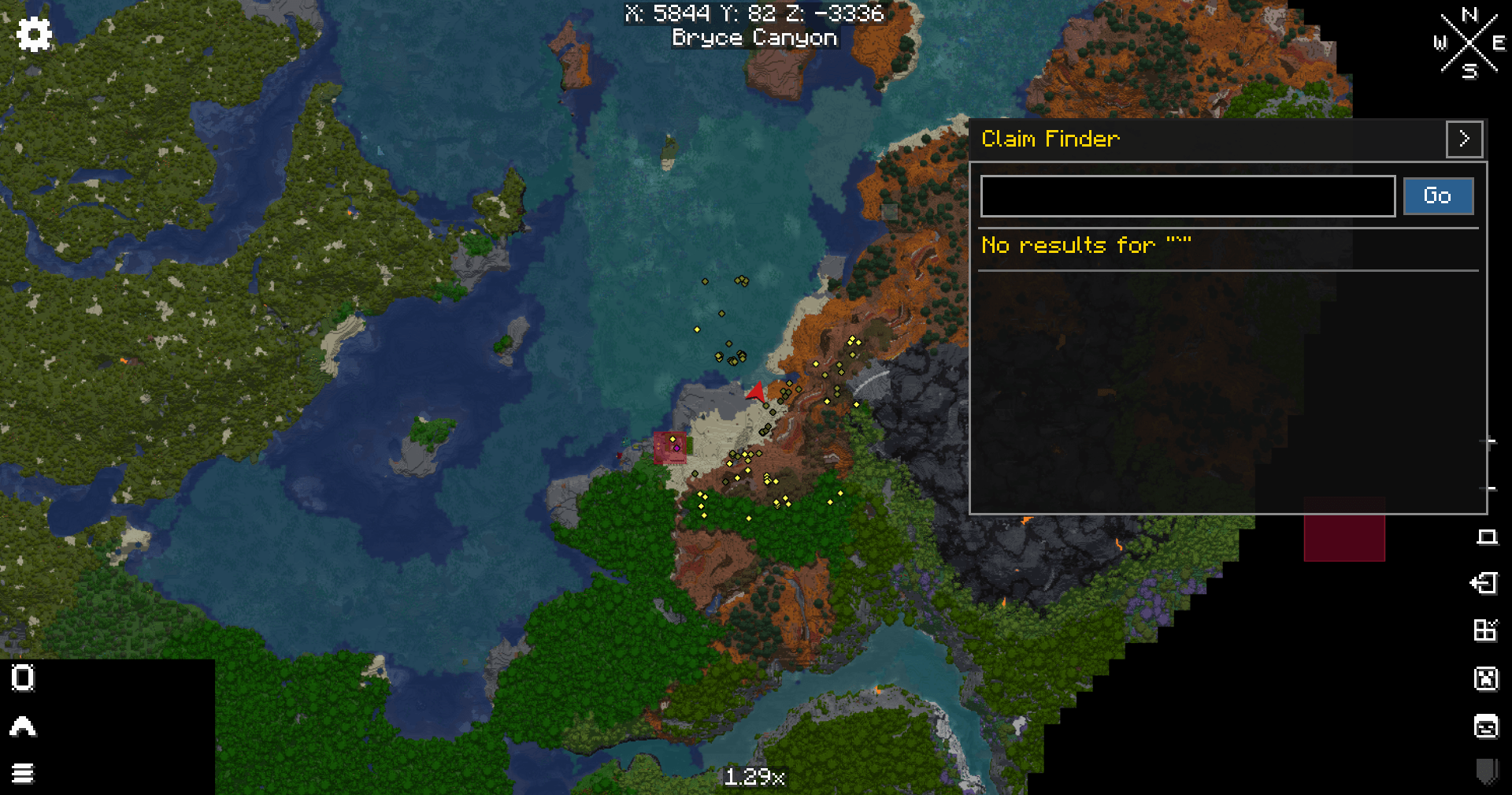
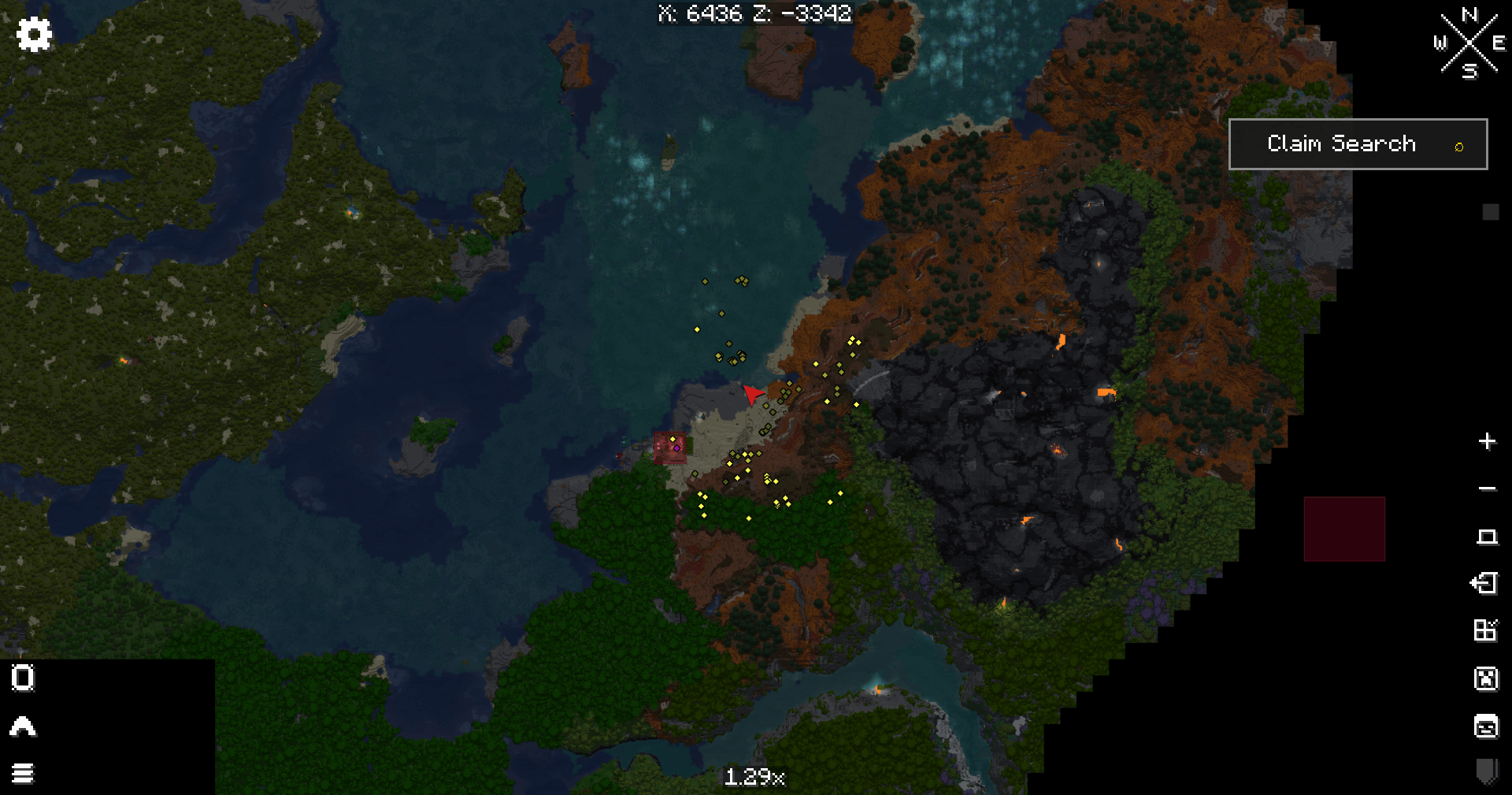
- 🎨 Collapsible UI — Stays out of your way until you need it
- ⚡ Async search — Zero game lag, even with thousands of claims
- 📏 Smart scaling — Looks great on any screen size
📋 Requirements
- Minecraft 1.18.2
- Forge 40.3.11+
- Xaero’s World Map 1.39.12+
- Open Parties and Claims 0.26.1+
🎮 How To Use
- Open Xaero’s World Map (default key: M)
- Click the “Claim Search” button in the top-right
- Type a player name and press Enter
- Click any result to pan the map to that location
🎯 Designed For Vault Hunters
This mod was specifically designed for Vault Hunters 3rd Edition but works in ANY modpack that uses Xaero’s World Map and Open Parties and Claims.
🚀 Installation
- Download the latest
.jarfrom this page - Drop it into your
modsfolder - Make sure you have Xaero’s World Map and OPAC installed
- Launch Minecraft!
💡 Current Limitations
- Client-side only — Only searches claims loaded around you
- Vault Hunters Remastered support — Coming in v1.1 with OPAC 0.27.5
🐛 Bug Reports
Found a bug? Have a feature request? Open an issue on GitHub!
📜 License
MIT License — Free to use and modify
🔍 OPAC ClaimFinder
A search bar addon for Xaero’s World Map that lets you instantly find any player’s claims!
✨ Features
- 🔍 Search by player name — Type any player and find their claims
- 📦 Smart chunk grouping — Connected chunks are automatically grouped using a flood-fill algorithm
- 🗺️ One-click navigation — Click any result and the map pans right to it
- 🎨 Collapsible UI — Stays out of your way until you need it
- ⚡ Async search — Zero game lag, even with thousands of claims
- 📏 Smart scaling — Looks great on any screen size
📋 Requirements
- Minecraft 1.18.2
- Forge 40.3.11+
- Xaero’s World Map 1.39.12+
- Open Parties and Claims 0.26.1+
🎮 How To Use
- Open Xaero’s World Map (default key: M)
- Click the “Claim Search” button in the top-right
- Type a player name and press Enter
- Click any result to pan the map to that location
🎯 Designed For Vault Hunters
This mod was specifically designed for Vault Hunters 3rd Edition but works in ANY modpack that uses Xaero’s World Map and Open Parties and Claims.
🚀 Installation
- Download the latest
.jarfrom this page - Drop it into your
modsfolder - Make sure you have Xaero’s World Map and OPAC installed
- Launch Minecraft!
💡 Current Limitations
- Client-side only — Only searches claims loaded around you
- Vault Hunters Remastered support — Coming in v1.1 with OPAC 0.27.5
🐛 Bug Reports
Found a bug? Have a feature request? Want to add support for a different mod version? Open an issue on GitHub or drop a Curseforge Comment!
📜 License
MIT License — Free to use and modify
常见问题
OPAC Claim Finder 支持哪些 Minecraft 版本?
OPAC Claim Finder 支持 Minecraft Java 版 1.18.2,可用的加载器:Forge。下载时注意选择和你游戏版本一致的文件。
OPAC Claim Finder 怎么安装?
先用 PCL2 或 HMCL 启动器安装对应版本的 Forge,再把下载的 .jar 文件放进游戏目录的 mods 文件夹,重新启动游戏即可。开启了版本隔离的,mods 文件夹在 versions/版本名 下面。
评论
登录后评论和评分