Oooze
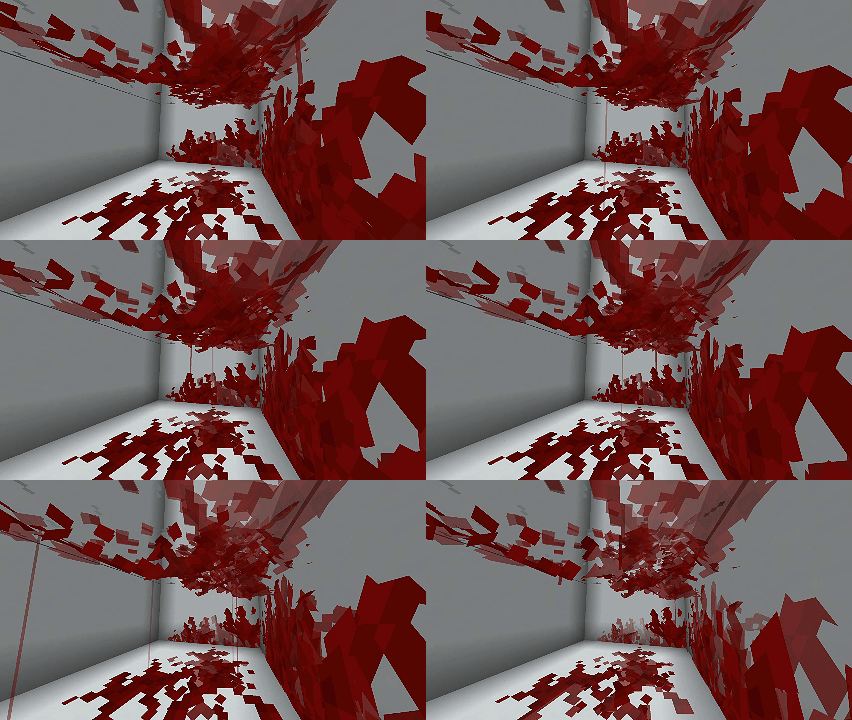
A mod that utilizes Goop api to add damage, death, and projectile splatters. Blood, slime, and more!
截图




介绍
Information about Oooze
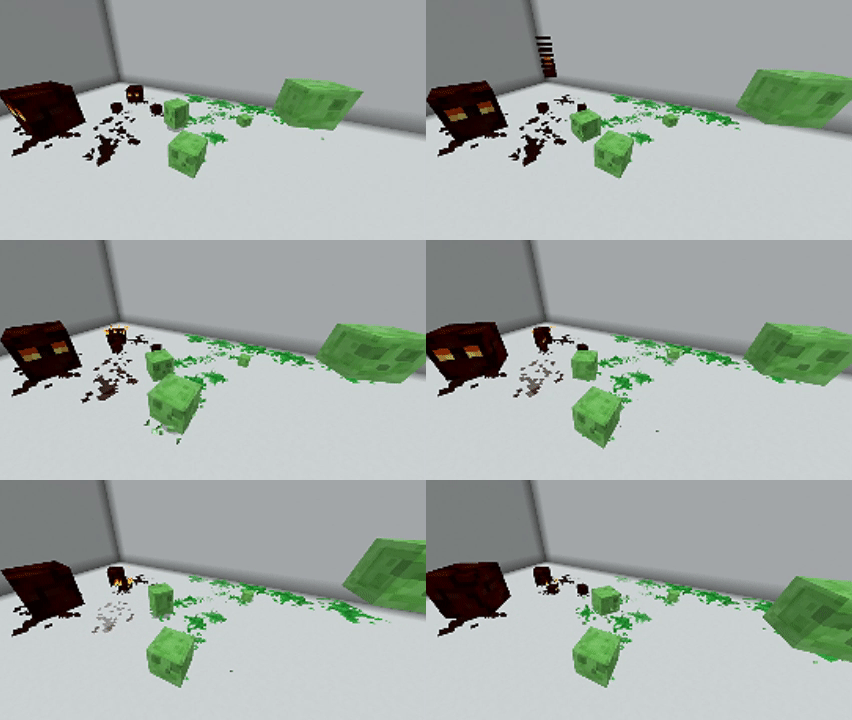
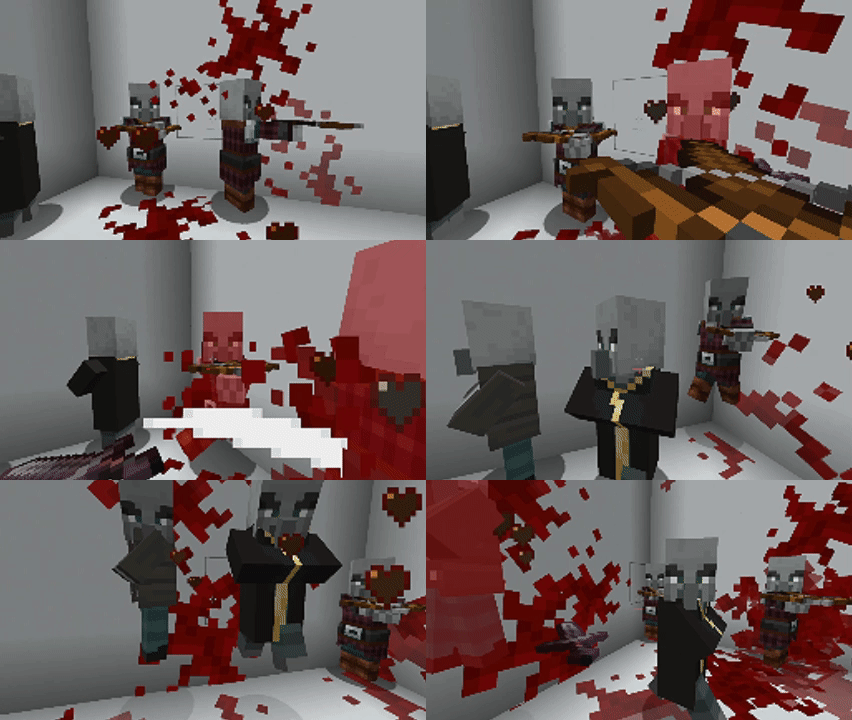
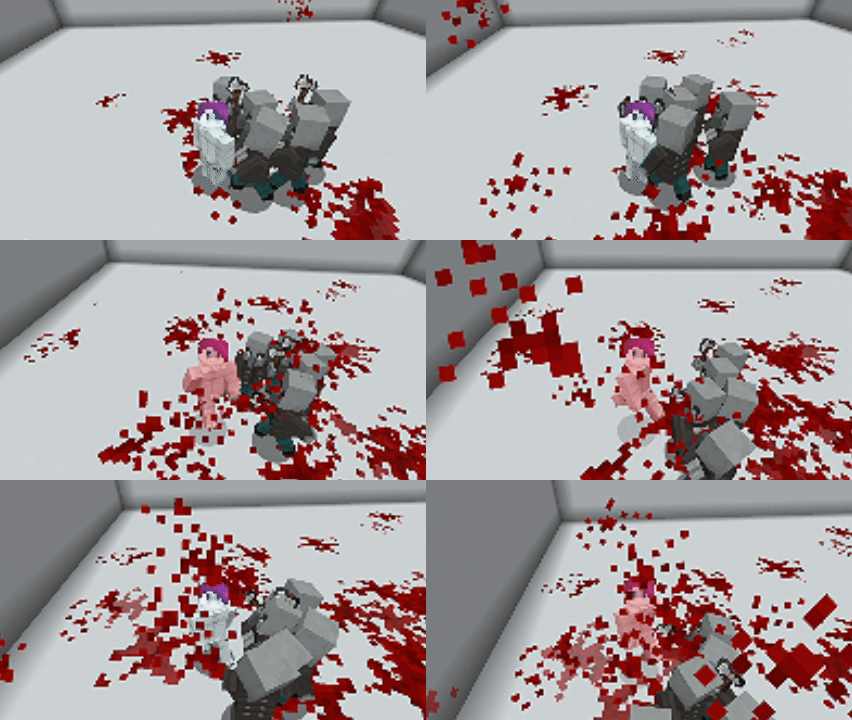
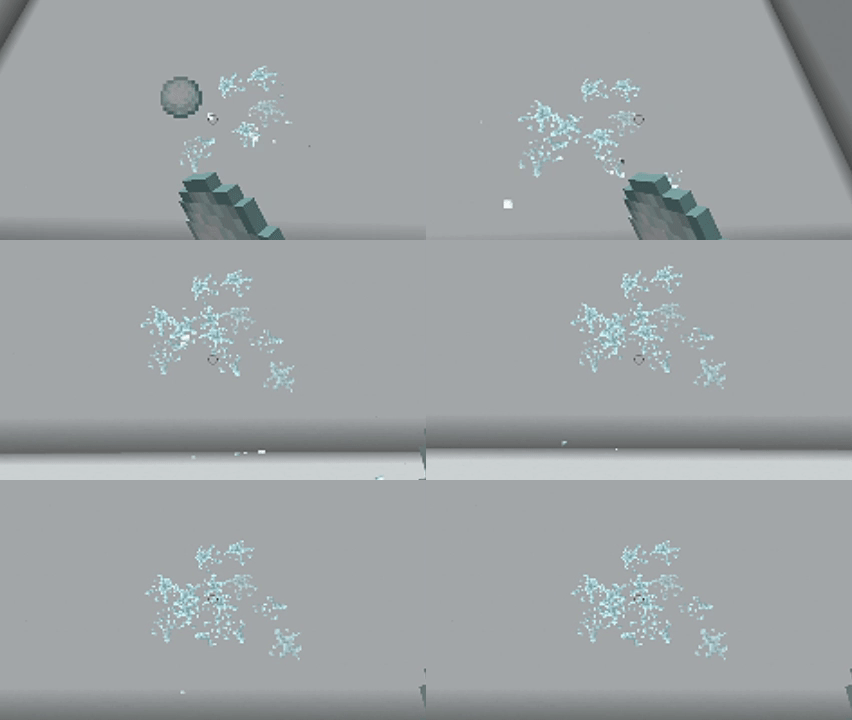
Oooze is a simple mod that utilizes the Goop API to implement blood, fluids, and other gushy effects that I thought would be cool. You’ll find that different mobs have distinct splatter effects, and some projectiles will also have unique effects.
All dyes (including those from dye depot) can be thrown to create a splatter of dye upon impact. You can also hit sheep with them, causing their color to change accordingly. I plan to add functionality to change the colors of blocks if they have dyed variants, but I’m still working on that.

I’m learning Minecraft Java and making the switch from GLua, so please be patient with any bugs or crashes! Here are some plans for this mod, as I aim to make the Goop API more accessible to everyone:
- Block registry for breaking and placing slime and honey blocks
- Dying of blocks that dyes are thrown onto, with support for all modded blocks via configs
- Turtle egg splatter effect when smashed
- 100% support for all vanilla mobs that are squishy; skeletons and similar mobs won’t have splatters
- Custom textures for different splatters and their cases
- Compatibility support with other mods and the capability to add mobs in a config
- Fun settings, like confetti and super explosions upon killing something
- Numerous config options, including scaling and velocity
- _Possibly something with sculk blocks; still unsure at the moment_
I do NOT take credit for the actual implementation of the rendering effects. All I’ve done is utilize the API to easily add these effects, as I love the API and have wanted a mod for splatter effects for a long time. I highly recommend checking out ULTRACRAFT; this is the mod that Goop was made for, and it’s one of the best stylistic mods I’ve seen in a long time.
常见问题
Oooze 支持哪些 Minecraft 版本?
Oooze 支持 Minecraft Java 版 1.20–1.20.6,共 7 个版本,可用的加载器:Fabric。下载时注意选择和你游戏版本一致的文件。
Oooze 怎么安装?
先用 PCL2 或 HMCL 启动器安装对应版本的 Fabric,再把下载的 .jar 文件放进游戏目录的 mods 文件夹,重新启动游戏即可。开启了版本隔离的,mods 文件夹在 versions/版本名 下面。运行环境:客户端和服务端都要装。


评论
登录后评论和评分