
Only Vanilla Advancements
Removes all non-vanilla advancements added by mods and datapacks. Easily configurable.
截图
介绍
Only Vanilla Advancements (Fabric)
Keeps the advancements screen strictly vanilla by removing every non‑Minecraft advancement (mods and datapacks) unless you explicitly keep them. Preserves the vanilla tab layout and avoids orphaned/stacked entries.
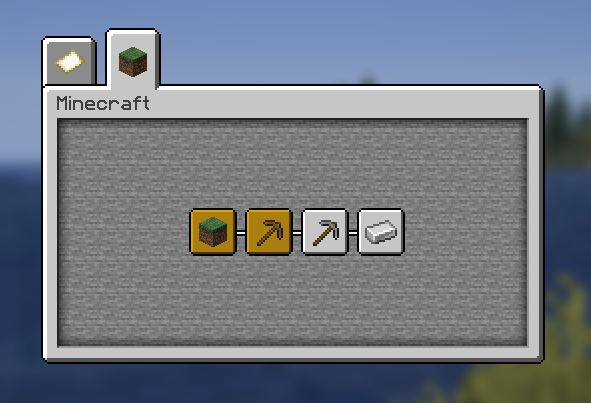
Without the mod
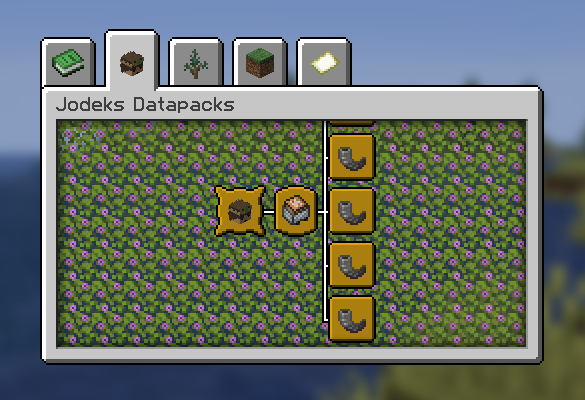
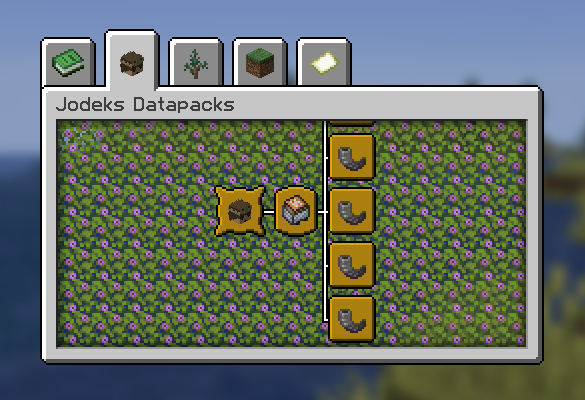
With the mod
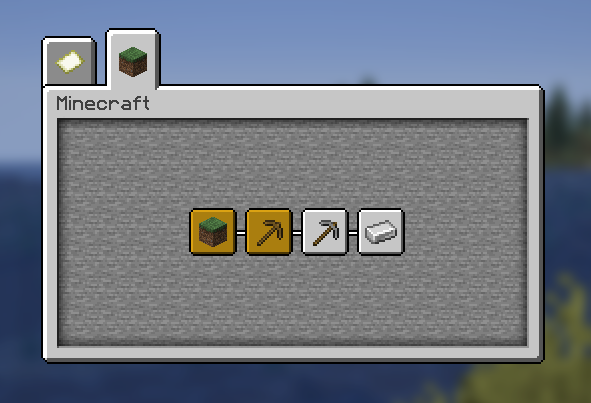
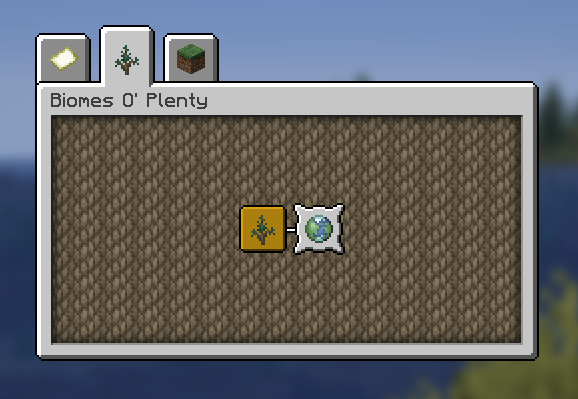
With the mod + ‘biomesoplenty’ kept using the config
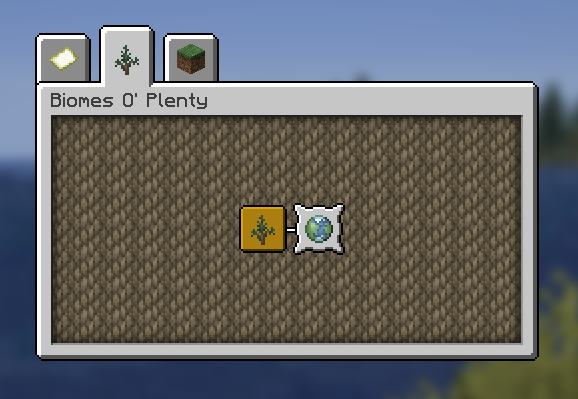
What it does
- Filters out all non‑
minecraft:*advancements on server start and after successful data pack reload. - Optionally keeps specific mods or specific advancement IDs via a simple TOML config.
- Optionally keeps parent advancements for any kept entries so the UI remains intact.
- Zero tick cost; runs only at load/reload.
Install
- Requires Fabric and Fabric API.
- Drop the mod jar into
mods/and launch.
Configure
- File:
config/only_vanilla_advancements.toml(created on first run). - Keys:
kept_mods,kept_advancements,removed_mods,removed_advancements,keep_parent_advancements. - Optional UI: If you also install Mod Menu and Cloth Config, you get an in‑game config screen.
Compatibility
- Server‑side logic; works in singleplayer (integrated server) and dedicated servers.
- Compatible with Mod Menu and Cloth Config if present; not required.
Build
- Java 21, Gradle + Fabric Loom.
- See
gradle.propertiesfor versions. Run./gradlew build.
License
- CC0‑1.0. Use it freely.
常见问题
Only Vanilla Advancements 支持哪些 Minecraft 版本?
Only Vanilla Advancements 支持 Minecraft Java 版 1.21–1.21.10,共 11 个版本,可用的加载器:Fabric。下载时注意选择和你游戏版本一致的文件。
Only Vanilla Advancements 怎么安装?
先用 PCL2 或 HMCL 启动器安装对应版本的 Fabric,再把下载的 .jar 文件放进游戏目录的 mods 文件夹,重新启动游戏即可。开启了版本隔离的,mods 文件夹在 versions/版本名 下面。运行环境:仅服务端。
cintreck 的其他作品
查看全部 →
Horizon Fix
修复天空地平线处难看的色带,让过渡变得完全平滑。

Real Serene Seasons
将 Glitchfiend 的 Serene Seasons 与现实世界的季节同步。配置简单灵活。

Hardcore Darkness
加入月相和漆黑的洞穴,带来更沉浸、更危险的体验。支持轻松配置。

Hardcore Darkness (Fabric)
Moon phases and pitch black caves for a more immersive and dangerous experience. Easily configurable.
评论
登录后评论和评分