
截图
介绍
It seems like a fork has been made by an user called Ticataco, which is basically better in every ways. just use it ! Also i appreciate Ticataco for crediting me <3
https://modrinth.com/project/B49AL3Br
You just bought your brand-new expensive 360Hz OLED monitor and now you’re too scared to play Minecraft because of burn-in?
Don’t worry, OLED Saver has your back.
OLED Saver is a minimal, client-side Fabric mod that smartly hides Minecraft’s HUD elements when they are not needed, helping reduce static images on screen and minimizing the risk of OLED burn-in, without removing useful information when you actually need it.
✨ What does it do exactly?
_🔹 Hotbar_
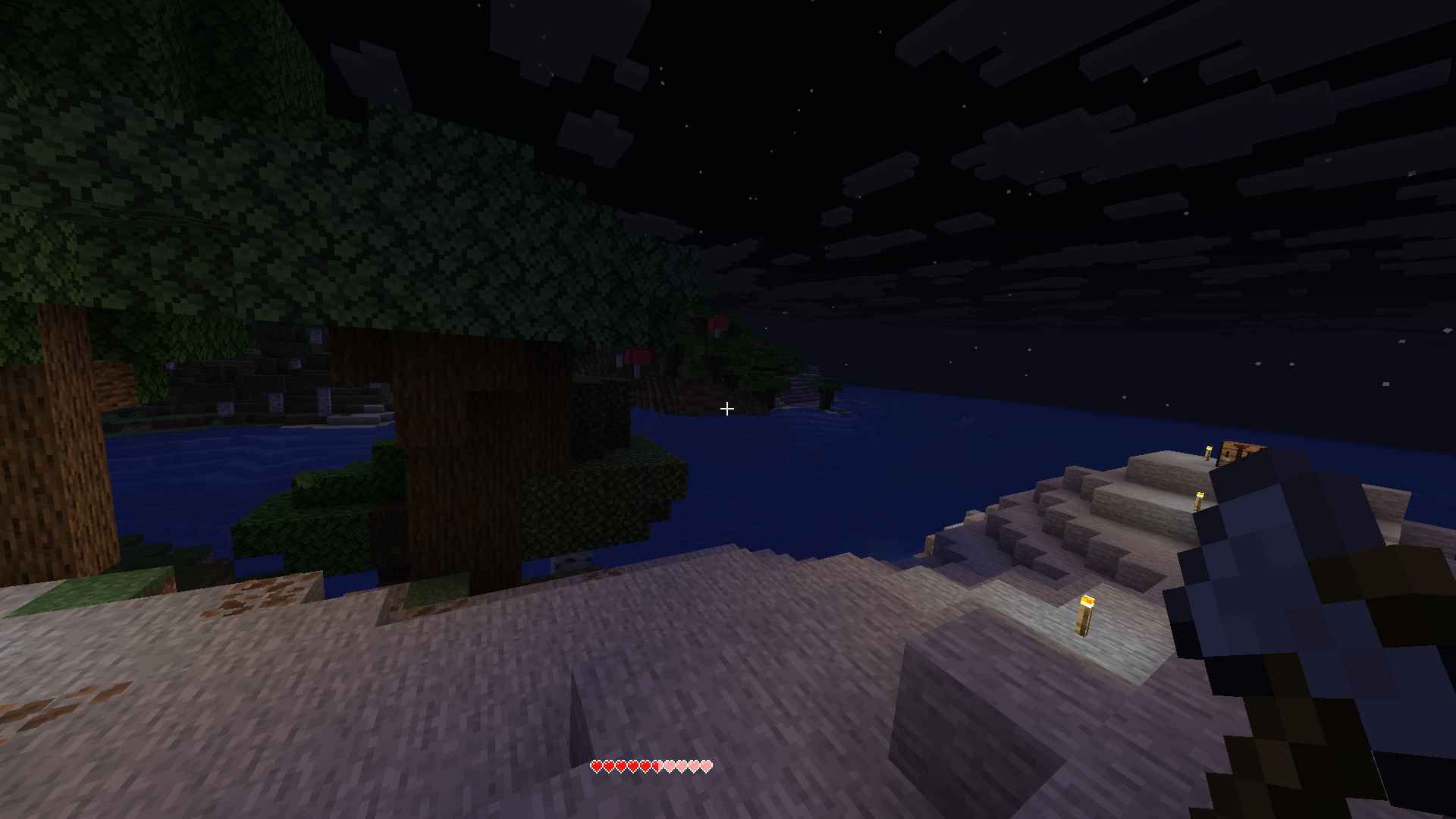
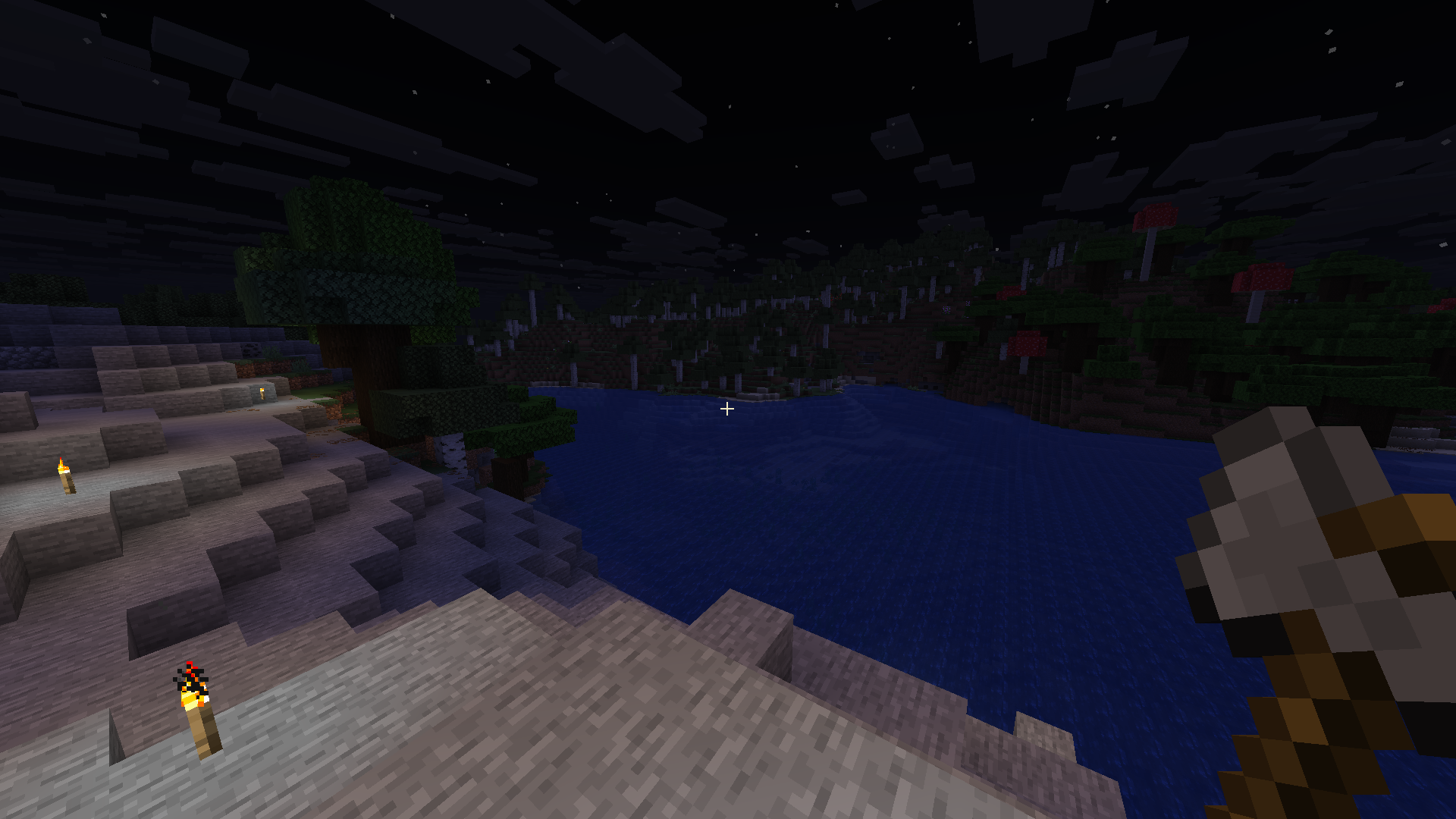
Hidden by default
Instantly appears when you switch item, then automatically hides
_🔹 Health Bar_
Hidden when full
Instantly appears when the value changes (getting hit, regenerating, fall damage for exemple), then automatically hides
_🔹 Hunger Bar_
Hidden when full
Instantly appears when the value changes (eating or hunger loss for exemple), then automatically hides
_🔹 Armor Bar_
Hidden by default
Instantly appears when the value changes (equip, unequip, or break for exemple), then automatically hides
_🔹 XP Bar & Level_
Completely hidden by default
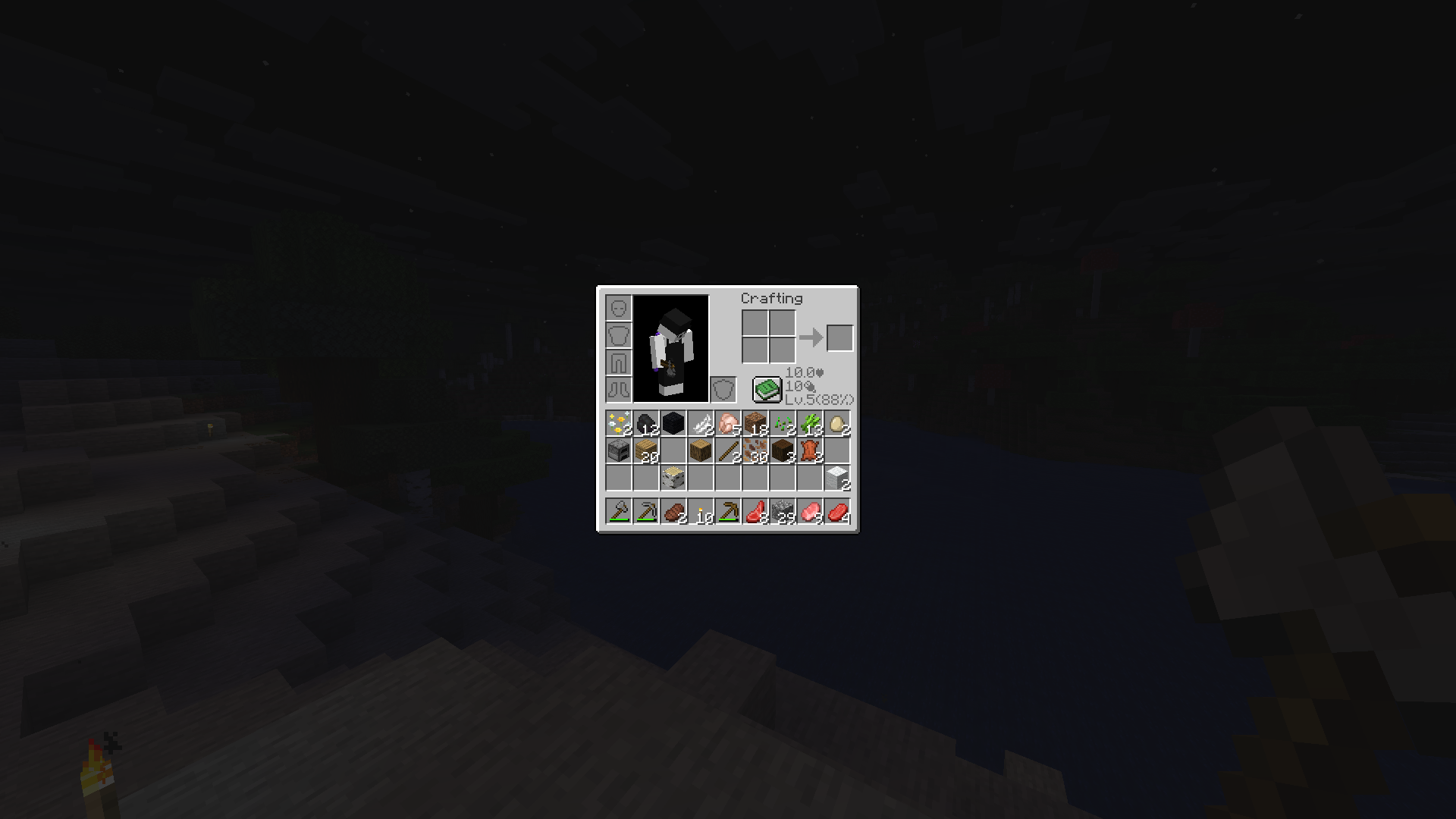
Displayed in the inventory instead
_🔹 Held Item Name Tooltip_
Disabled entirely
No more item name text popping up above the hotbar
🧰 Inventory Information
OLED Saver also adds useful, compact information directly inside the inventory screen, displaying:
Current health
Current hunger level
Current experience level and percentage
This lets you check your important stats at any time by simply opening the inventory.
常见问题
OLED Saver 支持哪些 Minecraft 版本?
OLED Saver 支持 Minecraft Java 版 1.21.10,可用的加载器:Fabric。下载时注意选择和你游戏版本一致的文件。
OLED Saver 怎么安装?
先用 PCL2 或 HMCL 启动器安装对应版本的 Fabric,再把下载的 .jar 文件放进游戏目录的 mods 文件夹,重新启动游戏即可。开启了版本隔离的,mods 文件夹在 versions/版本名 下面。运行环境:仅客户端。

评论
登录后评论和评分