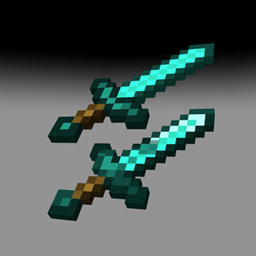
截图
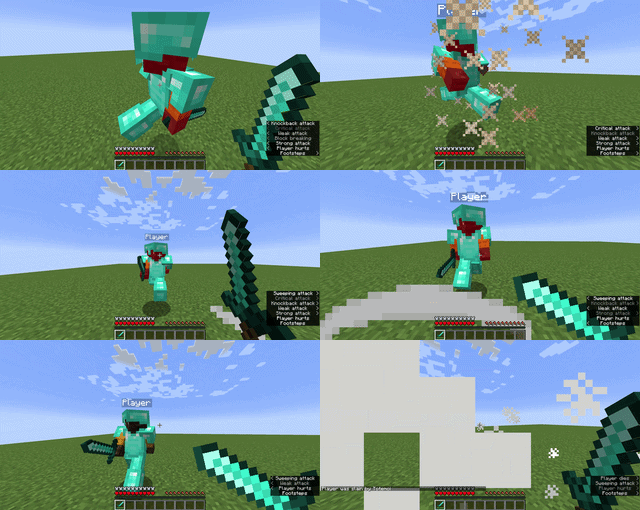
介绍
Old PvP
The PvP You Remember Is Back.
Do you remember when Minecraft PvP was fast?
No waiting for attack cooldowns.
No slow fights.
No awkward combat.
Just you, your sword, your movement and your opponent.
Old PvP brings the classic Minecraft PvP experience back to newer versions.
Whether you played old PvP for years or you’re discovering it for the first time, this mod is made to bring back the fast and intense combat that made classic PvP so popular.
What Makes Old PvP Different?
Fast Combat
Attack without constantly waiting for cooldowns. Fights are faster, more aggressive and much more focused on your reactions.
Classic Weapon Blocking
One of the most recognizable parts of old Minecraft PvP is back. Block with your weapon and play the way you remember.
Movement Matters
Strafing, positioning and timing are important. Staying still can cost you the fight, while good movement can give you a huge advantage.
Classic Combos
Land your hits, keep your opponent under pressure and try to maintain your combo. Every hit can change the fight.
Simple and PvP-Focused
Old PvP isn’t trying to completely change Minecraft. The goal is to recreate that classic PvP feeling while keeping everything simple and familiar.
Made for Players Who Miss Old PvP
Remember joining a PvP server, grabbing a sword and immediately looking for someone to fight?
You would start strafing.
Your opponent would start strafing.
Then the fight would turn into a battle of aim, movement and reaction time.
That is the feeling Old PvP is trying to bring back.
Perfect For
BedWars
Duels
KitPvP
PvP Practice
1v1s
Survival PvP
PvP Servers
Minecraft PvP has changed a lot over the years.
But if you still remember the old combat and want to experience it again, Old PvP is made for you.
Install the mod, grab a sword and step into your next fight.
Old combat. Newer Minecraft.
常见问题
Old PvP (Old Combat) 支持哪些 Minecraft 版本?
Old PvP (Old Combat) 支持 Minecraft Java 版 1.18.2–1.21.1,共 3 个版本,可用的加载器:Forge / NeoForge。下载时注意选择和你游戏版本一致的文件。
Old PvP (Old Combat) 怎么安装?
先用 PCL2 或 HMCL 启动器安装对应版本的 Forge / NeoForge,再把下载的 .jar 文件放进游戏目录的 mods 文件夹,重新启动游戏即可。开启了版本隔离的,mods 文件夹在 versions/版本名 下面。

评论
登录后评论和评分