OchkoAdventures
作者:Zedo_mann
A class-based RPG progression mod featuring dungeons, artifacts, quests, economy, summons, settlements, and long-term character growth.
截图
介绍
中文介绍正在准备中,下面暂时显示原文。
Choose your class. Build your character. Conquer dungeons. Grow your settlement.

Ochko is a progression-focused RPG mod built around classes, dungeons, artifacts, economy, quests, summons, and settlement development.

The idea is simple: you start with a class, develop your playstyle, earn resources and money, unlock stronger systems, and gradually build your character and world into something much bigger.

Each class has its own strengths, weaknesses, restrictions, and progression path. Your class choice affects how you fight, mine, use equipment, and interact with different parts of the mod.

Main features:

• Class system with different playstyles
• Class evolution and long-term progression
• Custom dungeons and dungeon rewards
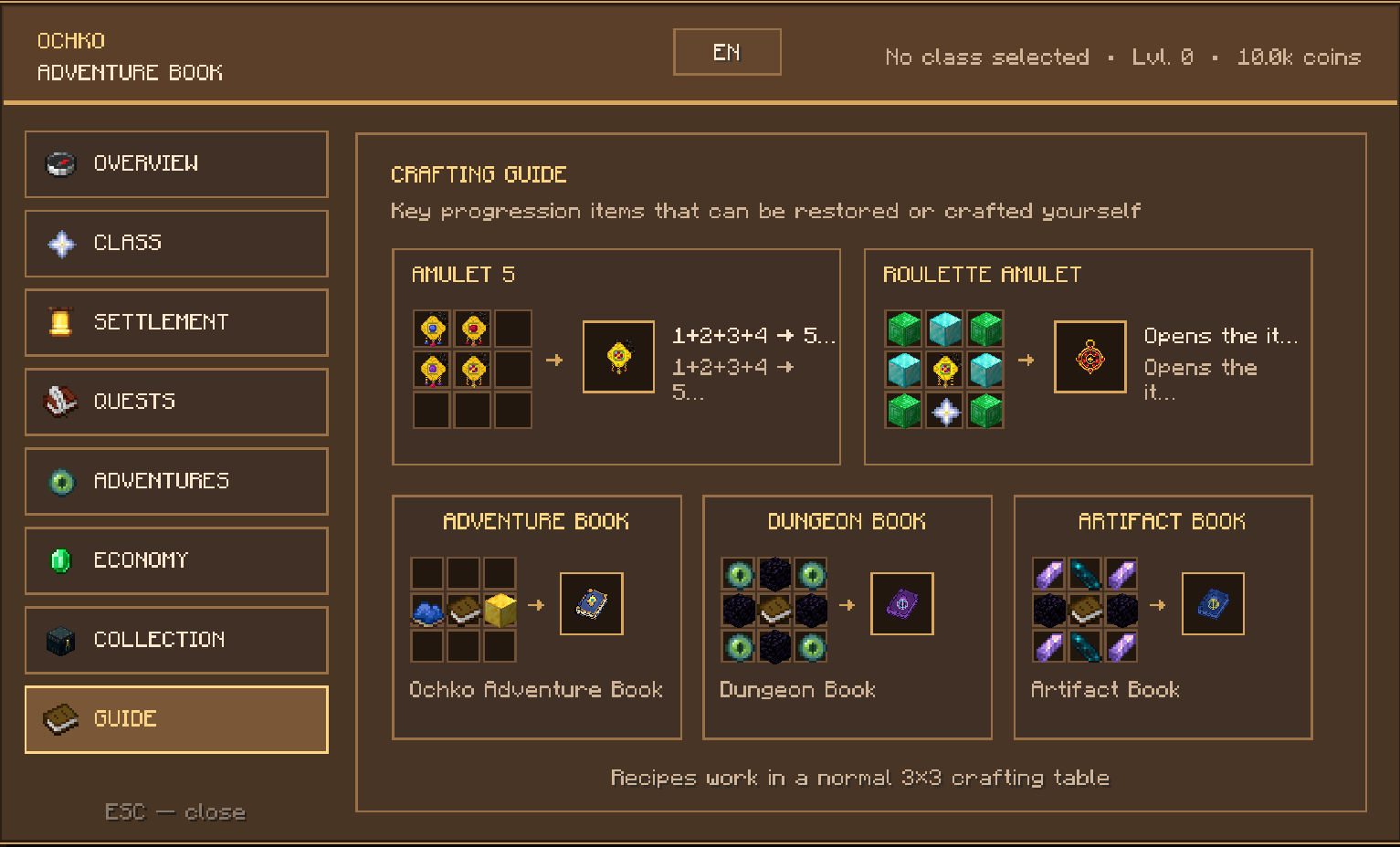
• Artifact Book with artifact storage
• Artifact fusion and upgrade system
• Talent tree connected to dungeon progression
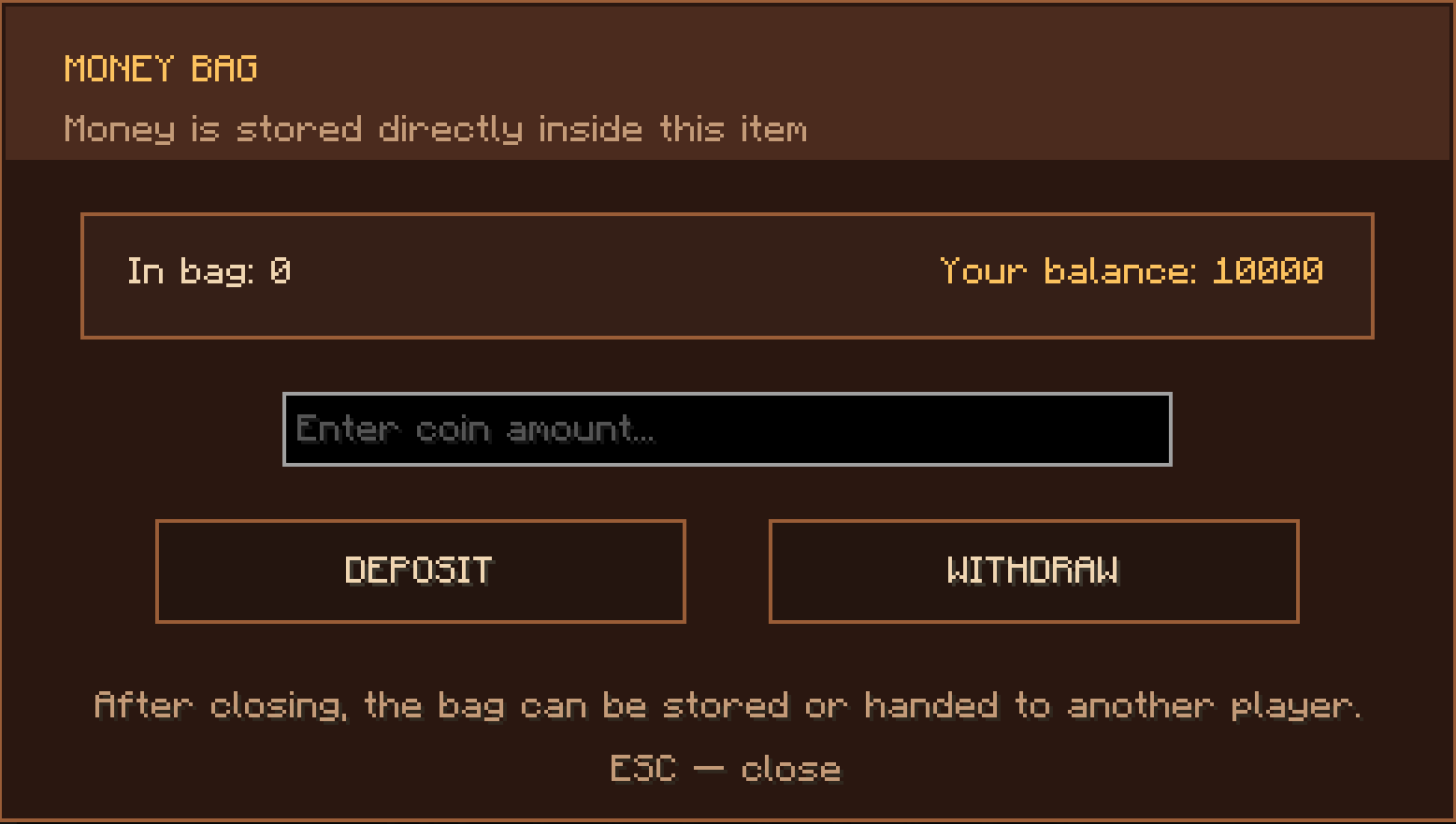
• Custom economy and shops
• Daily quests and repeatable objectives
• Summons and summon upgrades
• Blacksmith progression and custom enchanting
• Settlement and building progression
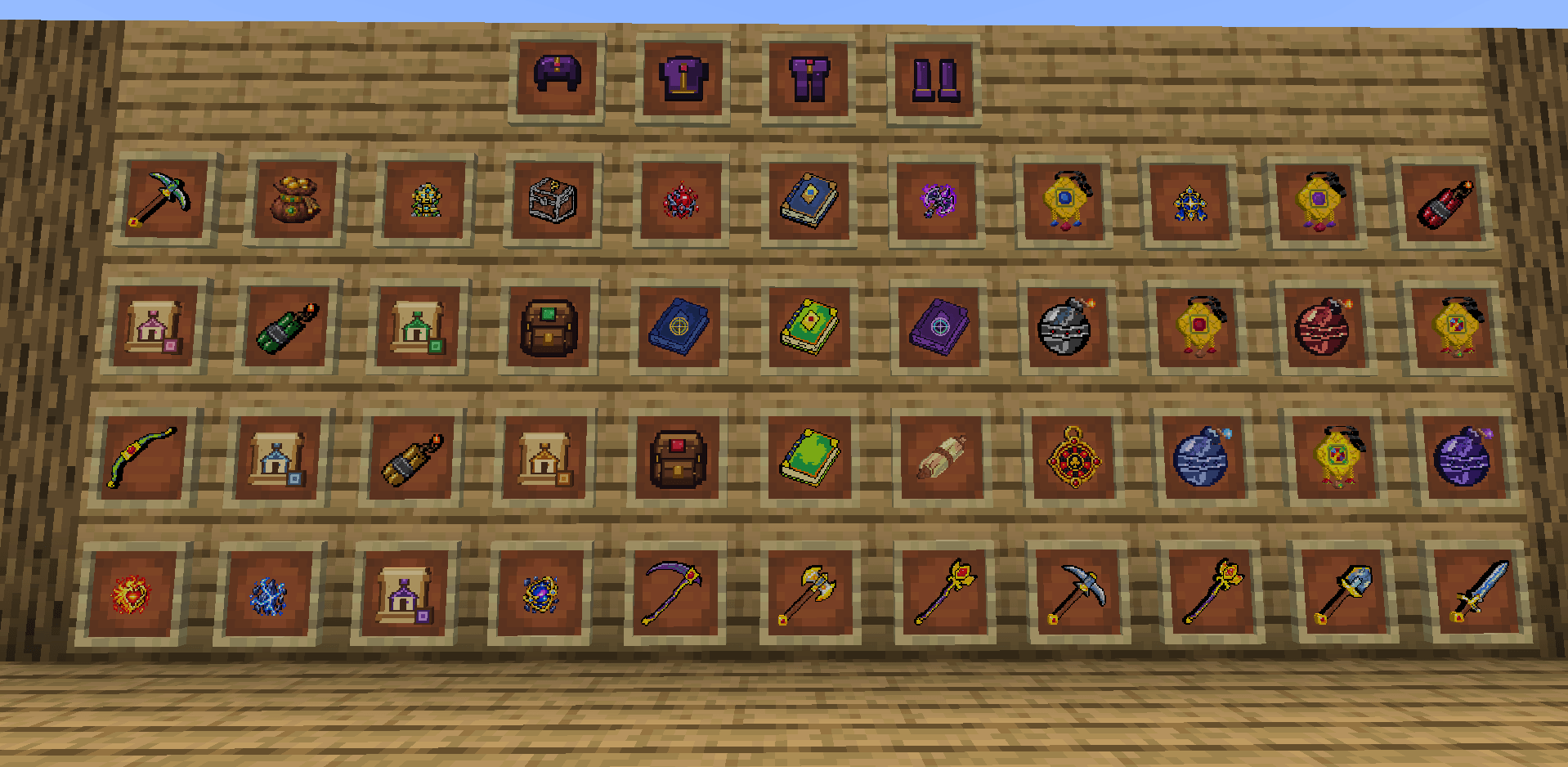
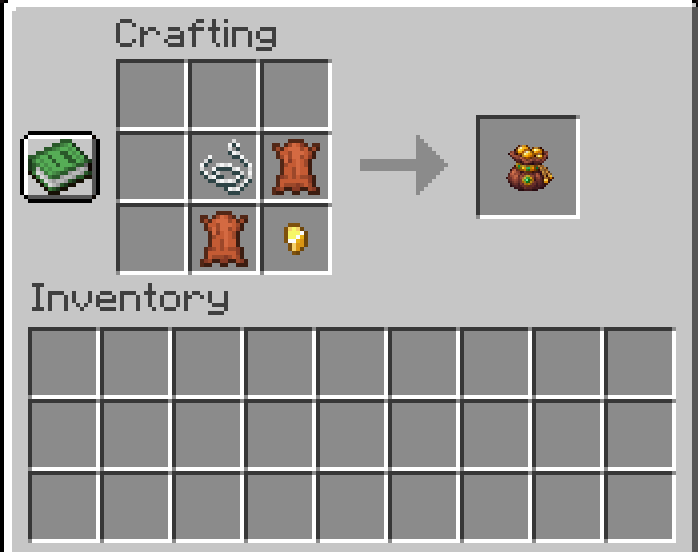
• Custom gear, bombs, backpacks, relics, and rare rewards
• Co-op dungeon support
• Ukrainian and English language support

Ochko is designed for players who enjoy structured progression and always having something to work toward.

Instead of being a collection of unrelated items and mechanics, most systems are connected to the same progression loop:

fight → earn rewards → upgrade your character → unlock stronger content → explore more → repeat

The mod is still being actively developed, so new classes, dungeons, items, balance changes, and progression systems may be added over time.

Requires NeoForge.

Supported Minecraft version:
1.21.10
常见问题
OchkoAdventures 支持哪些 Minecraft 版本?
OchkoAdventures 支持 Minecraft Java 版 1.21.10,可用的加载器:NeoForge。下载时注意选择和你游戏版本一致的文件。
OchkoAdventures 怎么安装?
先用 PCL2 或 HMCL 启动器安装对应版本的 NeoForge,再把下载的 .jar 文件放进游戏目录的 mods 文件夹,重新启动游戏即可。开启了版本隔离的,mods 文件夹在 versions/版本名 下面。
评论
登录后评论和评分