
obj-import
Import Blender models into Minecraft as whole-rendered buildings and machines - OBJ/glTF, PBR materials, multi-AABB collision, and right-click interactions.
截图
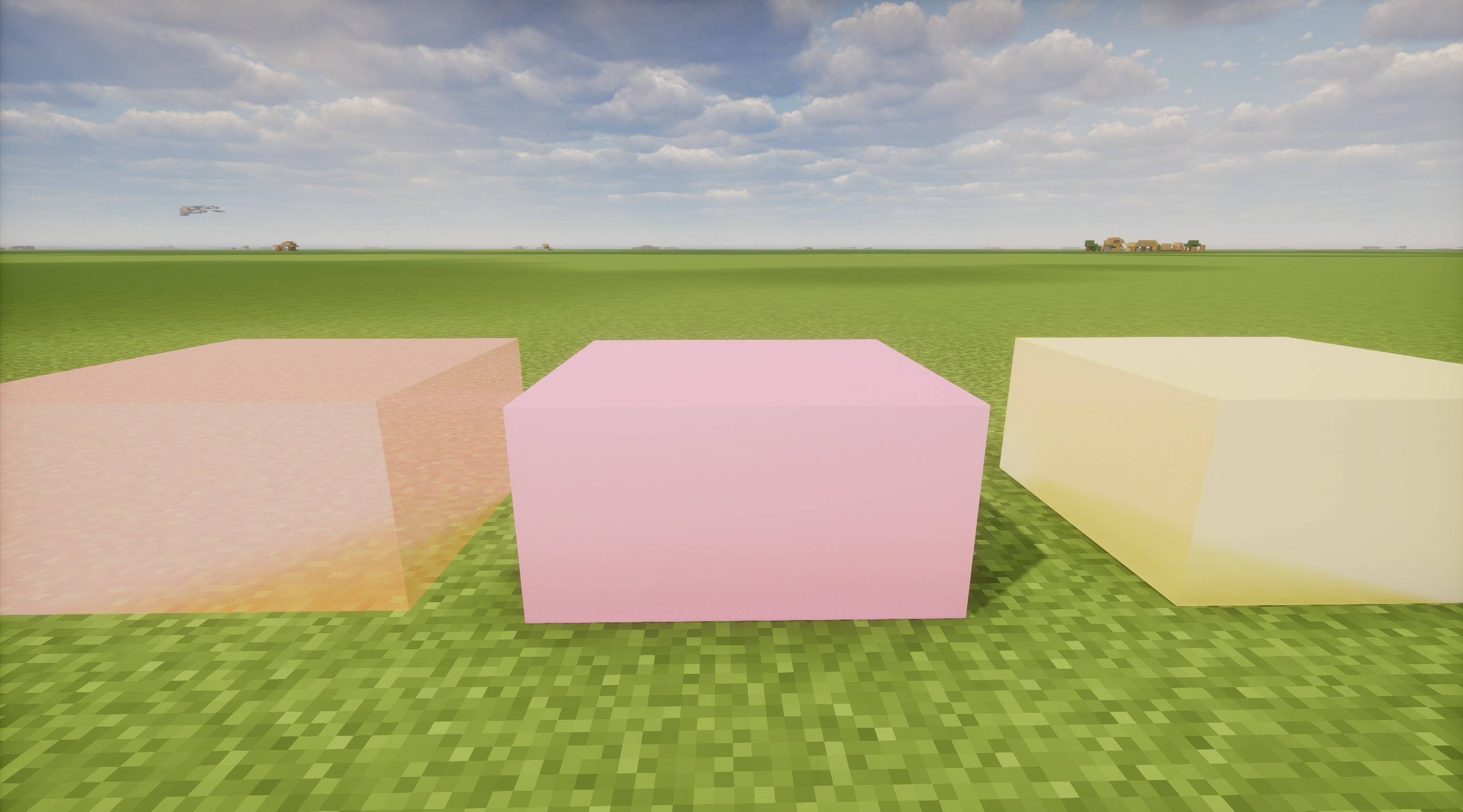
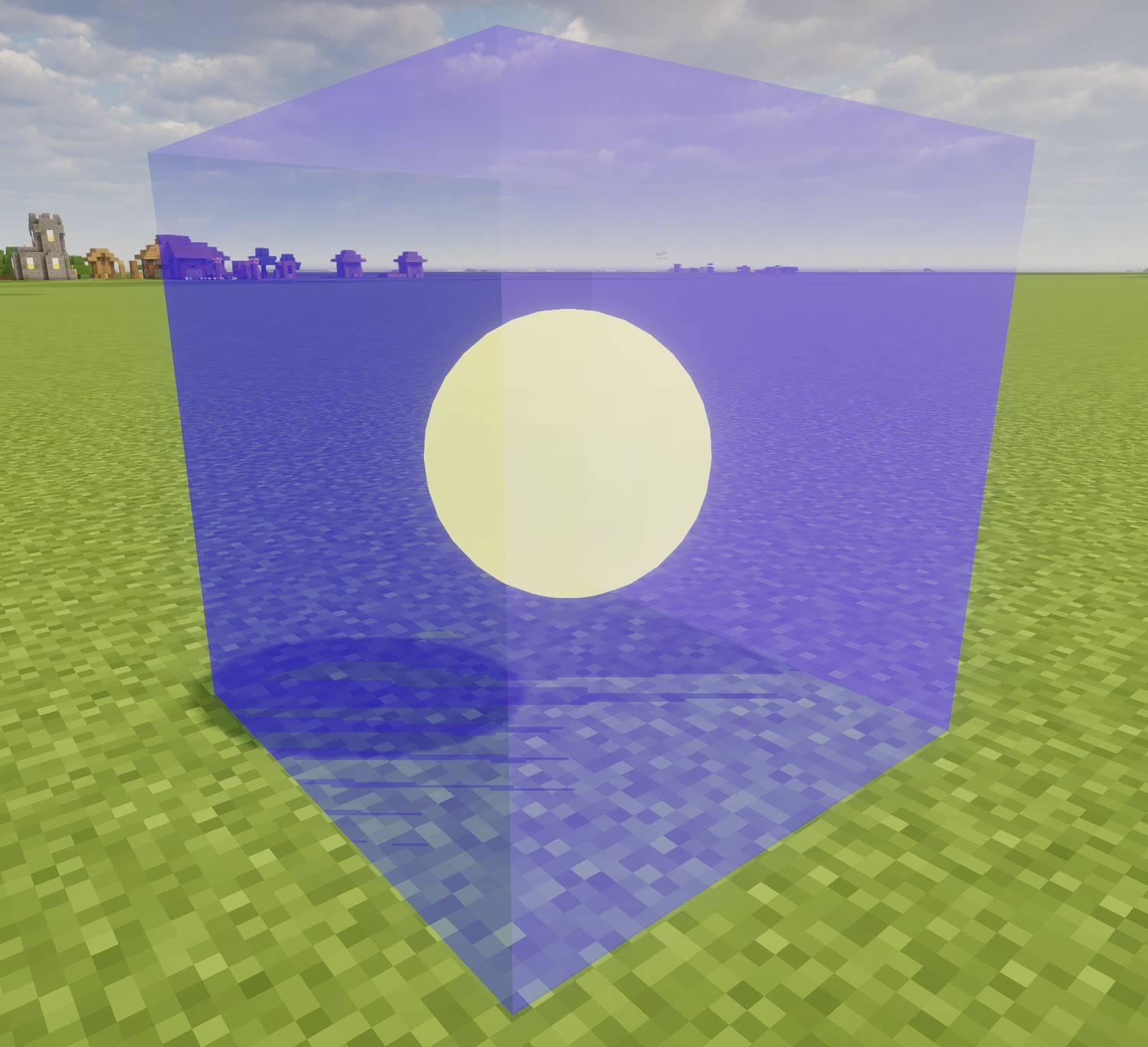
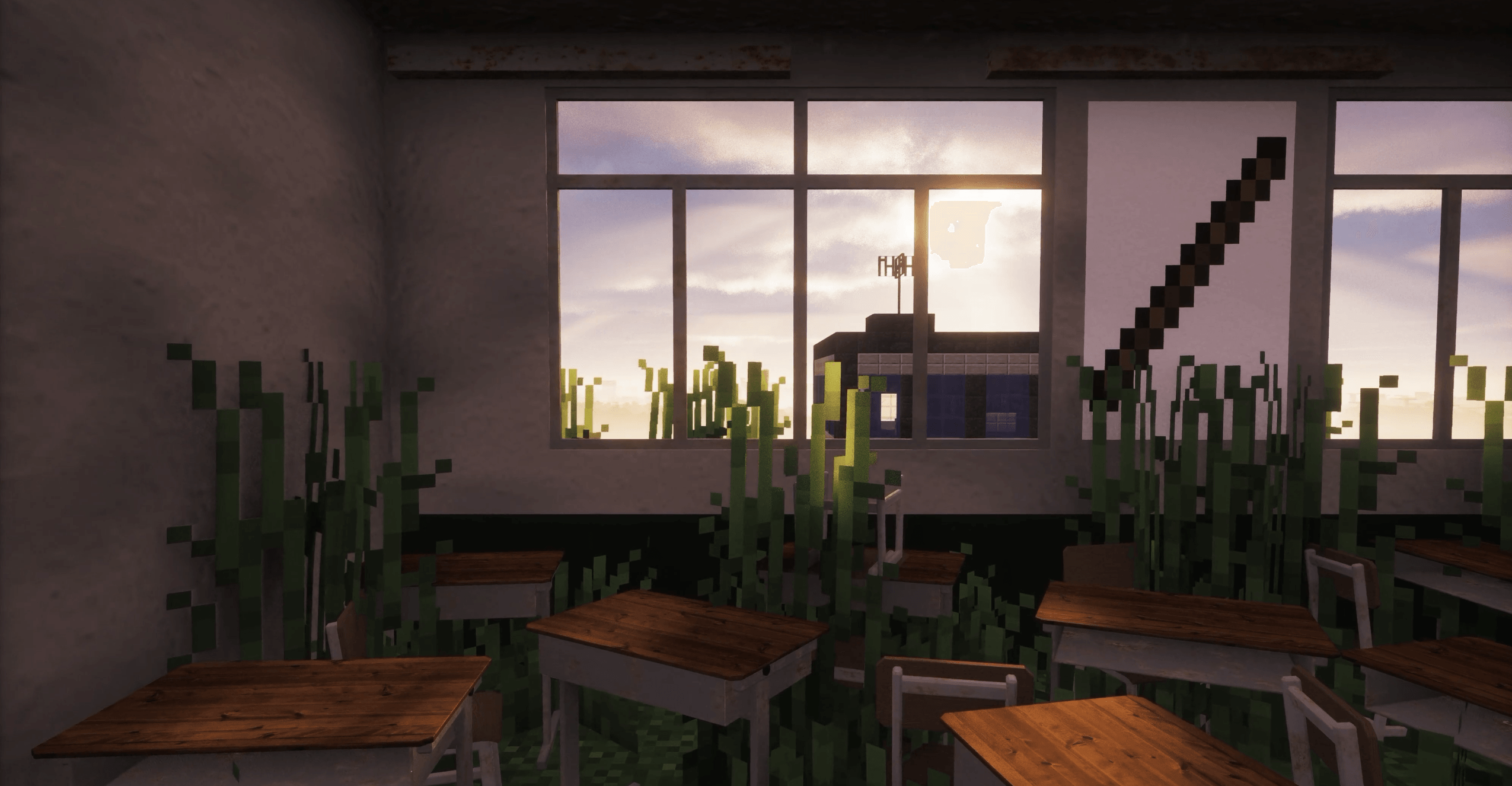
介绍
Obj Importer
Bring a finished Blender scene into Minecraft as one whole model — real geometry, real materials, walkable interior — instead of rebuilding it block by block.
Features
- OBJ and glTF —
.objwith.mtl, and.glb(glTF 2.0 binary exported straight from Blender). - Per-material rendering, PBR-ready — each material is drawn separately; with Iris / Oculus installed the normal, metallic and roughness maps are used, otherwise it falls back to vanilla lighting.
- Interiors you can actually walk into — box objects named
col:become multiple AABBs, and a doorway is just a hole without a collider. - Parts you can click —
col:door@openmakes a collider that toggles an animation,use:xadds an invisible interaction box, and$keyruns a command fromcommands.json(give, scoreboard, story triggers, TACZ guns, anything a command can do). - Placements that survive a reload — position, yaw and scale are written into the world save, restored when the chunk reloads, and resynced when a player rejoins.
- Independent parts — every placement gets its own id, so two identical doors open and close separately instead of sharing one animation state.
- Server-authoritative — the server owns placements and colliders; clients only render. The same world behaves the same for everyone.
Installation
- Minecraft 1.21.1 with NeoForge (Java 21).
- Drop the jar into
mods/. - Install on both client and server — the mod registers entities and manages placements server-side.
- Optional: Iris / Oculus for PBR materials and shader lighting.
Quick start
- Put the model file into
config/obj_importer/models/(subfolders are fine). - In game, run:
/objplace ~ ~1 ~ 0 1.0 models/building.glb<x y z> accepts ~ relative coordinates, <yaw> is in degrees, <scale> is 0.01–100, and the last argument is the file reference.
- To remove it:
/objlistshows the ids,/objremove <id>deletes one,/objclearwipes all placements.
Marking boxes in Blender
Markers are plain box objects. Their name is the behavior, and they are exported inside the same .glb as the model:
| Name | What it does |
|---|---|
col:wall |
Collision box: blocks players and mobs, never rendered |
col:door@open |
Collision box + right-click toggle, plays the open animation |
use:button$press |
Interaction box (does not block movement), right-click runs press from commands.json |
light:lamp@15 |
Light box: fills the area with minecraft:light, level 1–15 |
Details: thin walls should be at least 0.25 blocks thick, $command must come after @animation, and a light box is capped at 512 positions. A model containing col: boxes can only be placed at yaw 0 / 90 / 180 / 270, so colliders stay axis-aligned with the visual.
Commands
| Command | Purpose |
|---|---|
/objplace <x y z> <yaw> <scale> <ref> |
Place a model |
/objlist / /objremove <id> / /objclear |
List / remove one / remove all placements |
/objcmd reload / list / test <key> |
Manage the commands.json mapping |
/glbanim play|stop|reset <animation> |
Drive animations on a placement |
/objdebug [true|false] |
Silence or restore all of this mod’s diagnostic output |
Who is this for
Map makers and modpack authors who model in Blender instead of in-game; adventure maps that need real doors, machines and set pieces; sci-fi or industrial packs that want geometry Minecraft cannot express with blocks. It is not a furniture pack and adds no items of its own — it is the pipeline between your DCC tool and the world.
Performance notes
Geometry is uploaded to the GPU per placement, so a 100 MB+ scene takes noticeably longer to parse and costs VRAM. Practical advice: split huge scenes into several models, keep textures reasonable, and use scale instead of modelling at 4× size.
Credits
The glTF and OBJ implementations were written from scratch, informed by reading MCglTF (glTF animation and PBR vertex handling) and MCObj (OBJ/MTL parsing layout). Thanks to both authors for keeping their code readable and licensed.
License
MIT. Free to use in modpacks; a credit and a link back are appreciated.
It’s recommended to use it together with the source code
中文说明
把在 Blender 里做好的建筑、机械、地景整套搬进 Minecraft:模型作为一个整体渲染,不是用方块拼出来的。
- 支持 OBJ / glTF:
.obj(含.mtl)与.glb(Blender 直接导出的 glTF 2.0 二进制)。 - 多材质 + PBR:分材质绘制;装 Iris / Oculus 后法线、金属、粗糙度生效,未装退回原版光照。
- 能走进去:
col:标记盒生成多 AABB 碰撞,门洞不放盒子就是通道。 - 能点:
col:door@open做可开关的门,use:x做交互盒,$命令键右键直接执行commands.json里的命令。 - 能存:坐标、yaw、缩放写入存档,区块重载自动恢复,玩家重连自动补齐。
- 每个摆放独立:两扇同款门各自开关,不共享动画状态。
- 服务端权威:摆放与碰撞由服务端管理,客户端只负责渲染。
安装:Minecraft 1.21.1 + NeoForge,jar 放进 mods/,客户端和服务端都要装,PBR 需另装 Iris / Oculus。
快速开始:模型放进 config/obj_importer/models/,执行 /objplace ~ ~1 ~ 0 1.0 models/building.glb;/objlist 看 id,/objremove <id> 删除,/objclear 清空。
标记盒(Blender 里普通 box,命名即语义,随模型导出到同一个 .glb):col: 碰撞、col:door@open 碰撞+开关动画、use:button$press 交互盒+命令、light:lamp@15 光源盒(1~15 级)。薄墙 ≥ 0.25 格,$ 必须写在 @ 之后,光源盒上限 512 格;含 col: 的模型 yaw 只能取 0/90/180/270。
授权:MIT,可自由用于整合包,署名与回链是加分项。
建议与源码搭配使用。
常见问题
obj-import 支持哪些 Minecraft 版本?
obj-import 支持 Minecraft Java 版 1.21.1,可用的加载器:NeoForge。下载时注意选择和你游戏版本一致的文件。
obj-import 怎么安装?
先用 PCL2 或 HMCL 启动器安装对应版本的 NeoForge,再把下载的 .jar 文件放进游戏目录的 mods 文件夹,重新启动游戏即可。开启了版本隔离的,mods 文件夹在 versions/版本名 下面。
评论
登录后评论和评分