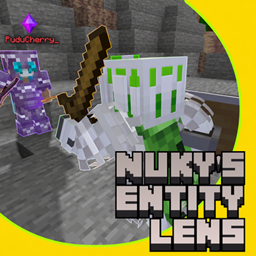
Nuky’s Entity Lens
An RPG-style entity HUD with live 3D portraits, health bars, equipment stats, and floating markers for mobs and players.
介绍
🔮 Nuky’s Entity Lens — NEL
A closer look. A clearer fight.
Turn a glance into a compact RPG encounter card. Look at a living entity to reveal its name, health and a live 3D portrait — from a tiny chicken to a towering Warden.
🟩 Peaceful · 🟧 Neutral · 🟥 Hostile · 🟪 Player
Floating, three-dimensional markers help you read the crowd at a glance. The detailed card appears when you aim at someone, keeping the rest of your screen clear.
📽️ 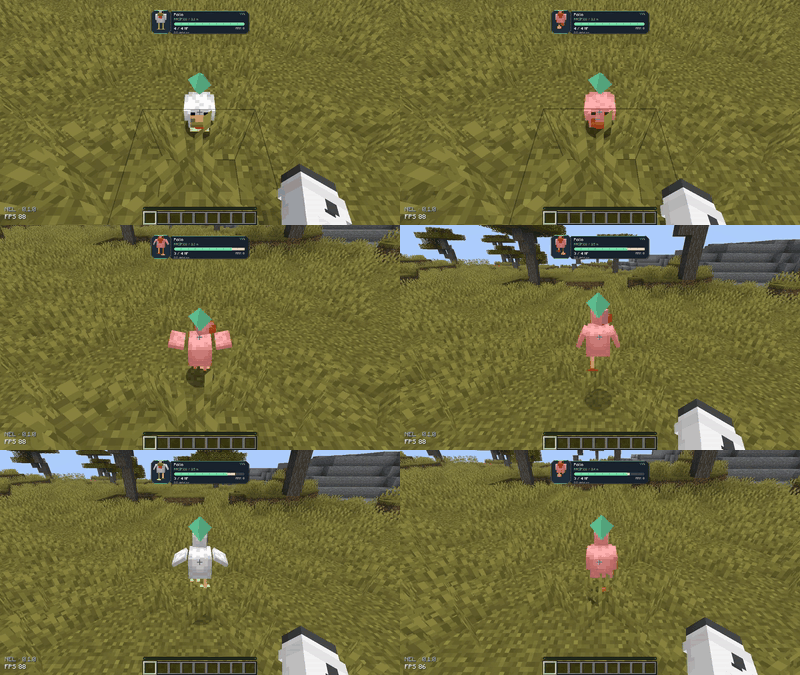
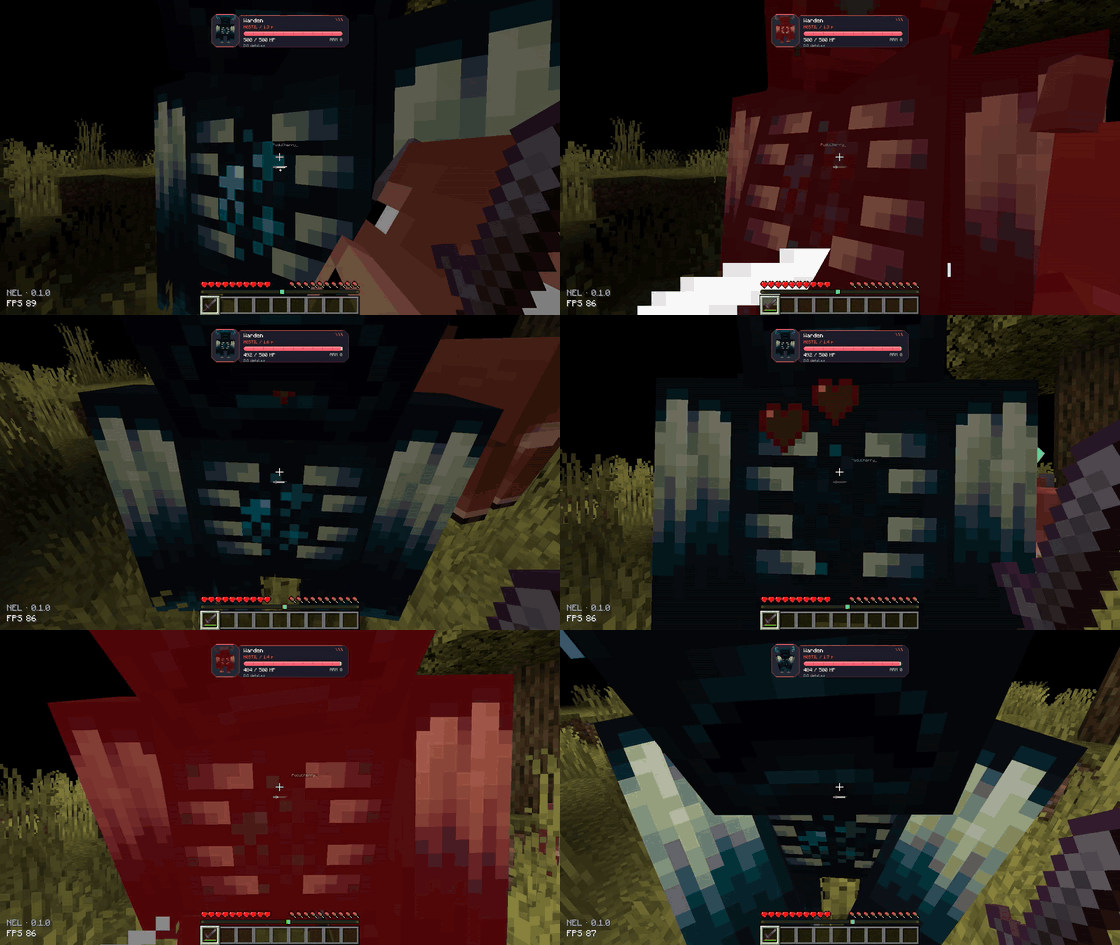
⚔️ Small encounter. Big encounter. Same clear view.
Watch health change as hits land, with a segmented bar, smooth transitions and a brief damage trail. See armor, absorption and distance without opening a menu.
Hold Left Alt to expand the card with equipment, active effects and key attributes. Need a closer look? Press V for the detailed inspection pages.
📽️ 
💜 Players have a story, too
Players keep their purple marker. When a player is credited with killing another player, their name can turn red. The record persists in that world’s data.
There is no aggressor-versus-defender judgment: a credited player kill counts either way. Red names can be disabled in the settings.
📽️ 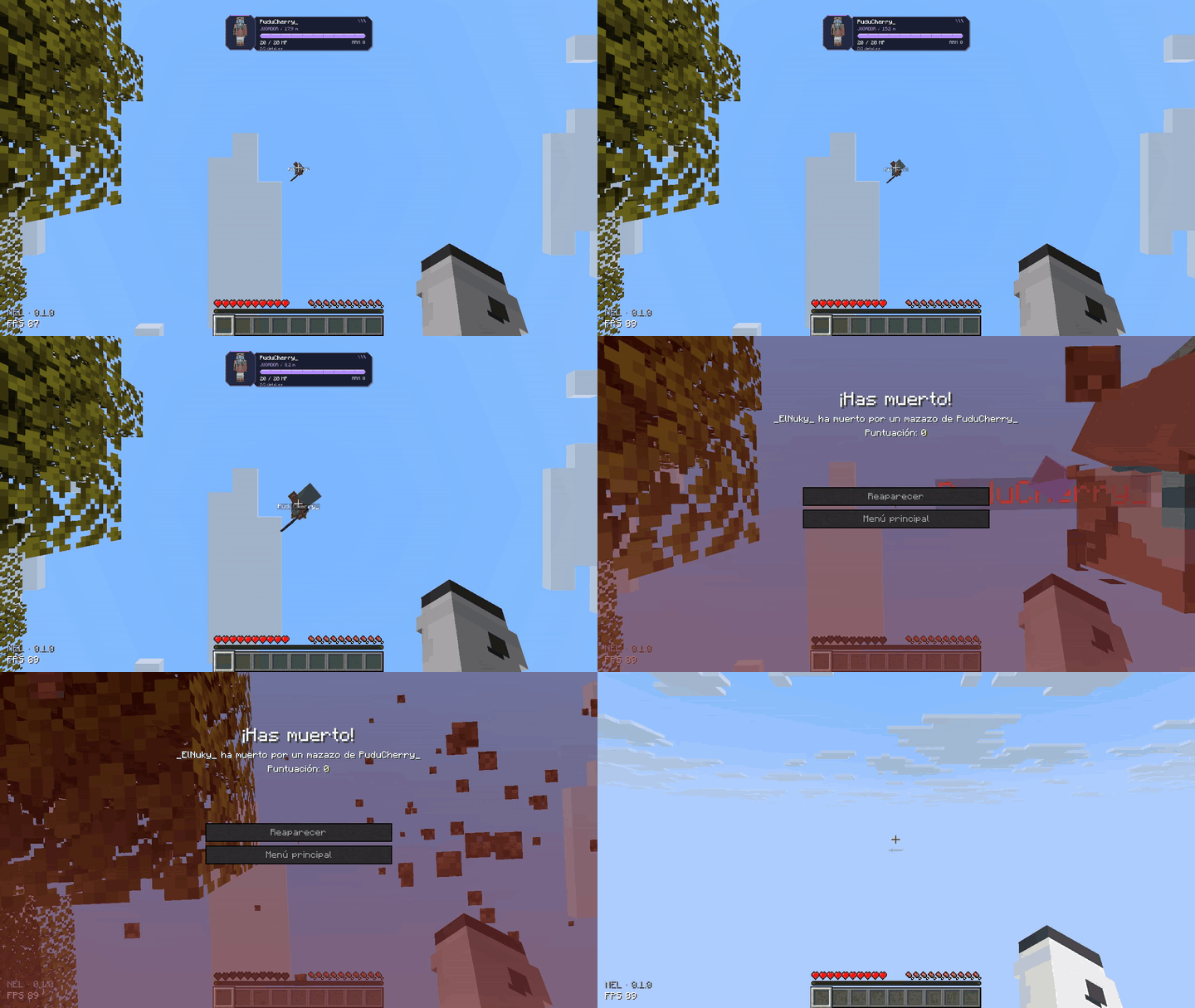
Featuring PuduCherry_ and _ElNuky_: one mace, one fall, one very unfortunate landing.
🎨 Your lens. Your layout.
Press N to make the interface your own:
- 📏 Resize and reposition the encounter card.
- 🧍 Adjust the 3D portrait independently.
- 🔶 Change marker size, height and animation.
- 🌈 Pick colors with hue, saturation and brightness controls.
- 🪟 Adjust opacity and choose which information stays visible.
- ✨ Toggle HUD transitions or keep the expanded card open.
📽️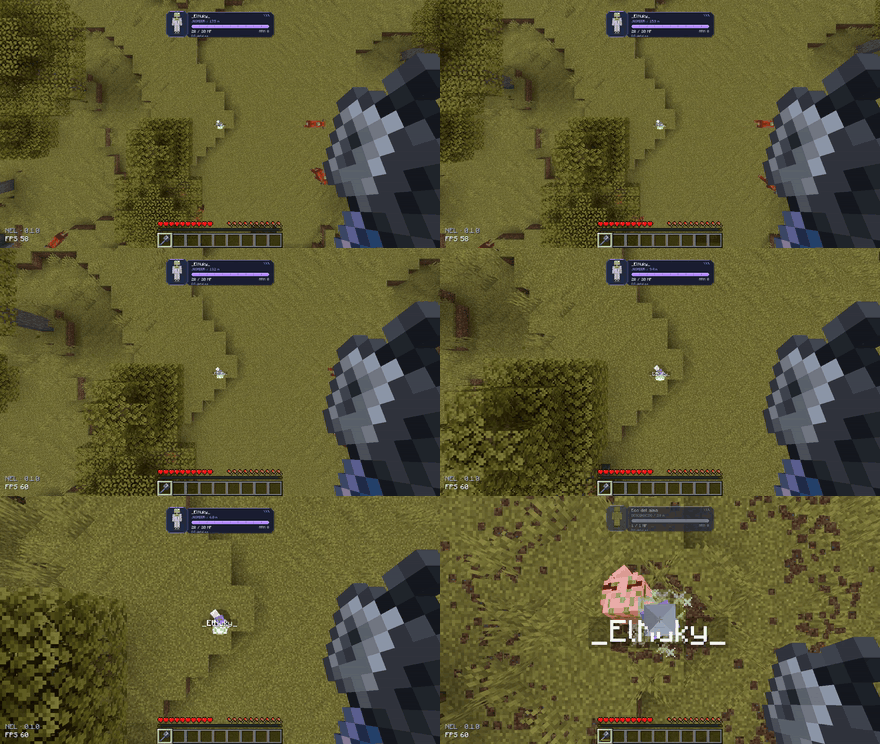
The default layout stays compact, with angular panels and colors that make each encounter easy to read.
🧩 Vanilla creatures — and beyond
NEL renders the entity’s actual model rather than relying on a fixed portrait collection. Modded entities can therefore use their own appearance. Unknown behavior classifications use a neutral gray marker instead of guessing whether a creature is safe.
Compatibility depends on the entity’s implementation. Nuky’s Soul Echo was included in our Fabric compatibility checks.
⌨️ Quick controls
| Control | Action |
| Look at an entity | Show its encounter card |
| N | Open customization |
| Hold Left Alt | Expand the card |
| V | Open detailed inspection |
Key bindings can be changed in Minecraft’s Controls menu.
📦 Installation & multiplayer
Minecraft 26.2 · Java 25 · Fabric, Forge or NeoForge
Install one matching NEL file for your loader. The Fabric version also requires Fabric API. Forge and NeoForge builds do not require Fabric API.
For complete server-provided attributes, reliable remote-player health and persistent player-kill records, install NEL on both the client and the server, using the server’s loader. Single-player includes the server-side features automatically.
Client-only use is limited to information Minecraft makes available locally. Missing values are shown as unavailable; NEL does not invent them. Attribute values describe the current entity data — attack is not a guaranteed final-damage prediction, and movement speed is not displayed as blocks per second.
🔮 Less guessing. More adventuring.
Nuky’s Entity Lens — see who you’re facing.
常见问题
Nuky’s Entity Lens 支持哪些 Minecraft 版本?
Nuky’s Entity Lens 支持 Minecraft Java 版 26.2,可用的加载器:Fabric / Forge / NeoForge。下载时注意选择和你游戏版本一致的文件。
Nuky’s Entity Lens 怎么安装?
先用 PCL2 或 HMCL 启动器安装对应版本的 Fabric / Forge / NeoForge,再把下载的 .jar 文件放进游戏目录的 mods 文件夹,重新启动游戏即可。开启了版本隔离的,mods 文件夹在 versions/版本名 下面。
NukyGhost 的其他作品
查看全部 →
Nuky’s Dropped Items
Beautiful drop animations and realistic item piles on the ground, without sacrificing performance.
Nuky’s Lights
Colored RGB and dynamic lighting for held items, mobs and dropped items, with smooth fades and stained-glass color mixing.
Nuky’s Soul Echo
Recover items and XP from your spectral echo after death. A Soul Offering lets you reclaim all the experience you lost.
Nuky’s Geolocation
Explore Minecraft with a detailed minimap, an atlas of the territory you've traveled, and navigation tools that you can adjust to fit your screen.
评论
登录后评论和评分