
截图

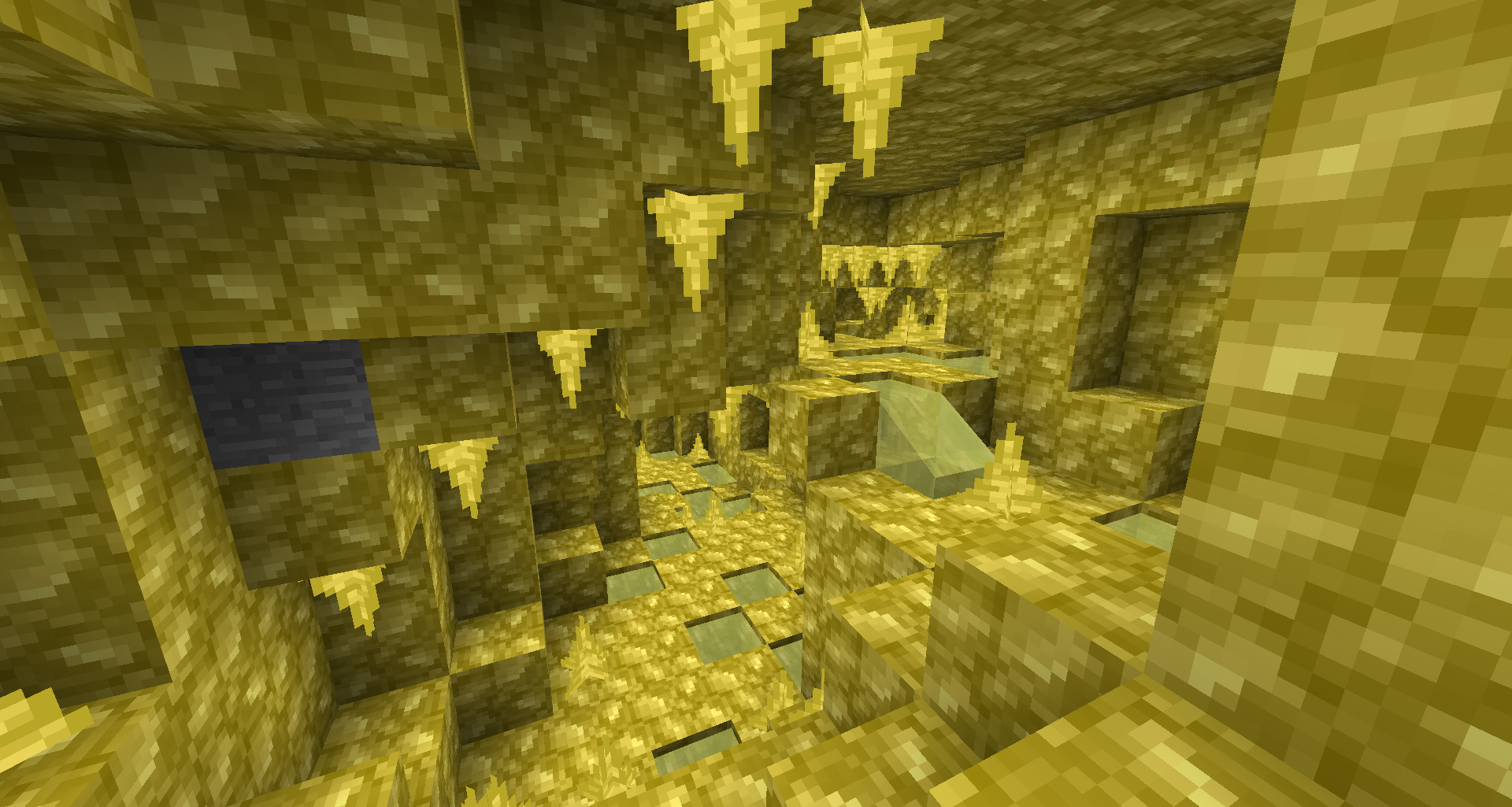
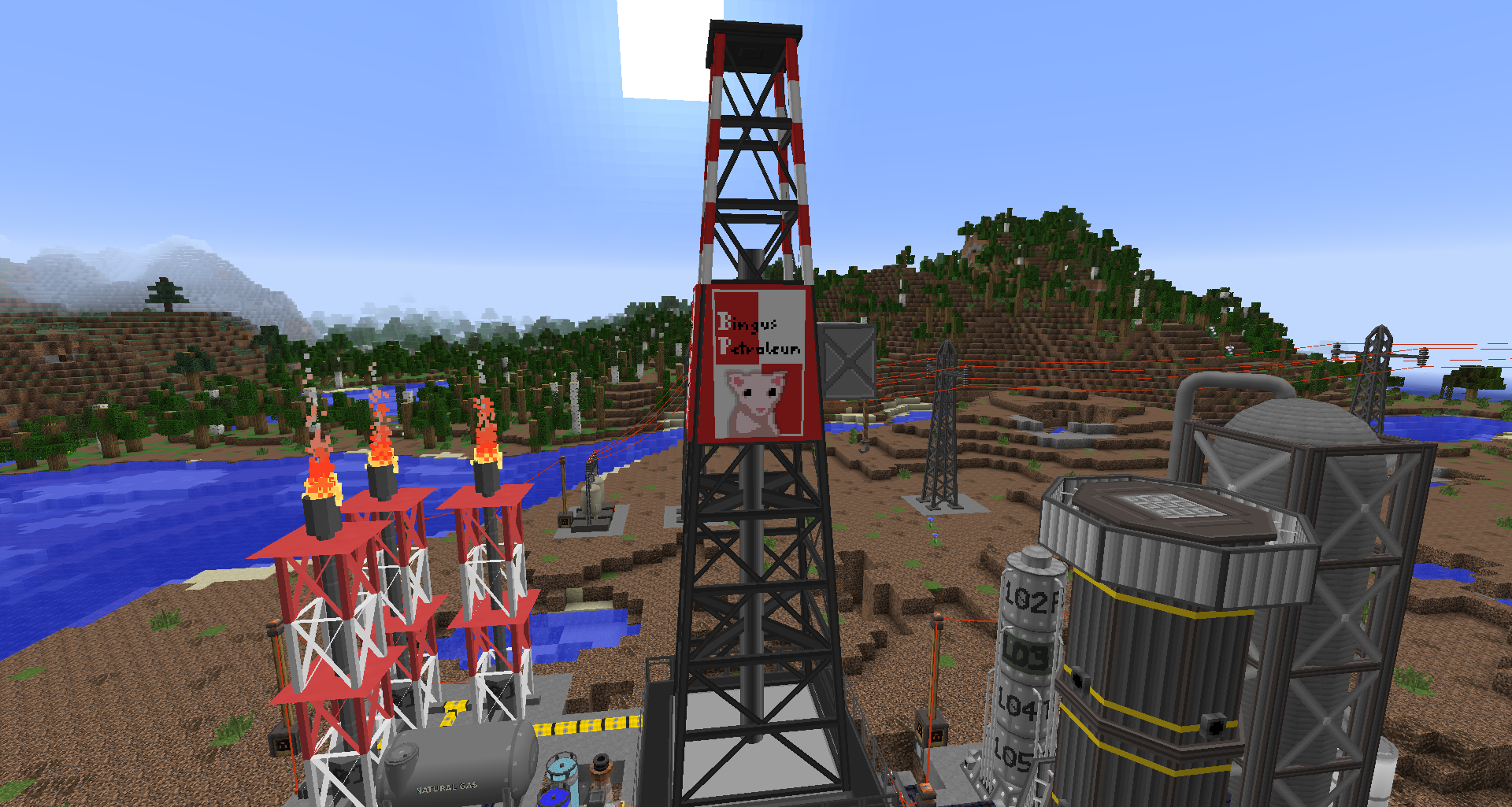
介绍
中文介绍正在准备中,下面暂时显示原文。
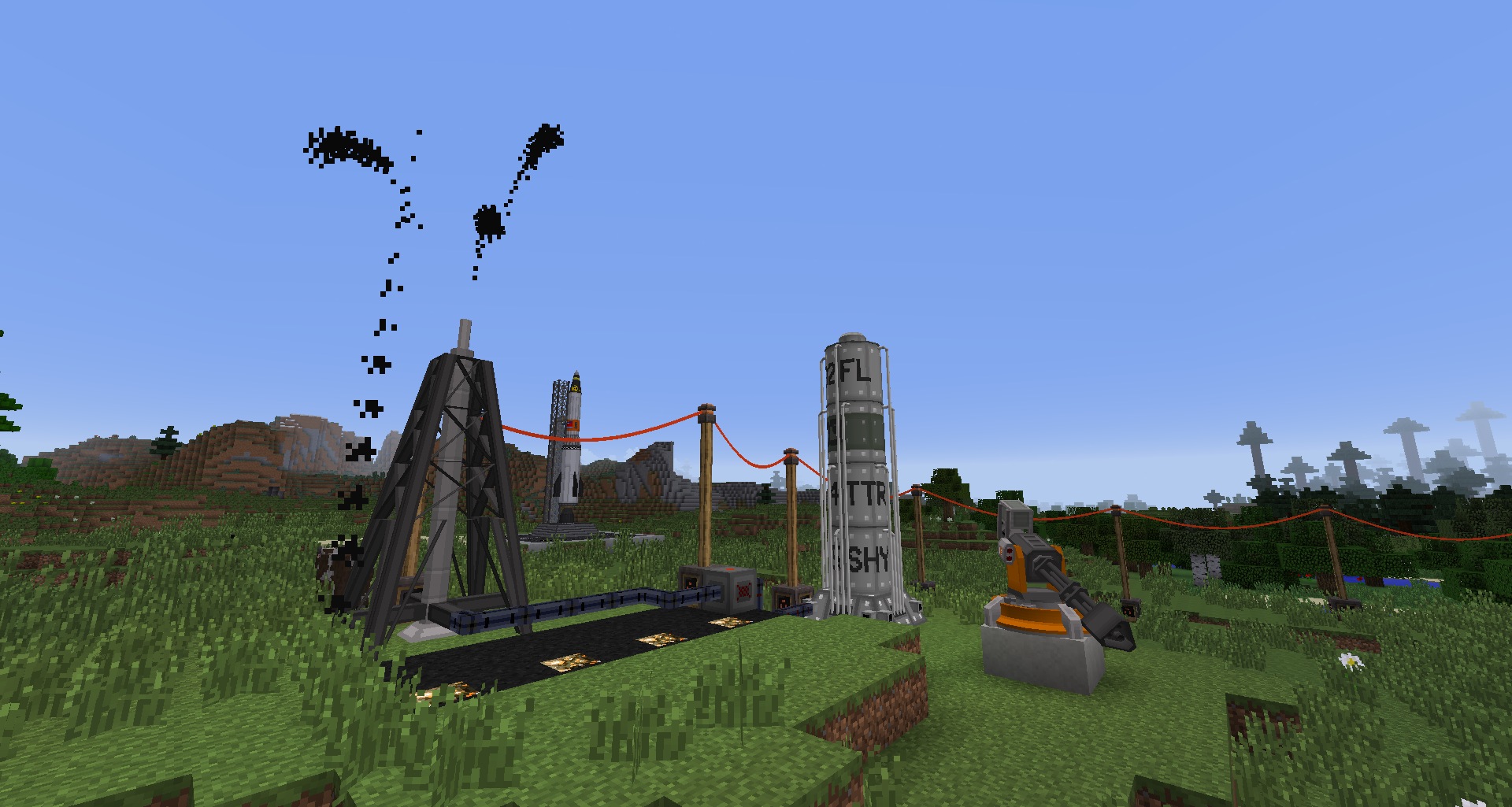
Hbm’s Nuclear Tech Mod is, as the name implies, all about technology, atomic science and nuclear weapons. Features include, and are not limited to:
- A large tech tree, with progression spanning over many machines and different types of reactors
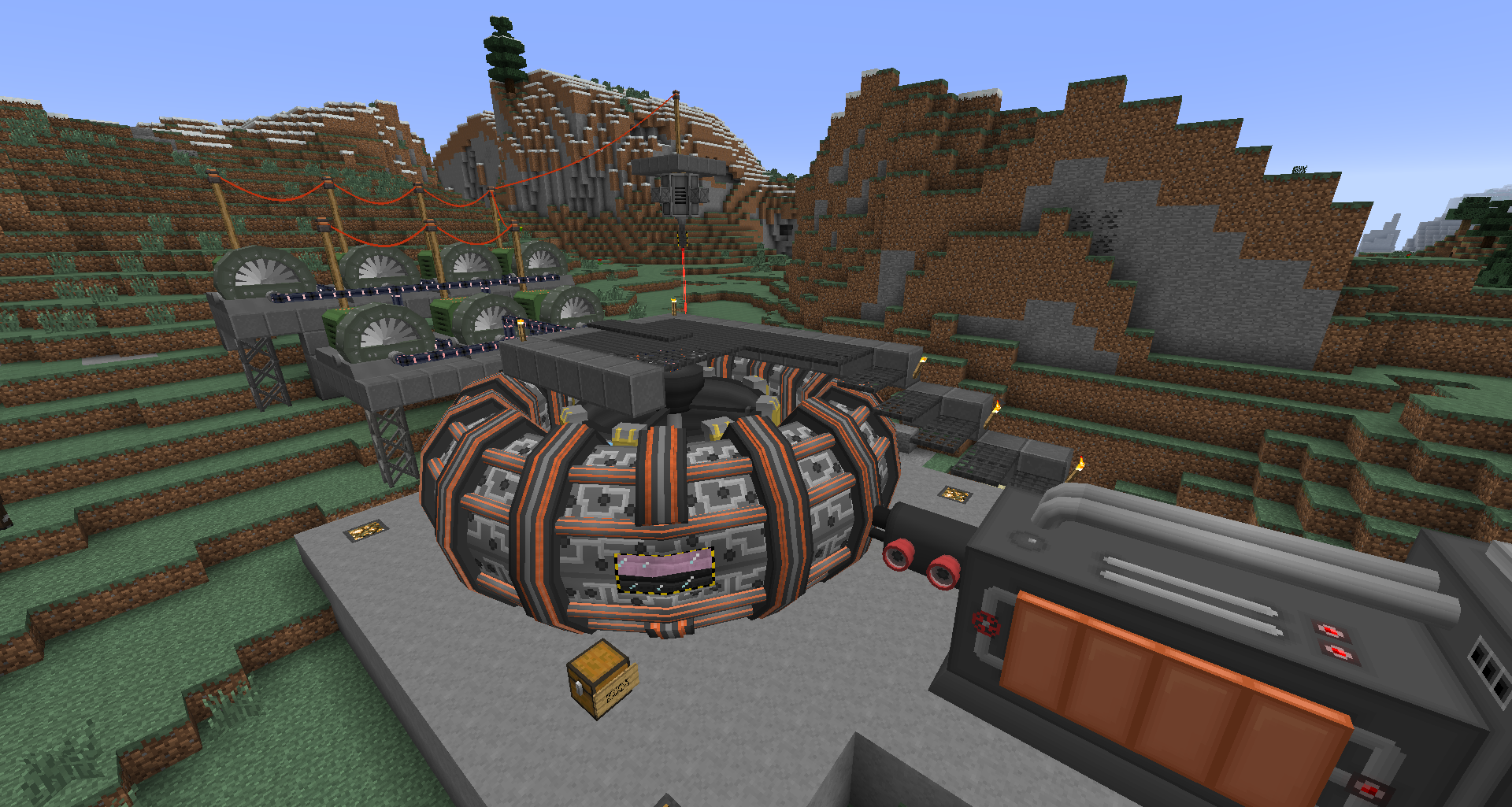
- Nuclear reactors such as the Chicago Pile, the infamous RBMK and fusion reactors (and more!)
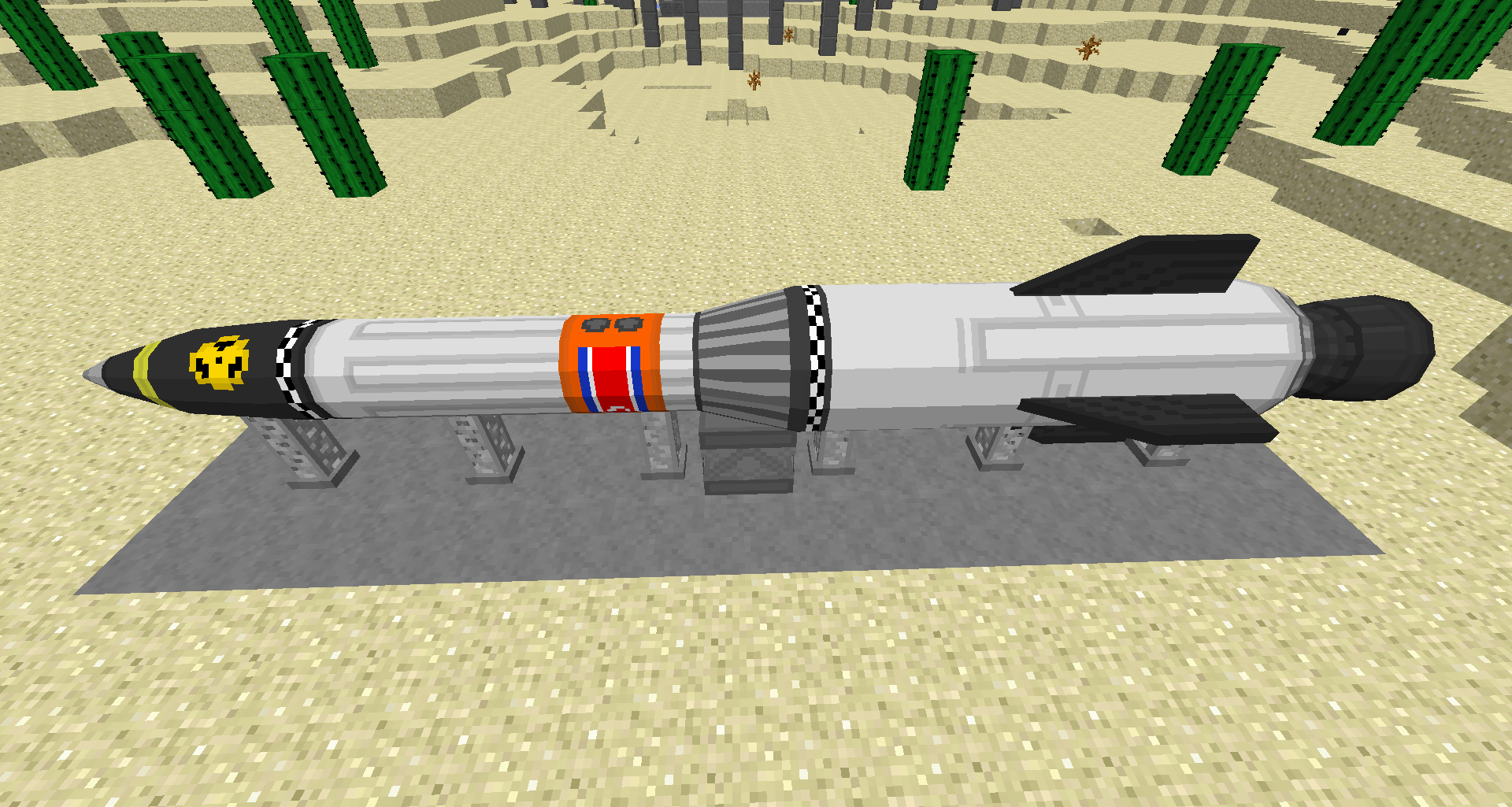
- Nuclear bombs, missiles and artillery
- Turrets, traps and other defensive systems
- Processing machines for extracting ores, assembling parts and refining oil
- Abandoned structures and dungeons to explore
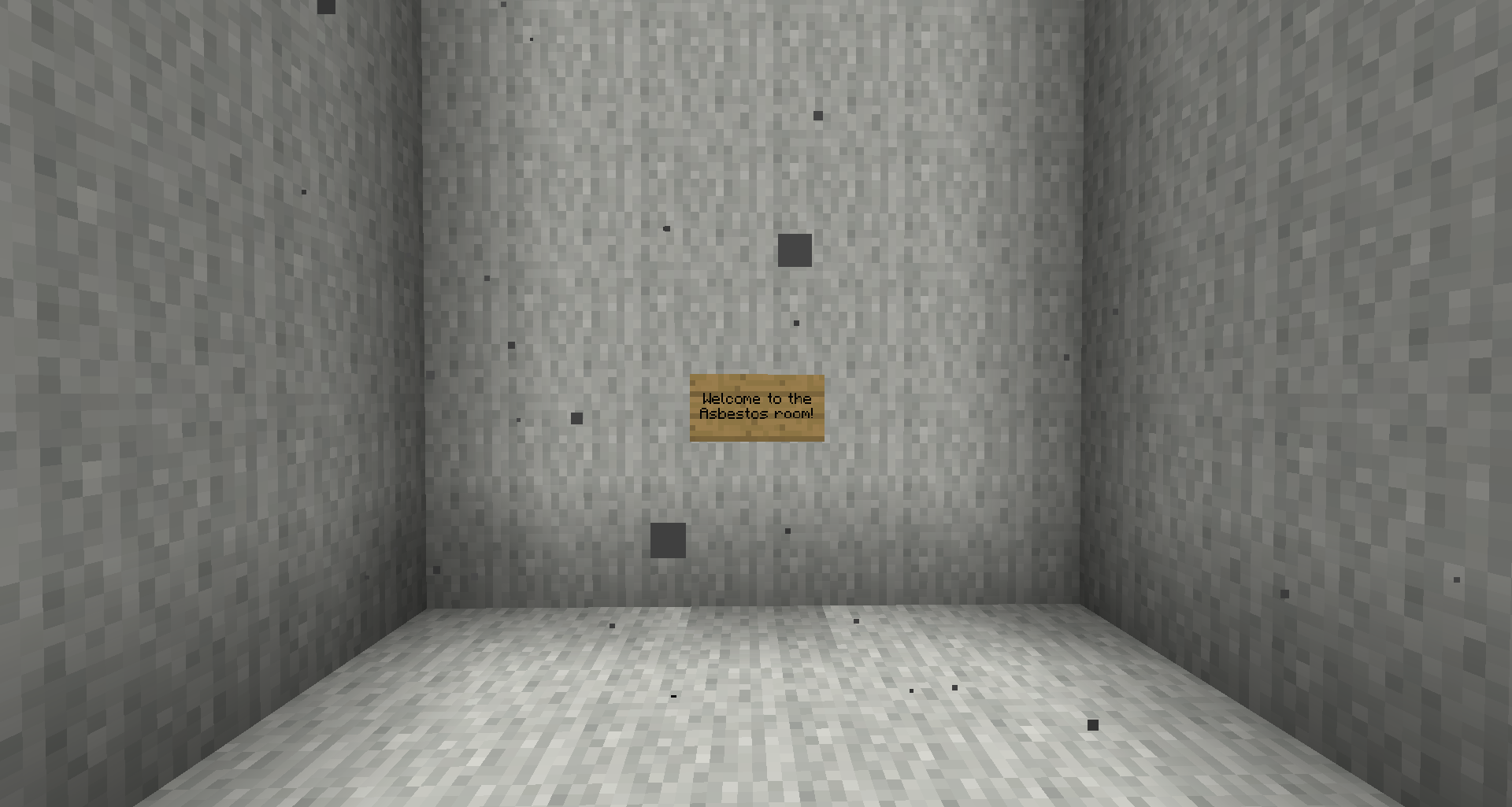
- Hazards such as radiation, flammable gasses and lung diseases
Installation
HBM’s NTM does not have any special dependencies, so the installation procedure is the usual:
- Download the .jar file
- Install Forge modloader on your 1.7.10 minecraft profile
- Launch the game once (or manually create the mods folder)
- Navigate to .minecraft and drop the jar file into the mods folder
Compatibility
- Not Enough Items
- Recipe handling which is crucial for the mod to be used in survival. NEI is capable of showing almost all of NTM’s recipes.
- OpenComputers
- OC compatibility has recently been added, allowing monitoring and control over some machines.
- Many tech mods
- NTM makes use of the Ore Dictionary – the universal system for making equivalent materials usable between mods.
- For potential incompatibilities or things to look out for, please consult the compatibility notice!
常见问题
Hbm’s Nuclear Tech Mod 支持哪些 Minecraft 版本?
Hbm’s Nuclear Tech Mod 支持 Minecraft Java 版 1.7.10,可用的加载器:Forge。下载时注意选择和你游戏版本一致的文件。
Hbm’s Nuclear Tech Mod 怎么安装?
先用 PCL2 或 HMCL 启动器安装对应版本的 Forge,再把下载的 .jar 文件放进游戏目录的 mods 文件夹,重新启动游戏即可。开启了版本隔离的,mods 文件夹在 versions/版本名 下面。运行环境:客户端和服务端都要装。
评论
登录后评论和评分