
截图
介绍
NPC Engine
Interactive NPC system with dialogues for Minecraft 1.21.9+
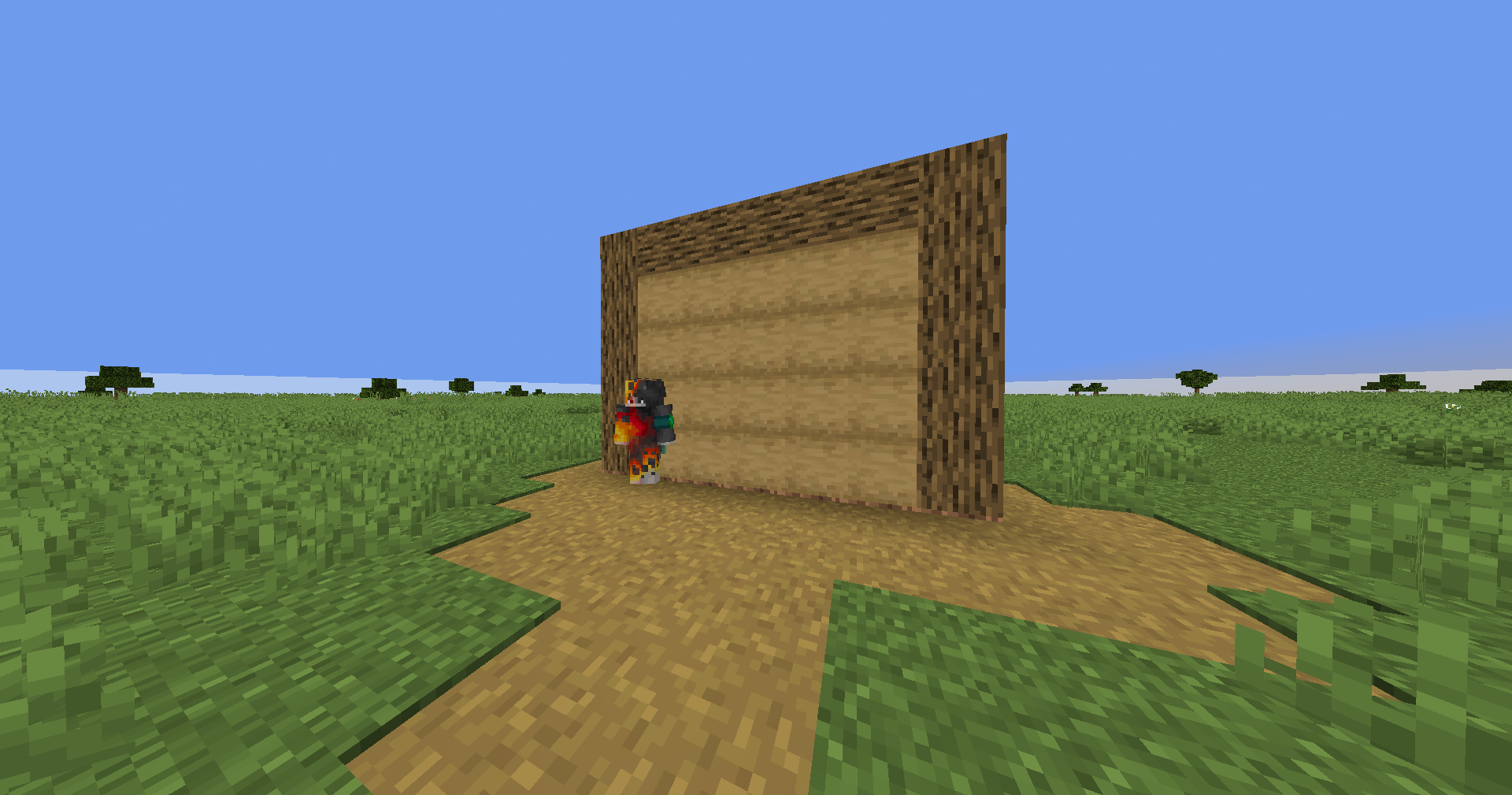
NPC Engine is a data pack for creating NPCs with a dialogue system, response options, and a cinematic camera.
🎯 Features
NPCs
- Mannequins — NPCs based on
minecraft:mannequinwith custom skins - Other Entities — Villagers, zombies, skeletons, etc.
- Interactivity — Clicking on an NPC starts a dialogue
- Visual Editor — Control via the action bar
Dialogues
- Typewriter Effect — Smooth character-by-character typing
- Choice System — Branching dialogues with multiple answer options
- Navigation — Shift to skip to the next line
- Text Display — Text is displayed above the NPC
Camera
- Cinematic Mode — Automatically zooms in on the NPC
- Positioning — The camera is positioned to the side of the NPC
- Smooth Transitions — Blindness effect at the start/end Dialogue
- Restore — automatically returns the player to their starting position
🚀 Installation
- Place the
npcs-enginefolder in your world’sdatapacks - Run
/reload
📋 Usage
Open the Editor
/function _npsc:openEditor Controls
- Mouse Wheel — Navigate the menu
- RMB (carrot on a fishing rod) — Select an item
Editor Menu
| Item | Description |
|——-|———-|
| 📝 Create NPC | Create a new NPC |
| 📋 List | View all NPCs |
| 💬 Dialogues | Dialogue Editor |
| 🎬 Dialogue Test | Run a Dialogue Test |
| ❌ Exit | Close Editor |
Interacting with NPCs
- Click on the NPC to start a dialogue
- Shift — next line
- The dialogue ends automatically after the last line
🔧 API for Developers
Creating an NPC
# Create a mannequin NPC
function npcs:npc/create_player

# Create an NPC entity
function npcs:npc/create_entity
Dialogue Management
# Add a dialogue line
function npcs:dialog/editor/add_line {npc_id:1,text:"Hello, traveler!"}

# Add a choice
function npcs:dialog/editor/add_choice {npc_id:1,text:"Where shall we go?",choices:["North","South"]}

# Start a dialogue programmatically
function npcs:dialog/start_play
Data Storage
- Storage
npcs:data— NPC and dialogue data - Storage
npcs:current_dialog— currently active dialogue
📋 Requirements
- Minecraft: 1.21.9+
- Permissions: Operator for editor commands
🎮 Example: Quest NPC
# 1. Create an NPC
function npcs:npc/create_player

# 2. Add dialogues (npc_id = 1)
function npcs:dialog/editor/add_line {npc_id:1,text:"Greetings, hero!"}
function npcs:dialog/editor/add_line {npc_id:1,text:"I have something for you" task."}
function npcs:dialog/editor/add_choice {npc_id:1,text:"Will you accept it?",choices:["Of course!","Not now"]}
Create living worlds with the NPC Engine! 💬✨
常见问题
NPCs engine 支持哪些 Minecraft 版本?
NPCs engine 支持 Minecraft Java 版 1.21.9–26.1.2,共 6 个版本,可用的加载器:Fabric / Forge / NeoForge / Quilt。下载时注意选择和你游戏版本一致的文件。
NPCs engine 怎么安装?
先用 PCL2 或 HMCL 启动器安装对应版本的 Fabric / Forge / NeoForge / Quilt,再把下载的 .jar 文件放进游戏目录的 mods 文件夹,重新启动游戏即可。开启了版本隔离的,mods 文件夹在 versions/版本名 下面。运行环境:客户端 / 服务端。
CraftVerse Engines 的其他作品
查看全部 →
BlockBuster engine
Blockbaster Engine is a Minecraft datapack for creating cinematics and cutscenes. The engine allows you to record player movements, create actors with custom skins, control scenes, and play complex animated sequences directly in the game.

Cutscene Engine
A professional cinematic scene creation system for Minecraft
Cutscene Engine
A professional cinematic scene creation system for Minecraft
评论
登录后评论和评分