
截图
介绍
npc2
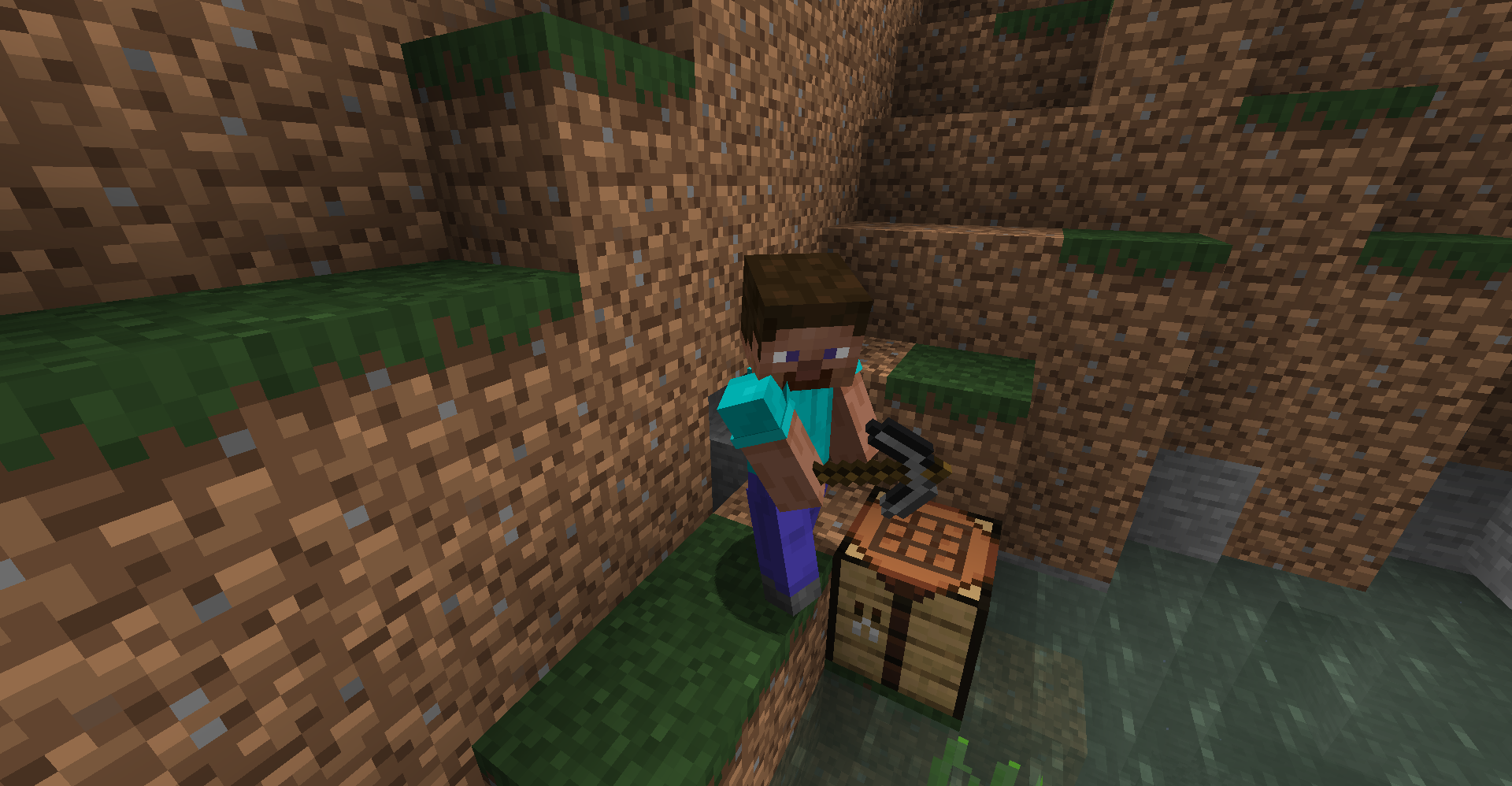
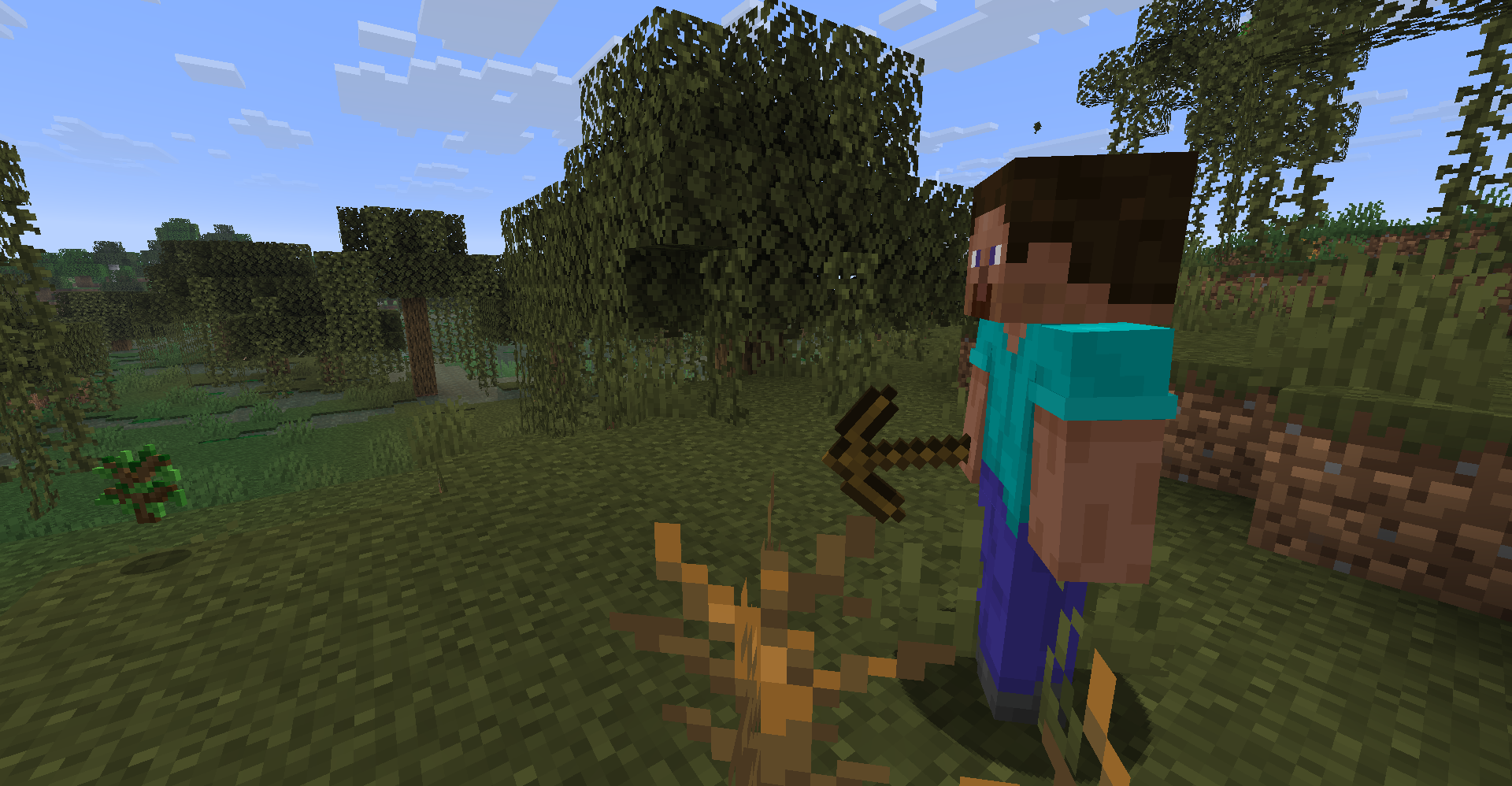
npc2 is an experimental Fabric mod for Minecraft that drops autonomous survival
NPCs into your world. Each one runs on a weighted survival plan, keeps persistent
memories, uses vanilla mob physics, and makes its decisions through a node-based
behavior graph covering gathering, crafting, combat, storage, movement, and sleep.
npc2 can be used in singleplayer worlds, LAN, and multiplayer servers.
npc2 is under active development. Go in expecting NPCs to reshape the terrain around
them as they mine and build.
Requirements
npc2 requires Fabric API and Fabric Language Kotlin.
- [Latest] Version
0.3.1-alpha+26.3supports Fabric API0.161.0+26.3and compatible newer Fabric API releases for Minecraft 26.3. - [Legacy/26.2] Version
0.3.0-alpha+26.2supports Fabric API0.154.2+26.2and compatible newer Fabric API releases for Minecraft 26.2.
For Servers: Install npc2 and its dependencies on both the server and every connecting client.
Singleplayer: Install npc2 and its dependencies on your Minecraft client.
LAN: Install npc2 and its dependencies on every player’s client.
Quick start
Version 0.3.0-alpha and newer
Open the vanilla Creative inventory’s Spawn Eggs tab and use the Survivor NPC Spawn Egg on solid, open ground.
Players with permission to use commands can also click or enter:
/give @s npc2:fake_npc_spawn_egg
When you enter a world, npc2 displays a formatted quick-start message in chat containing the spawn command, debug controls, and issue-tracker link.
Version 0.2.1-alpha and earlier
Open npc2’s Creative inventory tab and use the Survivor NPC Spawn Egg on solid ground. You may need to use the inventory arrows to find the tab.
Alternatively, enter:
/give @s npc2:fake_npc_spawn_egg
Debug panel — 0.3.0-alpha and newer
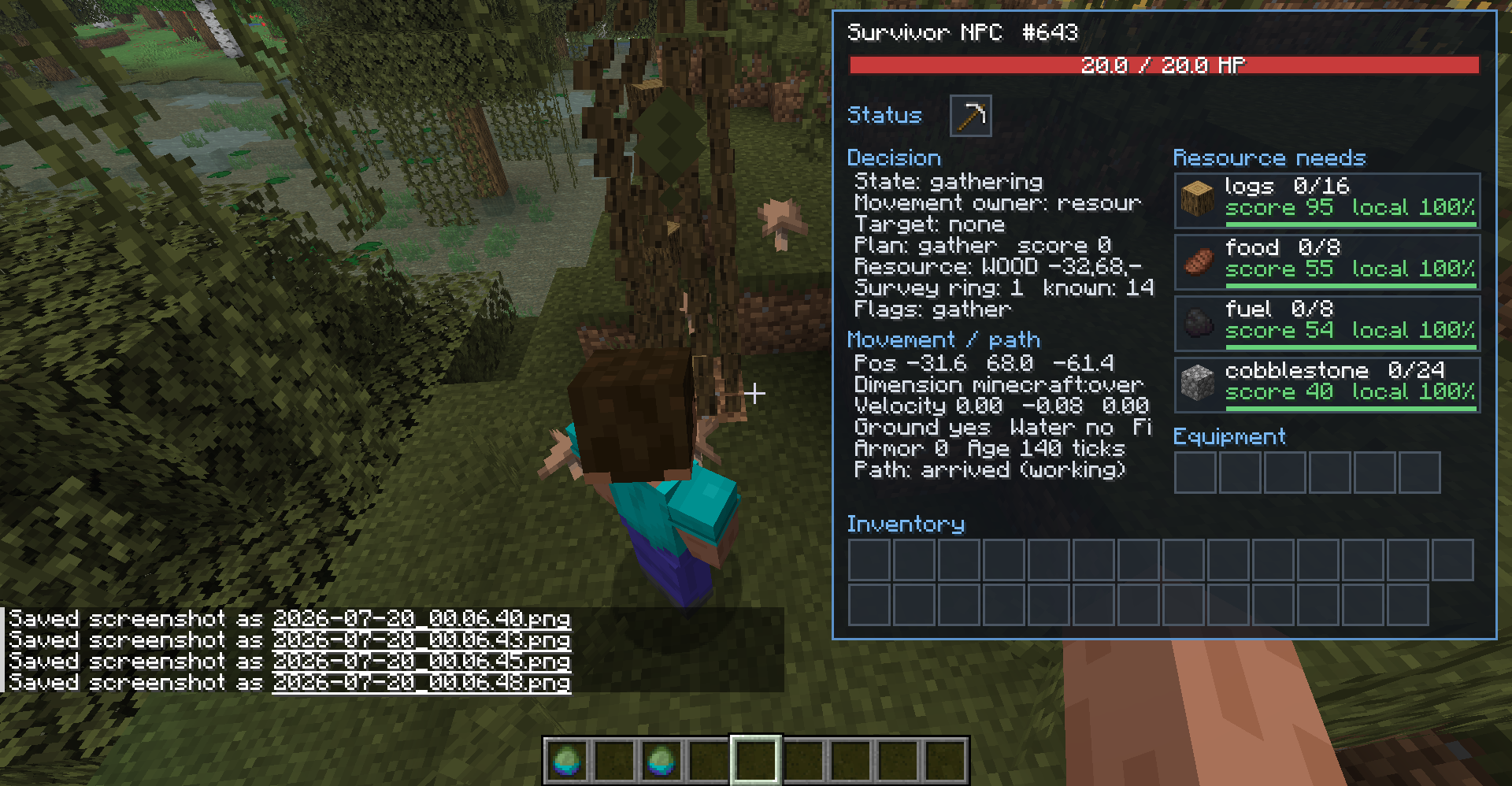
Aim near a living NPC to display a compact debug panel containing its name, entity ID, health, and debug controls.
- Press
Xto pin the selected NPC and expand the panel. - Press
Xagain to unpin it. - Press
F8to toggle all npc2 debugging, including the panel, glowing outline, and path visualization. - Both controls can be rebound under the Debug category in Minecraft’s Controls menu.
The expanded panel displays the NPC’s current decisions, movement and path state, resource requirements, equipment, inventory, and other AI information.
For the cleanest layout, use a GUI scale of 3 or lower.
Player interaction — 0.3.0-alpha and newer
NPCs are friendly toward players by default. An NPC only retaliates against a Survival or Adventure player who harms that specific NPC. Creative and Spectator players are never targeted.
The retaliation duration can be changed in:
.minecraft/config/npc2/npc2.properties
Known issues in 0.3.0-alpha
- The debug overlay may appear uneven at GUI scales above 3.
- NPCs move very slowly while floating in water.
- NPCs may occasionally freeze while retaliating against a player. They resume once the player leaves their detection range, enters Creative mode, or the configured
player_retaliation_ticksduration expires.
These issues are planned to be fixed in future releases.
More documentation
Visit the npc2 GitHub README for installation instructions, configuration options, gameplay details, troubleshooting, and development documentation.
Report bugs through the npc2 issue tracker.
常见问题
npc2 支持哪些 Minecraft 版本?
npc2 支持 Minecraft Java 版 26.2–26.3,共 2 个版本,可用的加载器:Fabric。下载时注意选择和你游戏版本一致的文件。
npc2 怎么安装?
先用 PCL2 或 HMCL 启动器安装对应版本的 Fabric,再把下载的 .jar 文件放进游戏目录的 mods 文件夹,重新启动游戏即可。开启了版本隔离的,mods 文件夹在 versions/版本名 下面。运行环境:客户端和服务端都要装。
评论
登录后评论和评分