
截图
介绍
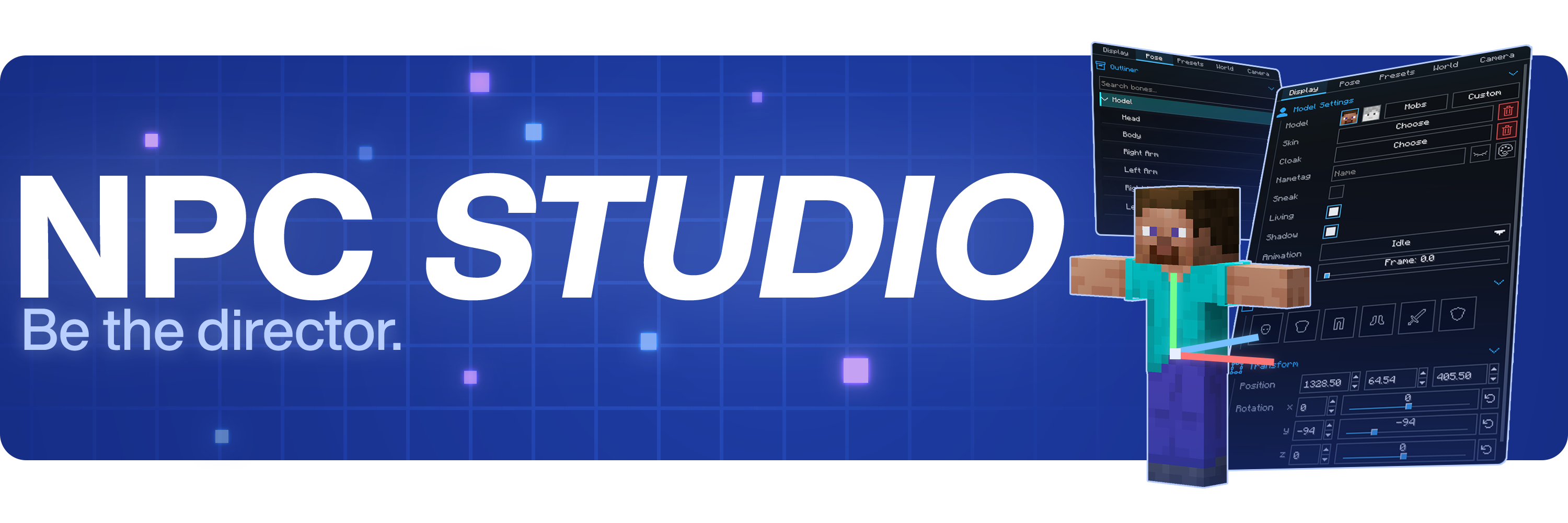


Be the director of your best thumbnail yet.
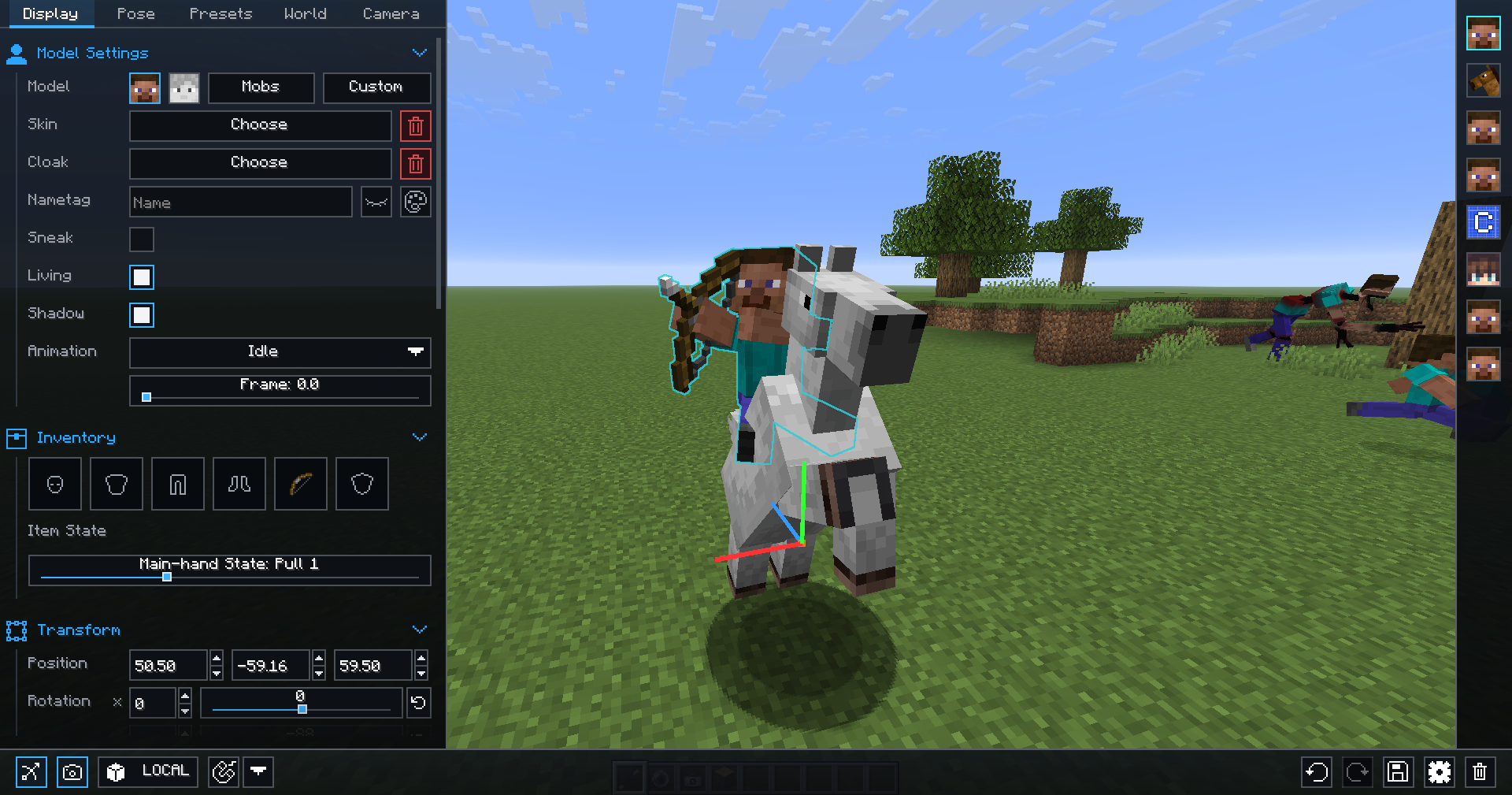
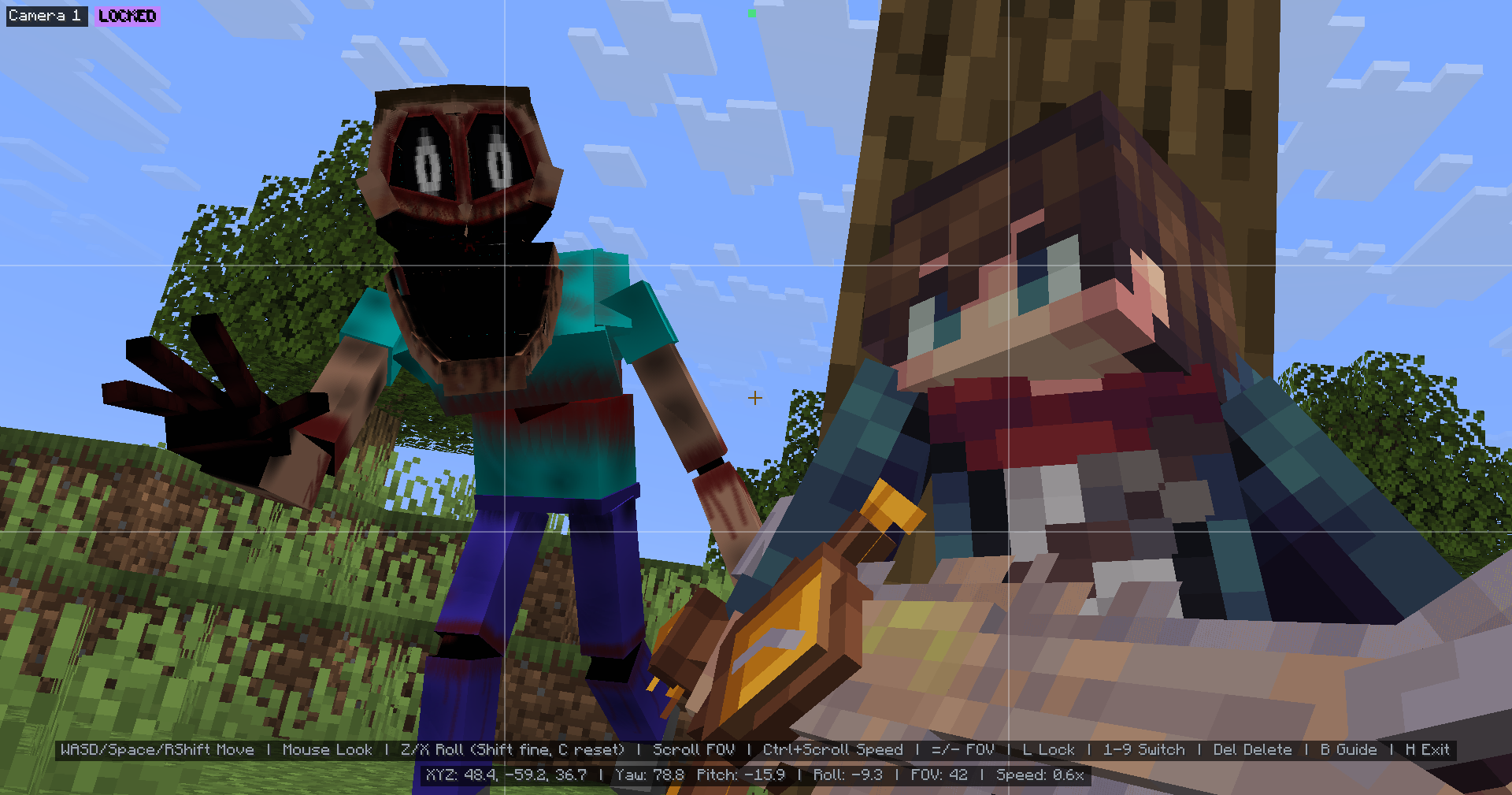
Stage the shot, pose the characters, control the world, and capture it all inside Minecraft.
Create with control
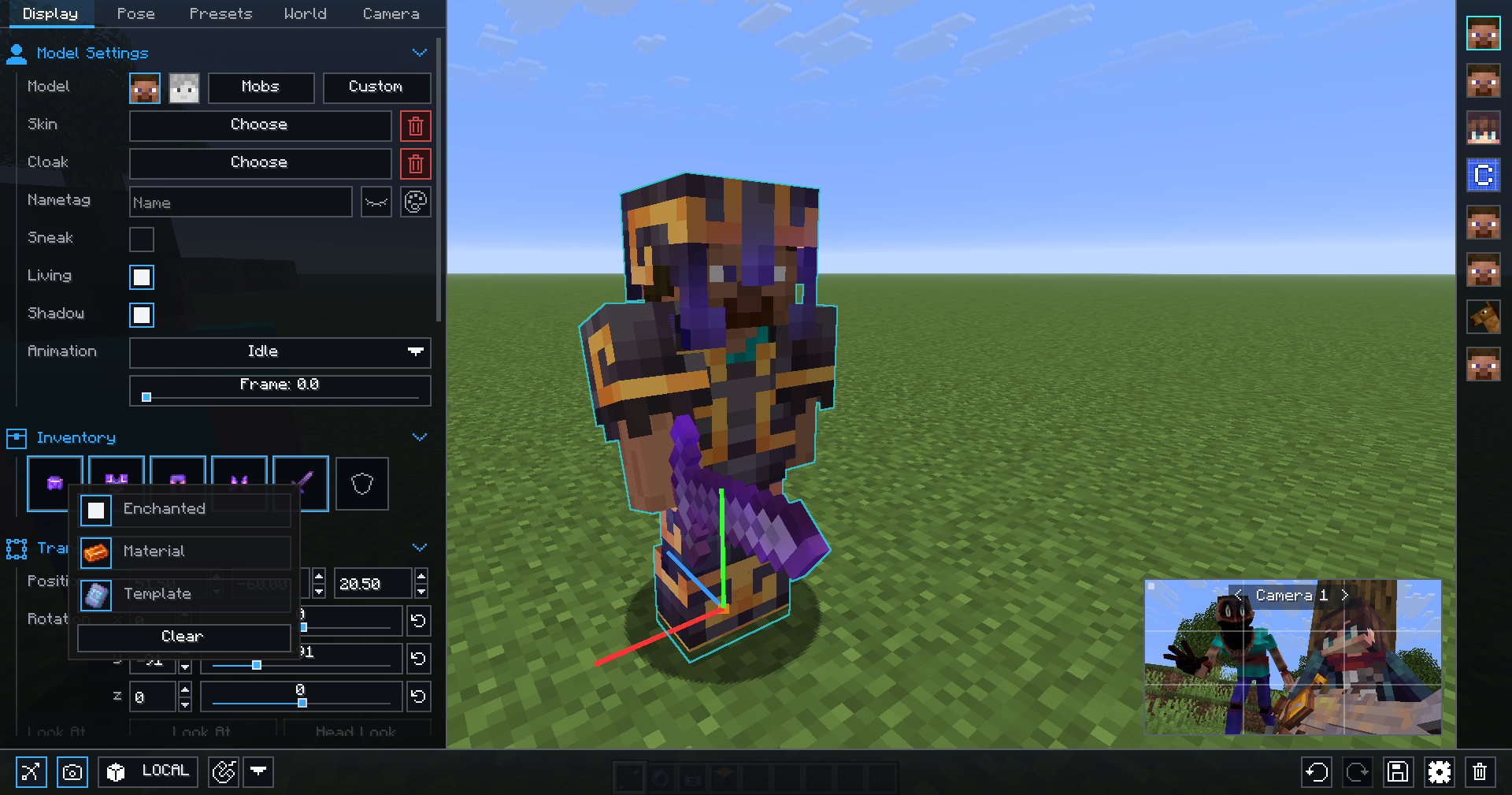
- Advanced character posing
- Custom mob & item support
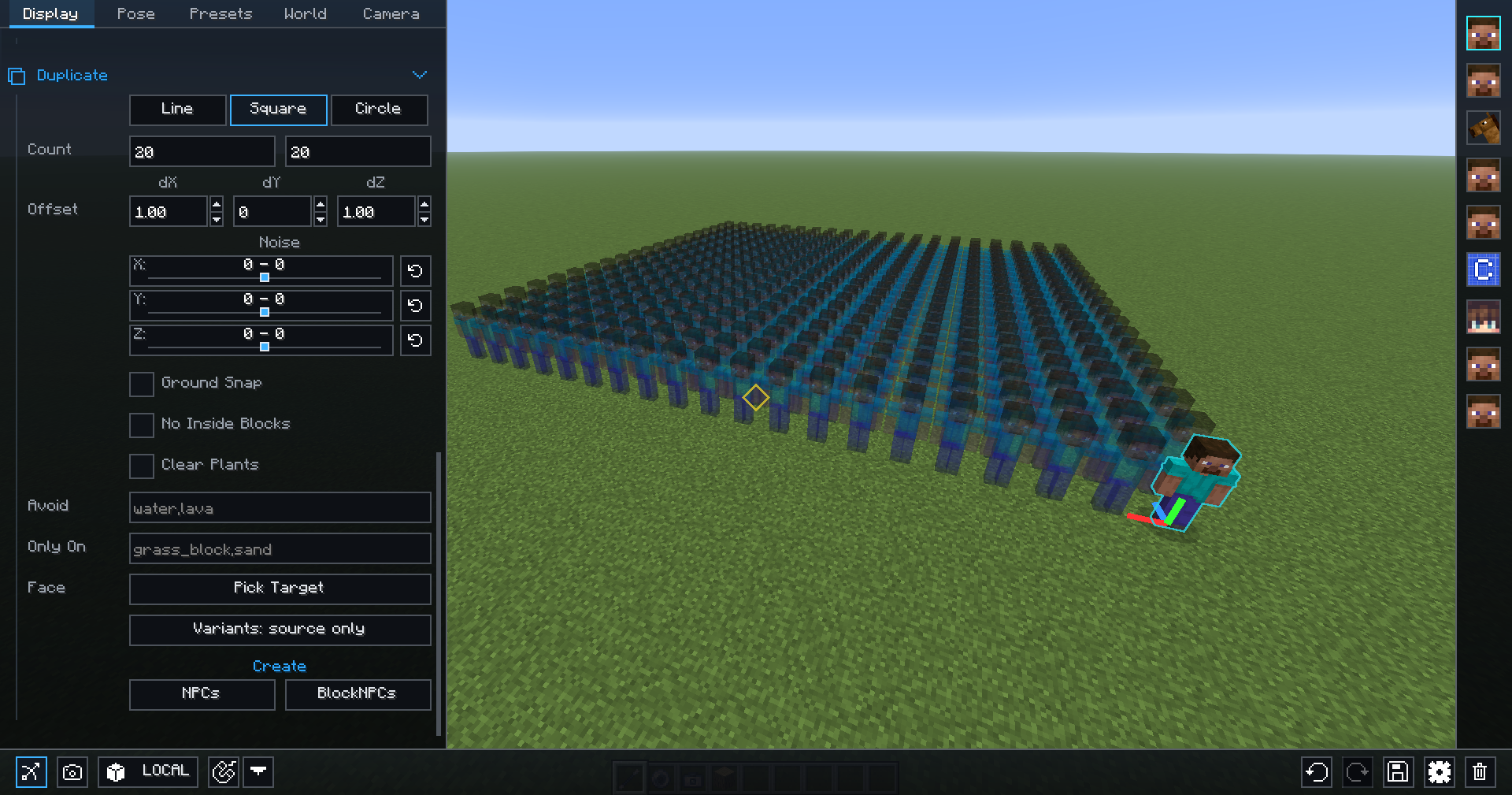
- Detailed world and lighting control
- Powerful in-game camera tools
- Pose presets, scene saving, and more
Watch the full showcase
FAQ
Where can I report bugs or suggest features?
Join the Discord at discord.gg/mdh. For bug reports, include your Minecraft version, NPC Studio version, mod loader, what you expected to happen, what actually happened, and any useful logs or screenshots.
How do I import custom models?
Open the model picker, then use the import folder button. NPC Studio supports .bbmodel, .geo.json, and .jar files. For .bbmodel and .geo.json models, place the matching .png texture beside the model file and use the same file name.
How do I share presets?
Open the preset folder from the Presets tab, then share the preset .json file or the folder that contains it. The other person can place it in their config/npcstudio/presets folder and load it from the Presets tab.
How do I make batch screenshots automatically cut out the player?
Install Iris and a WEM cutout-compatible shaderpack, then enable WEM Cutout in the Batch Screenshots screen. If you have more than one compatible shaderpack installed, choose the one you want to use for the cutout pass before running the batch.
常见问题
NPC Studio 支持哪些 Minecraft 版本?
NPC Studio 支持 Minecraft Java 版 1.8.9–26.3,共 6 个版本,可用的加载器:Fabric / Forge / NeoForge。下载时注意选择和你游戏版本一致的文件。
NPC Studio 怎么安装?
先用 PCL2 或 HMCL 启动器安装对应版本的 Fabric / Forge / NeoForge,再把下载的 .jar 文件放进游戏目录的 mods 文件夹,重新启动游戏即可。开启了版本隔离的,mods 文件夹在 versions/版本名 下面。运行环境:仅客户端。
Seltop 的其他作品
查看全部 →
BDS – Better Default Shaders
原版光照,真实阴影,高性能。

DMS – Depth Map Shaders
A shader pack that turns your world into a depth map

NMS – Normal Map Shaders
A shader pack that turns your world into a normal map

WEM – White Entities Mask
Turns all entities white so it's easy to mask in Photoshop and or After Effects
评论
登录后评论和评分