截图
介绍


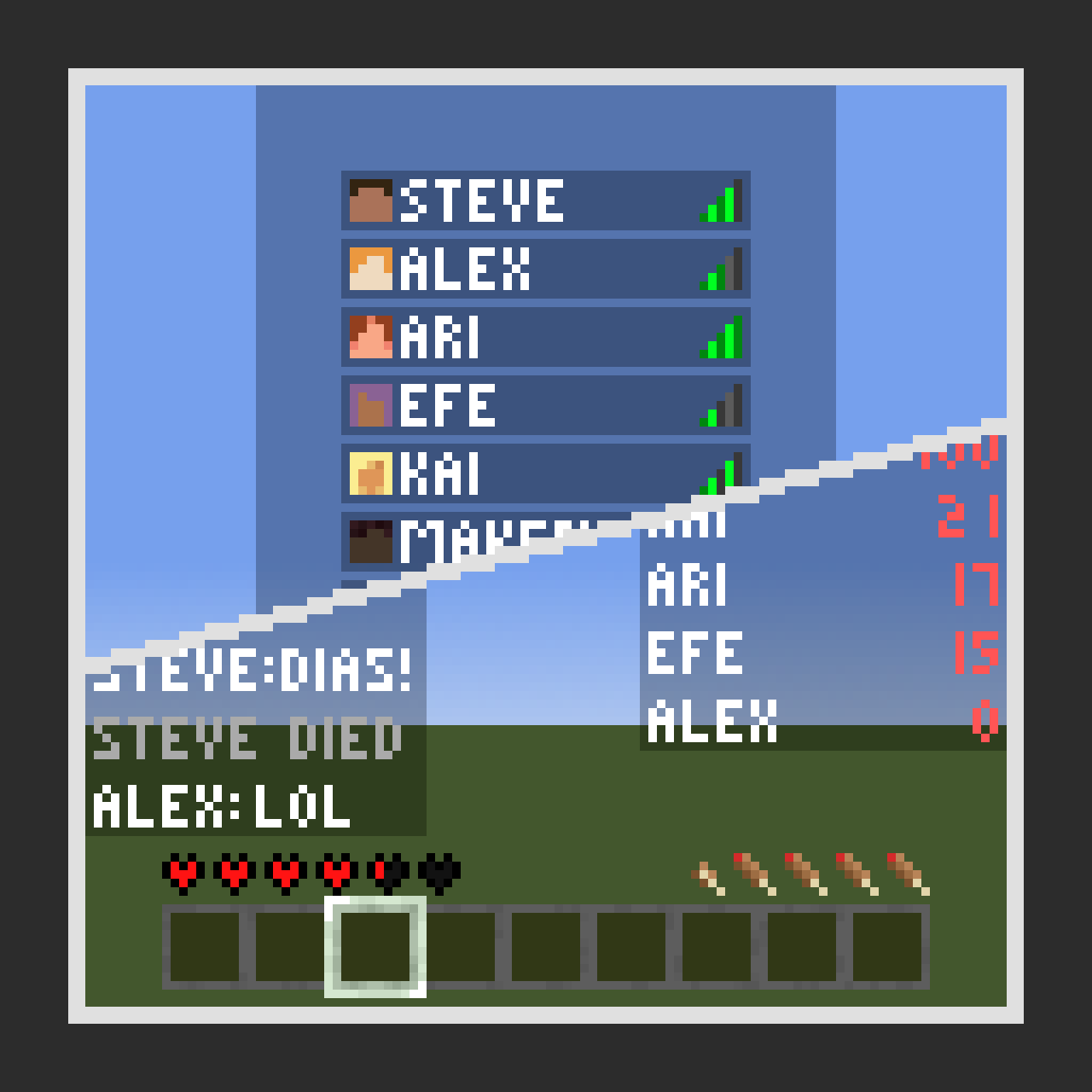
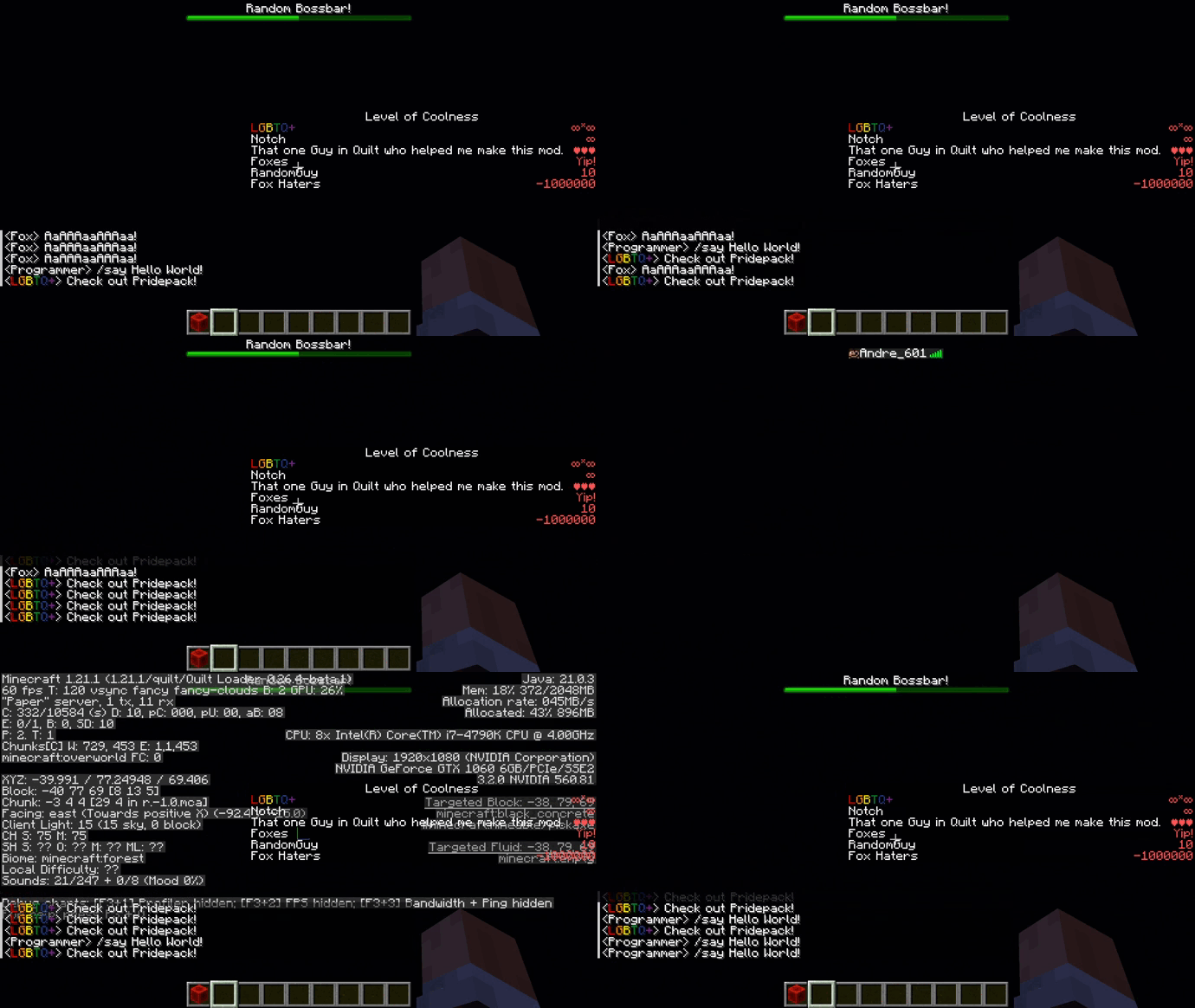
No UI on Tab is a simple Mod for Quilt that hides UI elements such as the hotbar, chat, scoreboard, etc. whenever you view the tab list.
Why?
The tab list can – and often times will – overlap with different elements of your UI such as chat messages, scoreboards, the bossbar, etc.
This makes it harder to actually see the tab list, and especially who is on it.
What elements are currently hidden?
- Overlay (Honestly no clue what is meant with that… The vignette?)
- Crosshair
- Hotbar
- Experience levels
- Status Effect Overlays
- Bossbar
- Demo Timer
- Debug Screen
- Scoreboard
- Overlay Message (Again, no clue what that should be…)
- Titles
- Chat
Future Plans
- Add configuration options to set what UI elements should be hidden? Would make the current implementation a lot more difficult, so it’s not really a plan for the future.
常见问题
No UI on Tab 支持哪些 Minecraft 版本?
No UI on Tab 支持 Minecraft Java 版 1.21–1.21.1,共 2 个版本,可用的加载器:Fabric / Quilt。下载时注意选择和你游戏版本一致的文件。
No UI on Tab 怎么安装?
先用 PCL2 或 HMCL 启动器安装对应版本的 Fabric / Quilt,再把下载的 .jar 文件放进游戏目录的 mods 文件夹,重新启动游戏即可。开启了版本隔离的,mods 文件夹在 versions/版本名 下面。运行环境:仅客户端。
Andre601 的其他作品
查看全部 →
Presence Footsteps X Origin Realms
A resource pack to add support for the custom blocks of OriginRealms to the Presence Footsteps mod

ItemsAdderAdvancedTooltip
A client-side mod replacing the minecraft:id advanced tooltip with a custom one from ItemsAdder.

Foxes Eat Eggs
A simple quilt mod that allows foxes to pickup and eat eggs

Create Amazed Smart Observer
Makes the Smart Observer from Create have a O.O face when active.
评论
登录后评论和评分