
NotEnoughGlints
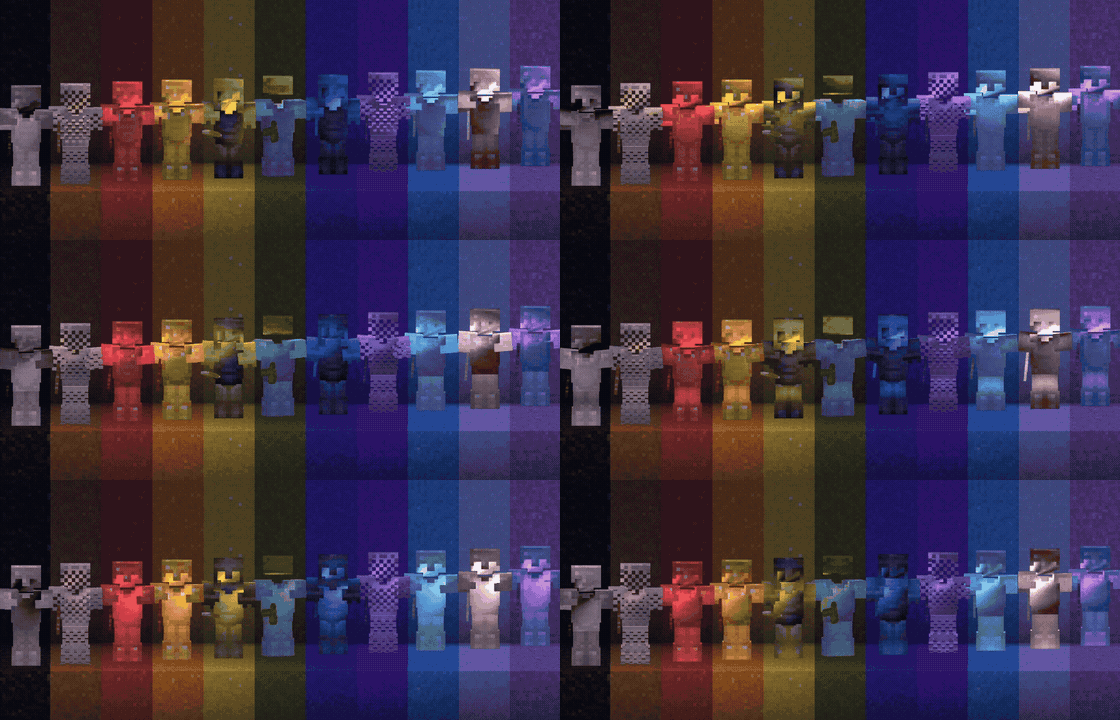
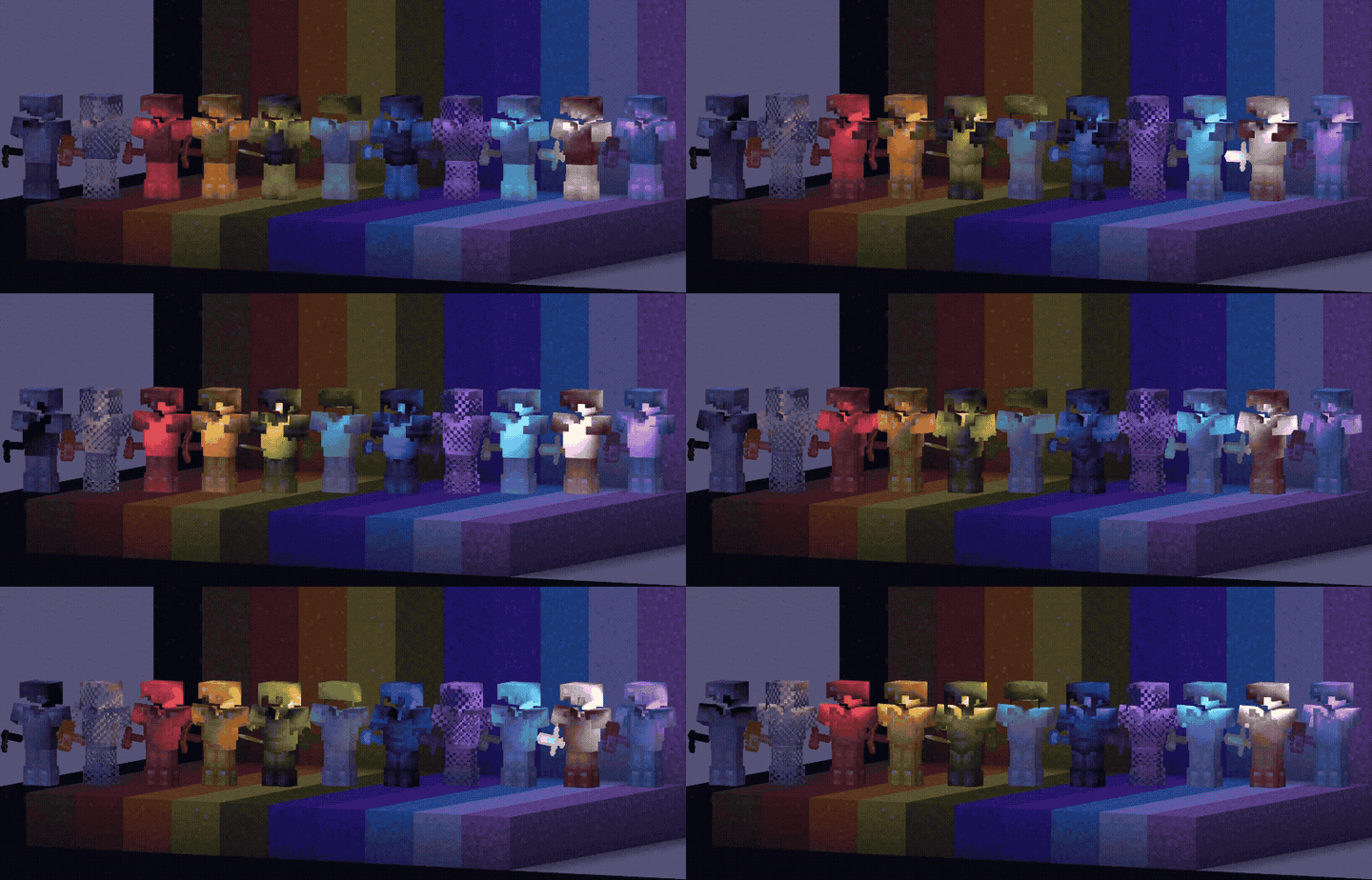
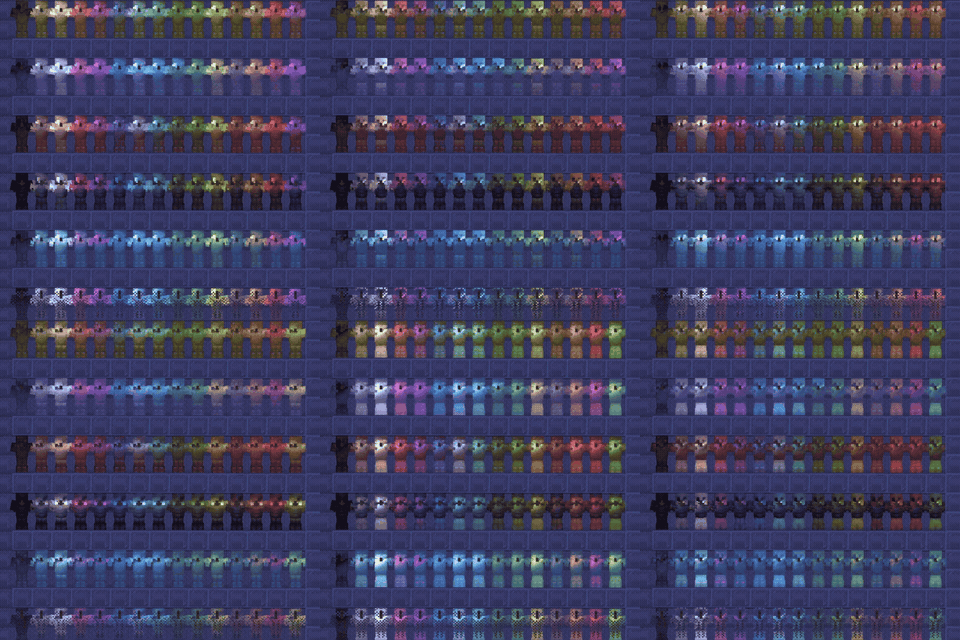
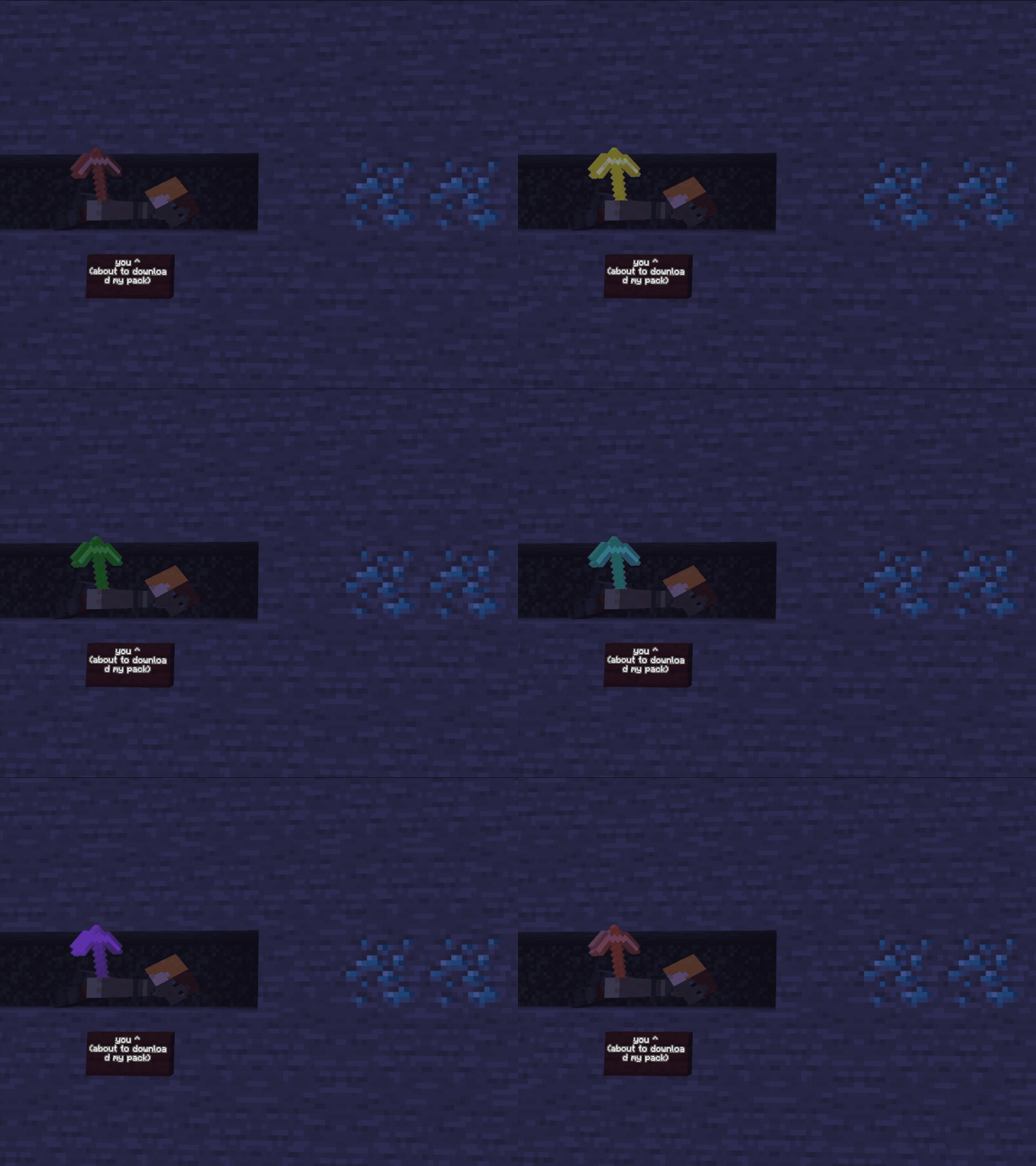
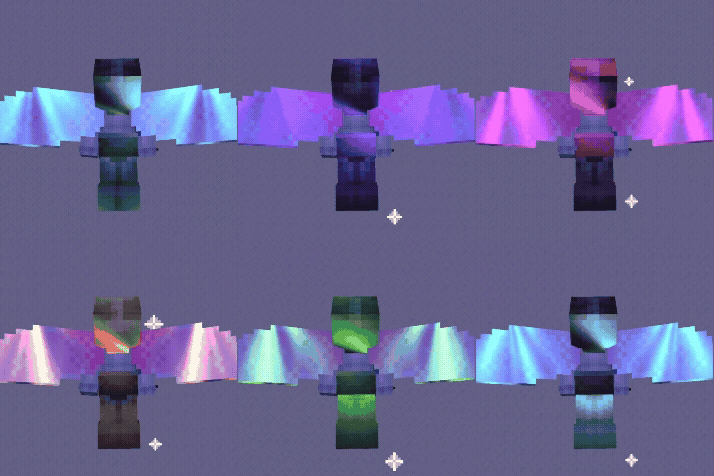
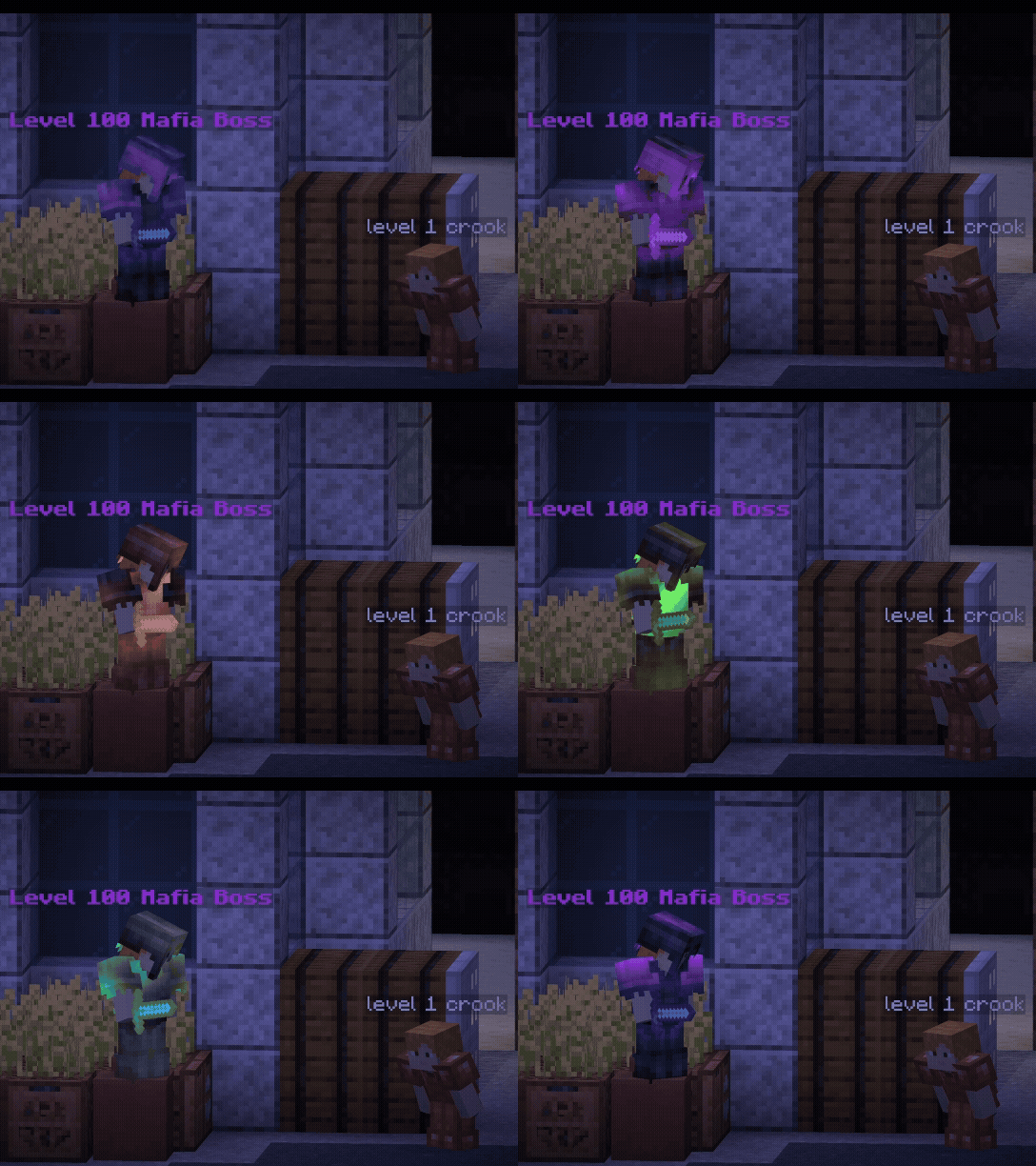
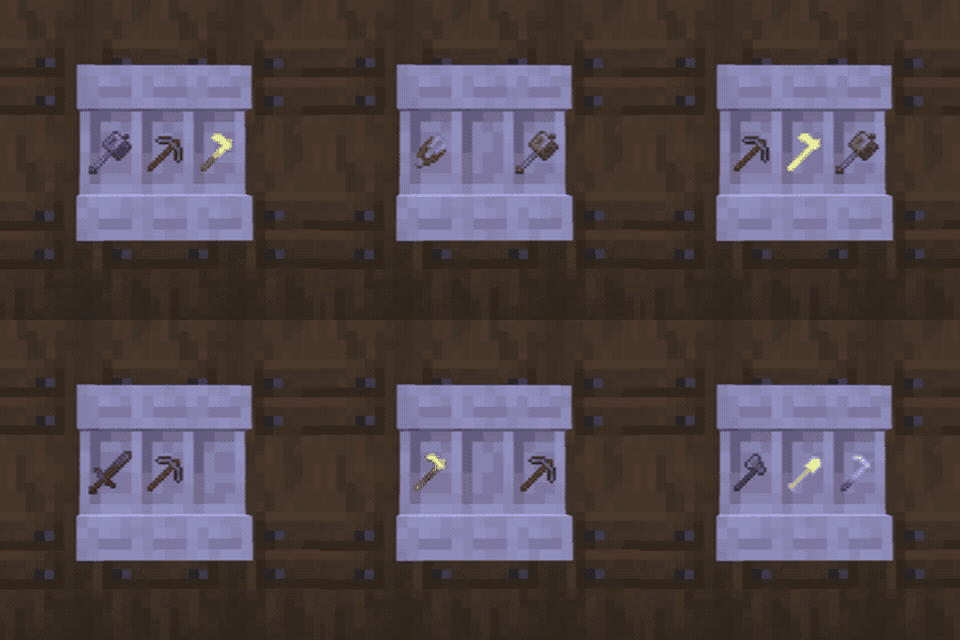
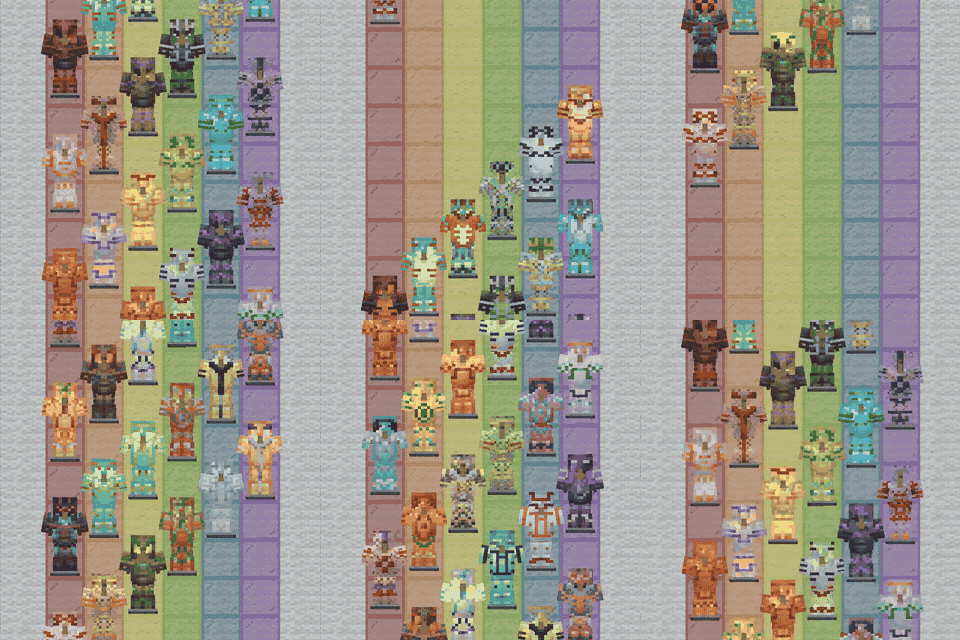
Color enchantment glints with any dye, on tools, armor, and elytra, straight from a smithing table.
截图
介绍
This is the Mod version of NotEnoughGlints, also check out the Resourcepack version and the serverplugin version!
Color your enchantment glints with any vanilla dye. Personalize tools, armor, and elytra straight from a smithing table.
How to use
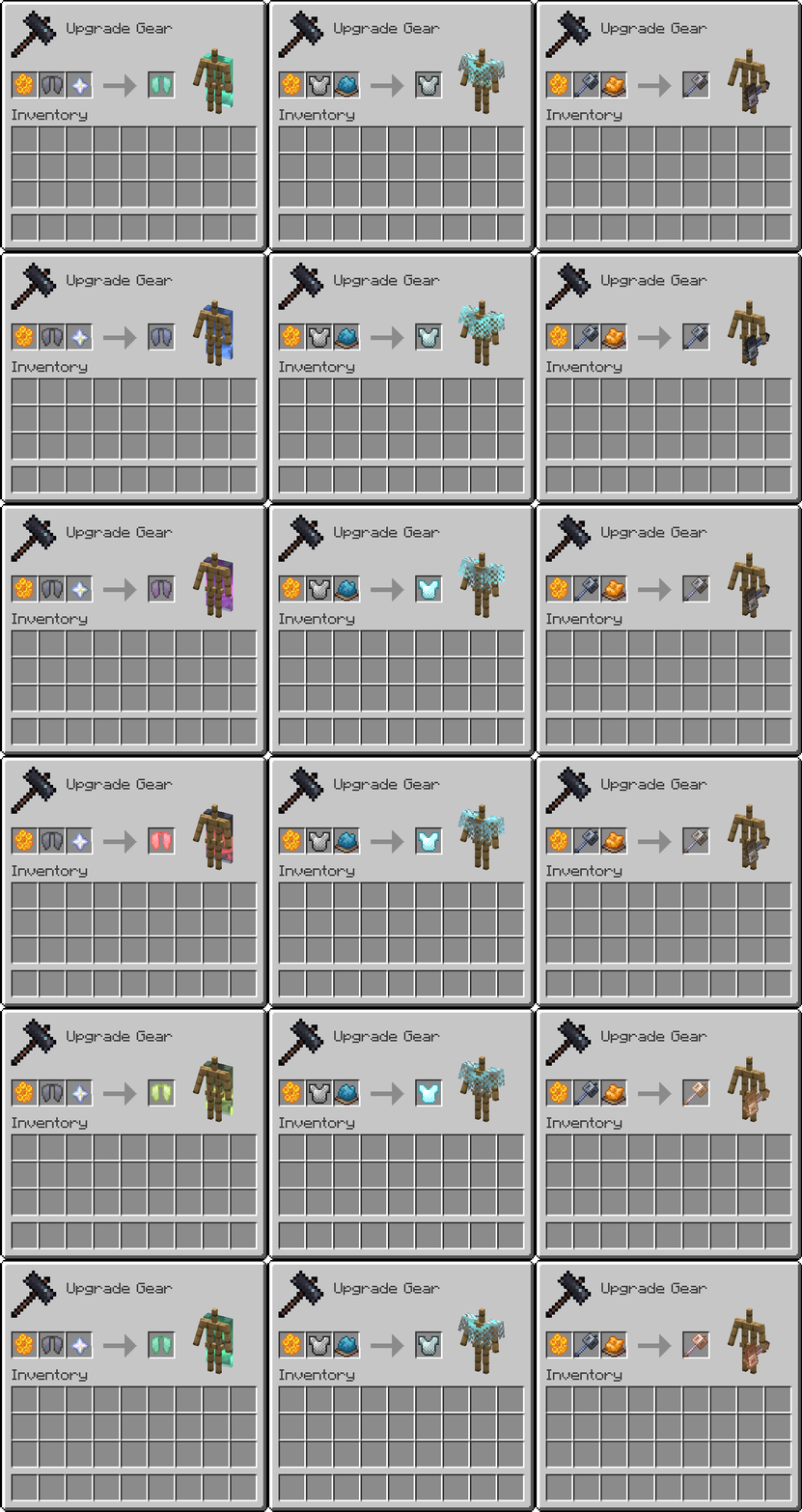
Place the item, a dye, and a honeycomb in a smithing table.
- Use a glass pane instead of a dye to remove a colored glint.
- Use a nether star instead of a dye for the rainbow glint.
Leather armor is not supported yet, due to an item component limitation.
Compatibility
This modification modifies the item and entity shaders, so it will not work together with other packs that do the same.
Supports Minecraft 26.1+, on both the Vulkan and OpenGL renderers. Download the file that matches your game version (26.1-26.2 or 26.3).
What version should you install?
This page is the jar. For single-player, install it on the client. For a modded multiplayer world, install it on the server and on every player. The server side handles the recipes, and every client needs the jar because the rendering code is inside it. Pick the file for your game version and loader. Fabric 1.5 is the newer release for 26.2 and 26.3. The 1.4.5 jars cover Forge, NeoForge, Quilt, and Fabric on 26.1.
Playing on an unmodified client, without a loader: use the resource pack and data pack instead, NotEnoughGlints Resource Pack.
Playing on a Paper, Purpur, or Folia server: use NotEnoughGlints Server Plugin. It serves the pack to joining players, so they do not need to install it themselves. Fabric clients can skip the mandatory pack download.
You are welcome to join the Discord for sneak peeks at upcoming features, or to ask questions: Discord.
常见问题
NotEnoughGlints 支持哪些 Minecraft 版本?
NotEnoughGlints 支持 Minecraft Java 版 1.21.1–26.3,共 7 个版本,可用的加载器:Fabric / Forge / NeoForge / Quilt。下载时注意选择和你游戏版本一致的文件。
NotEnoughGlints 怎么安装?
先用 PCL2 或 HMCL 启动器安装对应版本的 Fabric / Forge / NeoForge / Quilt,再把下载的 .jar 文件放进游戏目录的 mods 文件夹,重新启动游戏即可。开启了版本隔离的,mods 文件夹在 versions/版本名 下面。

评论
登录后评论和评分