
NoPackCompatCheck
Disables the “incompatible” warning when loading resource packs with different compact versions.
介绍
Introduction
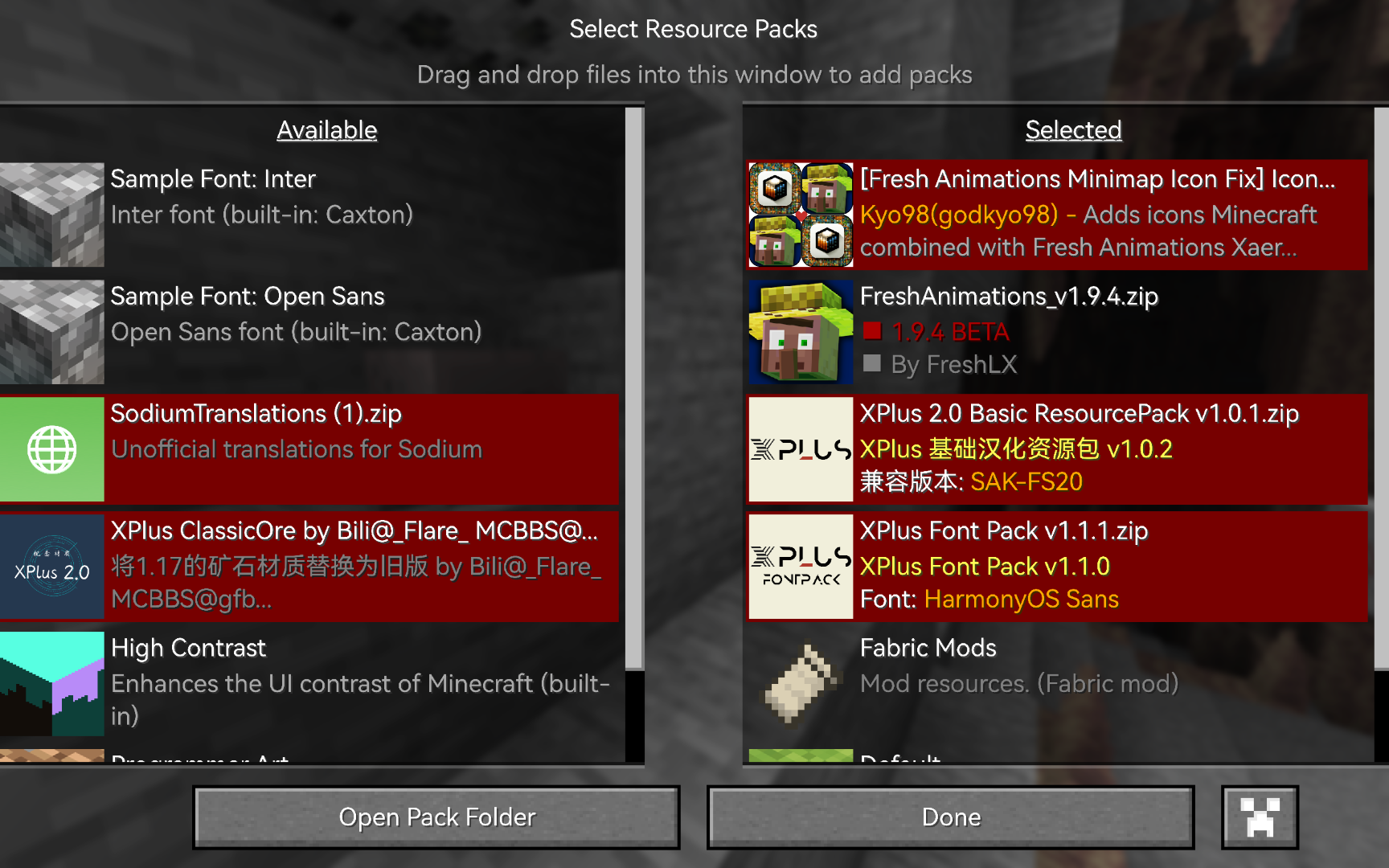
NoPackCompatCheck disables the resource pack compatibility warnings on Resource Pack selection screen, making the display cleaner.
After installing this mod, Minecraft will no longer display resource pack version incompatibility warnings🤗.
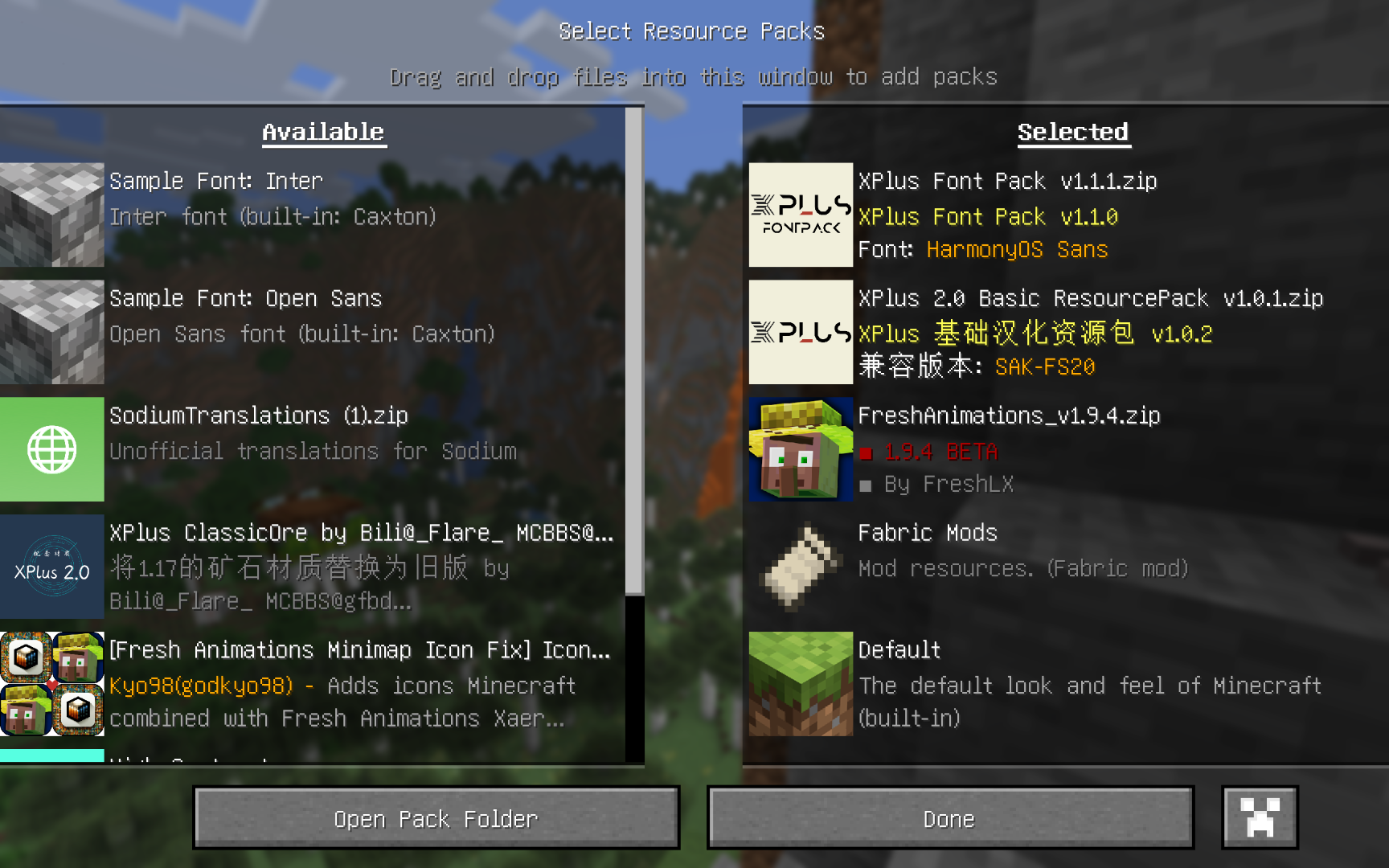
Why did I make this mod?
Since Minecraft 1.20, Mojang has begun frequently updating the resource pack format version. From Minecraft 1.6.1 to 1.19.4, the format version only increased from 1 to 13, but by 1.21.8, it had already jumped to 64 🤣🤣🤣. This rapid “version number update” has left many resource packs without timely updates to the pack.mcmeta file’s declared supported versions, even though they are in fact compatible with newer versions of Minecraft. As a result, players often face an entire page of “incompatible” warnings on the resource pack screen.
before install this mod
常见问题
NoPackCompatCheck 支持哪些 Minecraft 版本?
NoPackCompatCheck 支持 Minecraft Java 版 1.18.2–26.3,共 30 个版本,可用的加载器:Fabric / Forge / NeoForge。下载时注意选择和你游戏版本一致的文件。
NoPackCompatCheck 怎么安装?
先用 PCL2 或 HMCL 启动器安装对应版本的 Fabric / Forge / NeoForge,再把下载的 .jar 文件放进游戏目录的 mods 文件夹,重新启动游戏即可。开启了版本隔离的,mods 文件夹在 versions/版本名 下面。运行环境:仅客户端。
Wudji 的其他作品
查看全部 →
XPlus Autofish (Fabric / Forge / NeoForge)
自动收竿并重新抛竿,鱼儿上钩时自动操作。包含实用选项和错误修复。

XPlus ContingameIME
IngameIME 非官方续作的非官方续作。让你能在全屏 Minecraft 中使用输入法。

XPlus PerioTable Modpack (Fabric)
该整合包包含多个提升原版游戏体验、但不改变游戏机制的模组。

XPlus Font Pack
在 Minecraft 中使用思源黑体!已整合至 XPlus Series Modpack。
评论
登录后评论和评分