
截图
介绍
中文介绍正在准备中,下面暂时显示原文。
Noisy No More
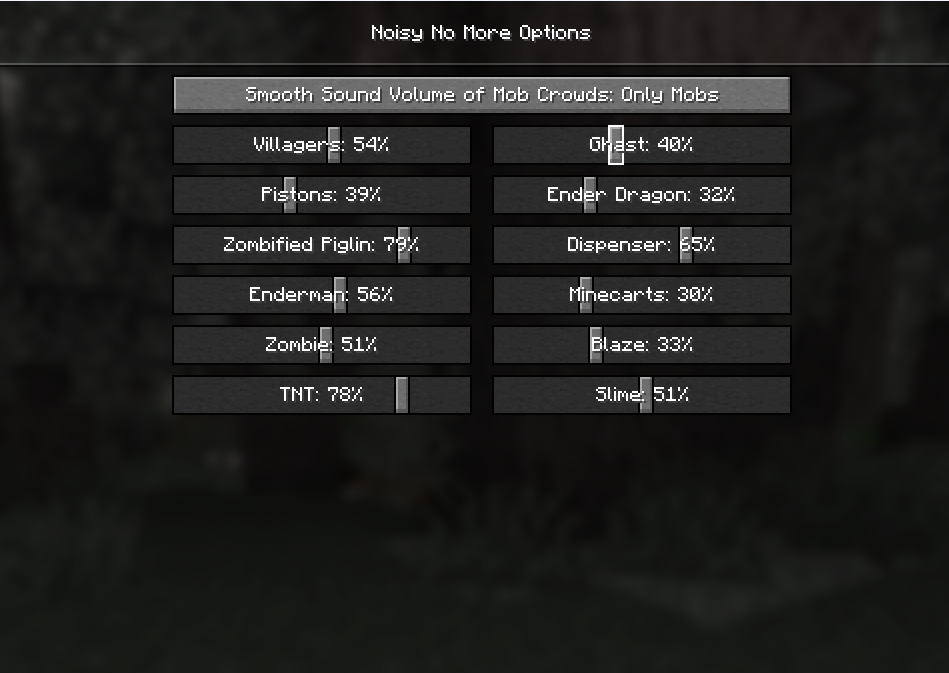
Noisy No More is a client-side Minecraft mod that adds extra sliders to control the volume of specific, often loud sound sources — like pistons, dispensers, villagers, and enderman. It also introduces an optional volume model that automatically lowers the combined volume when multiple identical sounds play at once.
Features
- Volume sliders for noisy blocks and entities like pistons, dispensers, villagers, enderman, and more.
- Alternative volume model with two modes:
- Off — uses the default Minecraft sound system.
- Only mobs — reduces volume only for mobs.
- Client-side only — works in singleplayer or on any server without needing server installation.
- Future backports — planned support for older Minecraft versions (coming later).
How to configure
To access the settings, go to:
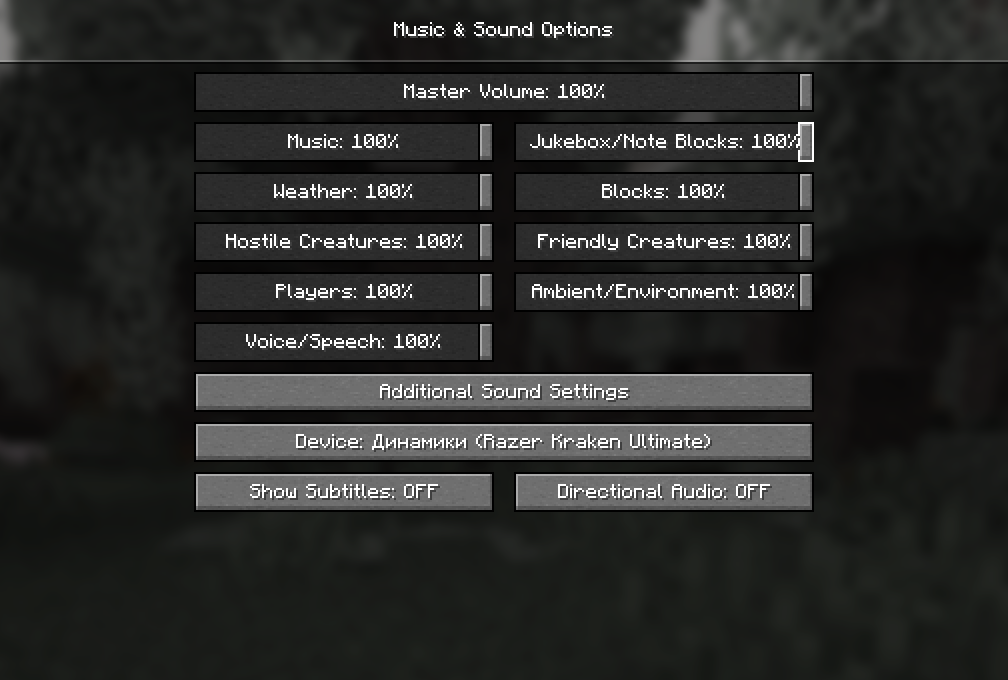
Options → Music & Sounds → Additional Sound Options
Dependencies
Installation
- Install Fabric and Fabric API.
- Download Noisy No More from Modrinth or GitHub.
- Put the
.jarfile into your Minecraftmodsfolder. - Launch the game using the Fabric profile.
🎧 Make Minecraft sound exactly the way you want — no more noisy surprises!
常见问题
Noisy No More 支持哪些 Minecraft 版本?
Noisy No More 支持 Minecraft Java 版 1.21.4–1.21.5,共 2 个版本,可用的加载器:Fabric。下载时注意选择和你游戏版本一致的文件。
Noisy No More 怎么安装?
先用 PCL2 或 HMCL 启动器安装对应版本的 Fabric,再把下载的 .jar 文件放进游戏目录的 mods 文件夹,重新启动游戏即可。开启了版本隔离的,mods 文件夹在 versions/版本名 下面。运行环境:仅客户端。

评论
登录后评论和评分